> ## Documentation Index
> Fetch the complete documentation index at: https://notes.kodekloud.com/llms.txt
> Use this file to discover all available pages before exploring further.
# terragrunt run all
> The command enables bulk Terraform operations across all project modules, automating workflows and ensuring consistency in large-scale deployments.
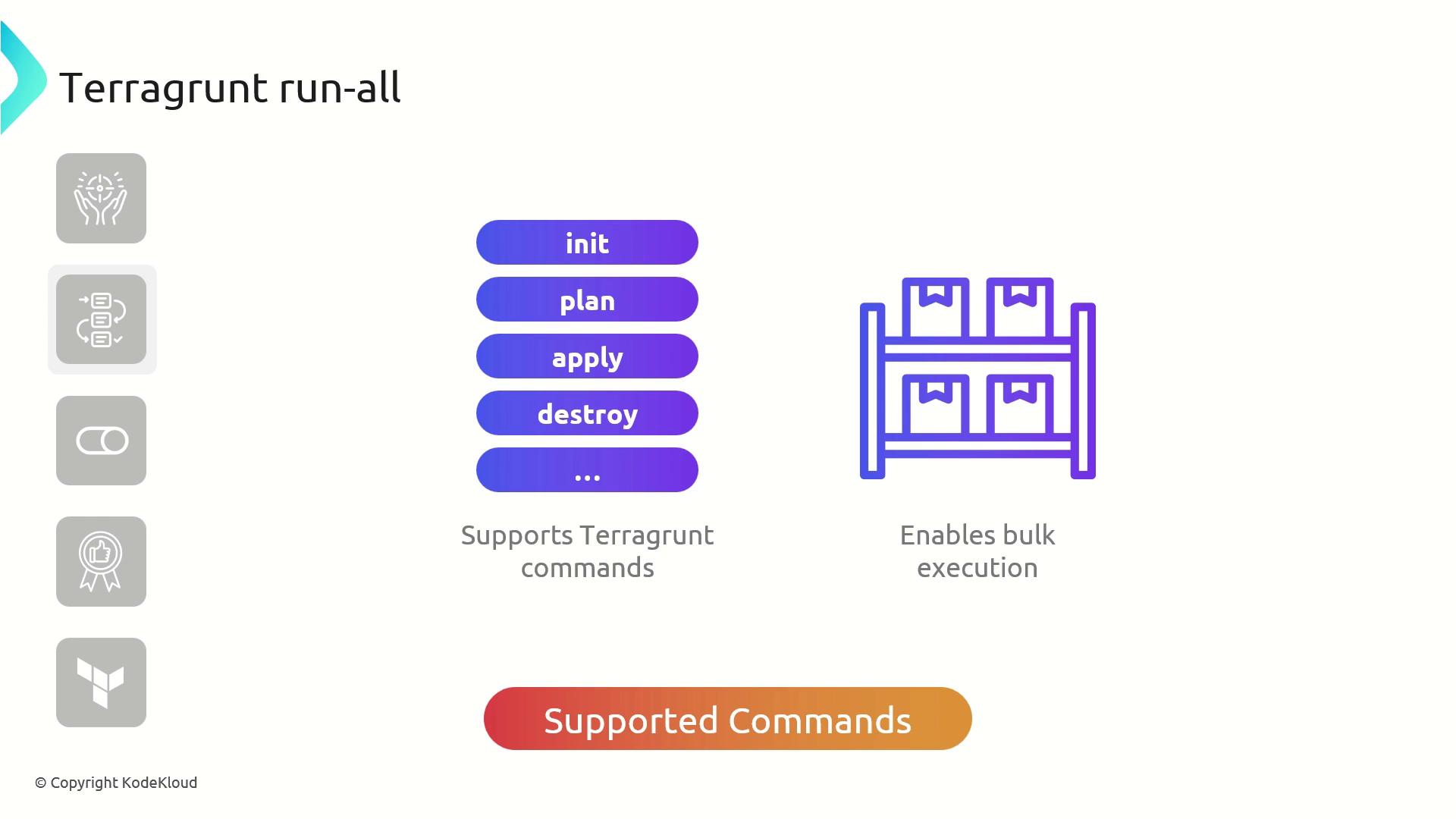
The `terragrunt run-all` command lets you perform bulk Terraform operations—such as `init`, `plan`, `apply`, and `destroy`—across every module in your project. By automating multi-module workflows, it reduces manual effort and ensures consistency in large-scale Terraform deployments.
## Key Features
| Feature | Description |
| --------------------- | -------------------------------------------------------- |
| Bulk Commands | Run `init`, `plan`, `apply`, or `destroy` on all modules |
| Workflow Streamlining | Standardize operations and eliminate repetitive steps |
| Parallel Execution | Execute commands concurrently to speed up large projects |

## Common Use Cases
* Apply changes across all modules with a single command
* Destroy resources uniformly in every module
* Automate routine Terraform tasks in CI/CD pipelines
## Best Practices
* Review your Terraform plans before applying changes.
* Use targeted execution (`--terragrunt-include-dir` / `--terragrunt-exclude-dir`) to scope large projects.
* Remember that `run-all apply` and `run-all destroy` add `--auto-approve` by default.
When running `terragrunt run-all apply` or `terragrunt run-all destroy`, Terragrunt automatically appends `--auto-approve`. Ensure you understand the full impact before executing these commands.
***
## Example: Applying Multiple VPC Modules
Assume you have two directories—`vpc-1` and `vpc-2`—each containing a `terragrunt.hcl` that sources the AWS VPC module:
```hcl theme={null}
# vpc-1/terragrunt.hcl
terraform {
source = "tfr://terraform-aws-modules/vpc/aws//?version=5.8.1"
}
inputs = {
name = "KodeKloud-VPC-1"
}
```
```hcl theme={null}
# vpc-2/terragrunt.hcl
terraform {
source = "tfr://terraform-aws-modules/vpc/aws//?version=5.8.1"
}
inputs = {
name = "KodeKloud-VPC-2"
}
```
From the parent directory, list modules:
```bash theme={null}
$ ls
vpc-1 vpc-2
```
1. Initialize all modules
```bash theme={null}
$ terragrunt run-all init
```
Downloads providers, creates cache folders, and writes lock files in each module.
2. Plan and apply changes
```bash theme={null}
$ terragrunt run-all apply
```
Prompts once, then creates VPCs in both modules:
```bash theme={null}
aws_vpc.this[0]: Creating...
aws_vpc.this[0]: Creation complete after 13s [id=vpc-00a01fbbed0f8a50]
aws_vpc.this[1]: Creating...
aws_vpc.this[1]: Creation complete after 12s [id=vpc-033ed68948da3c48]
```
3. Destroy all resources
```bash theme={null}
$ terragrunt run-all destroy
```
Confirm with `yes` to tear down everything:
```bash theme={null}
aws_vpc.this[0]: Destroying... [id=vpc-00a01fbbed0f8a50]
aws_vpc.this[0]: Destruction complete after 1s
aws_vpc.this[1]: Destroying... [id=vpc-033ed68948da3c48]
aws_vpc.this[1]: Destruction complete after 1s
```
## References
* [Terragrunt Documentation](https://terragrunt.gruntwork.io/docs/)
* [Terraform AWS VPC Module](https://registry.terraform.io/modules/terraform-aws-modules/vpc/aws)