> ## Documentation Index
> Fetch the complete documentation index at: https://notes.kodekloud.com/llms.txt
> Use this file to discover all available pages before exploring further.
# Global Resources
> This article explains how to organize global AWS services in Terragrunt-based Terraform repositories for clarity and efficiency.
In Terragrunt-based Terraform repositories, certain AWS services are global—they’re not bound to a specific region and are deployed once per account. To keep your directory structure clean and intuitive, isolate these global services at the top level of your project, separate from any region-specific folders.
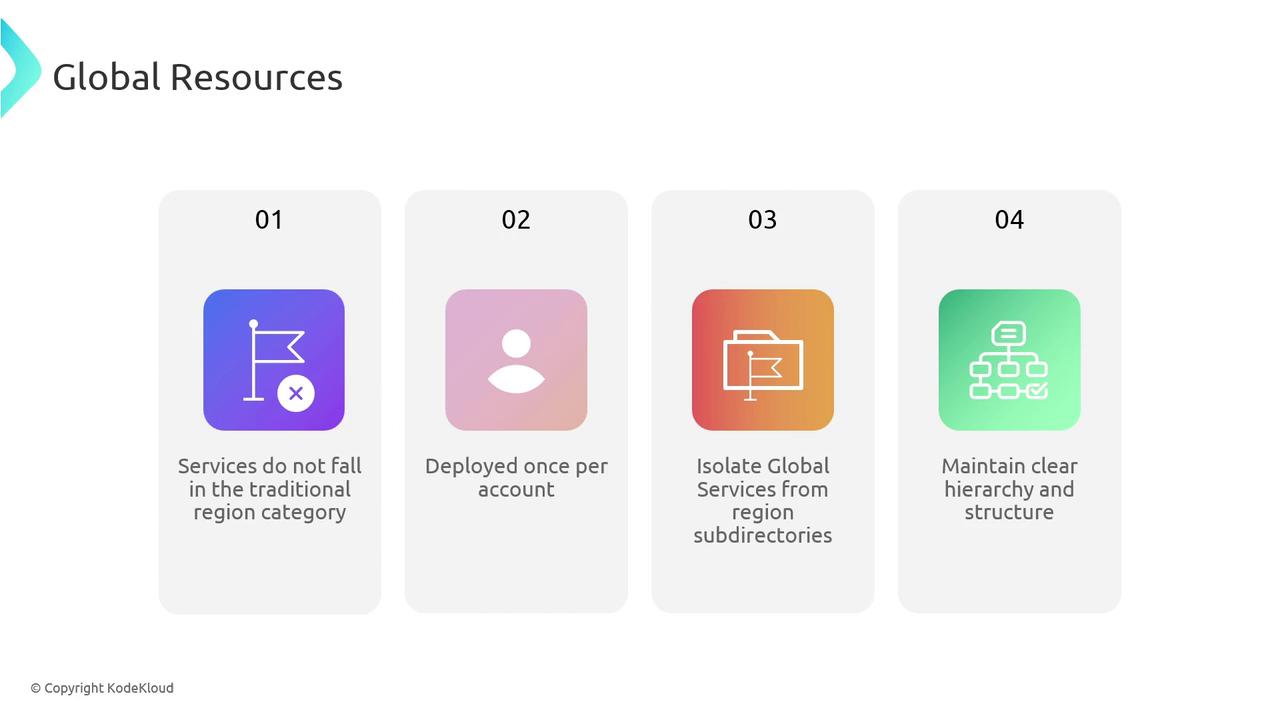
Global AWS services deploy once per account, so housing them in a dedicated `global` folder prevents accidental duplication and clarifies their scope.
## Common AWS Global Services
Below are some frequently used AWS services that should live in your top-level `global` directory:
| Global Service | Purpose |
| -------------- | ------------------------------------------ |
| IAM | Users, Groups, Roles, Policies |
| Route 53 | DNS Zones and Record Management |
| CloudFront | Content Delivery Network (CDN) |
| AWS WAF | Web Application Firewall Rules |
| ACM | SSL/TLS Certificate Provisioning & Renewal |
> Note: Depending on your architecture, you may have additional global components (e.g., AWS Organizations, SSO, or Artifact).
## Directory Structure for Global Resources
Create a `global` folder alongside your environment and region directories (e.g., `prod`, `dev`, `region-us-east-1`, `region-eu-west-1`). Inside `global`, add individual `terragrunt.hcl` files for each service:
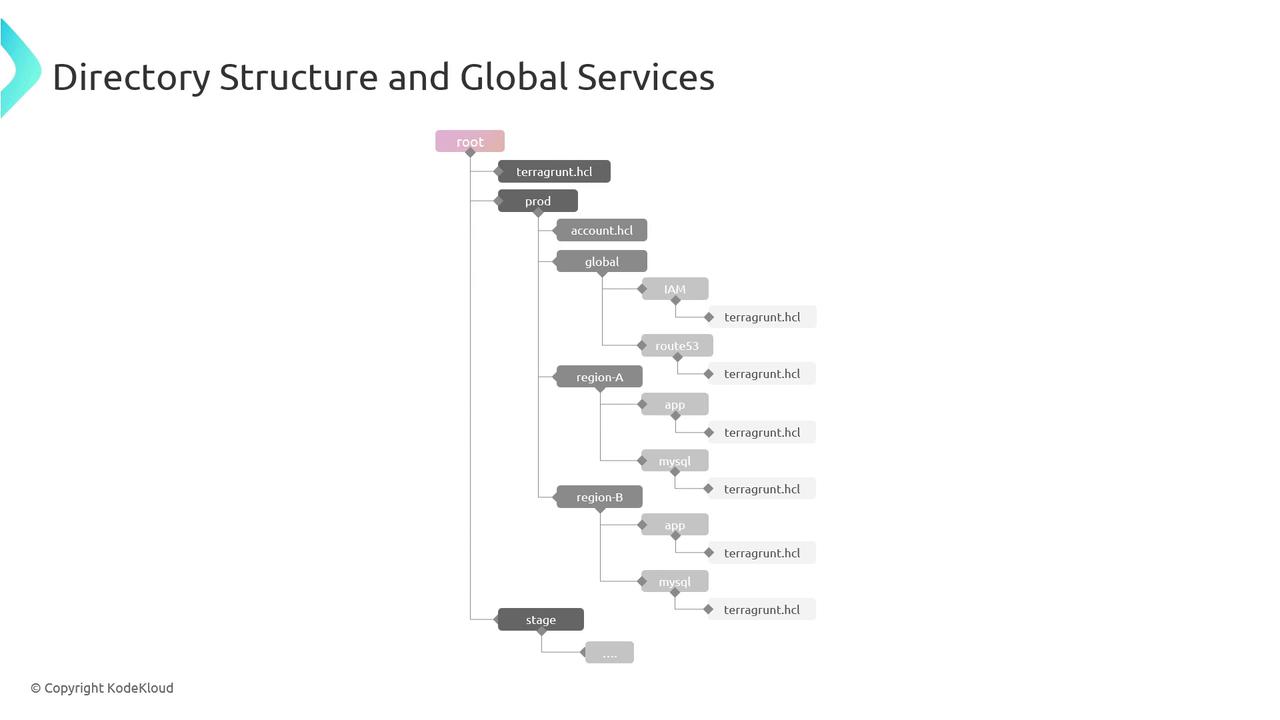
Example layout:
```text theme={null}
├── dev
│ └── region-us-east-1
│ └── terraform.tfvars
├── prod
│ └── region-us-west-2
│ └── terraform.tfvars
└── global
├── iam
│ └── terragrunt.hcl
├── route53
│ └── terragrunt.hcl
├── cloudfront
│ └── terragrunt.hcl
├── waf
│ └── terragrunt.hcl
└── acm
└── terragrunt.hcl
```
This setup ensures:
* Clear separation between account-wide and region-specific resources
* Single source of truth for global configurations
* Easier navigation and maintenance across environments
## Next Steps
With global services neatly isolated, you can extend your Terragrunt repository to include shared modules, environment overrides, and DRY patterns. This foundation streamlines updates and fosters collaboration across teams.
***
## Links and References
* [Terragrunt Documentation](https://terragrunt.gruntwork.io/docs/)
* [Terraform AWS Provider](https://registry.terraform.io/providers/hashicorp/aws/latest/docs)
* [AWS Global Services Overview](https://docs.aws.amazon.com/general/latest/gr/aws_service_discovery.html)