> ## Documentation Index
> Fetch the complete documentation index at: https://notes.kodekloud.com/llms.txt
> Use this file to discover all available pages before exploring further.
# Terragrunt Configuration Files HCL
> This guide dissects the core of Terragrunt, focusing on the `terragrunt.hcl` configuration file to enhance infrastructure as code workflows.
Mickey, like many infrastructure engineers, needs a concise overview of Terragrunt: its advantages and the essentials to get started. In this guide, we’ll dissect the core of Terragrunt—the `terragrunt.hcl` configuration file—so you can accelerate your infrastructure as code workflow.
## Terragrunt HCL: Your Control Center
Terragrunt’s primary configuration file, typically named `terragrunt.hcl`, dictates how Terragrunt orchestrates your Terraform modules. Built on the [HashiCorp Configuration Language (HCL)](https://github.com/hashicorp/hcl), it provides a declarative syntax optimized for readability and collaboration.
With HCL, both machines and humans can parse configurations effortlessly, reducing errors and streamlining team workflows.
## Inheritance Model
Terragrunt employs a hierarchical inheritance model. Child configurations automatically inherit settings from their parent, letting you define common parameters once and reuse them throughout your repository.
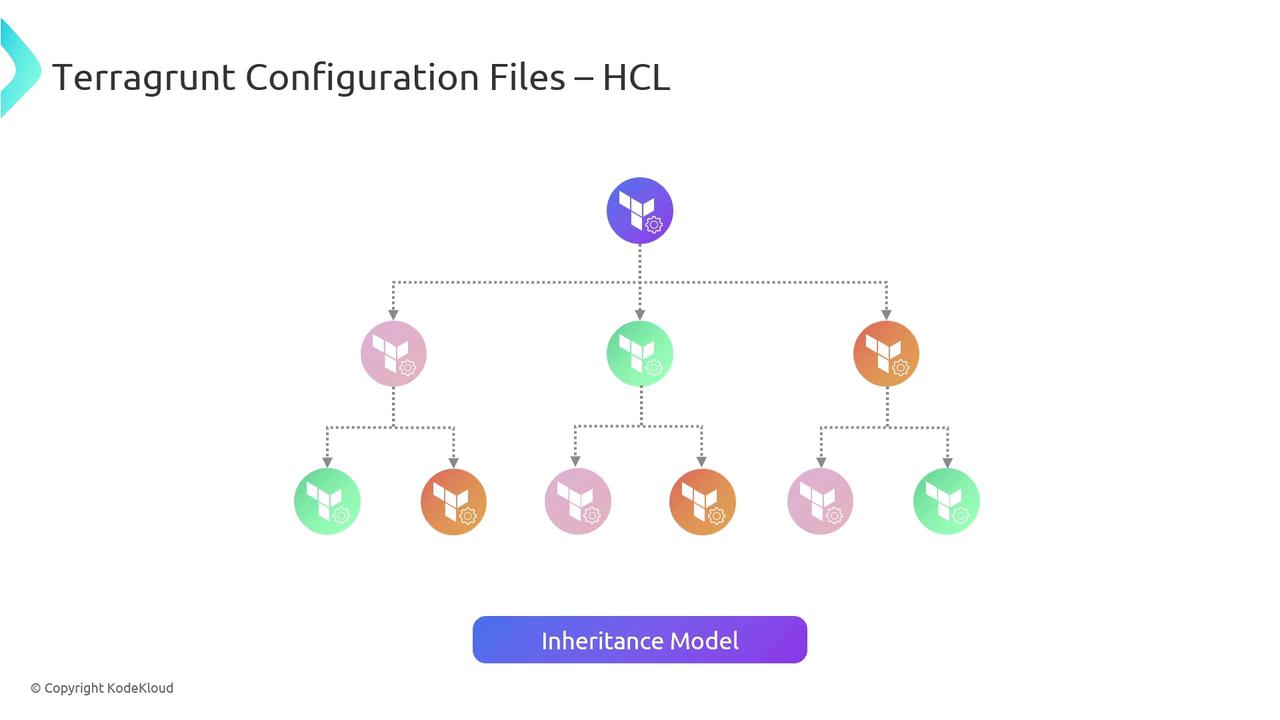
Leverage `include` blocks to pull shared settings from a root `terragrunt.hcl`. This keeps your configurations DRY and consistent.
## Configuration Blocks Overview
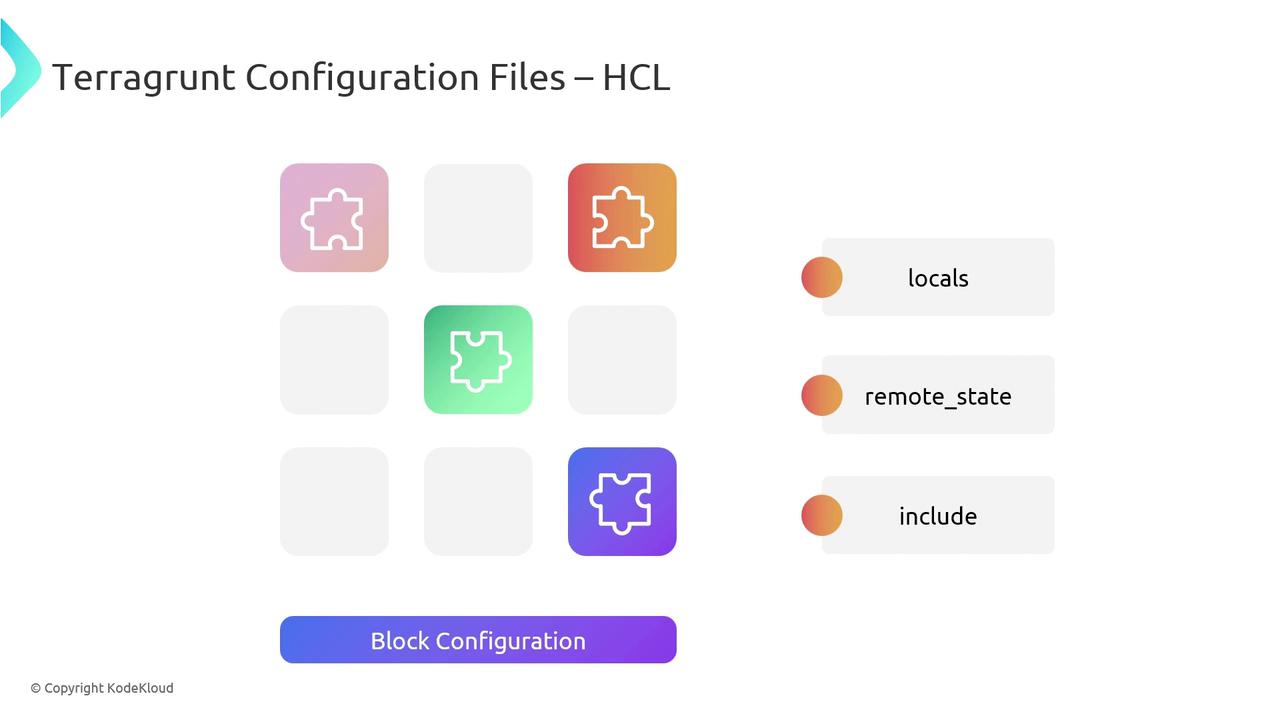
Terragrunt organizes settings into named blocks. Here are the most common ones:
| Block | Purpose |
| ------------- | --------------------------------------------------------- |
| locals | Define reusable variables and computed values |
| include | Inherit settings from a parent `terragrunt.hcl` |
| remote\_state | Configure backend storage and locking for Terraform state |
### locals
Use `locals` to declare reusable values or perform simple computations:
```hcl theme={null}
locals {
region = "us-east-1"
env = "production"
}
```
### include
Pull in a parent configuration to inherit common settings:
```hcl theme={null}
include {
path = find_in_parent_folders()
}
```
## Module Configuration
Define which Terraform module to source and supply its input variables:
```hcl theme={null}
terraform {
source = "git::ssh://git@github.com/org/terraform-modules.git//vpc?ref=v1.2.0"
}
inputs = {
vpc_name = "my-vpc"
cidr_block = "10.0.0.0/16"
}
```
* **source**: URL or path (Git, Terraform Registry, local directory)
* **ref**: Git tag, branch, or commit to pin module versions
* **inputs**: Map of module variables required by your Terraform code
## Remote State Configuration
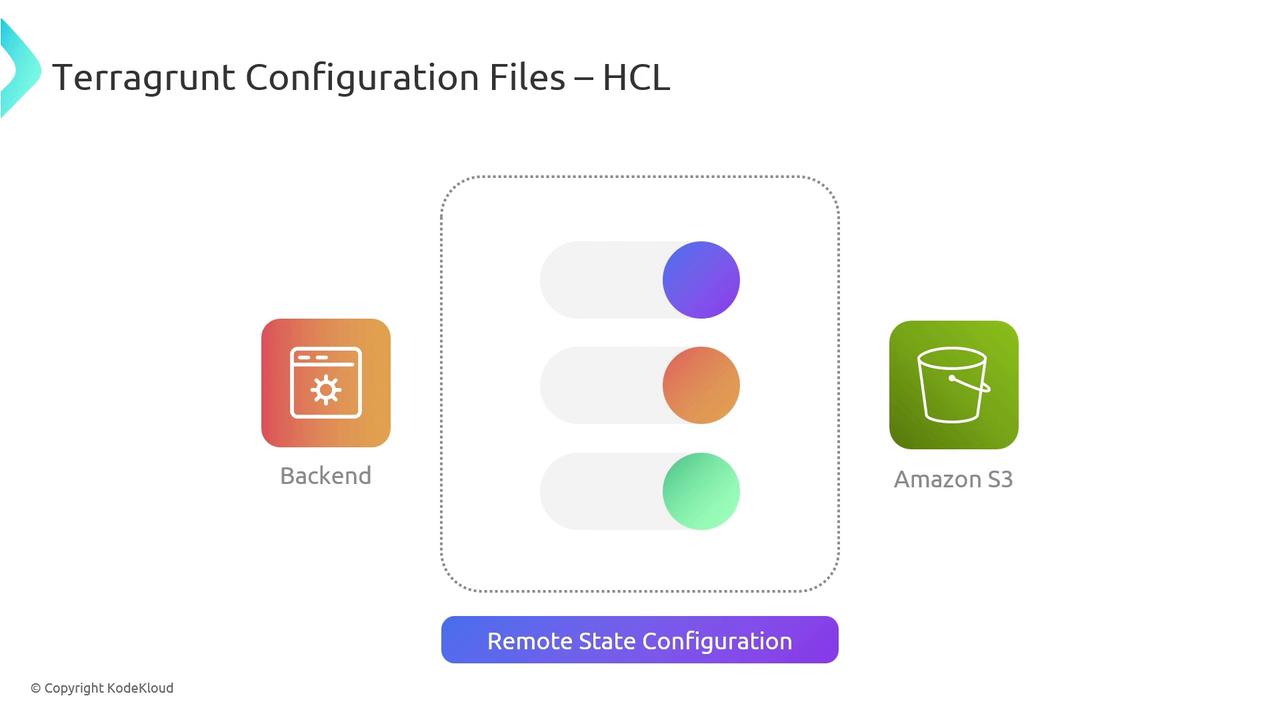
Storing your Terraform state remotely ensures consistency, collaboration, and safe locking. Terragrunt makes it simple to configure state backends, such as Amazon S3 with DynamoDB-based locks:
```hcl theme={null}
remote_state {
backend = "s3"
config = {
bucket = "my-terraform-states"
key = "${local.env}/terraform.tfstate"
region = local.region
encrypt = true
dynamodb_table = "terraform-locks"
}
}
```
Ensure your IAM policies allow both S3 access and DynamoDB locking to prevent state corruption or conflicts.
By centralizing state management, you minimize the risk of drift, enable automated pipelines, and facilitate smooth team collaboration.
## Links and References
* [Terragrunt Documentation](https://terragrunt.gruntwork.io/docs/)
* [Terraform Modules](https://www.terraform.io/language/modules)
* [HashiCorp HCL GitHub](https://github.com/hashicorp/hcl)
* [Terraform Remote State](https://www.terraform.io/language/state/remote)