> ## Documentation Index
> Fetch the complete documentation index at: https://notes.kodekloud.com/llms.txt
> Use this file to discover all available pages before exploring further.
# find in parent folders
> This article explains how to use Terragrunt’s `find_in_parent_folders` function for recursive file searches in project directories.
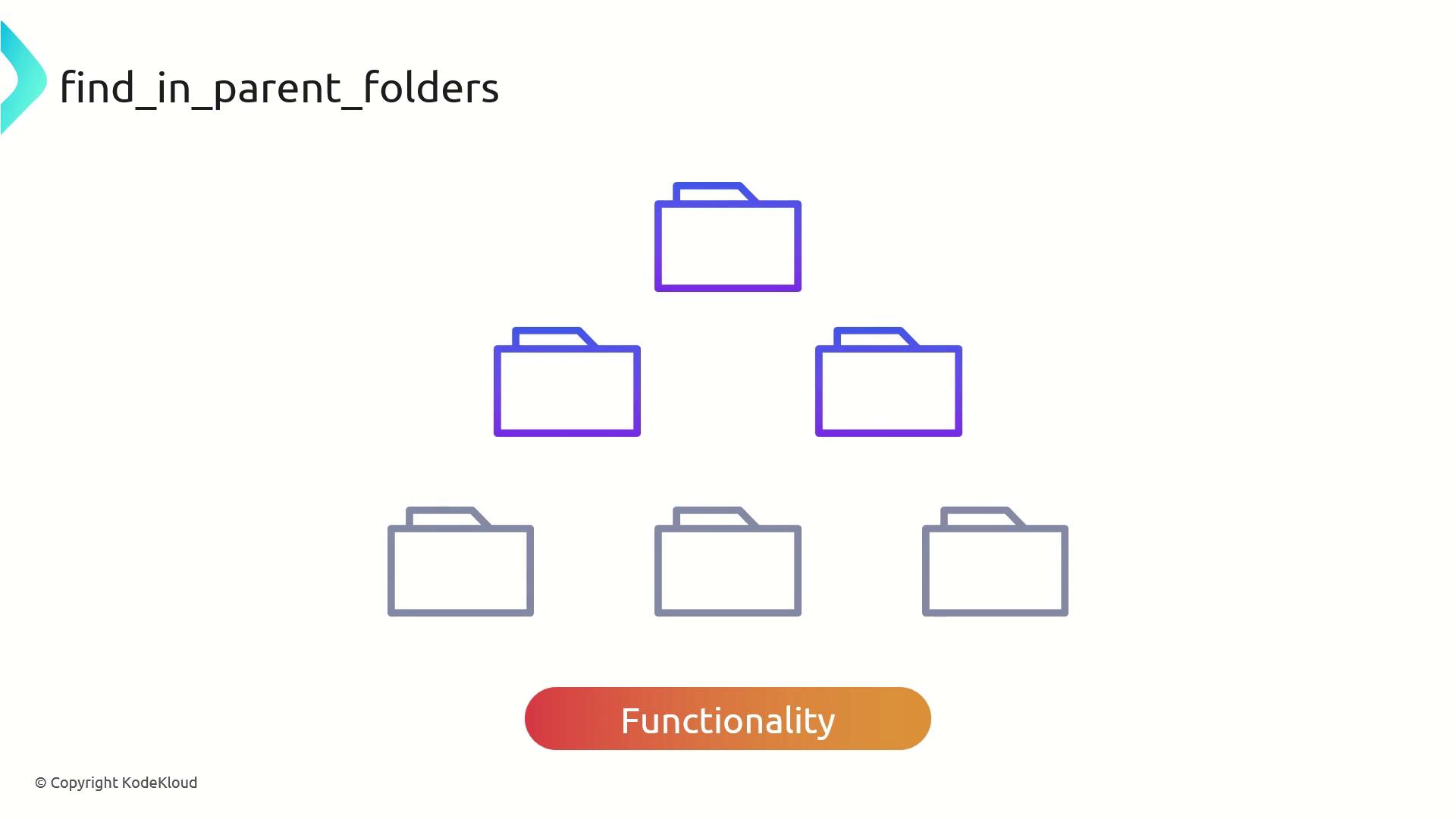
Terragrunt’s built-in function `find_in_parent_folders` enables recursive searches up your directory tree to locate a specific file or folder. This approach is invaluable when you need to reference shared configurations or modules in a multi-layered project, removing the brittleness of hardcoded relative paths.
## Why Use `find_in_parent_folders`?
By leveraging this function, you can:
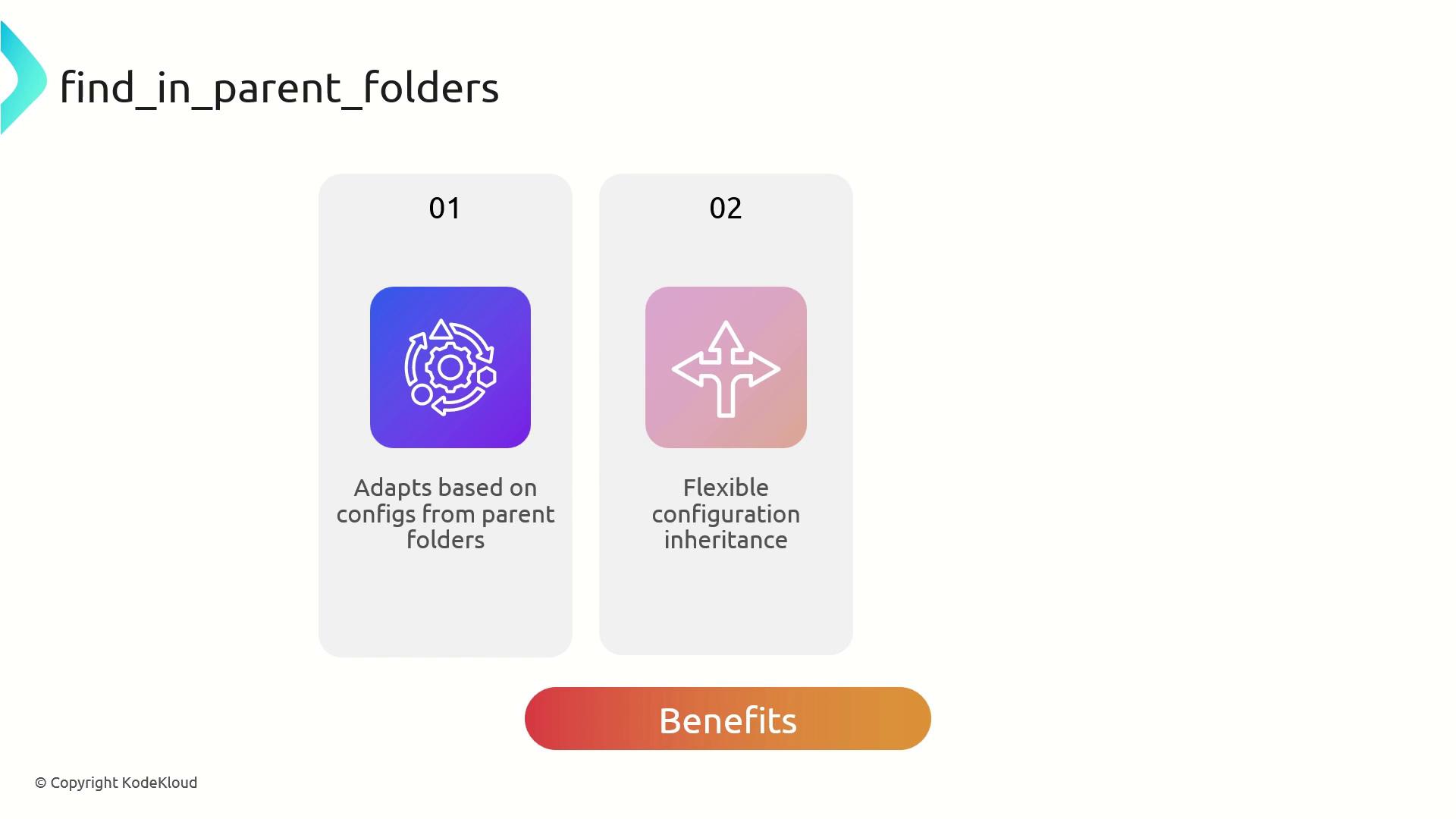
* Dynamically adapt configuration based on files located higher in the hierarchy
* Inherit and override settings across environments without manual path tweaks
* Maintain cleaner, DRY (Don’t Repeat Yourself) configurations
## Best Practices
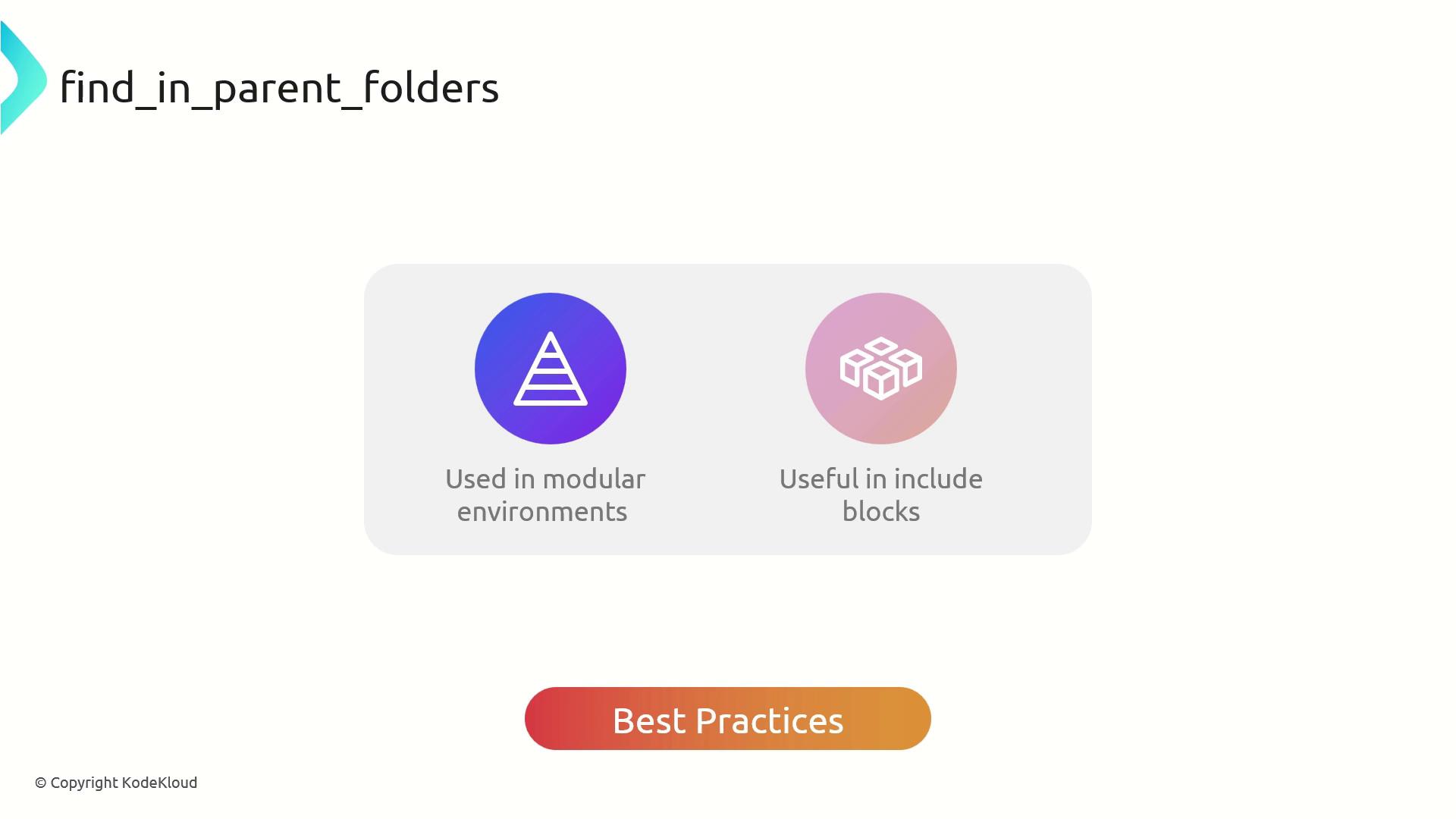
* Organize projects into clear, modular, hierarchical folders
* Use `find_in_parent_folders` inside `include` blocks to locate root-level `terragrunt.hcl`
* Avoid embedding static paths; let Terragrunt resolve them dynamically
`find_in_parent_folders` stops when it hits the filesystem root or finds the target file. If the file isn’t present, Terragrunt throws an error.
## Real-World Example
Imagine a VPC module that relies on common variables from `common.hcl`.
Before (hardcoded path):
```hcl theme={null}
terraform {
source = "tfr://terraform-aws-modules/vpc/aws//?version=5.8.1"
}
locals {
common_vars = read_terragrunt_config("../common.hcl")
}
inputs = {
name = "${local.common_vars.inputs.project}-${local.common_vars.inputs.environment}-VPC"
}
```
After (dynamic lookup):
```hcl theme={null}
terraform {
source = "tfr://terraform-aws-modules/vpc/aws//?version=5.8.1"
}
locals {
common_vars = read_terragrunt_config(find_in_parent_folders("common.hcl"))
}
inputs = {
name = "${local.common_vars.inputs.project}-${local.common_vars.inputs.environment}-VPC"
}
```
Now, no matter how deep your `vpc/` folder is nested, Terragrunt will climb up until it finds `common.hcl`.
### Verify with Terragrunt
Run:
```bash theme={null}
~/workspace/vpc
> terragrunt plan
```
You should see the VPC name generated using values from `common.hcl`, for example:
```text theme={null}
KodeKloudDevVPC
```
### common.hcl
```hcl theme={null}
inputs = {
project = "KodeKloud"
environment = "dev"
}
```
## References
* [Terragrunt Documentation: find\_in\_parent\_folders](https://terragrunt.gruntwork.io/docs/reference/functions/#find_in_parent_folders)
* [Terragrunt Official Site](https://terragrunt.gruntwork.io/)