> ## Documentation Index
> Fetch the complete documentation index at: https://notes.kodekloud.com/llms.txt
> Use this file to discover all available pages before exploring further.
# get terragrunt dir
> The `get_terragrunt_dir()` function returns the absolute path of the directory containing the current `terragrunt.hcl` configuration for dynamic file references.
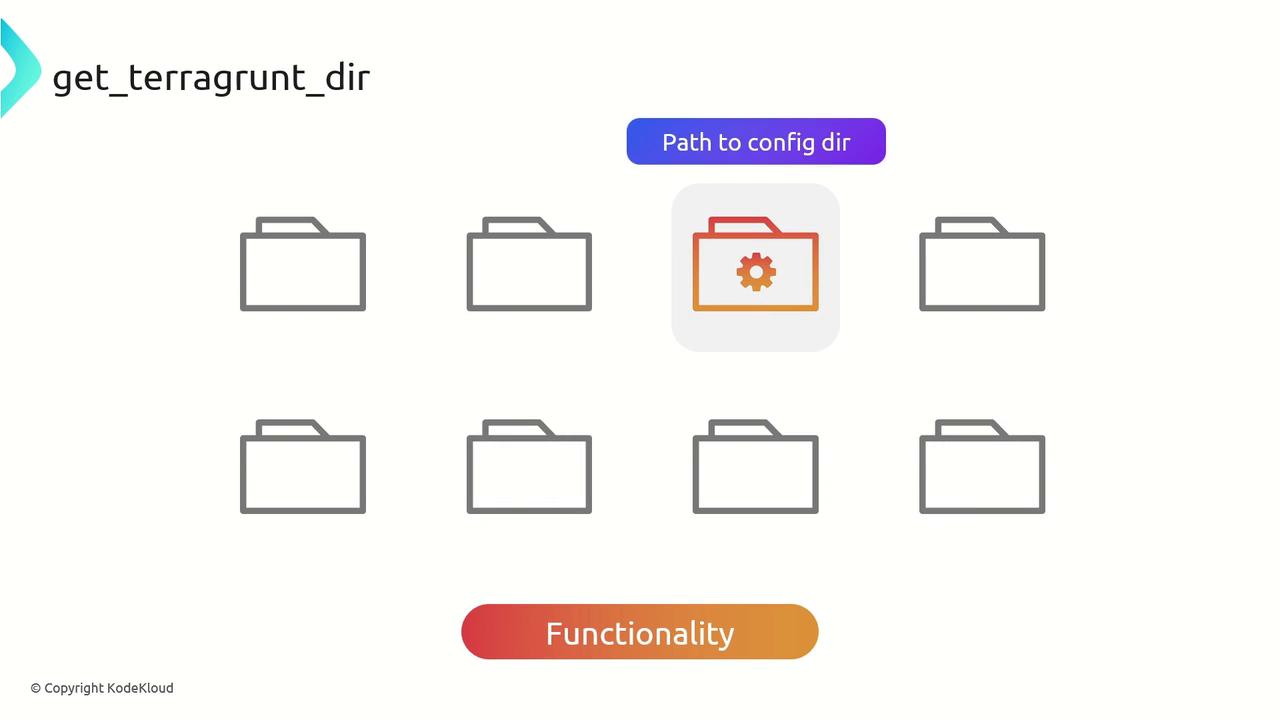
The `get_terragrunt_dir()` function in Terragrunt returns the absolute filesystem path of the directory containing the current `terragrunt.hcl` configuration. By using this function, you can build dynamic file references, support modular layouts, and adapt configurations based on their location.
## When to Use `get_terragrunt_dir()`
* Dynamically adapt resources or input files based on the configuration directory
* Construct file paths that automatically adjust when the directory hierarchy changes
* Maintain flexible, modular directory structures without hard-coding absolute paths
## Key Benefits
| Benefit | Description |
| ----------------------- | -------------------------------------------------------------------------- |
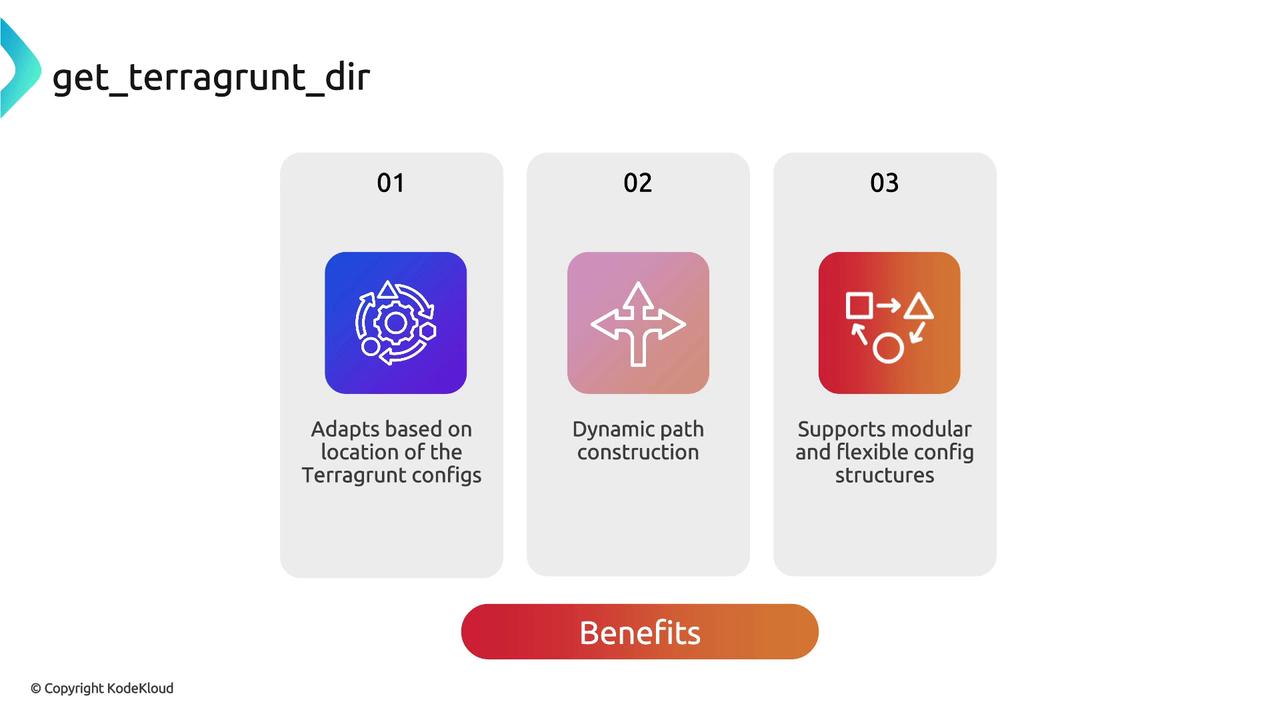
| Dynamic Path Resolution | Automatically resolves relative paths from the `terragrunt.hcl` location. |
| Modular Configuration | Keeps module directories self-contained and portable. |
| Environment Agnostic | Works consistently across local machines, CI pipelines, and remote states. |
## Best Practices
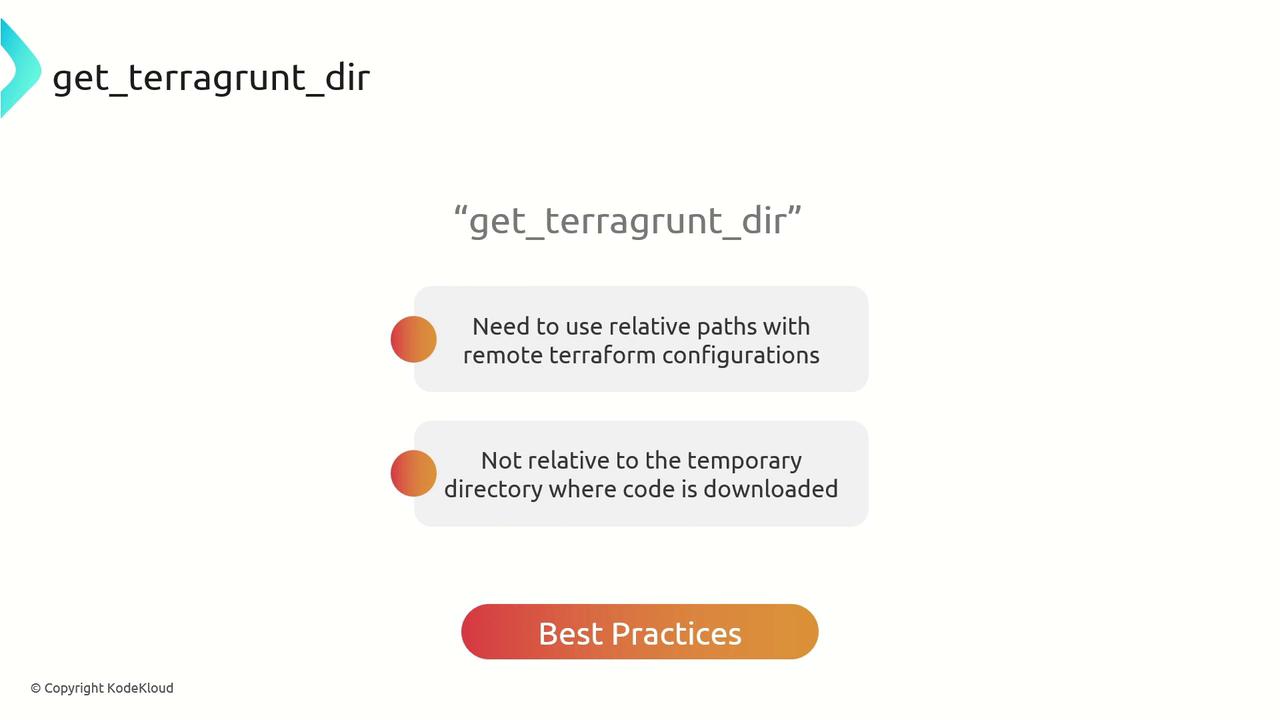
* Always reference inputs, variable files, and modules relative to `get_terragrunt_dir()`
* Avoid using `../` in paths that Terragrunt evaluates in its cache directory
* Combine with `extra_arguments` to pass var-files into remote Terraform modules
When Terragrunt downloads Terraform code into a cache, your working directory changes. Always use `get_terragrunt_dir()` to ensure paths are resolved against your configuration, not the cache folder.
***
## Example: Fixing Relative Paths in a VPC Module
Imagine you’re calling the Terraform AWS VPC module via Terragrunt and need to supply a `common.tfvars` file stored in a sibling directory:
```hcl theme={null}
# terragrunt.hcl (initial version)
terraform {
source = "tfr://terraform-aws-modules/vpc/aws/?version=5.8.1"
extra_arguments "custom_vars" {
commands = ["plan"]
arguments = ["-var-file=../common.tfvars"]
}
}
```
Your `common.tfvars`:
```hcl theme={null}
name = "KodeKloud-VPC"
cidr = "10.100.0.0/24"
```
When you run:
```bash theme={null}
cd workspace/vpc
terragrunt plan
```
You’ll see:
```bash theme={null}
Error: Failed to read variables file
Given variables file ../common.tfvars does not exist.
```
Terragrunt is running Terraform inside its cache folder, so the relative path breaks.
### Applying `get_terragrunt_dir()`
Update your `terragrunt.hcl` to compute the correct path:
```hcl theme={null}
terraform {
source = "tfr://terraform-aws-modules/vpc/aws//"
extra_arguments "custom_vars" {
commands = ["plan"]
arguments = ["-var-file=${get_terragrunt_dir()}/../common.tfvars"]
}
}
```
Now `terragrunt plan` correctly locates `common.tfvars`, and the VPC module receives the desired inputs. After a successful apply, your AWS VPC resource might look like this:
```hcl theme={null}
resource "aws_vpc" "this" {
cidr_block = "10.100.0.0/24"
tags = {
Name = "KodeKloud-VPC"
}
# ...other attributes omitted for brevity
}
```
***
## Summary
Using `get_terragrunt_dir()` ensures that:
* File references are always relative to your `terragrunt.hcl` location
* Your configurations remain portable and modular
* Terragrunt’s cache directory behavior won’t break your paths
Leverage this function to build more robust and maintainable infrastructure code.
***
## Links and References
* [Terragrunt Official Documentation](https://terragrunt.gruntwork.io/docs/)
* [Terraform AWS VPC Module](https://registry.terraform.io/modules/terraform-aws-modules/vpc/aws/latest)
* [Working with Extra Arguments in Terragrunt](https://terragrunt.gruntwork.io/docs/features/extra-arguments/)