> ## Documentation Index
> Fetch the complete documentation index at: https://notes.kodekloud.com/llms.txt
> Use this file to discover all available pages before exploring further.
# run cmd
> Terragrunt’s run_cmd is an interpolation function that executes shell commands during a run and returns their standard output.
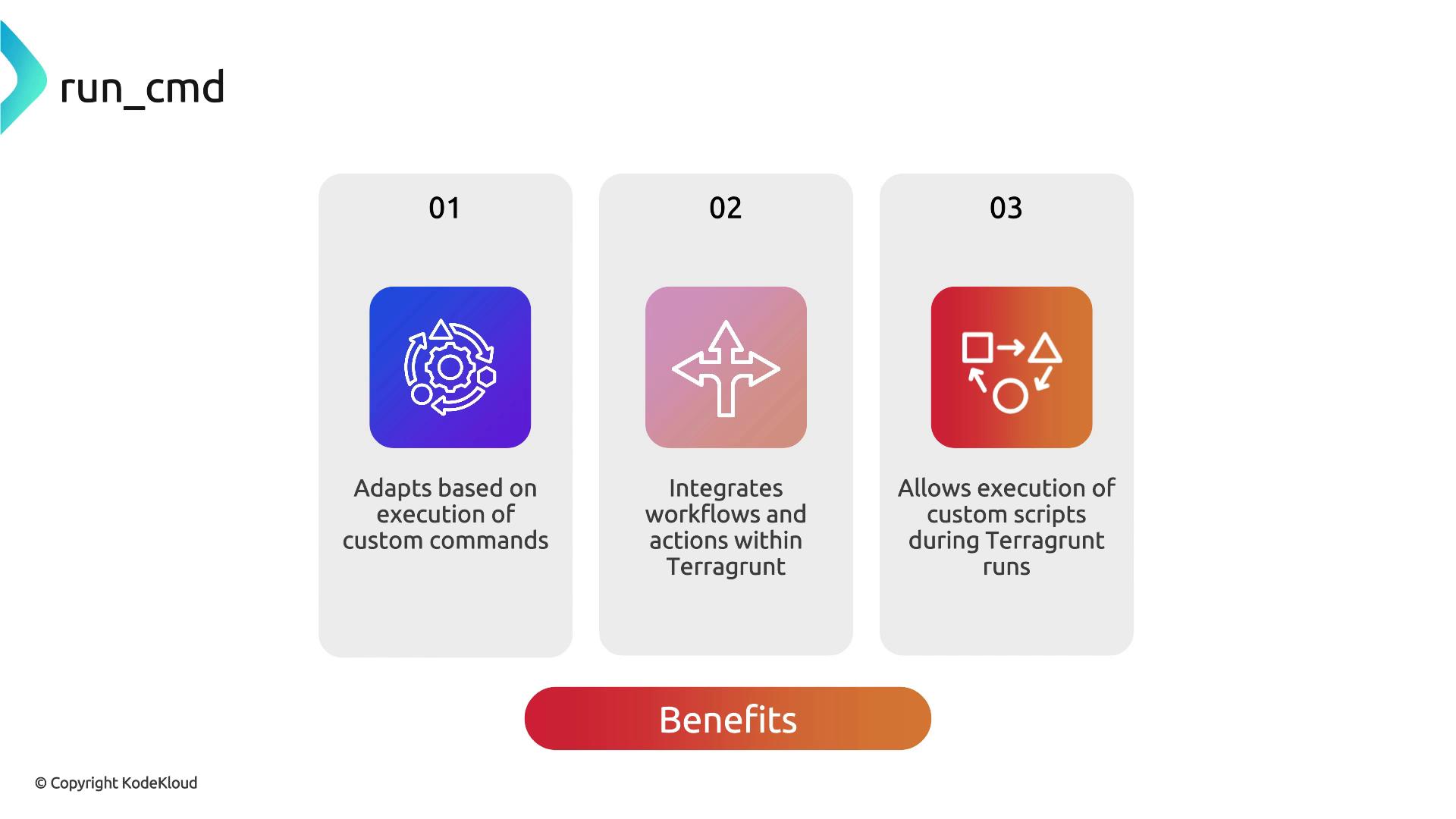
Terragrunt’s `run_cmd` is a powerful interpolation function that lets you execute shell commands during a run and return their standard output. By integrating `run_cmd` into your configurations, you can:
* Dynamically adapt module inputs based on external context
* Incorporate existing workflows or scripts
* Feed custom data into Terraform resources at plan/apply time
## Best Practices for `run_cmd`
| Use Case | Example |
| --------------------------- | ------------------------------- |
| Inject current OS user | `run_cmd("whoami")` |
| Fetch latest Git commit SHA | `run_cmd("git rev-parse HEAD")` |
| Read environment variables | `run_cmd("echo $MY_ENV_VAR")` |
* Always validate and sanitize any external scripts or commands to mitigate security risks.
* Prefer native Terraform/Terragrunt functions (like `timestamp()` and `file()`) when possible.
* Reserve `run_cmd` for scenarios where built-in functions cannot produce the needed output.
Executing arbitrary shell commands can introduce security vulnerabilities. Ensure you trust and sanitize any external inputs or scripts invoked via `run_cmd`.
***
## Example: Tagging AWS VPC Resources with the Current User
In this example, we’ll consume the [Terraform AWS VPC module](https://registry.terraform.io/modules/terraform-aws-modules/vpc/aws/5.8.1) and automatically tag every resource with the username running Terragrunt.
```hcl theme={null}
terraform {
source = "tfr://terraform-aws-modules/vpc/aws//?version=5.8.1"
}
inputs = {
name = "Kodekloud-VPC"
tags = {
CreatedBy = run_cmd("whoami")
}
}
```
When you run the command locally:
```bash theme={null}
$ whoami
abc
```
Terragrunt will interpolate the result into your Terraform plan:
```bash theme={null}
$ terragrunt plan
...
Plan: 4 to add, 0 to change, 0 to destroy.
Changes to Outputs:
+ tags = {
+ CreatedBy = "abc"
}
...
```
Every resource provisioned by this Terragrunt configuration will now carry the tag `CreatedBy = "abc"`.
With `run_cmd`, you can extend this pattern to pull data from any script, API call, or toolchain, giving you a highly flexible Terragrunt workflow.
***
## Links and References
* [Terraform AWS VPC Module](https://registry.terraform.io/modules/terraform-aws-modules/vpc/aws/5.8.1)
* [Terragrunt Documentation](https://terragrunt.gruntwork.io/)
* [Terraform Interpolation Functions](https://www.terraform.io/docs/language/functions/index.html)