> ## Documentation Index
> Fetch the complete documentation index at: https://notes.kodekloud.com/llms.txt
> Use this file to discover all available pages before exploring further.
# Terragrunt Cache
> This article explains how Terragrunts cache works and provides best practices for managing it effectively.
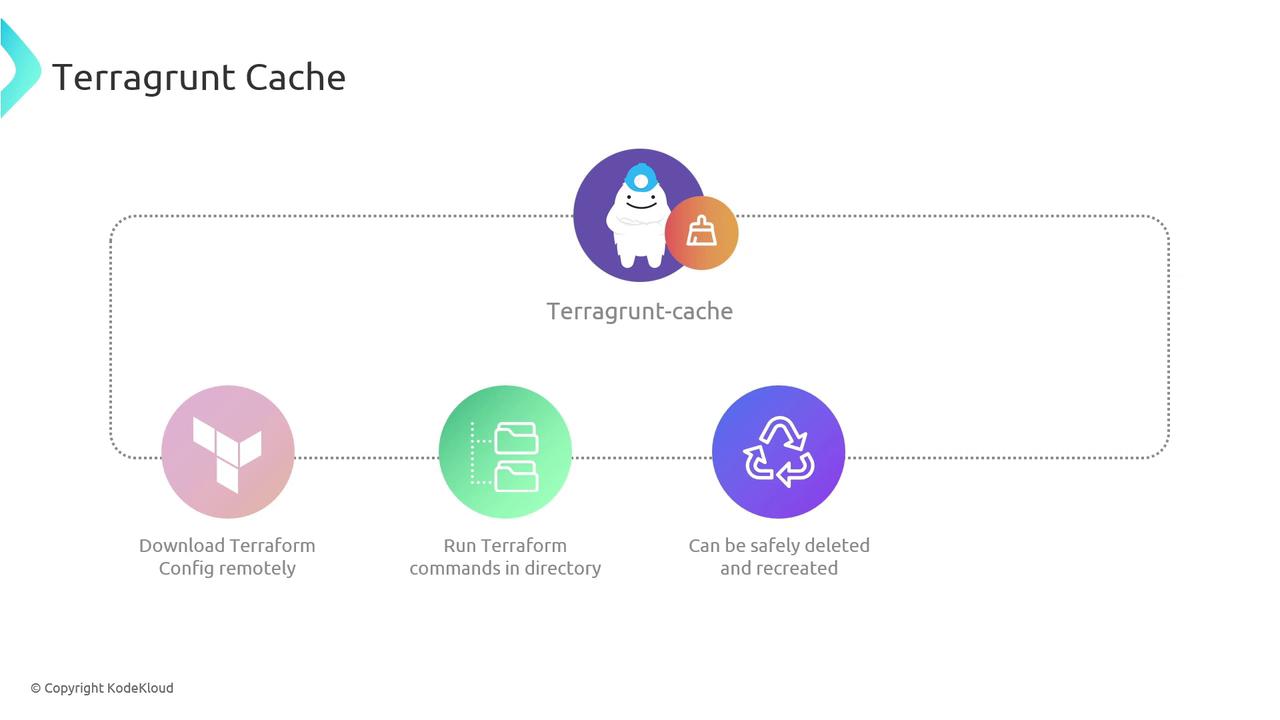
Terragrunt creates a hidden cache directory (`.terragrunt-cache`) as a local “scratchpad” to speed up your Terraform workflows. This cache helps with:
* Downloading remote Terraform configurations, modules, and providers
* Executing Terraform commands in an isolated workspace
* Ensuring that you can delete and recreate the cache at any time without impacting live infrastructure
The cache size grows as your project’s number of modules and providers increases. Plan for disk usage accordingly.
## How Terragrunt Uses the Cache
When you run a Terragrunt command, it:
1. Fetches remote Terraform configurations and modules into `.terragrunt-cache`.
2. Initializes a temporary working directory for Terraform to apply changes.
3. Cleans up after execution, leaving `.terragrunt-cache` in place for future runs.
## Pruning Cache Directories
Over time, you may accumulate many `.terragrunt-cache` folders across your repo. To reclaim disk space, run these commands from your project root:
| Action | Command |
| ---------------------------- | ---------------------------------------------------------------------------- |
| List all cache directories | `bash
find . -type d -name ".terragrunt-cache"` |
| Delete all cache directories | `bash
find . -type d -name ".terragrunt-cache" -prune -exec rm -rf {} \;` |
The delete command uses `rm -rf`. Double-check your working directory before running irreversible removal commands.
## Centralizing Cache Storage
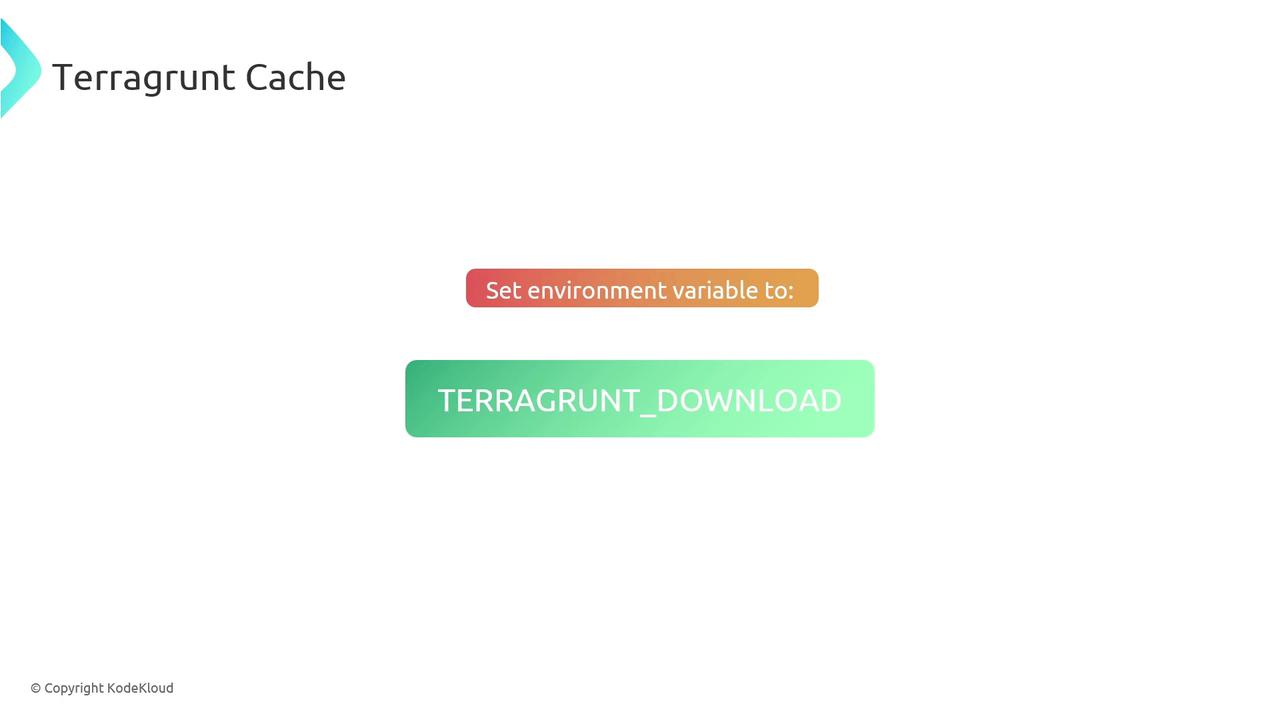
You can direct all `.terragrunt-cache` directories to a single folder by setting the `TERRAGRUNT_DOWNLOAD_DIR` environment variable. This makes it easier to manage and monitor cache usage.
### Configure Your Shell
Add the following to your shell configuration file (`~/.bashrc`, `~/.zshrc`, etc.):
```bash theme={null}
export TERRAGRUNT_DOWNLOAD_DIR="/path/to/central/cache"
```
Then, reload your shell:
```bash theme={null}
source ~/.bashrc # or source ~/.zshrc
```
From now on, Terragrunt will store every `.terragrunt-cache` in `"/path/to/central/cache"`. You can periodically clean this directory to reclaim space.
## Links and References
* [Terragrunt Caching Documentation](https://terragrunt.gruntwork.io/docs/features/cache/)
* [Terraform Modules Overview](https://www.terraform.io/docs/language/modules/index.html)
* [Managing Remote State in Terraform](https://www.terraform.io/docs/language/state/index.html)