> ## Documentation Index
> Fetch the complete documentation index at: https://notes.kodekloud.com/llms.txt
> Use this file to discover all available pages before exploring further.
# Module Introduction
> This module covers strategies for managing Azure environments, including subscriptions, policies, and role-based access control.
Welcome to the administer governance and compliance module of the [AZ-104: Microsoft Azure Administrator](https://learn.kodekloud.com/user/courses/az-104-microsoft-azure-administrator) course. In this lesson, you’ll explore essential strategies for effectively managing your Azure environment. This module is designed around three key learning objectives:
* **Configuring Subscriptions and Azure Resource Manager Resources**
* **Configuring Azure Policies**
* **Configuring Role-Based Access Control (RBAC)**
Below, each section is detailed to provide clear guidance on best practices and key focus areas.
## Configuring Subscriptions and Azure Resource Manager Resources
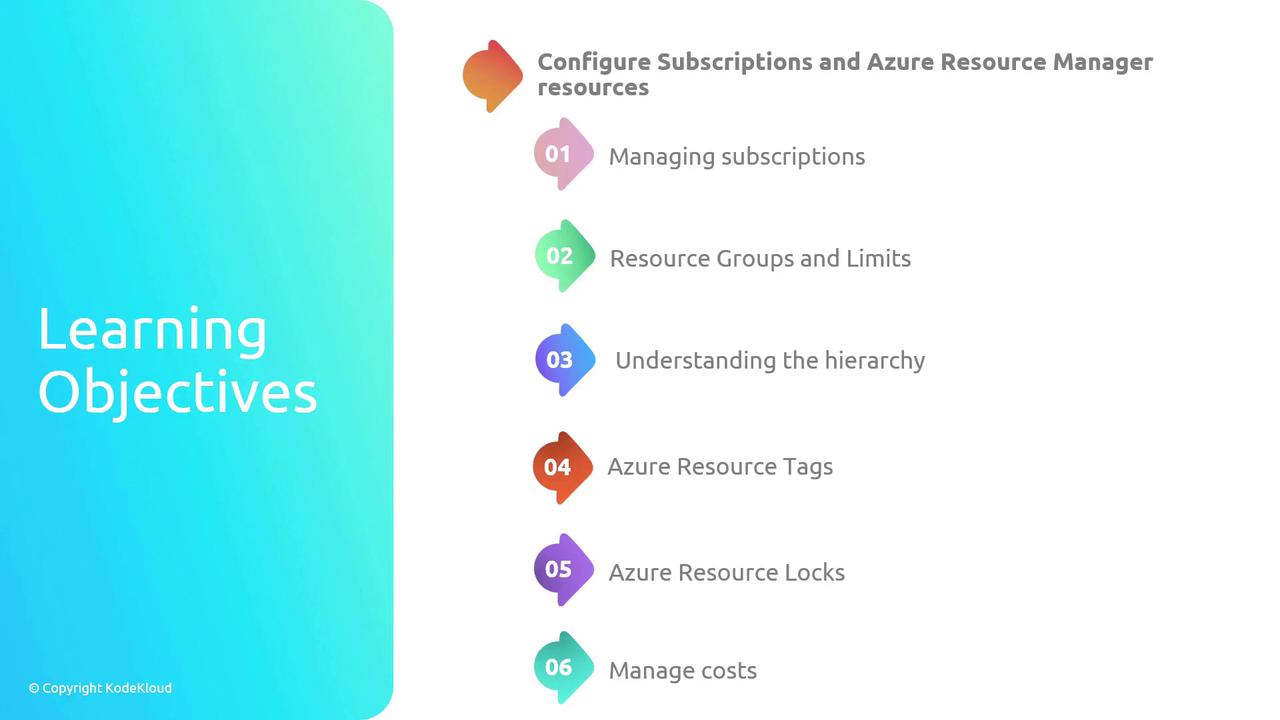
In this section, you will learn to organize and manage your Azure subscriptions and resources efficiently. Topics include:
* **Managing Subscriptions:** Techniques to keep your Azure subscriptions organized.
* **Resource Groups and Limits:** Strategies to structure your resources while maintaining preset limits.
* **Understanding the Hierarchy:** A clear breakdown of the Azure resource structure for effective management.
* **Azure Resource Tags:** Methods to simplify the organization and retrieval of Azure resources using tags.
* **Azure Resource Locks:** Approaches to safeguard your resources from accidental deletion or modification.
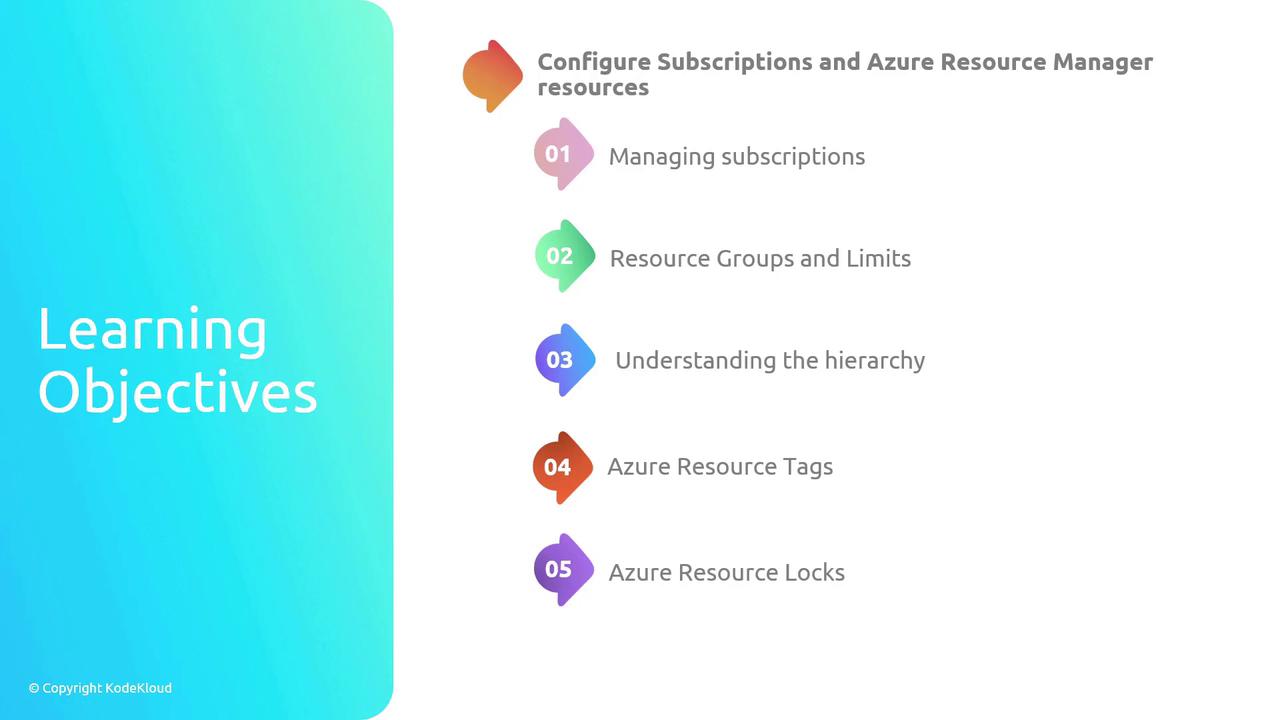
* **Managing Cost:** Explore proven techniques to monitor and control your Azure spending effectively.
## Configuring Azure Policies
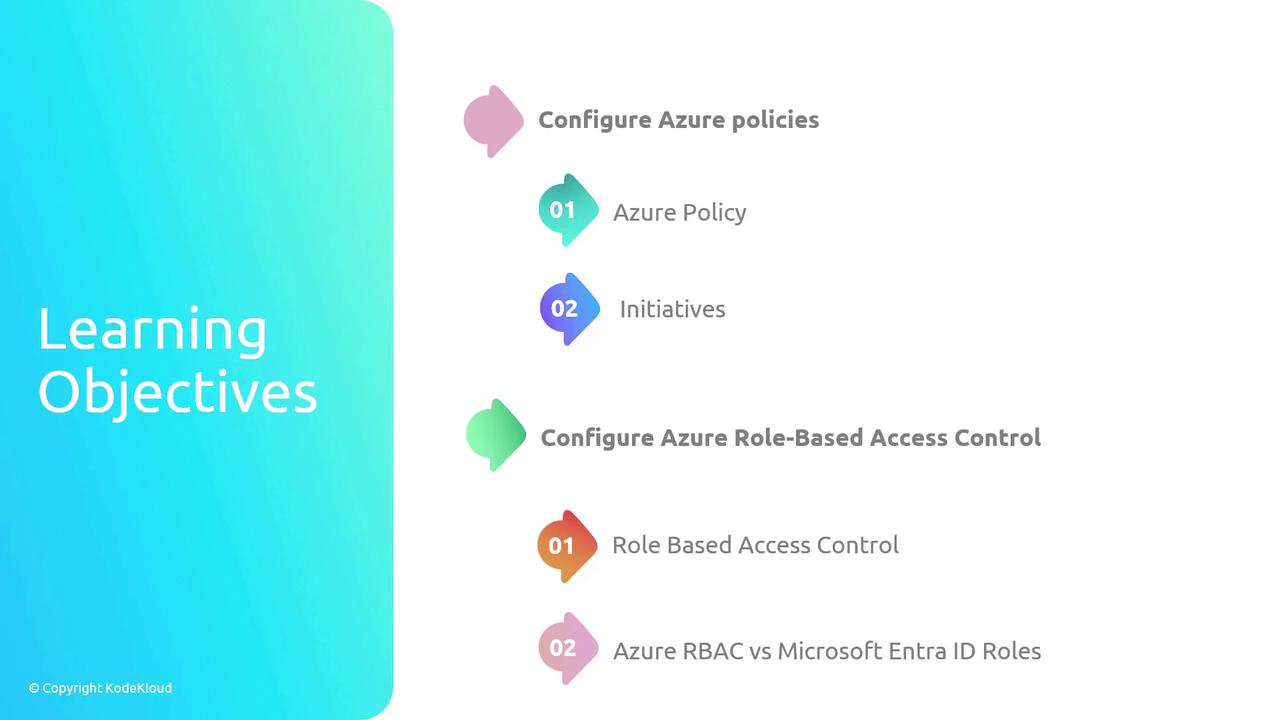
This section focuses on utilizing Azure Policy to enforce organizational standards and assess compliance at scale. You will discover:
* **Azure Policy Implementation:** How to apply policies that ensure continual compliance across your environment.
* **Initiatives:** Ways to group related policies to achieve specific compliance goals.
Understanding Azure Policies is key to maintaining security and governance standards in your environment.
## Configuring Azure Role-Based Access Control (RBAC)
In this section, we dive into Azure RBAC, which is essential for assigning the proper levels of access to users. Topics include:
* **Defining Azure RBAC:** Learn how to manage and implement permissions effectively.
* **Comparing with Microsoft Entra ID Roles:** Although Microsoft Entra ID roles are covered in a separate module, you will also explore the differences between Azure RBAC and Entra ID roles, and understand when to apply each for optimal security.
With these objectives in mind, we now transition to our first topic: managing subscriptions.