> ## Documentation Index
> Fetch the complete documentation index at: https://notes.kodekloud.com/llms.txt
> Use this file to discover all available pages before exploring further.
# Querying Normal Database
> Compares querying relational databases with semantic vector search, showing exact structured SQL queries versus similarity-based embedding searches, plus examples, security tips, and next learning steps.
Hello and welcome back.
We now understand vector embeddings and how data becomes a list of numbers. A natural follow-up is: once embeddings are stored in a vector database, how do you retrieve meaningful results?
This lesson assumes you already installed a vector database, created embeddings, and inserted them into the database. The core question here is: how do you query the information that
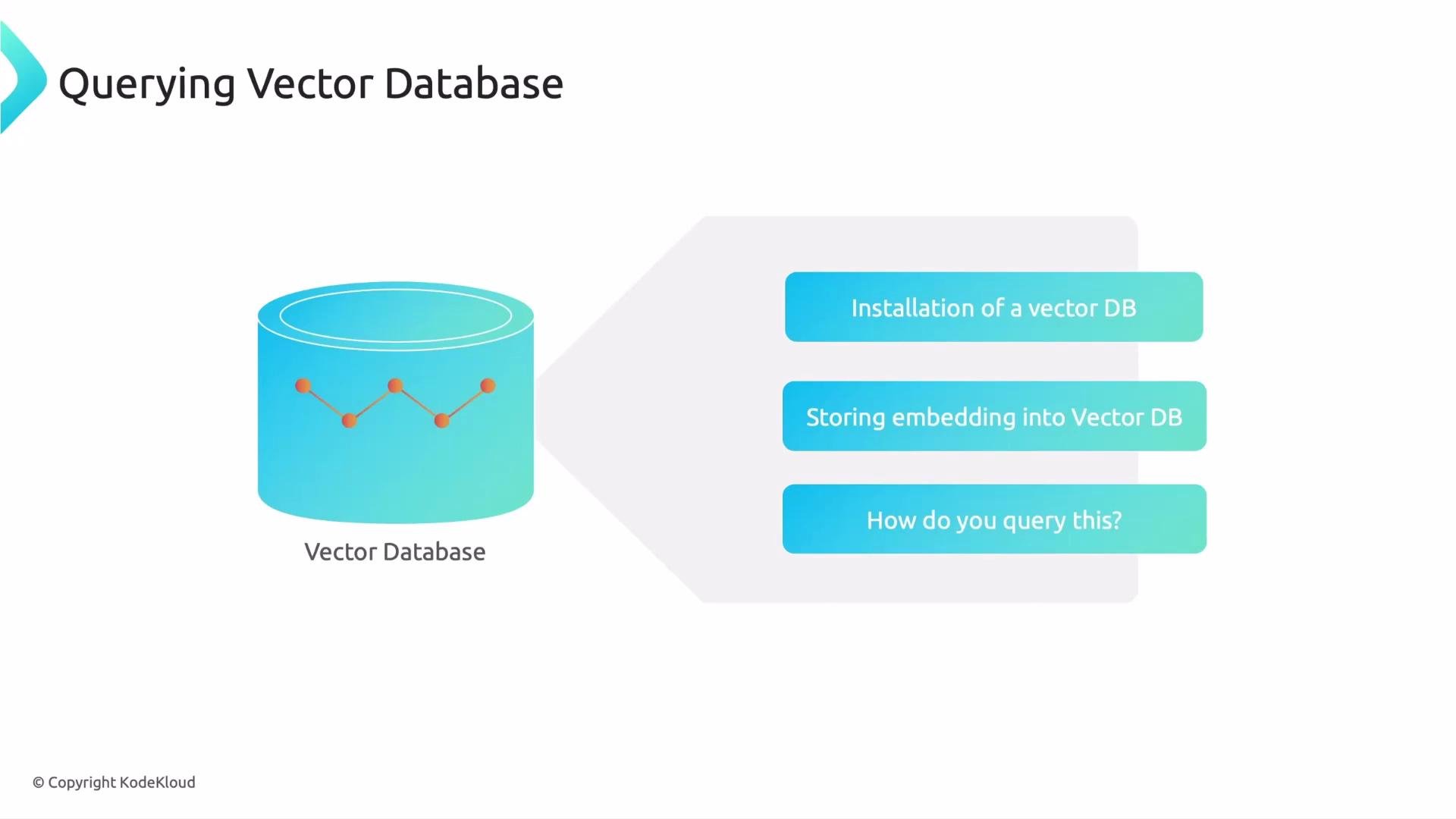 is stored there? To make that easier to understand, we'll first contrast this with something simpler: querying a normal (relational) database. Seeing how traditional databases search will make the vector-database approach more intuitive.
## What you need to query a normal (relational) database
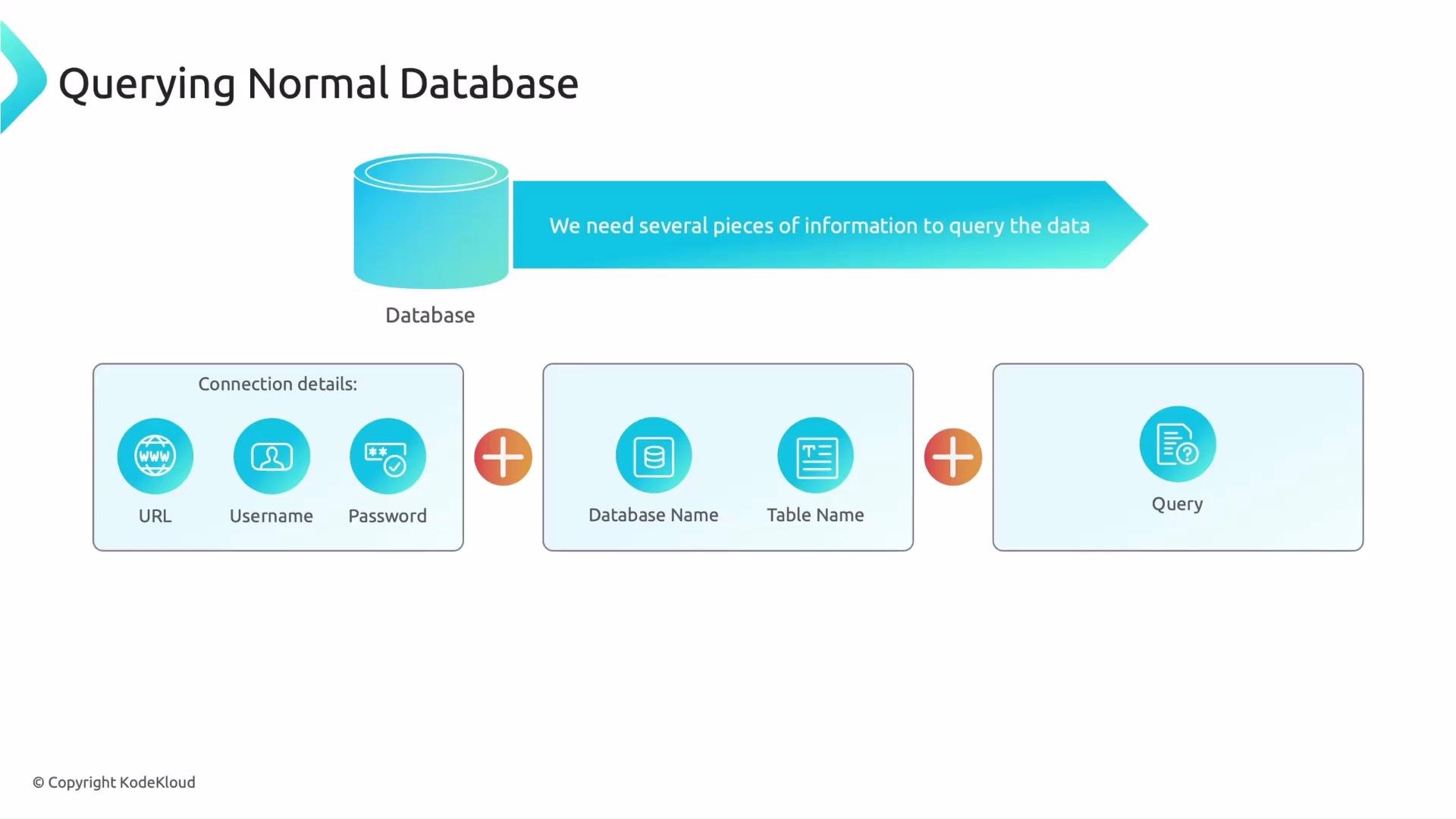
When you query a relational database such as MySQL or PostgreSQL, the process is structured and deterministic: you must provide specific, concrete details. Typically you need:
* Connection details: host/URL, username, and password — credentials to access the database.
* Location details: which database and which table to query — a database can contain many tables, like drawers in a filing cabinet.
* The query: an exact instruction that specifies which rows and columns to return.
is stored there? To make that easier to understand, we'll first contrast this with something simpler: querying a normal (relational) database. Seeing how traditional databases search will make the vector-database approach more intuitive.
## What you need to query a normal (relational) database
When you query a relational database such as MySQL or PostgreSQL, the process is structured and deterministic: you must provide specific, concrete details. Typically you need:
* Connection details: host/URL, username, and password — credentials to access the database.
* Location details: which database and which table to query — a database can contain many tables, like drawers in a filing cabinet.
* The query: an exact instruction that specifies which rows and columns to return.
 Put simply:
connection details + where to look + what to ask = results.
### Typical SQL example
Here is a simple SQL query that selects all products in the `electronics` category:
```sql theme={null}
SELECT * FROM products
WHERE category = 'electronics';
```
Breaking it down:
* `SELECT *` — return all columns for matching rows.
* `FROM products` — search the `products` table.
* `WHERE category = 'electronics'` — filter rows where `category` exactly equals `'electronics'`.
A relational database performs exact matches based on the column values and predicates you provide. For the query above, the database would return rows like:
```text theme={null}
ID: 101 | Name: Laptop | Category: electronics
ID: 102 | Name: Phone | Category: electronics
ID: 103 | Name: Tablet | Category: electronics
```
Relational databases match exact values (and boolean combinations of conditions). They are fast and predictable for structured, keyword-based queries, but they do not inherently understand the semantic meaning of words.
That strict exactness is both a strength and a limitation. If a user searched for `gadgets` or `tech items`, the SQL query above would return zero rows even though `Laptop`, `Phone`, and `Tablet` are conceptually related — because the table stores the literal string `electronics`, not the semantic concept “gadgets.”
## Quick comparison: relational vs semantic (vector) search
| Aspect | Relational (SQL) | Semantic (Vector) |
| ---------------- | ---------------------------------- | ------------------------------------------ |
| Match type | Exact, deterministic | Similarity-based, fuzzy |
| Query input | Structured predicates (`WHERE`) | Natural language, query embedding |
| Typical use case | Transactional data, reporting | Document search, recommendations, QA |
| Performance | Highly optimized for exact lookups | Requires vector similarity search/indexing |
| Examples | `category = 'electronics'` | "Find items related to gadgets" |
## Security and best practices
Never hard-code credentials in source files or client-side code. Use environment variables, secrets management, or managed identity solutions to protect database credentials.
## Where to go from here
Now that you understand how relational databases require exact queries and structured access, the next step is to learn how vector databases perform semantic search using embeddings and similarity metrics. That approach lets you search by meaning, not just exact keyword matches.
Links and references:
* [MySQL Documentation](https://dev.mysql.com/doc/)
* [PostgreSQL Documentation](https://www.postgresql.org/docs/)
* For vector database concepts, explore vendor docs (e.g., Pinecone, Milvus, Weaviate) or general resources about embeddings and similarity search.
That is it for this lesson.
Put simply:
connection details + where to look + what to ask = results.
### Typical SQL example
Here is a simple SQL query that selects all products in the `electronics` category:
```sql theme={null}
SELECT * FROM products
WHERE category = 'electronics';
```
Breaking it down:
* `SELECT *` — return all columns for matching rows.
* `FROM products` — search the `products` table.
* `WHERE category = 'electronics'` — filter rows where `category` exactly equals `'electronics'`.
A relational database performs exact matches based on the column values and predicates you provide. For the query above, the database would return rows like:
```text theme={null}
ID: 101 | Name: Laptop | Category: electronics
ID: 102 | Name: Phone | Category: electronics
ID: 103 | Name: Tablet | Category: electronics
```
Relational databases match exact values (and boolean combinations of conditions). They are fast and predictable for structured, keyword-based queries, but they do not inherently understand the semantic meaning of words.
That strict exactness is both a strength and a limitation. If a user searched for `gadgets` or `tech items`, the SQL query above would return zero rows even though `Laptop`, `Phone`, and `Tablet` are conceptually related — because the table stores the literal string `electronics`, not the semantic concept “gadgets.”
## Quick comparison: relational vs semantic (vector) search
| Aspect | Relational (SQL) | Semantic (Vector) |
| ---------------- | ---------------------------------- | ------------------------------------------ |
| Match type | Exact, deterministic | Similarity-based, fuzzy |
| Query input | Structured predicates (`WHERE`) | Natural language, query embedding |
| Typical use case | Transactional data, reporting | Document search, recommendations, QA |
| Performance | Highly optimized for exact lookups | Requires vector similarity search/indexing |
| Examples | `category = 'electronics'` | "Find items related to gadgets" |
## Security and best practices
Never hard-code credentials in source files or client-side code. Use environment variables, secrets management, or managed identity solutions to protect database credentials.
## Where to go from here
Now that you understand how relational databases require exact queries and structured access, the next step is to learn how vector databases perform semantic search using embeddings and similarity metrics. That approach lets you search by meaning, not just exact keyword matches.
Links and references:
* [MySQL Documentation](https://dev.mysql.com/doc/)
* [PostgreSQL Documentation](https://www.postgresql.org/docs/)
* For vector database concepts, explore vendor docs (e.g., Pinecone, Milvus, Weaviate) or general resources about embeddings and similarity search.
That is it for this lesson.