> ## Documentation Index
> Fetch the complete documentation index at: https://notes.kodekloud.com/llms.txt
> Use this file to discover all available pages before exploring further.
# Vector Quering Methods
> Overview of seven vector database query methods and trade-offs, explaining semantic, KNN, hybrid, range, multi-vector, ANN, and two-stage retrieval with re-ranking.
Welcome back. We’ve already seen how vector databases store embeddings — now let’s cover how you search them. There’s no single “best” approach: seven common query methods address different trade-offs between accuracy, latency, and functionality. Below is a concise overview of each method with guidance on when to use it. Later lessons can dive into implementation details and example code.
1. Semantic search
2. K-nearest neighbor (KNN) search
3. Hybrid search (vector + filters)
4. Range / threshold search
5. Multi-vector (multimodal) search
6. Approximate nearest neighbor (ANN) search
7. Two-stage retrieval with re-ranking
Quick summary table
| Method | Primary use case | When to choose |
| -------------------------------- | ----------------------------------------------- | ----------------------------------------------------------------------------------------------------- |
| Semantic search | Natural language queries matched by meaning | When users search with free text and you want meaning-based ranking (e.g., QA, conversational search) |
| KNN search | Exact similarity ranking by distance metrics | Small to medium datasets or when you require exhaustive nearest neighbors |
| Hybrid search | Semantic + structured attribute filtering | E-commerce, catalogs, and scenarios requiring both semantic relevance and exact metadata filters |
| Range / threshold search | Return only highly similar items above a cutoff | When precision matters more than recall (e.g., deduplication, near-duplicate detection) |
| Multi-vector search | Multimodal queries (text + image, etc.) | When matching multiple modalities or combining complementary signals |
| ANN search | Fast retrieval at large scale | Billion-scale collections where exhaustive KNN is infeasible |
| Two-stage retrieval + re-ranking | Balance latency and final ranking quality | Production systems needing high precision without prohibitive latency |
Semantic search
* What it is: Convert a natural language query into an embedding, then retrieve items whose embeddings are semantically close. Results prioritize meaning over literal keyword overlap.
* When to use: Conversational assistants, semantic product search, FAQ matching, code search.
* Example: Query “find products similar to a gaming laptop” matches products that share the same intent or attributes even if they don’t share keywords.
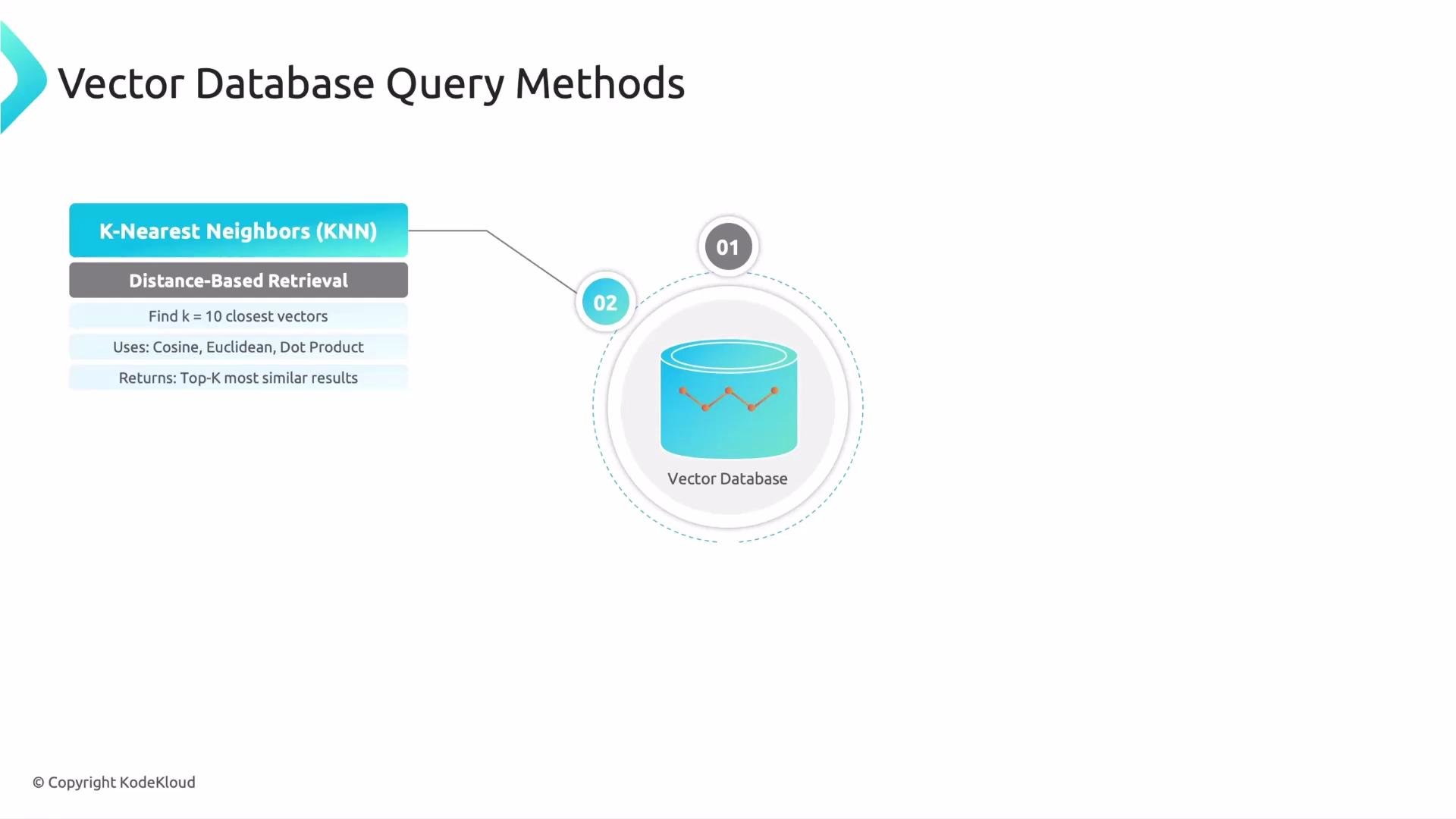
K-nearest neighbor (KNN) search
* What it is: Compute exact distances (cosine, dot product, Euclidean) between the query vector and every stored vector, then return the top-k closest items.
* When to use: Small-to-moderate datasets or workflows that require exact nearest neighbors (no approximation).
* Trade-offs: Precise but computationally heavy at scale.
Exhaustive KNN is exact but does not scale well to millions or billions of vectors — expect high CPU and memory costs as dataset size grows.
 Hybrid search
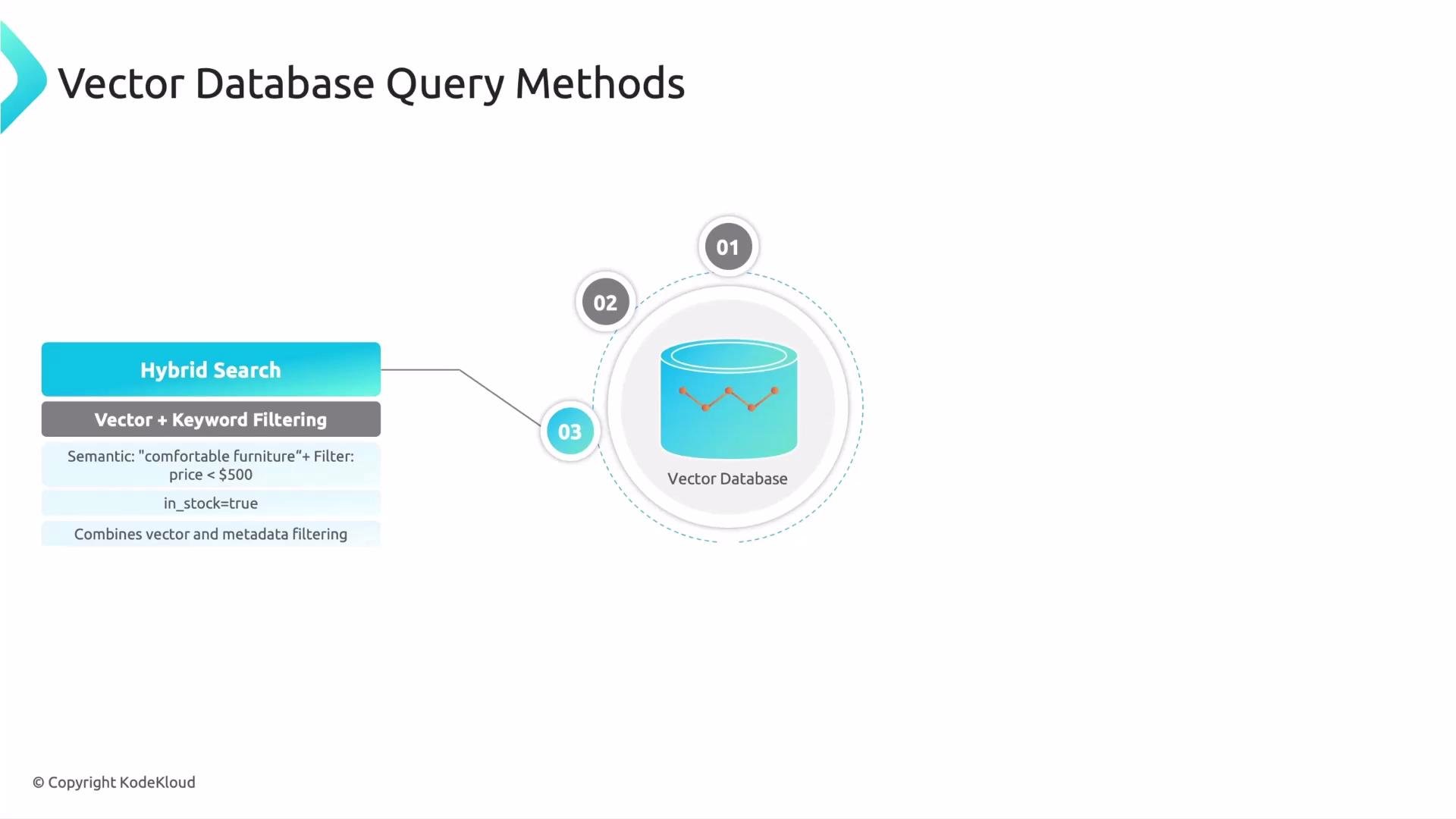
* What it is: Combine vector similarity with structured filters (metadata, numeric ranges, boolean flags). For example: “Find items semantically similar to ‘cozy home decor’ AND price \< 100 AND in stock = true.”
* When to use: E-commerce catalogs, inventory-aware recommendations, business search where both semantics and exact attributes matter.
* Benefit: Precision from filters + recall and relevance from semantic matching.
Hybrid search
* What it is: Combine vector similarity with structured filters (metadata, numeric ranges, boolean flags). For example: “Find items semantically similar to ‘cozy home decor’ AND price \< 100 AND in stock = true.”
* When to use: E-commerce catalogs, inventory-aware recommendations, business search where both semantics and exact attributes matter.
* Benefit: Precision from filters + recall and relevance from semantic matching.
 Range / threshold search
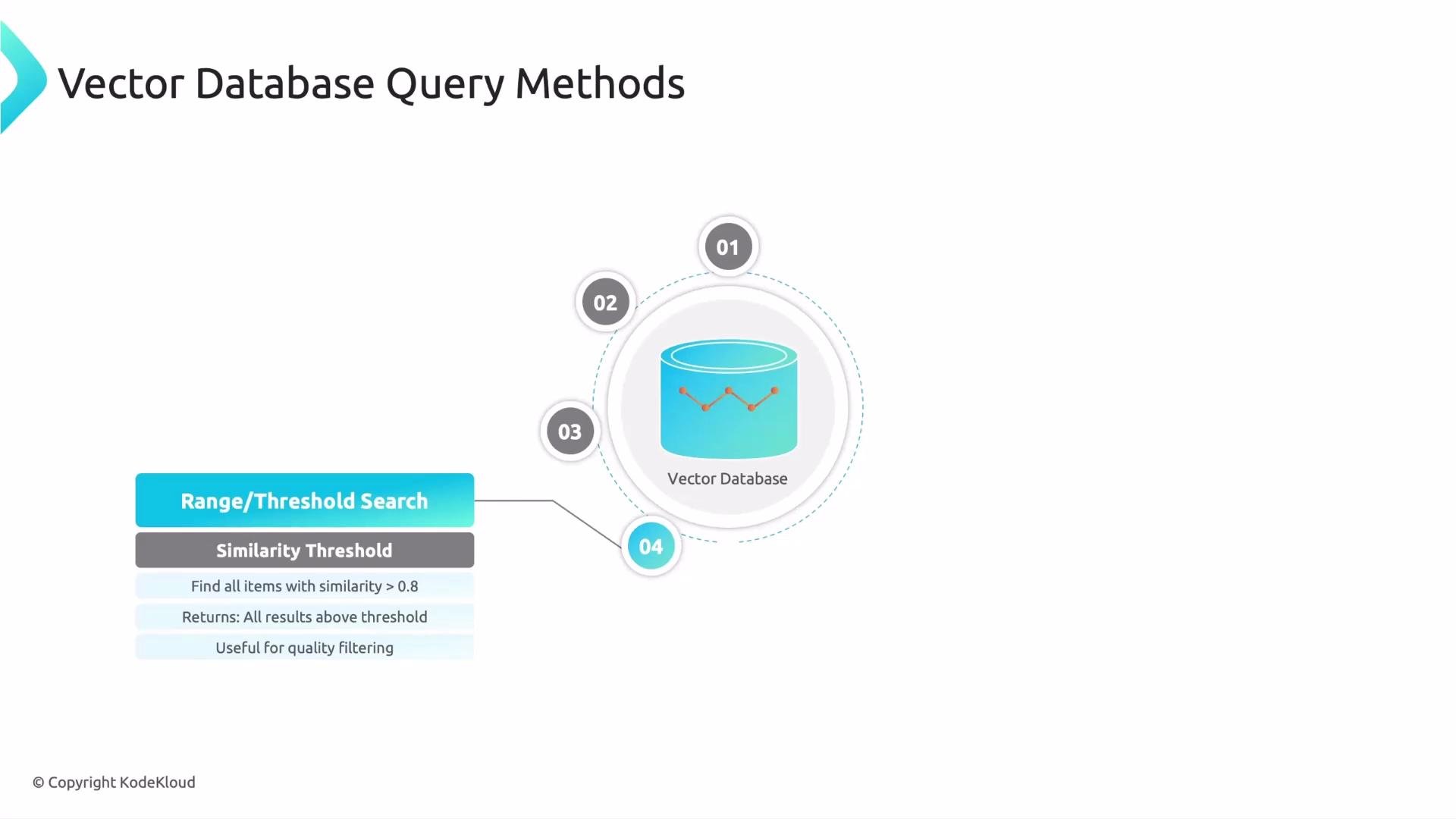
* What it is: Instead of asking for top-k, return all items whose similarity exceeds a given threshold (e.g., similarity > 0.9).
* When to use: High-precision needs like deduplication, exact matches by meaning, or flagging near-duplicates for moderation.
* Trade-offs: You may get variable result counts (including zero); tune thresholds based on validation data.
Range / threshold search
* What it is: Instead of asking for top-k, return all items whose similarity exceeds a given threshold (e.g., similarity > 0.9).
* When to use: High-precision needs like deduplication, exact matches by meaning, or flagging near-duplicates for moderation.
* Trade-offs: You may get variable result counts (including zero); tune thresholds based on validation data.
 Multi-vector (multimodal) search
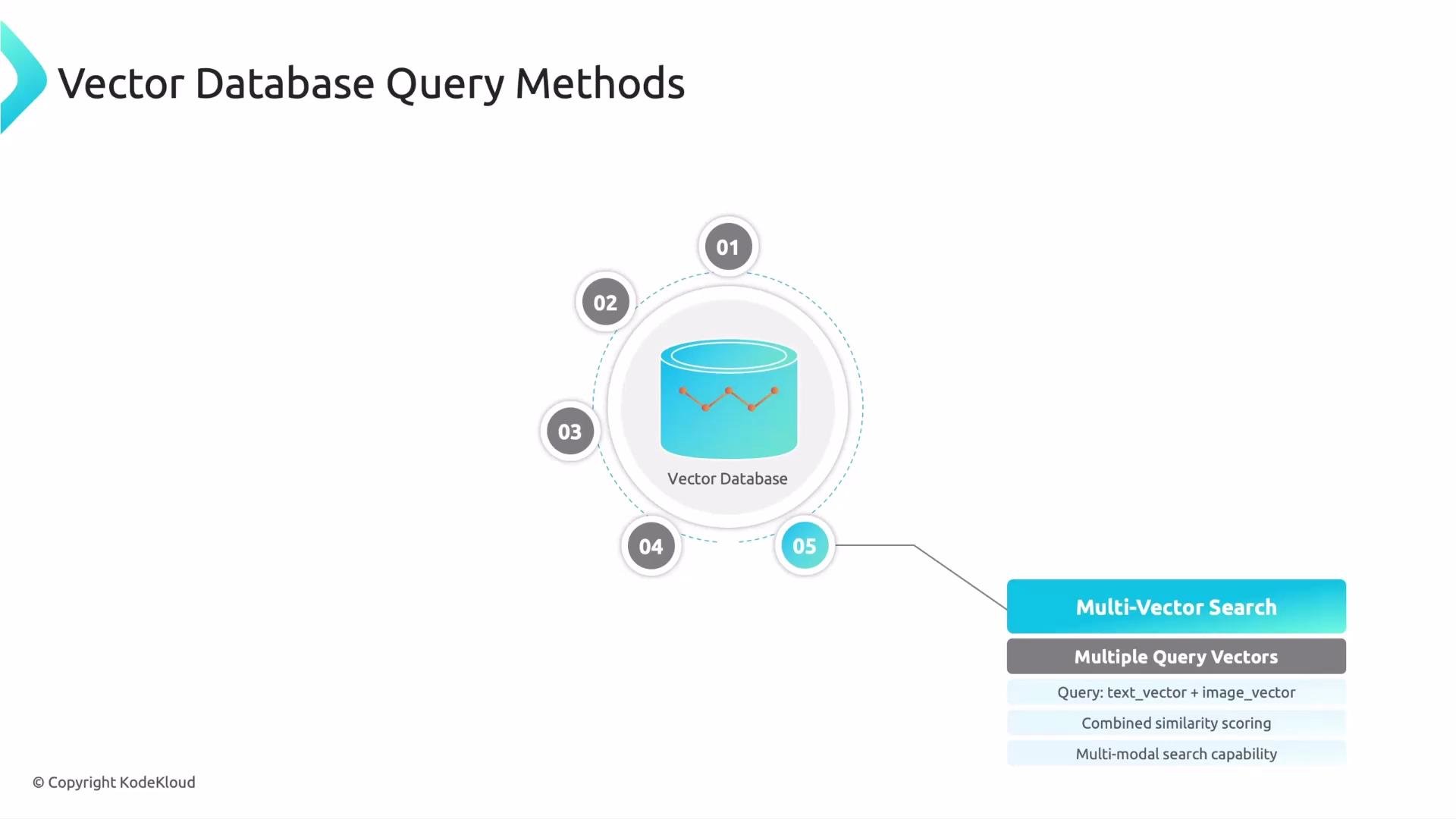
* What it is: Submit multiple query vectors (for example, text + image). The database combines similarity scores (often weighted) to find results that satisfy multiple modalities simultaneously.
* When to use: Product search that mixes example images and descriptive text, multimodal retrieval, or any use case where signals from different encoders should be combined.
* Implementation note: You can weight each modality differently depending on importance (e.g., 0.7*image\_score + 0.3*text\_score).
Multi-vector (multimodal) search
* What it is: Submit multiple query vectors (for example, text + image). The database combines similarity scores (often weighted) to find results that satisfy multiple modalities simultaneously.
* When to use: Product search that mixes example images and descriptive text, multimodal retrieval, or any use case where signals from different encoders should be combined.
* Implementation note: You can weight each modality differently depending on importance (e.g., 0.7*image\_score + 0.3*text\_score).
 Approximate nearest neighbor (ANN) search
* What it is: Use index structures and heuristics (e.g., HNSW, IVF, PQ) to find vectors likely to be near the query without exhaustively scanning every item.
* When to use: Large-scale systems (millions to billions of vectors) where latency and cost are primary concerns.
* Trade-offs: Slight loss in recall/accuracy in exchange for major gains in speed and reduced memory usage.
* Practical note: ANN index parameters (e.g., ef, PQ code size, number of probes) let you tune the accuracy/latency trade-off.
Two-stage retrieval with re-ranking
* Pattern: A fast first stage retrieves a candidate set (often via ANN or a lightweight model). A slower, higher-precision model then re-scores those candidates to produce the final ranking.
* Stage 1: Fast retriever returns top-N candidates (e.g., 100).
* Stage 2: Re-ranker (cross-encoder or LLM-based scoring) refines ranking and filters results for quality.
* When to use: Production search systems that need both low latency and high ranking quality (e.g., RAG, QA systems, enterprise search).
* Benefit: Best of both worlds — you retain speed from ANN while achieving final precision with an expensive model.
ANN + re-ranking is a common production pattern: use ANN to quickly get a compact candidate set, then apply a more expensive but precise model to re-rank for final quality.
Wrap-up
* The seven query methods above cover the core retrieval strategies used in modern vector search systems. Choose based on your dataset size, latency constraints, precision/recall needs, and whether you must combine structured filters or multiple modalities.
* Next steps: explore index architectures (HNSW, IVF, PQ), tuning ANN parameters, and building re-rankers (cross-encoders or LLM-based scorers) for production-grade pipelines.
Links and references
* [Understanding KNN and distance metrics](https://en.wikipedia.org/wiki/K-nearest_neighbors_algorithm)
* HNSW, IVF, PQ overviews: check vendor docs (e.g., Faiss, Milvus, Pinecone) and academic references
* Two-stage retrieval / RAG patterns: various online guides and research papers
That’s it for this lesson — see you in the next one.
Approximate nearest neighbor (ANN) search
* What it is: Use index structures and heuristics (e.g., HNSW, IVF, PQ) to find vectors likely to be near the query without exhaustively scanning every item.
* When to use: Large-scale systems (millions to billions of vectors) where latency and cost are primary concerns.
* Trade-offs: Slight loss in recall/accuracy in exchange for major gains in speed and reduced memory usage.
* Practical note: ANN index parameters (e.g., ef, PQ code size, number of probes) let you tune the accuracy/latency trade-off.
Two-stage retrieval with re-ranking
* Pattern: A fast first stage retrieves a candidate set (often via ANN or a lightweight model). A slower, higher-precision model then re-scores those candidates to produce the final ranking.
* Stage 1: Fast retriever returns top-N candidates (e.g., 100).
* Stage 2: Re-ranker (cross-encoder or LLM-based scoring) refines ranking and filters results for quality.
* When to use: Production search systems that need both low latency and high ranking quality (e.g., RAG, QA systems, enterprise search).
* Benefit: Best of both worlds — you retain speed from ANN while achieving final precision with an expensive model.
ANN + re-ranking is a common production pattern: use ANN to quickly get a compact candidate set, then apply a more expensive but precise model to re-rank for final quality.
Wrap-up
* The seven query methods above cover the core retrieval strategies used in modern vector search systems. Choose based on your dataset size, latency constraints, precision/recall needs, and whether you must combine structured filters or multiple modalities.
* Next steps: explore index architectures (HNSW, IVF, PQ), tuning ANN parameters, and building re-rankers (cross-encoders or LLM-based scorers) for production-grade pipelines.
Links and references
* [Understanding KNN and distance metrics](https://en.wikipedia.org/wiki/K-nearest_neighbors_algorithm)
* HNSW, IVF, PQ overviews: check vendor docs (e.g., Faiss, Milvus, Pinecone) and academic references
* Two-stage retrieval / RAG patterns: various online guides and research papers
That’s it for this lesson — see you in the next one.