

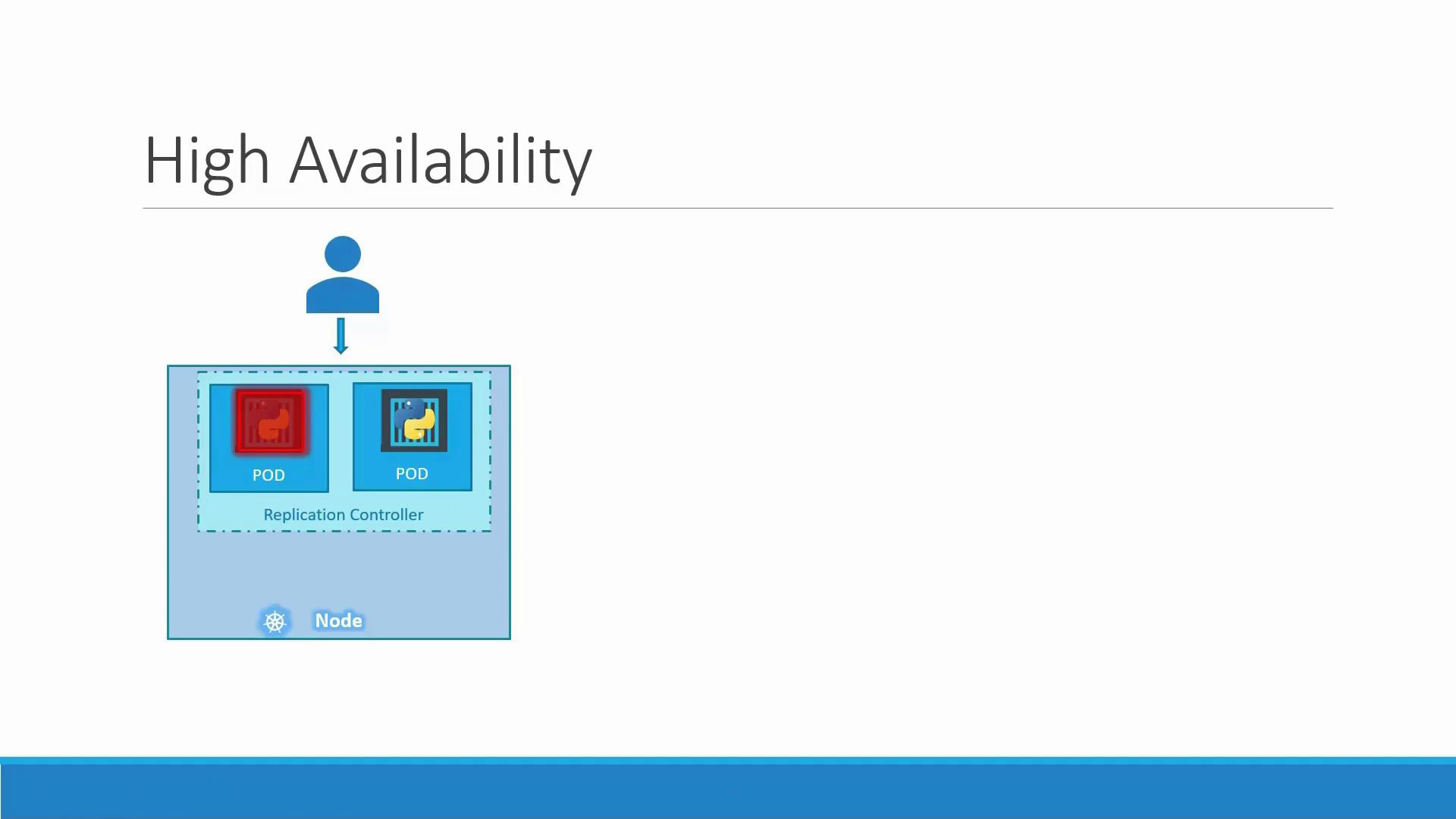
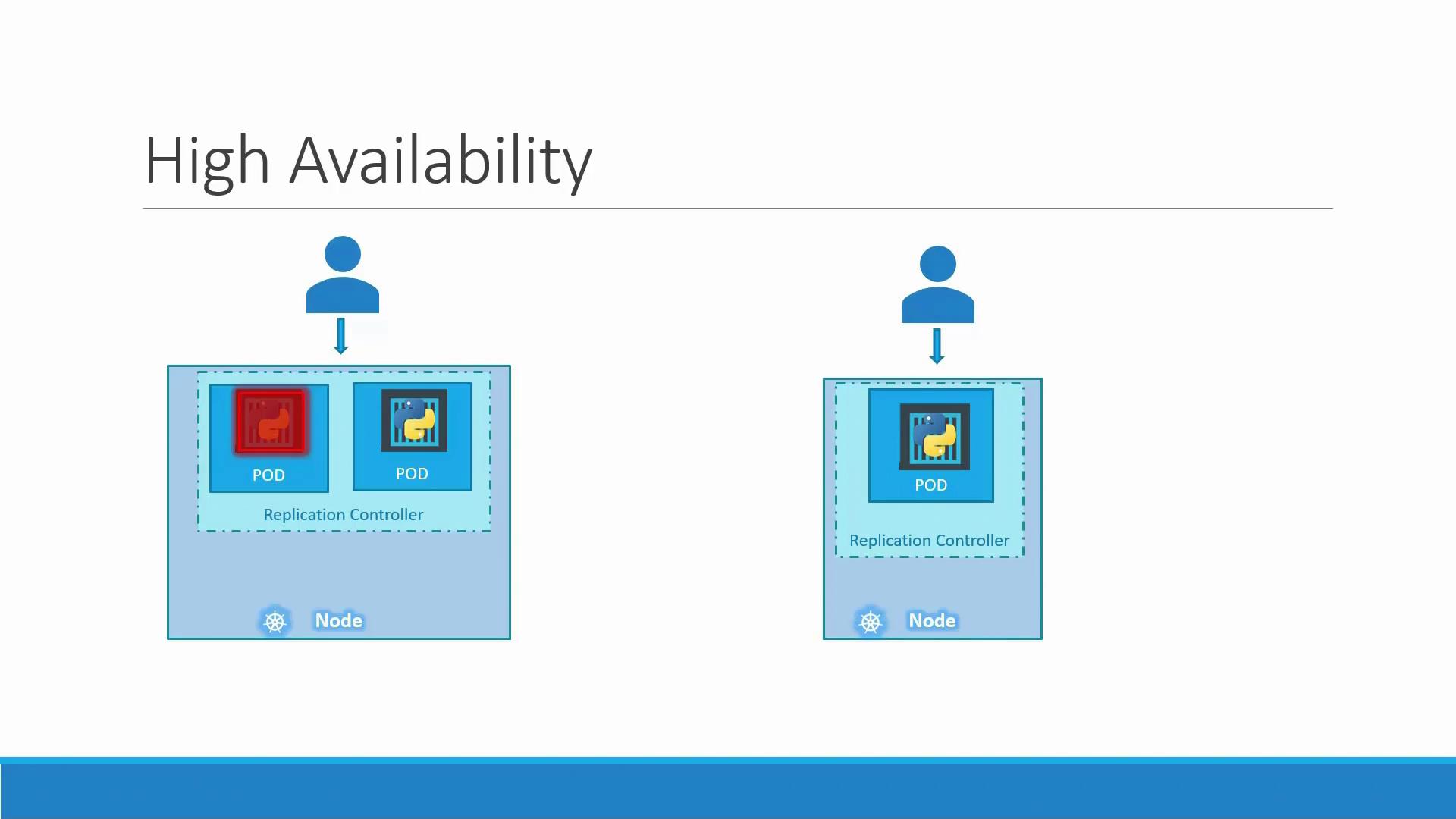
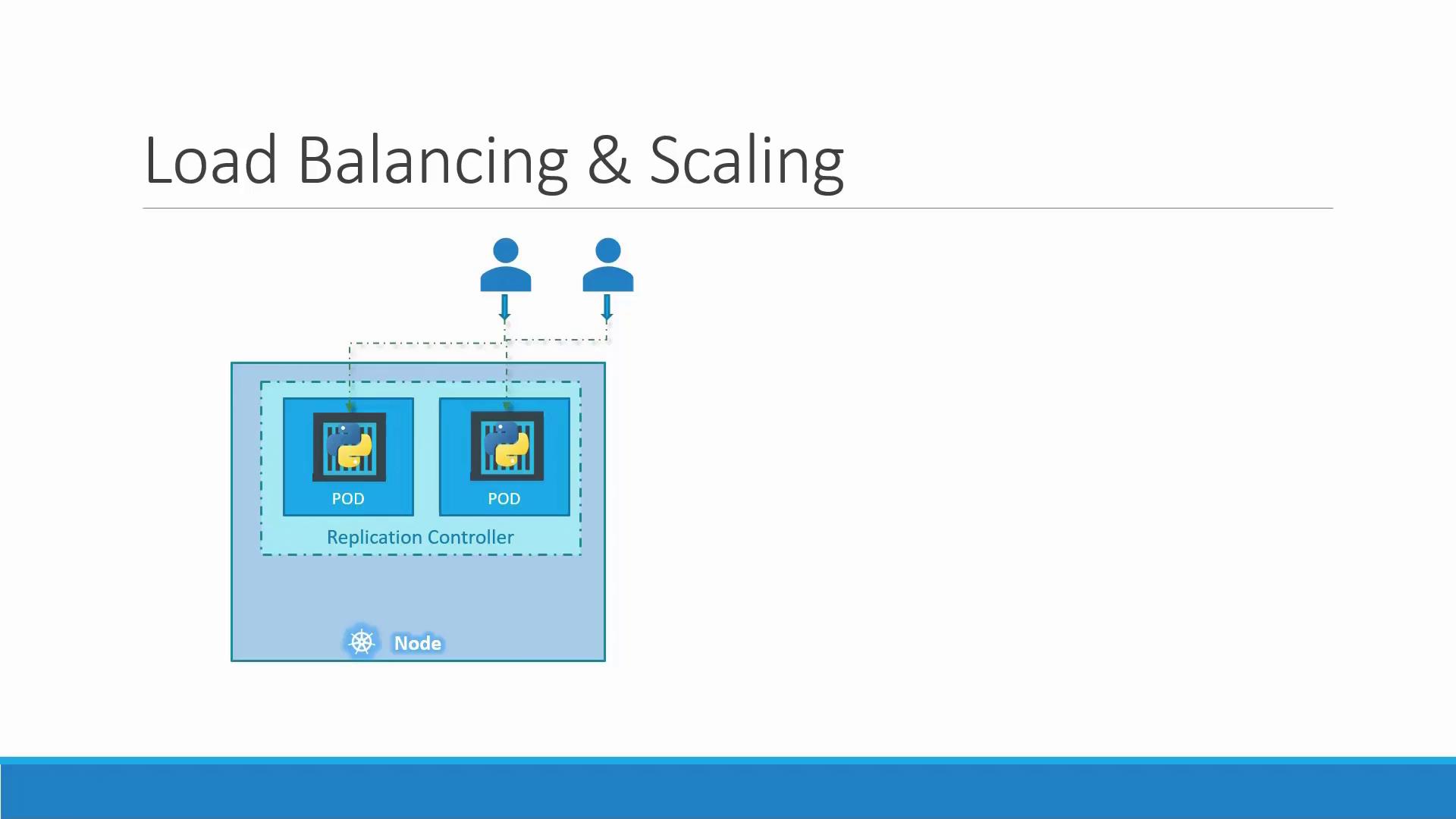
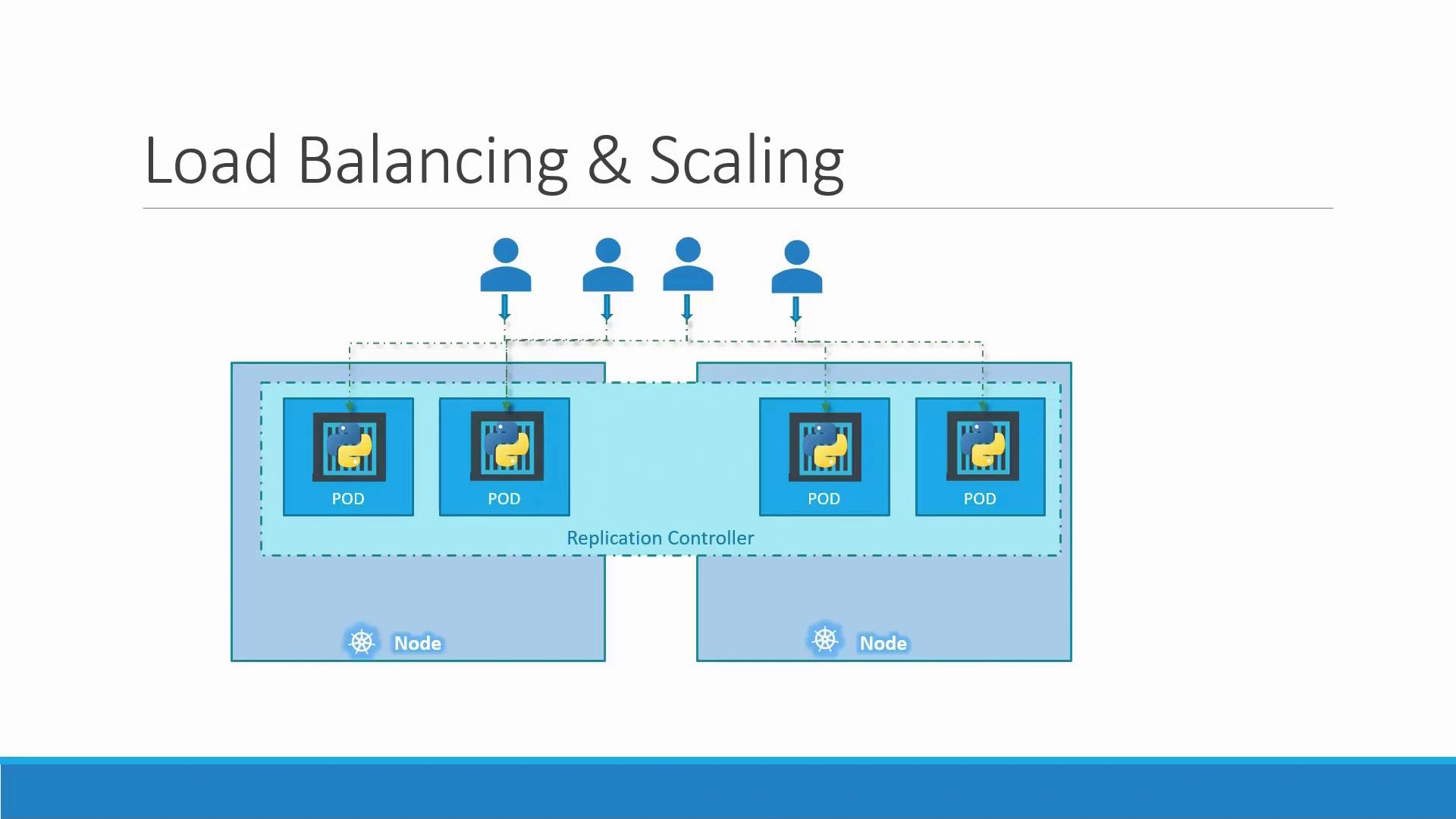
Both Replication Controllers and ReplicaSets serve the same fundamental purpose: they ensure that your desired number of pod replicas are running. However, the ReplicaSet, which is part of the
apps/v1 API, introduces improvements such as the mandatory selector field.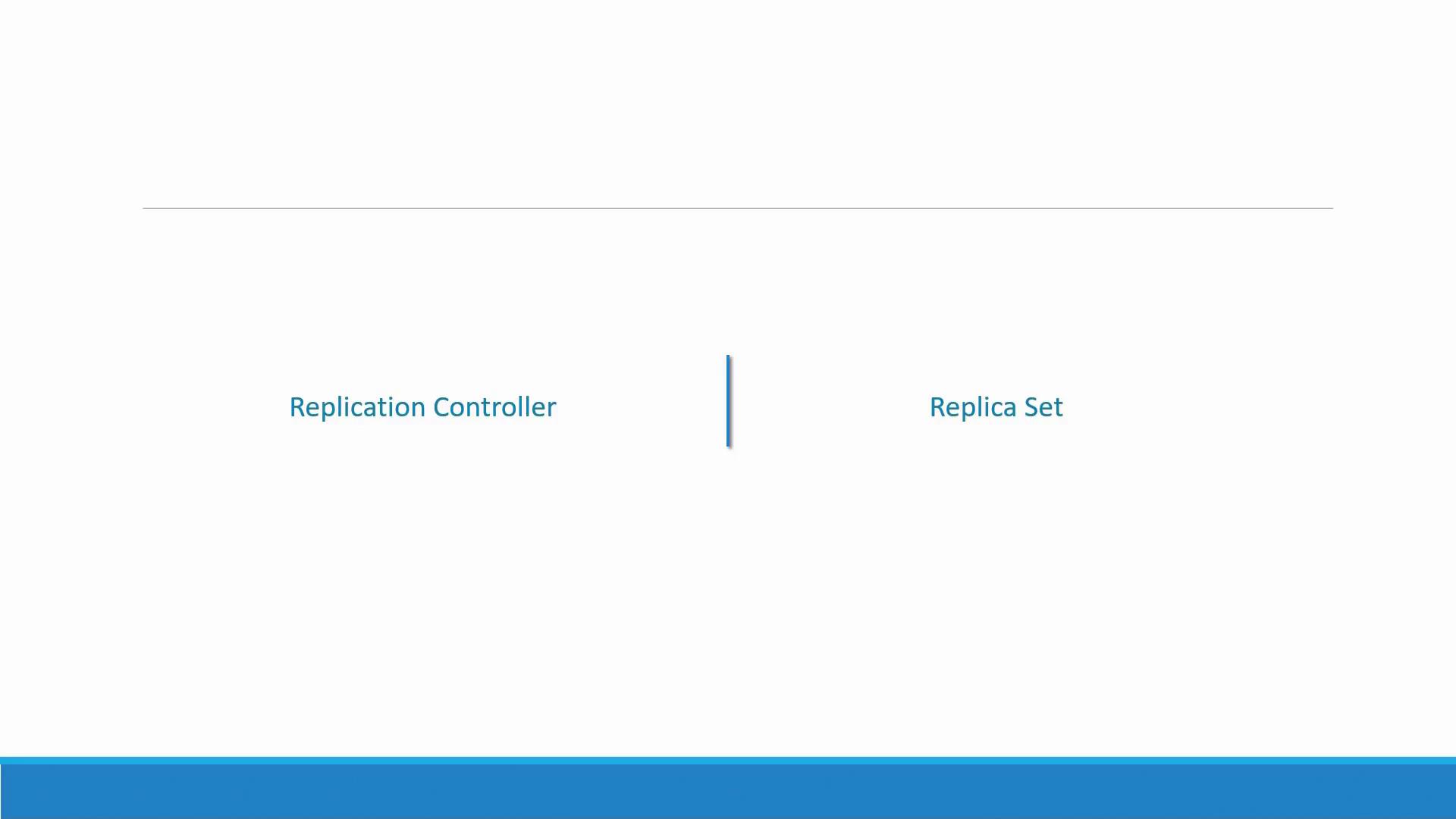
Creating a Replication Controller
Begin by creating a Replication Controller definition file namedrc-definition.yml. This file is structured in four sections: API version, kind, metadata, and spec. The API version for a Replication Controller is v1, and the kind must be set as ReplicationController. Under metadata, assign a name (for instance, myapp-rc) and labels such as app and type. In the spec section, detail the pod template and specify the number of desired replicas.
Below is an example of a Replication Controller definition:
Creating a ReplicaSet
ReplicaSets are similar to Replication Controllers but use theapps/v1 API version and require an explicit selector. The selector field determines which pods the ReplicaSet should manage by matching labels.
Below is an example of a ReplicaSet definition file named replicaset-definition.yml:
Scaling a ReplicaSet
Scaling a ReplicaSet allows you to adjust the number of pod replicas based on demand. Suppose you start with three replicas and later need to scale to six. You have two options:-
Update the
replicasnumber in your definition file (change from3to6) and apply the change: -
Use the
kubectl scalecommand directly. You can specify the new replica count using either the file or the ReplicaSet name:or
Scaling a ReplicaSet using
kubectl scale does not update the replica count in your definition file. The file will still display the original number, so remember to update your file manually if you want consistency between configuration and actual state.Essential Kubernetes Commands
Below is a summary of common commands to manage Replication Controllers and ReplicaSets:| Operation | Command | Example |
|---|---|---|
| Create objects | kubectl create | kubectl create -f rc-definition.yml |
| View objects | kubectl get | kubectl get replicasetkubectl get pods |
| Delete ReplicaSet | kubectl delete | kubectl delete replicaset myapp-replicaset |
| Update configuration | kubectl replace | kubectl replace -f replicaset-definition.yml |
| Scale ReplicaSet | kubectl scale | kubectl scale --replicas=6 replicaset myapp-replicaset |
By understanding how labels, selectors, and pod templates interact, you can ensure high availability and efficient scaling of your Kubernetes applications. Whether you choose to work with the classic Replication Controller or the more robust ReplicaSet, these controllers are fundamental to managing your containerized applications effectively. For further details, explore the official Kubernetes Documentation.