

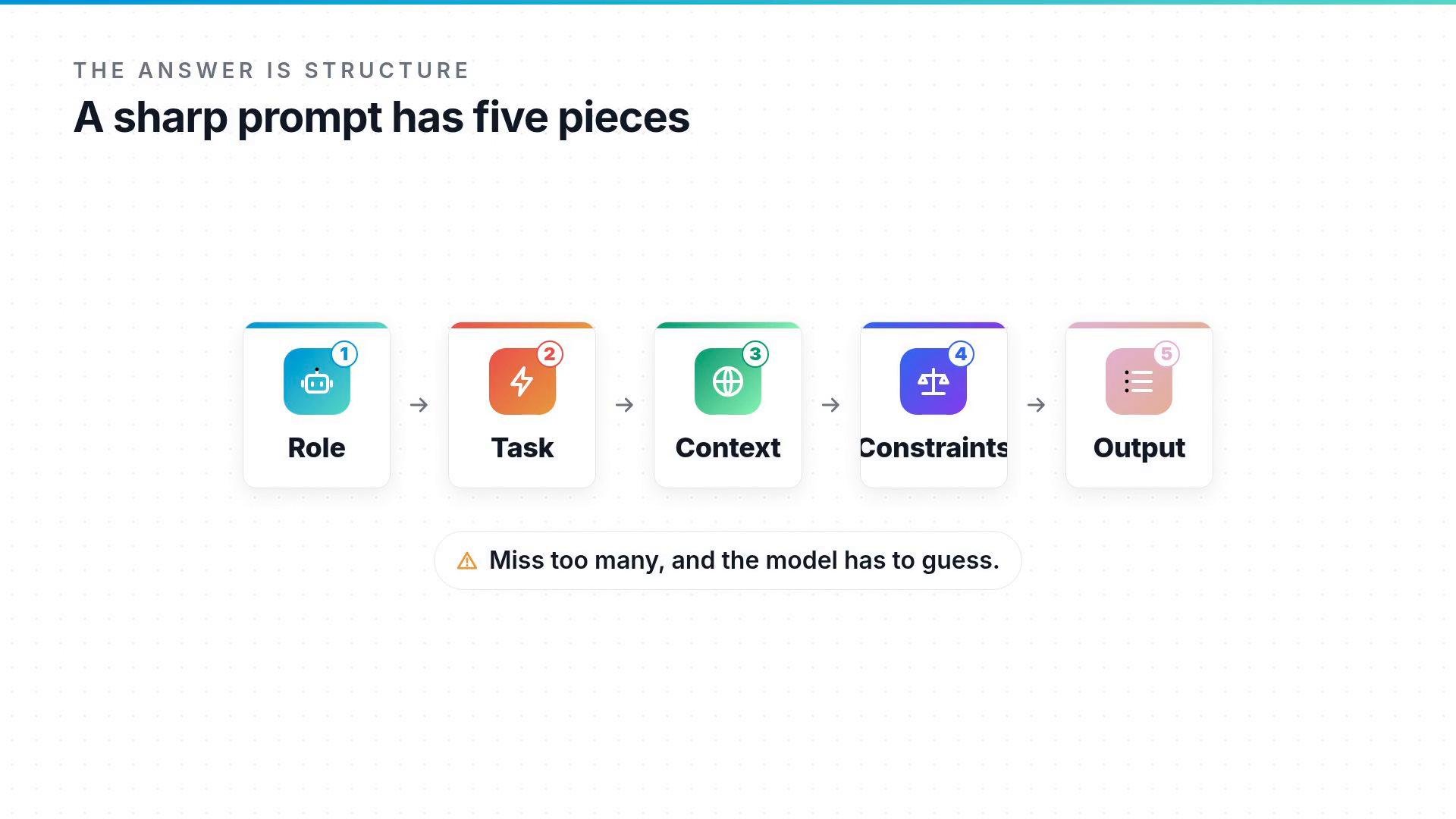
The five pieces, step by step
- Role — Tell the model who it should be. This narrows voice, assumptions, and knowledge.
- Task — The verb and the specific deliverable: write, summarize, translate, plan.
- Context — Audience, brand personality, examples to emulate or avoid, and any situational details.
- Constraints — Length limits, forbidden words, punctuation, or formality level.
- Output format — Paragraph, bullet list, table, or a single sentence.
Use the five-piece formula as a checklist when you construct prompts: Role, Task, Context, Constraints, Output. Not every prompt needs all five, but the more you include, the less post-editing you’ll do.
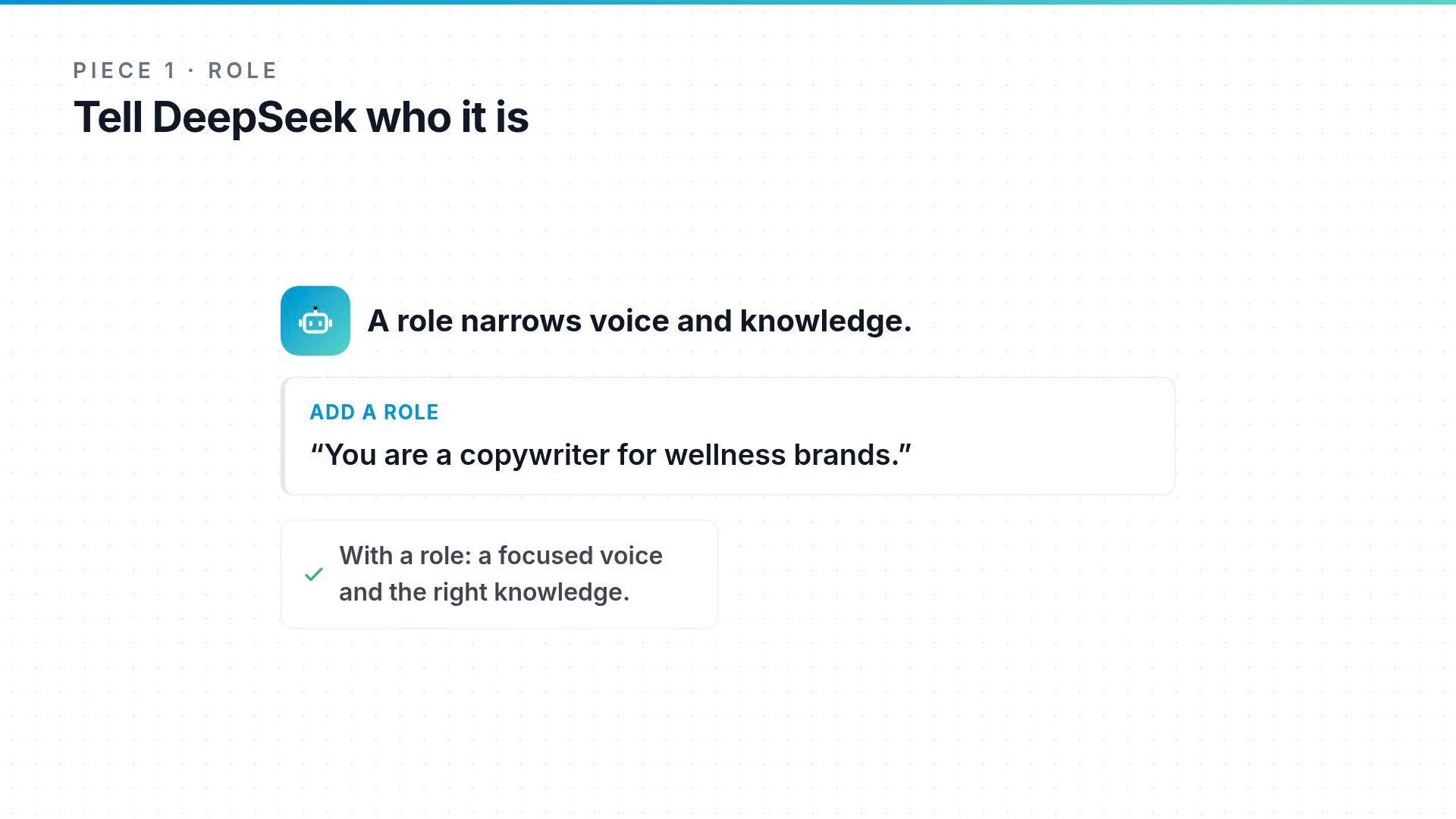
1) Role
Start with who the model should be. Naming a role biases the model toward a particular tone, vocabulary, and mental model. Example:- “You are a copywriter for wellness brands.”
2) Task
Be explicit about the verb and the deliverable. “Write a one-sentence intro line” is much sharper than “write a sales line.” Tips:- Use a clear verb (write, summarize, list, translate).
- Specify scope (one sentence, three bullet points, a 200-word paragraph).
3) Context
Provide the situational details the model lacks: the target audience, brand voice, examples to use or avoid, and any relevant background. The yoga prompt failed because it lacked context, so the model defaulted to a generic answer.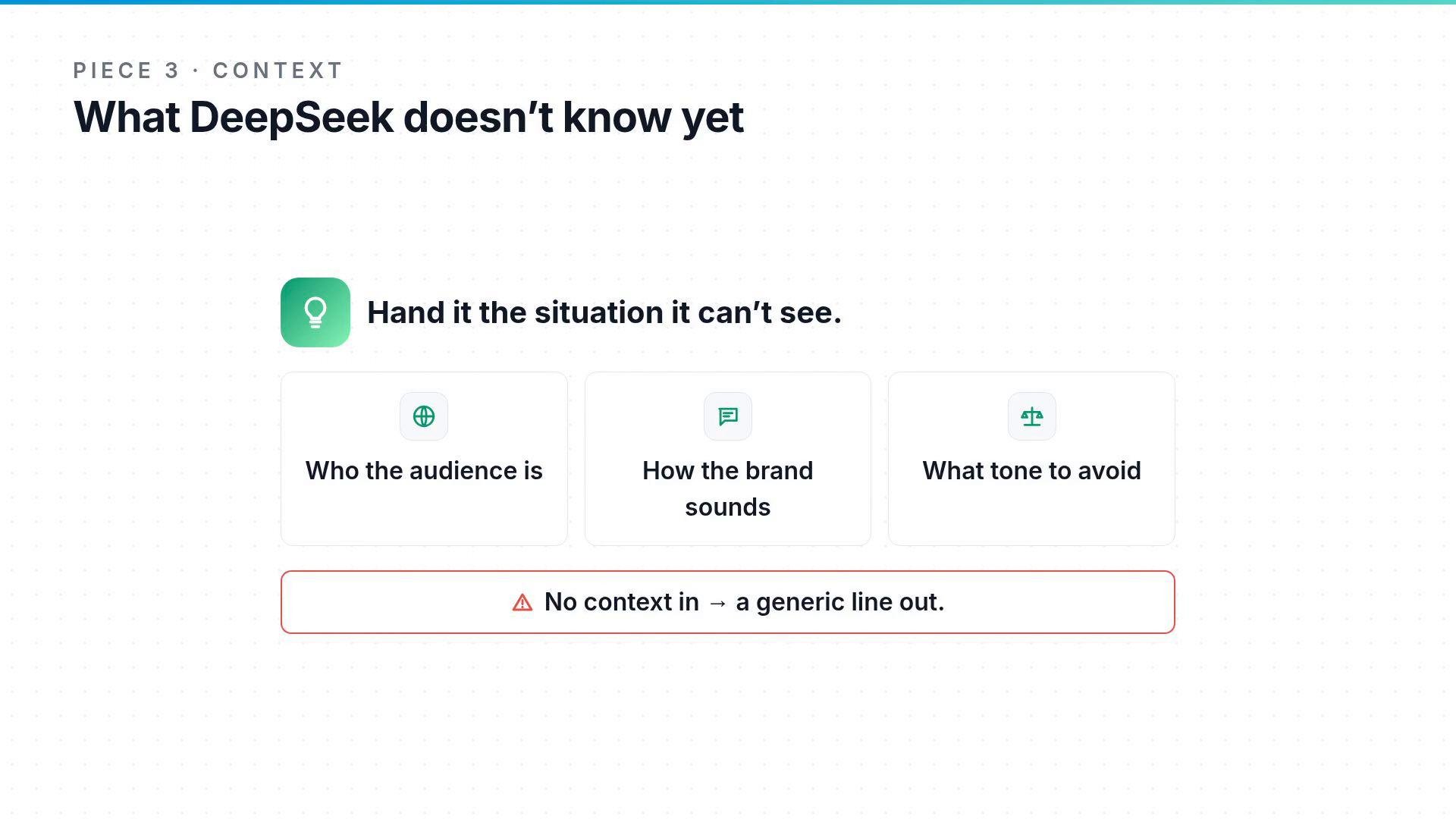
4) Constraints
Constraints are the boundaries that keep the response usable: word limits, banned phrases, punctuation rules, or formality level. Example constraints:- Keep it under twenty words.
- No exclamation marks.
- Avoid industry jargon.

5) Output format
Tell the model the shape you want back—one sentence, a bullet list, a table, or a code block. Explicit formatting reduces unnecessary variants and speeds up copy-ready results.
Quick reference table
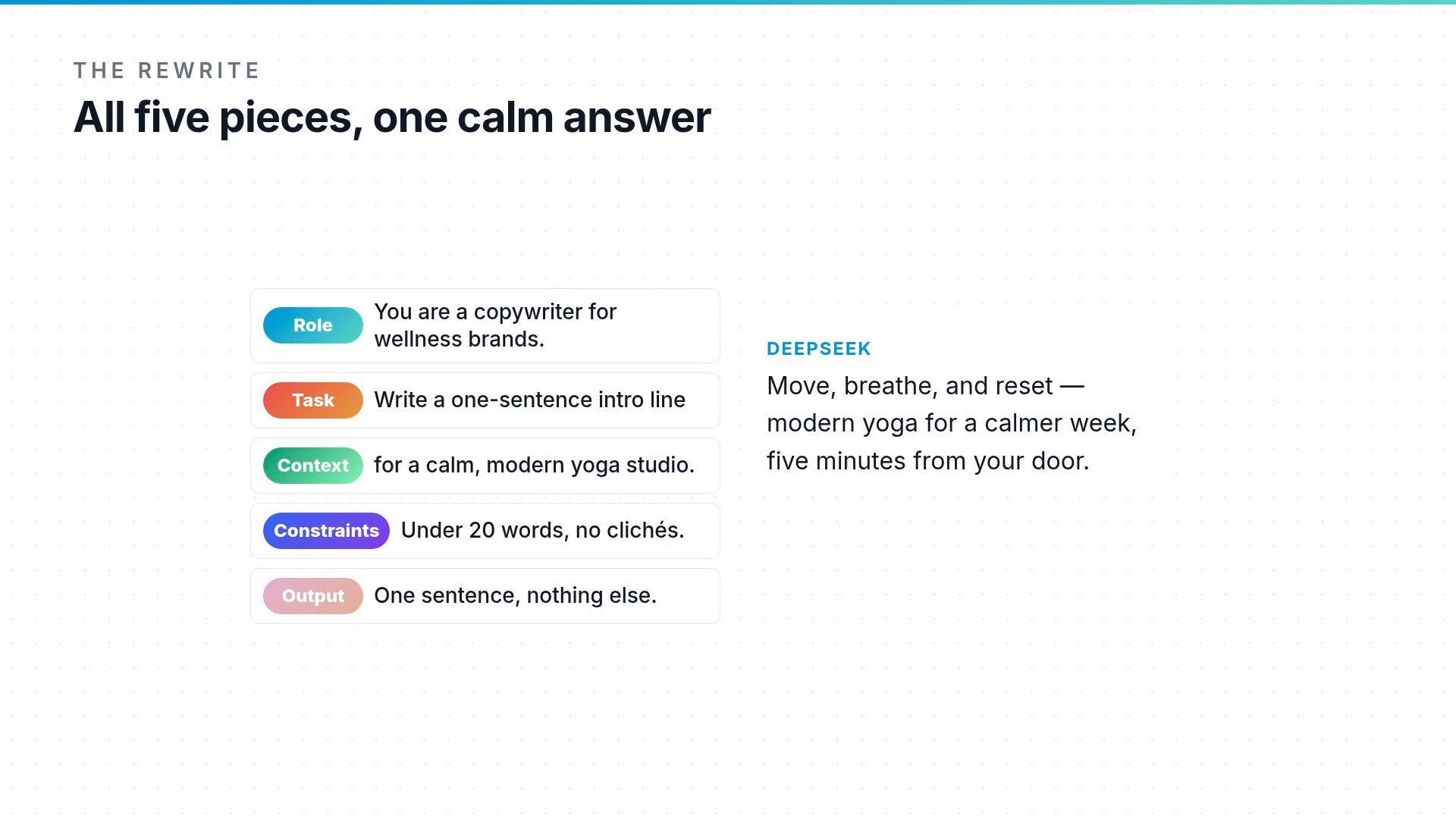
A concrete rewrite and result
Maya rewrote the yoga prompt to include all five pieces:- Role:
You are a copywriter for wellness brands. - Task:
Write a one-sentence website intro. - Context:
Audience: busy local adults; Brand: calm, modern; Highlight: 5 minutes from downtown. - Constraints:
Under 20 words; no exclamation marks. - Output:
One sentence only.
Why you still might see variance
Even well-structured prompts can produce different outputs across runs. Part of that variance comes from:- Model version and fine-tuning.
- Sampling parameters like temperature and top_p.
- Any system-level instructions or dataset differences.
If you need consistent, repeatable output, lower sampling randomness (e.g., lower
temperature) and pin down the model version. For creative exploration, increase temperature or try multiple drafts.- Prompt design guide: https://platform.openai.com/docs/guides/prompt-design
- Practical tips on sampling and temperature: https://platform.openai.com/docs/guides/response-sampling