

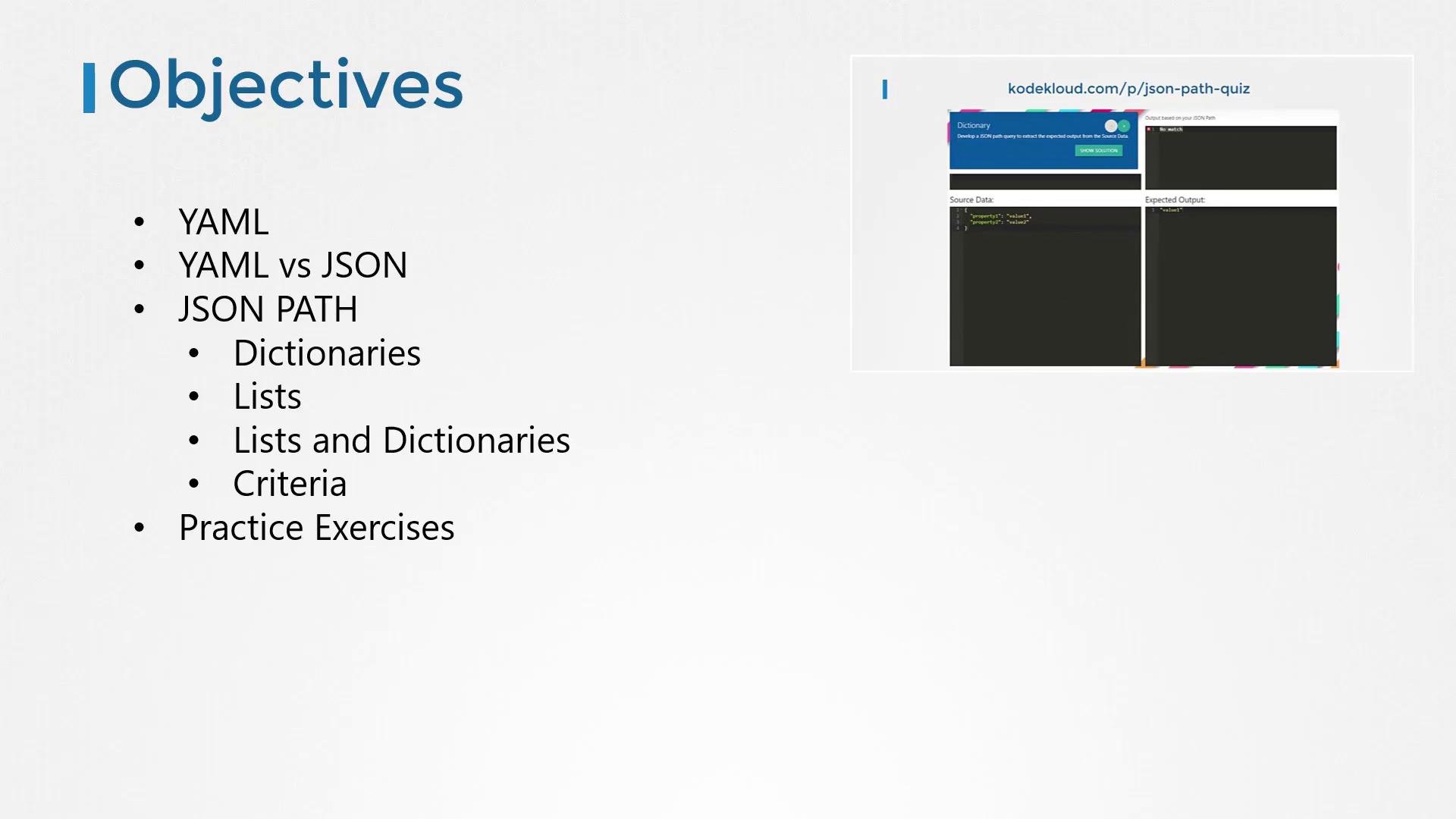
JSONPath is often described as “SQL for JSON”. Many interactive JSONPath tools display results inside an array even when a single value is returned — keep that in mind when matching expected outputs in exercises.
- Both formats represent structured data and are widely used for configuration, APIs, and data interchange.
- YAML uses indentation and dashes for readability; JSON uses curly braces (
{}) and square brackets ([]) and is slightly more verbose. - Most languages and tools provide easy conversion between YAML and JSON (online converters or libraries).
Example JSON (we’ll use JSON for the rest of the lesson):
- JSONPath is a query language for JSON data, similar in purpose to SQL for relational tables.
- A JSONPath expression selects a subset of a JSON document (values, objects, or arrays).
- The JSONPath root is denoted with
$.
- Use dot notation to traverse objects/dictionaries.
$represents the root of the JSON document.
- Use square-bracket indexing for arrays.
- Indexes start at 0.
- Use filters to select array elements that meet expressions.
- Filters use the syntax
[?(<expression>)]. - Inside a filter,
@refers to the current array element.
Filter operator availability (like
in / not in) varies between JSONPath implementations. If a filter doesn’t work in your tool, check that implementation’s documentation.location equals rear-right.
Given:
Practice exercises and quiz interface
- The practice quiz shows the source JSON on the left and the expected output on the right.
- Type a JSONPath expression in the answer area; your query is applied automatically and the result updates instantly.
- When your query produces the expected output, the question is marked complete.
- If you get stuck, use the “Show Solution” button to reveal the correct JSONPath.
- Official JSONPath repository and docs:
https://github.com/json-path/JsonPath - JSON vs YAML background:
https://www.jsontoyaml.com/ - JSONPath implementations and language-specific libraries can be found via the repository above.