

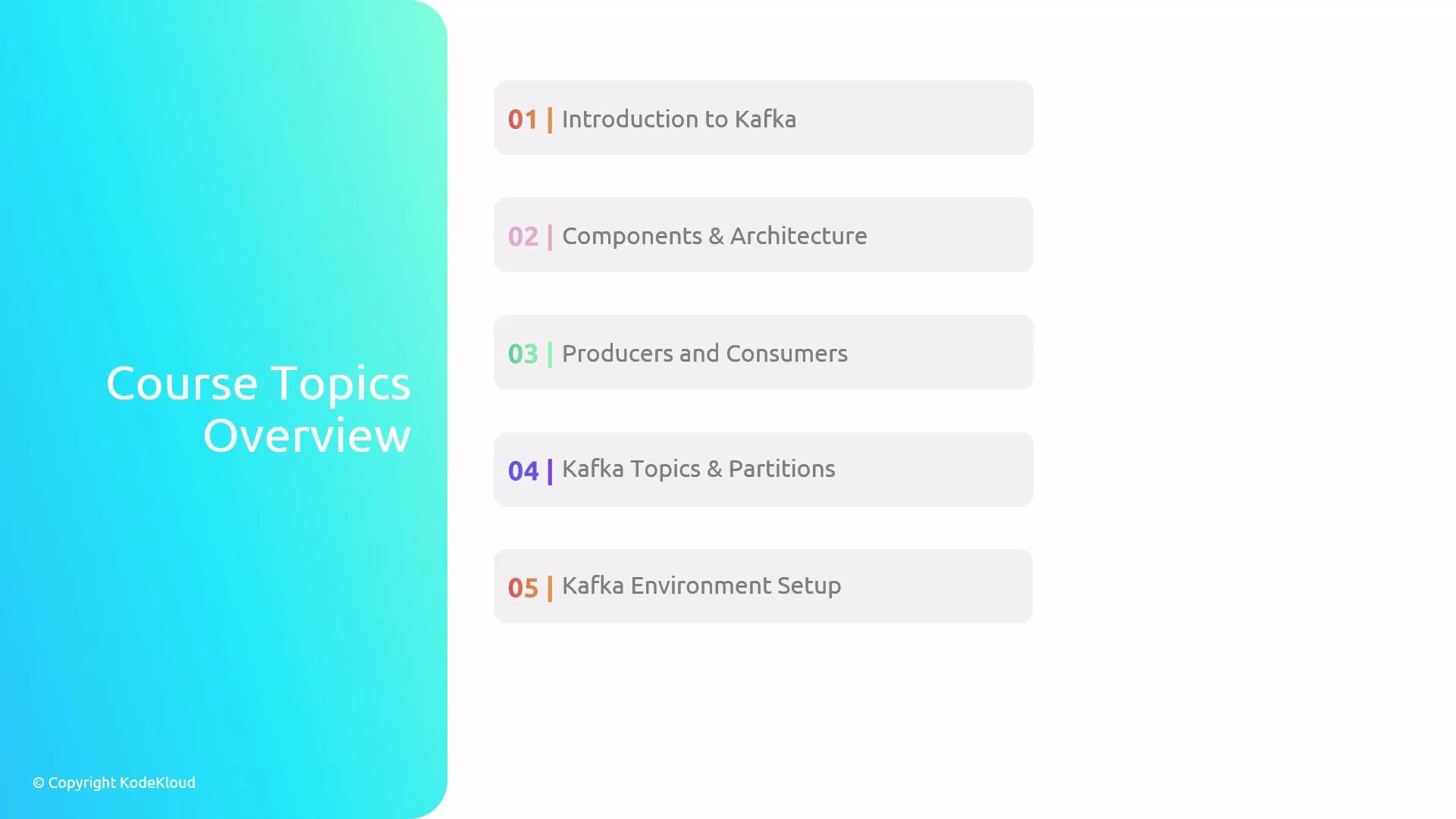
- How Apache Kafka fits into real-time data pipelines and streaming architectures.
- Core Kafka components: brokers, producers, consumers, topics, and partitions.
- Building and running basic Kafka producer and consumer applications.
- Configuring Kafka brokers and creating topics for a local development environment.
- Hands-on experience sending and receiving messages through Kafka topics.
Use the Overview tab for course material and background context. Use the Tasks tab as your step-by-step workbook. Each lab includes an embedded terminal that you’ll use to run commands. If you get stuck, open the Hint or Solution tab; use the Check button to validate tasks and progress.
- Each lab is self-contained with an Overview, Tasks, Hint, and Solution.
- The Overview explains concepts and prerequisites; Tasks provide explicit steps to complete in the embedded terminal.
- Progress is tracked via the Check button; completing tasks validates your understanding and unlocks the next steps.
Quick terminal commands you may use in labs
- Start the first lab in this lesson (Introduction to Kafka).
- Follow the Overview for concepts, then complete Tasks using the embedded terminal.
- Use Hint/Solution if needed, and run the Check step to confirm completion.
- Apache Kafka documentation: https://kafka.apache.org/documentation/
- Confluent Kafka resources: https://www.confluent.io/resources/
- Kafka tutorials and examples: https://kafka.apache.org/quickstart