

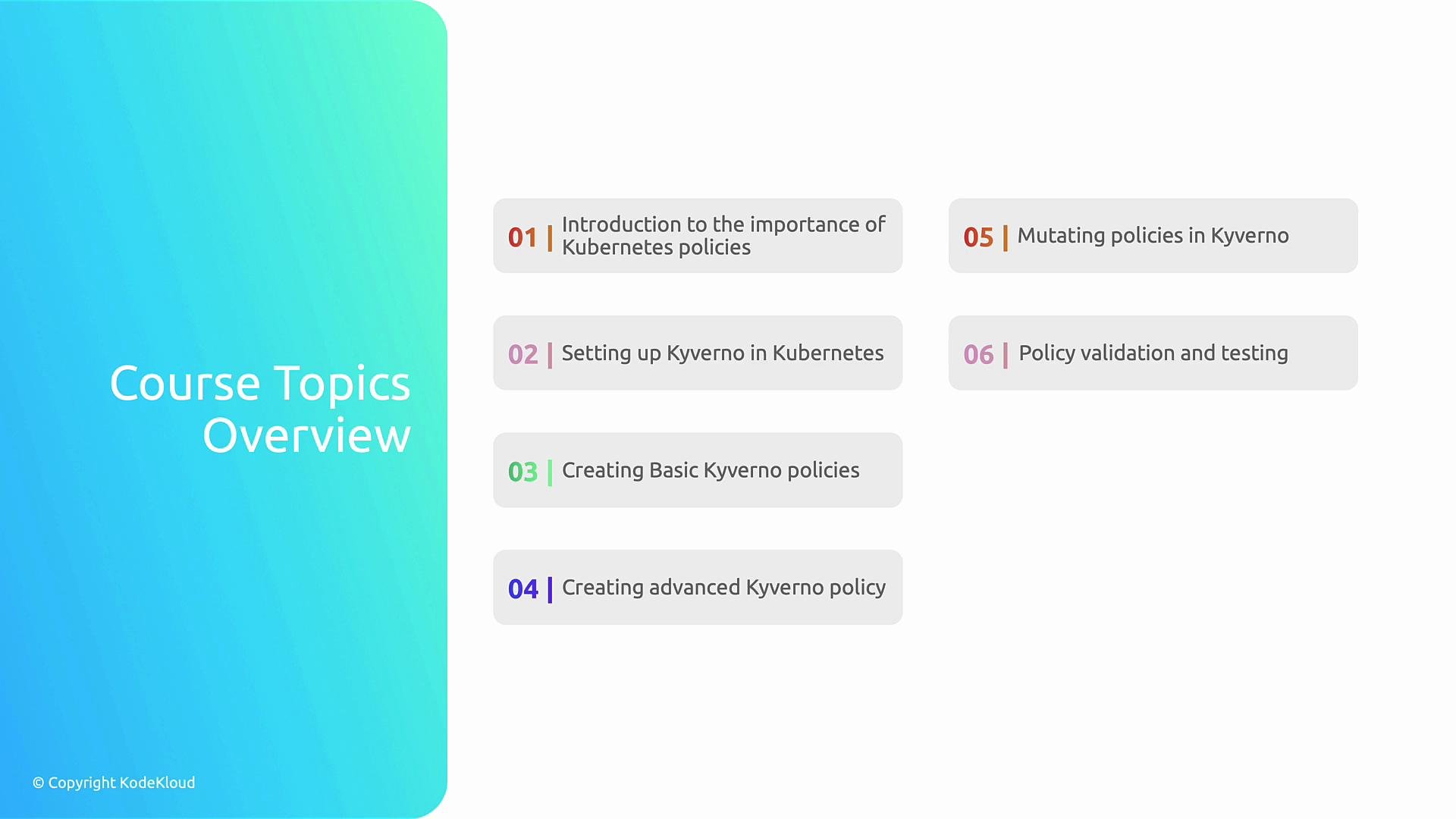
- Install and configure Kyverno in a Kubernetes cluster.
- Write validation and mutation policies.
- Test and iterate on policies safely.
- Apply advanced patterns and enforce organizational compliance.
- Open the terminal using the terminal toggle icon in the lab UI. This provides an interactive shell connected to a live Kubernetes cluster.
- If you get stuck, use the Hint and Solution tabs.
- Use the Check button to validate task results and advance through exercises.
When using the default
nginx image in examples, use /bin/sh for an interactive shell because bash may not be available.The examples in this course sometimes run containers as
root for demonstration. Never run root containers in production—use least privilege and a proper securityContext.root-pod.yaml and apply it to inspect the container filesystem:
Finally, you will complete a Kyverno policy challenge that consolidates the lessons into a practical scenario.
- Kyverno documentation: https://kyverno.io/
- Kubernetes documentation: https://kubernetes.io/docs/
- Getting started with Kyverno: https://kyverno.io/docs/quickstart/