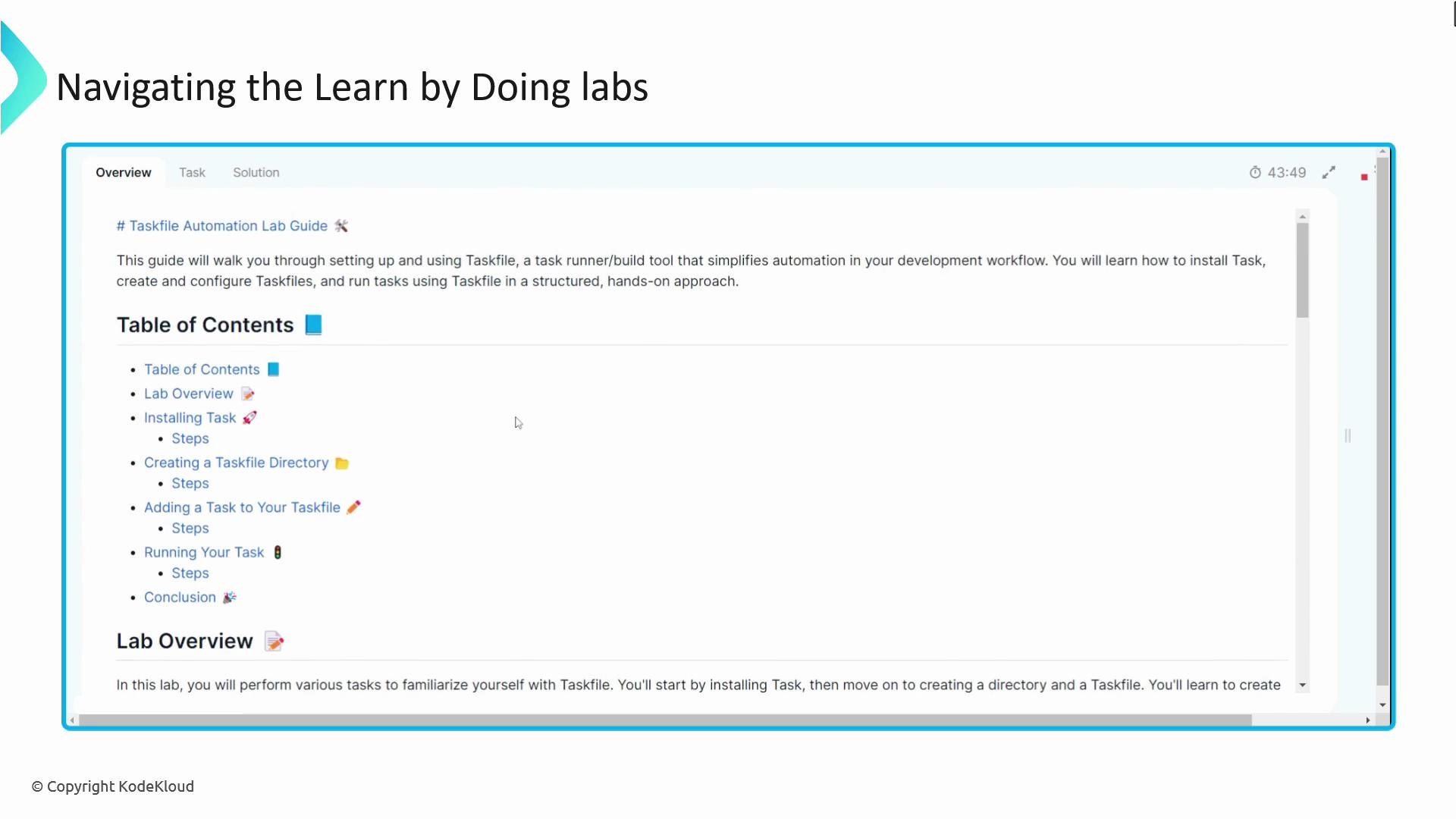
Welcome to the Learn by Doing course: “Automation for CI/CD using Taskfile.” I’m Rishang Bhavsar, and along with Vijin Palazhi, we’ll guide you through a practical, hands-on journey to automate common CI/CD and local development tasks using Task and Taskfile. This course is crafted for DevOps engineers, system administrators, and cloud professionals who want a lightweight, portable alternative to Makefiles for scripting and pipelines.
The image shows a "Navigating the Learn by Doing labs" guide with a menu including table of contents items such as installing tasks and creating a Taskfile directory.
What you’ll practice
  • Build reusable Taskfile templates to standardize development and CI/CD workflows.
  • Use the Task CLI to run, compose, and debug tasks locally and in pipeline environments.
  • Apply Taskfile features—variables, dependencies, concurrency, platform-specific runs, file fingerprinting, and templates—to real-world automation scenarios.
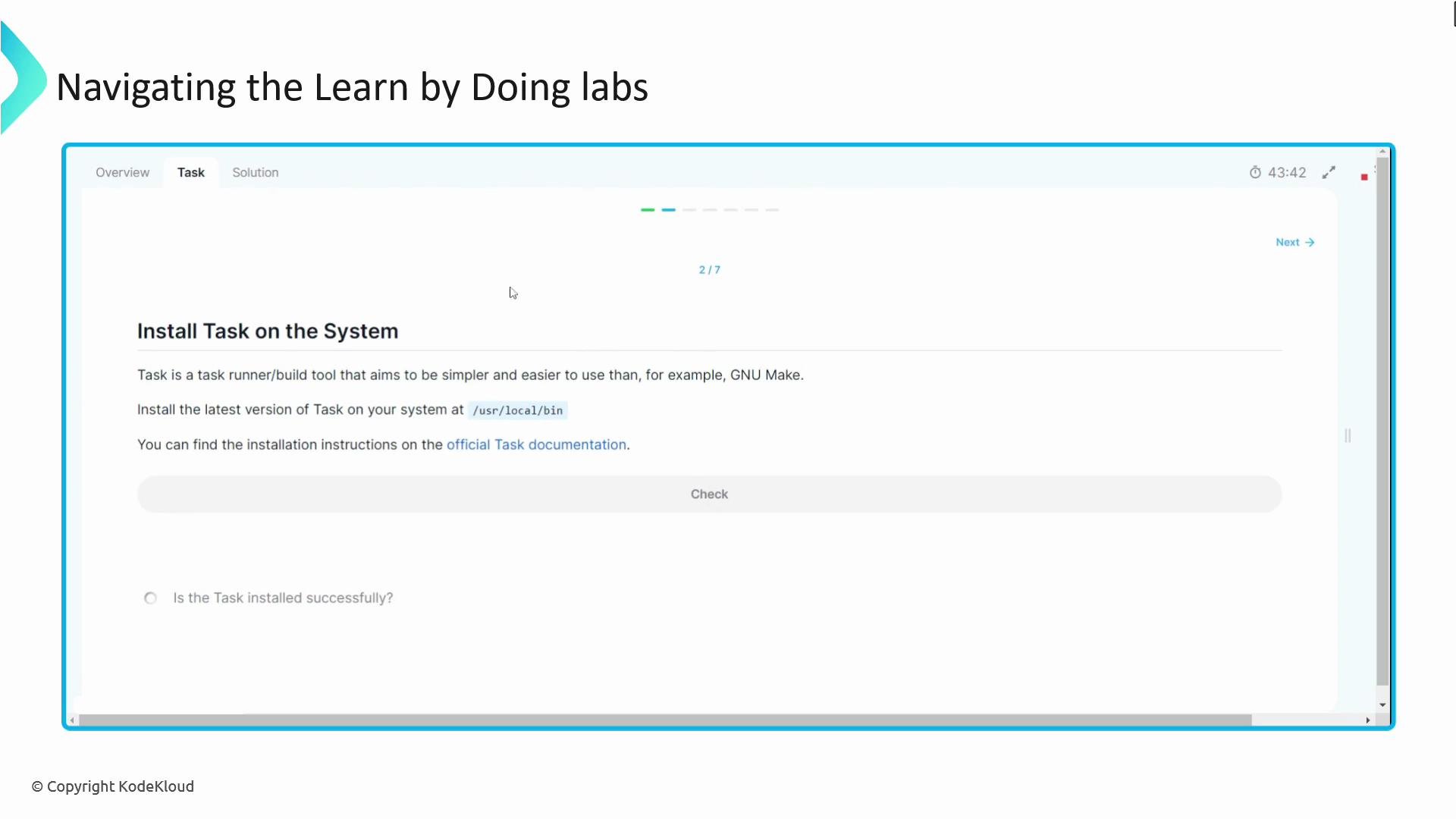
The labs are interactive, step-by-step, and include workbooks that present tasks in sequence. Each lab shows the course material by default so you always have the reference available while you work.
The image shows a tutorial page instructing users on installing a task runner tool on their system, with navigation tabs and a progress indicator.
An embedded terminal is provided for all hands-on exercises. Use it to run the Task CLI, author Taskfiles, and validate your solutions. If you get stuck, hints and solutions are available for every lab, and validation tools let you verify that tasks ran correctly before moving on.
If you haven’t installed Task yet, run the installer below. This downloads and runs the official Task installer and installs the binary (the example below installs to /usr/local/bin).
Only run remote installation scripts you trust. Review the installer script at https://taskfile.dev/install.sh before executing it on production or sensitive systems.
How the labs are organized
  • Each lab contains a clear objective, prerequisites, and a step-by-step workbook.
  • Tasks build on previous lessons so you gradually move from simple Taskfile examples to full CI/CD integration.
  • Validation checks and sample solutions help confirm learning outcomes.
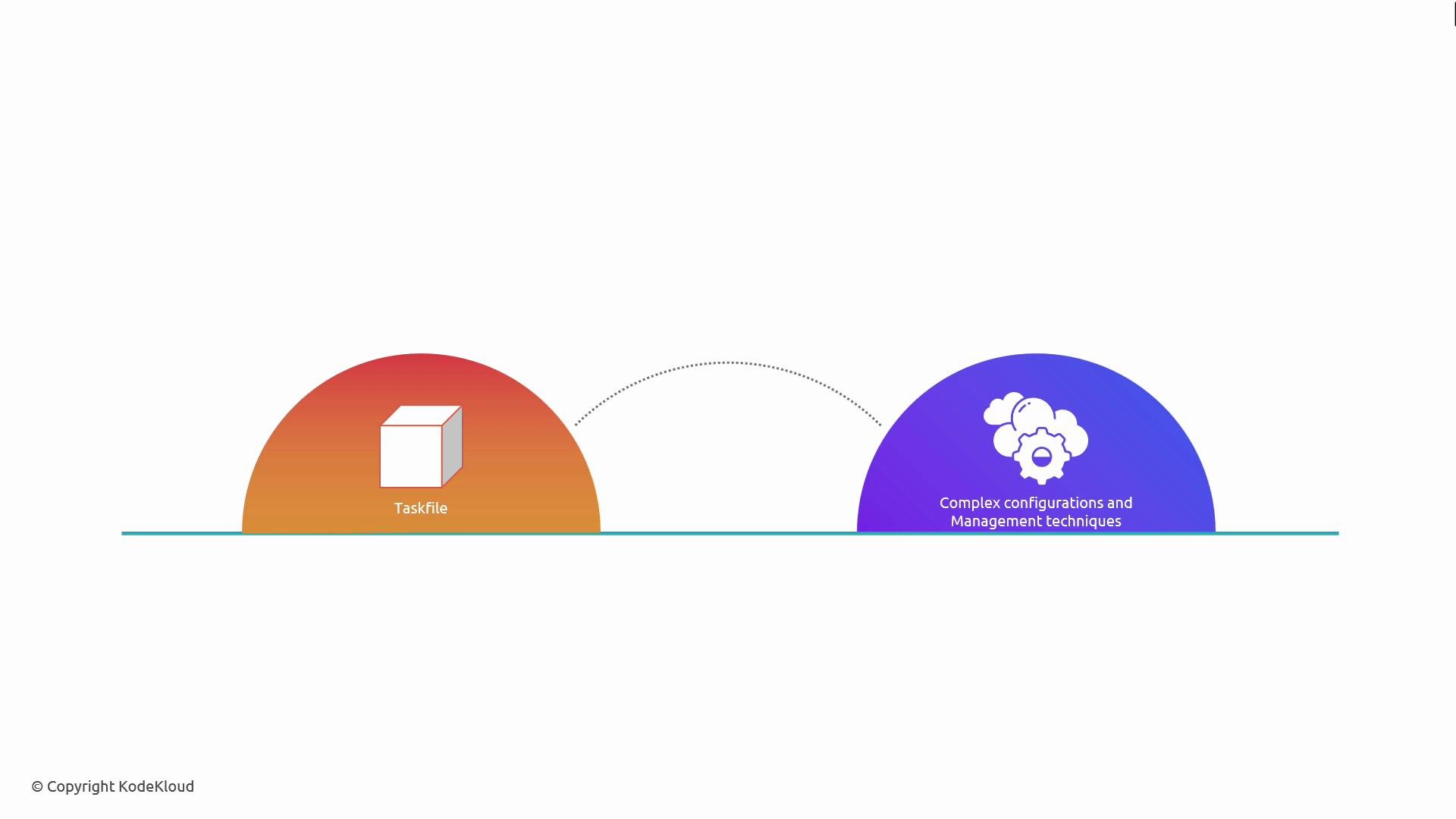
Course outline (at a glance)
The image depicts two semicircles connected by a dotted arc. The left semicircle shows a cube with the label "Taskfile," while the right semicircle has icons of clouds and gears labeled "Complex configurations and Management techniques."
By the end of this course you’ll be able to:
  • Create Taskfiles that reduce boilerplate in CI/CD pipelines.
  • Use Task templates to standardize builds, tests, and deployment steps across teams.
  • Integrate Taskfile into popular CI/CD platforms to achieve consistent, reproducible automation.
Ready to get started? Proceed to the first lesson and create your first Taskfile. Happy automating! Links and references

Watch Video