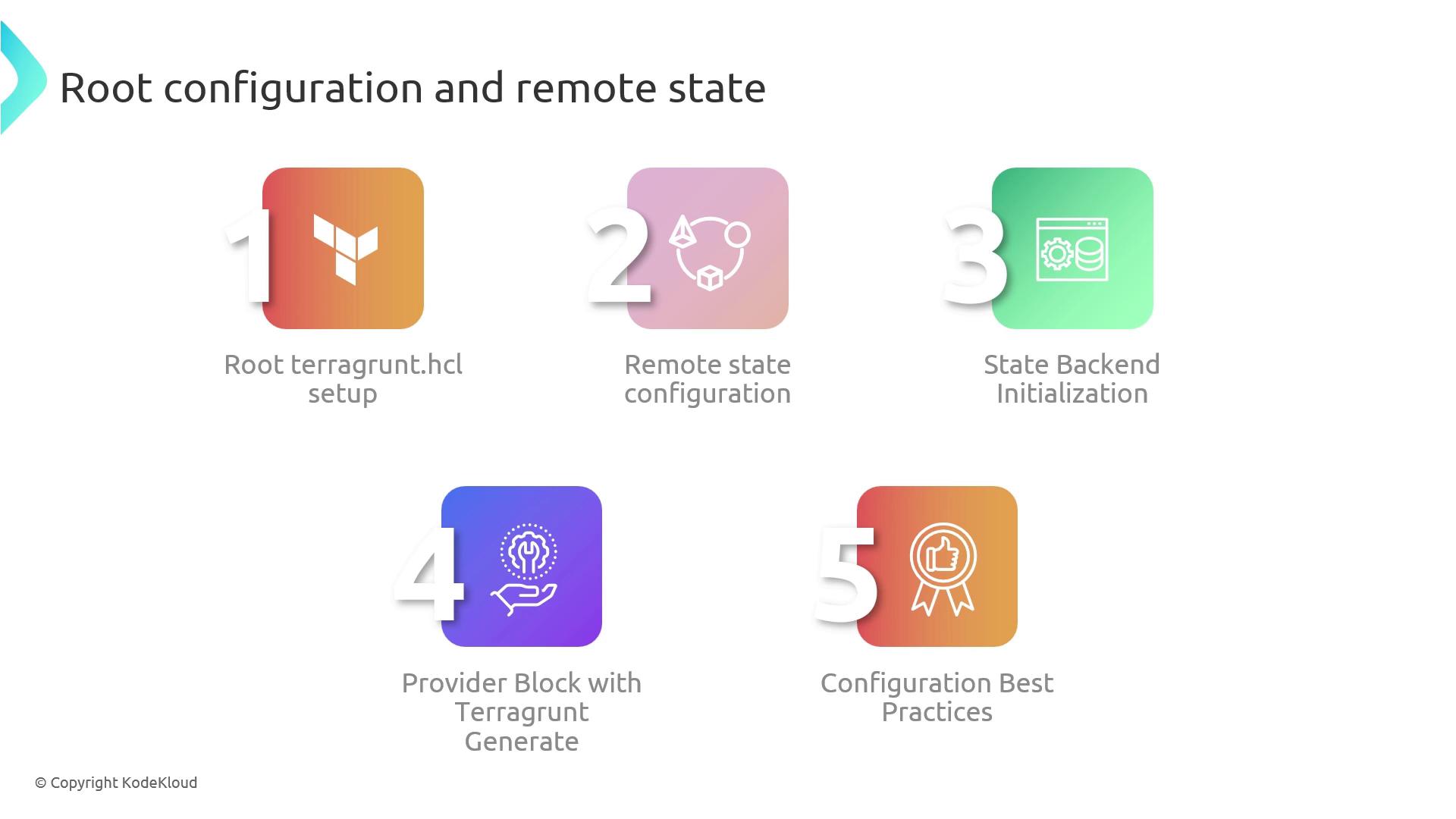
terragrunt.hcl file acts as the single source of truth for your entire infrastructure, while remote state ensures safe, consistent deployments across teams.
Overview of Root terragrunt.hcl
Your root configuration defines global variables, backends, and provider settings. Terragrunt then propagates these definitions into each module directory, reducing duplication and drift.
Key benefits:
- Centralized state locking and storage
- Consistent provider versions and regions
- Easier maintenance and onboarding
1. Remote State Backend Setup
Use theremote_state block in your root terragrunt.hcl to specify where Terraform will store its state:
| Parameter | Description | Example |
|---|---|---|
| backend | Remote state backend type | "s3", "gcs" |
| bucket | Name of the S3 (or GCS) bucket | "my-terraform-state" |
| key | Path within the bucket for the state | "envs/prod/terraform.tfstate" |
| region | AWS region where the bucket is located | "us-west-2" |
| dynamodb_table | DynamoDB table for state locking | "terraform-locks" |
| encrypt | Enable server-side encryption | true |
Terragrunt will initialize the backend automatically, but it won’t create the S3 bucket or DynamoDB table for you.
Ensure these resources exist beforehand.
Ensure these resources exist beforehand.
2. Initializing Remote State
Run the following command at the root to configure your remote backend and enable state locking:3. Provider Configuration via generate
To enforce a unified provider setup across modules, use the generate block:
providers.tf file in each subdirectory, ensuring all modules use the same AWS region and provider settings.
Using
Backup or merge custom provider configurations if necessary.
if_exists = "overwrite" will replace any existing providers.tf file in your module directories.Backup or merge custom provider configurations if necessary.
4. Terragrunt Best Practices
- Parameterize globally: Leverage root-level variables and
localsto adapt to multiple environments. - Document heavily: Add comments and examples in
terragrunt.hclto help team members onboard quickly. - Use dynamic blocks: Employ loops and conditional blocks for DRY configurations.
- Structure by environment: Group stages (dev, staging, prod) under separate folders for clarity.