

Why Use AWS S3 for Terraform Remote State?
- Durable and highly available storage with versioning
- Built-in encryption and access control via IAM policies
- Integration with DynamoDB for state locking to prevent race conditions
Terragrunt Approaches to Remote State
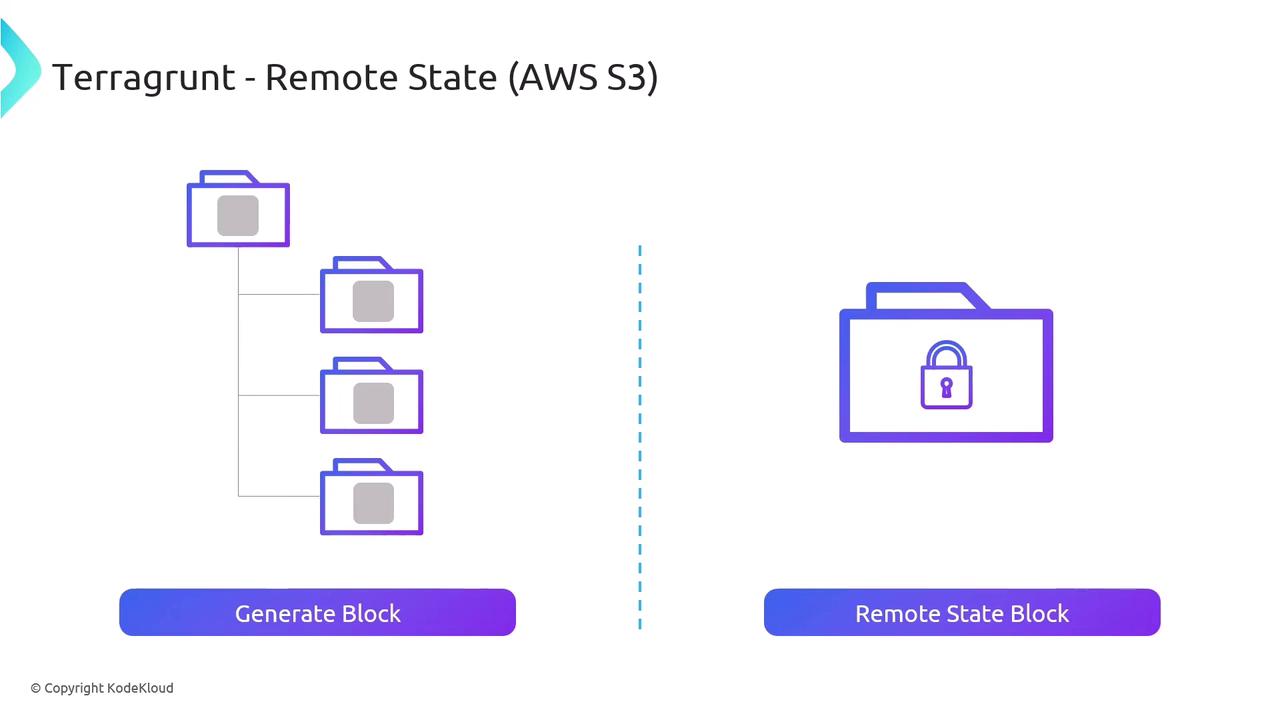
Terragrunt supports two strategies for configuring your S3 backend. Choose the one that aligns with your workflow and organizational standards:| Approach | Configuration Location | Pros | Cons |
|---|---|---|---|
| Generate Block | .tf files via generate | Highly customizable DRY Terraform modules | Additional generated files |
| Remote State | terragrunt.hcl via remote_state | Minimal module code Single source of truth | Less direct control over backend |
1. Generate Block
With thegenerate block, Terragrunt produces a Terraform file in each module directory. Define your S3 backend settings once, and Terragrunt will insert a backend "s3" block into every generated .tf file.
Example terragrunt.hcl snippet:
2. Remote State Block
Alternatively, theremote_state block in terragrunt.hcl encapsulates both the backend configuration and state locking. This method reduces Terraform code in your modules and centralizes state settings.
Example terragrunt.hcl snippet:
You cannot combine both
generate and remote_state approaches within the same project. Pick one strategy to avoid configuration conflicts.