

If you have not yet completed the Certified Kubernetes Administrator (CKA) preparation course, please complete it first. It contains the foundation, official mock exams, and Lightning Labs that will prepare you for this advanced mock exam series.
What this mock exam series covers
Each mock exam in this series is:- Comprehensive and challenging.
- Structured to reflect the real CKA exam weightages.
- Delivered across multiple Kubernetes clusters (four clusters total), with some clusters dedicated to specific knowledge areas.
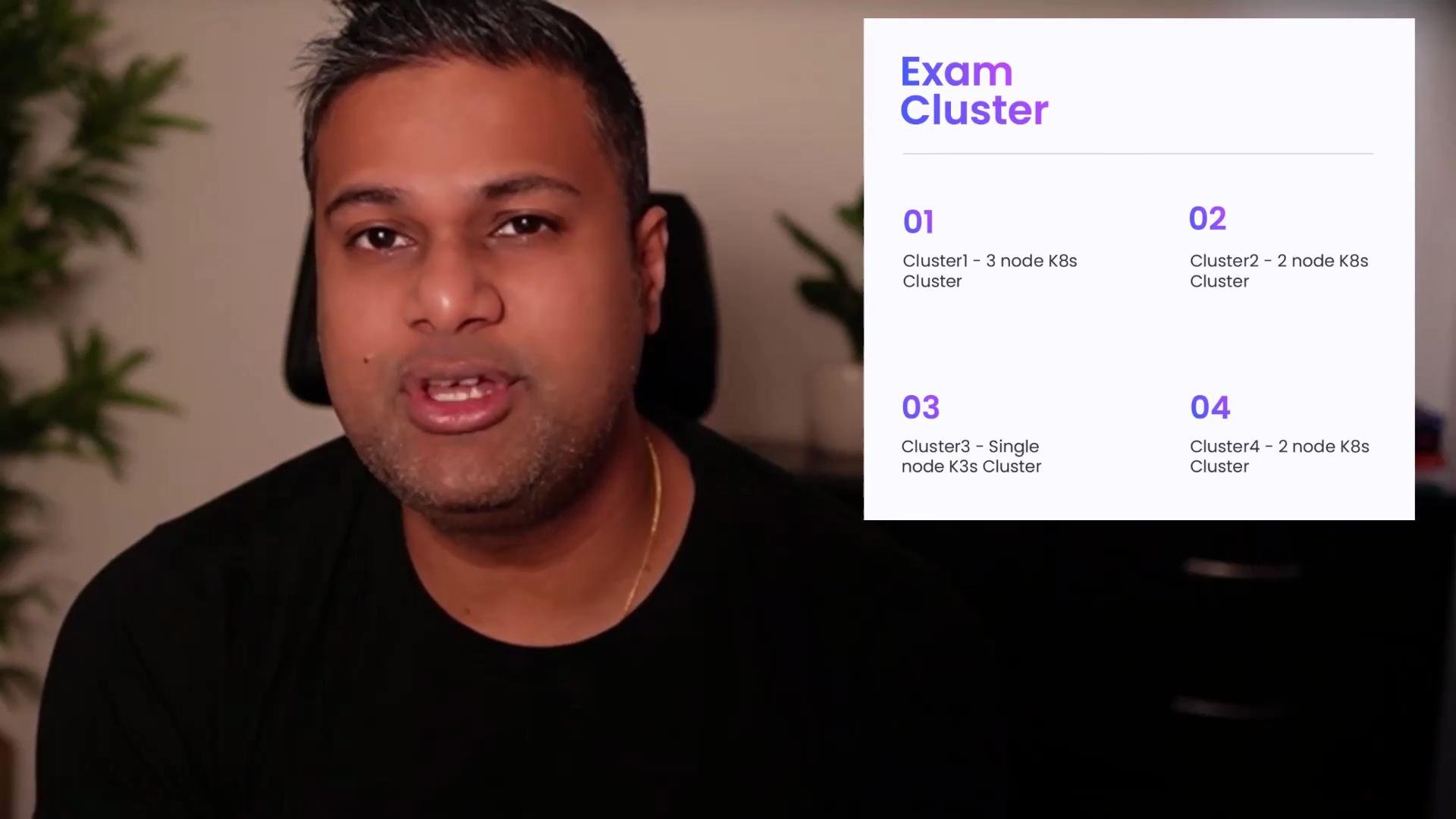
- Switch kubectl contexts to access any of the four clusters.
- SSH into individual nodes for deeper troubleshooting where required.
CKA domain breakdown (exam weightage)
Each mock exam respects these weightages to give you a realistic distribution of tasks.
Getting started with a lab
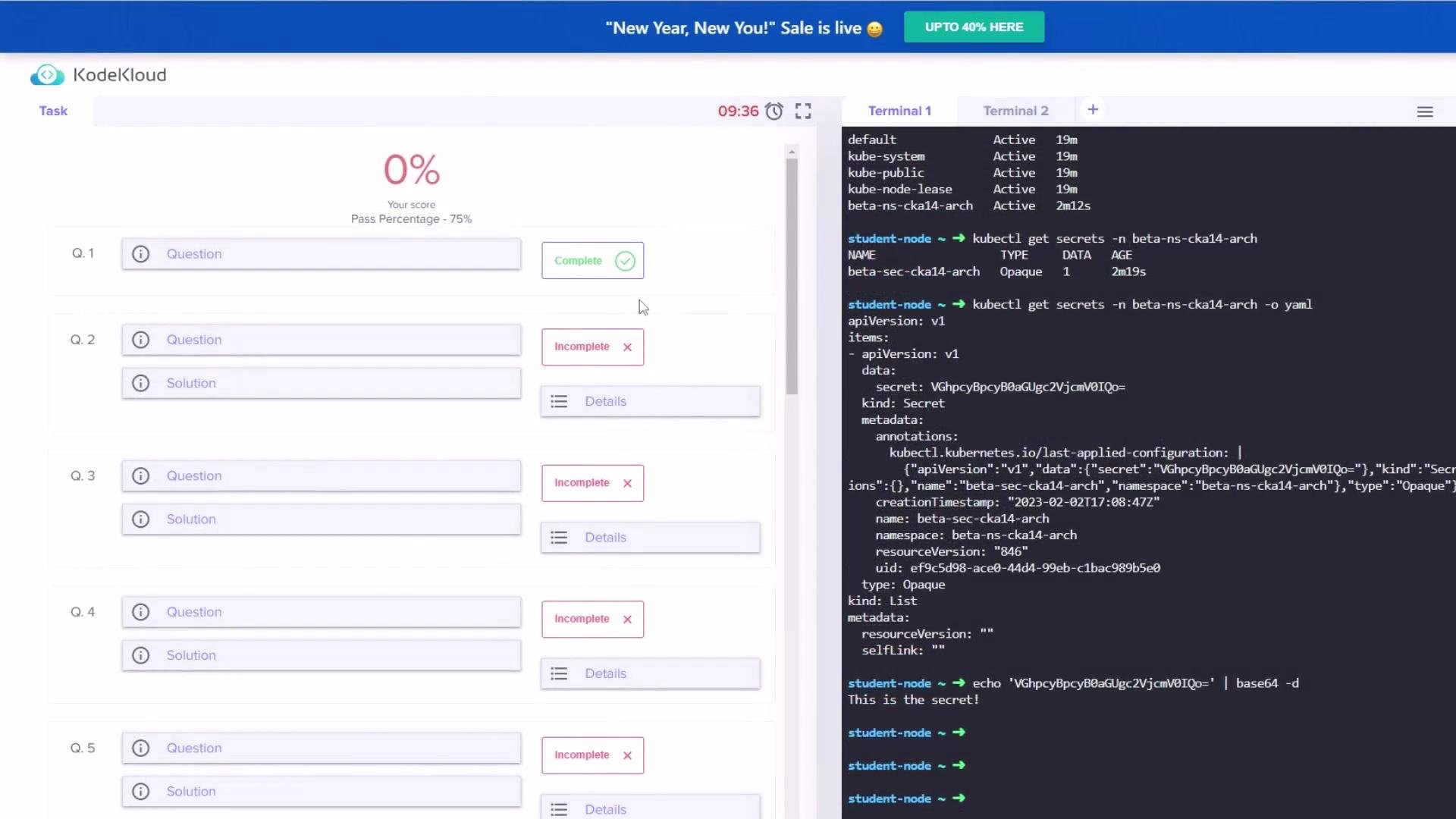
When you open a lab from this series, it should load within ~30 seconds (occasionally 1–2 minutes). Once the lab is loaded you will see the task list and the terminal / environment for the student node.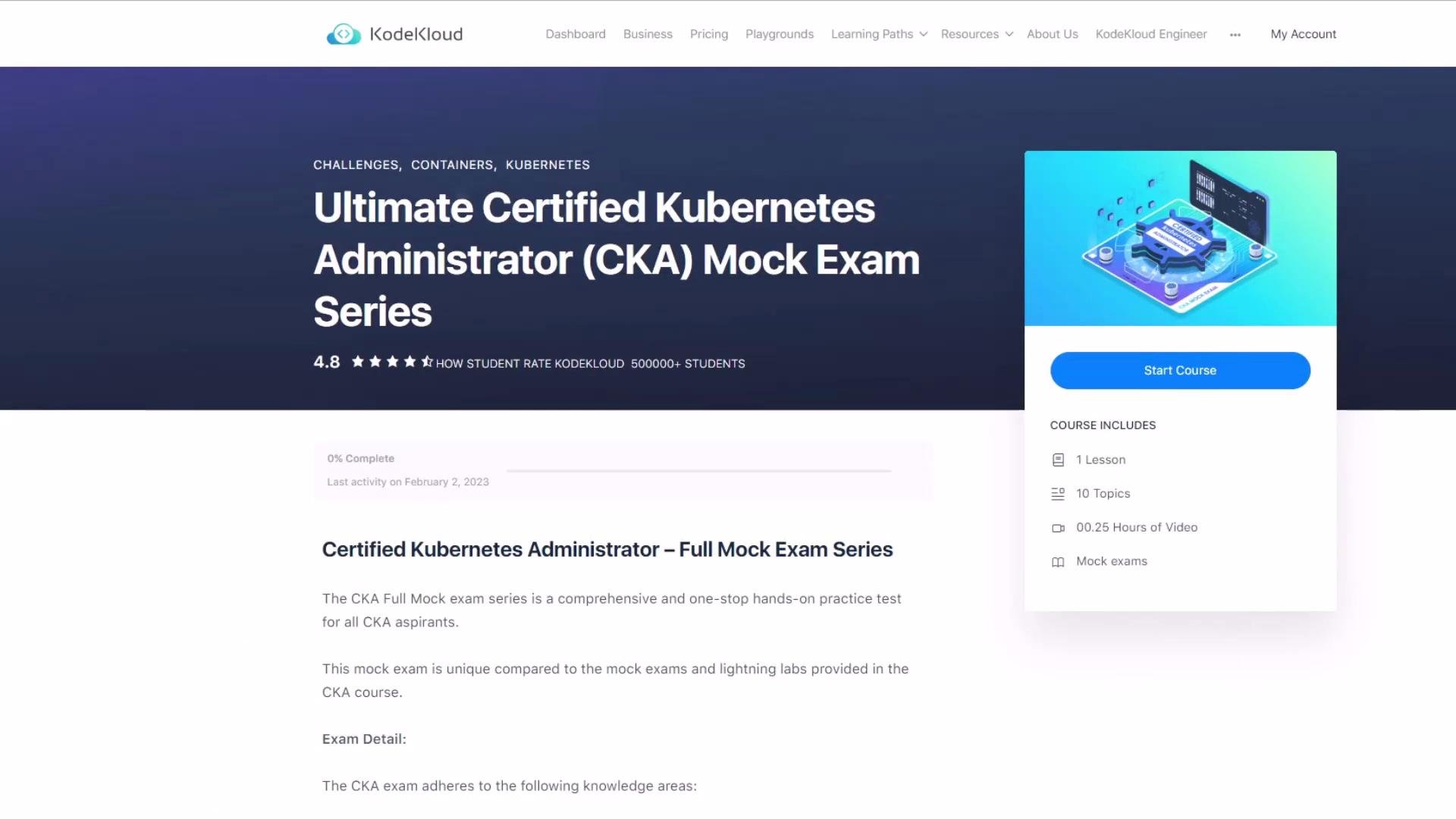
Common kubectl context and cluster commands
Switch to the required cluster context (example: cluster3):cluster1 by default. Example cluster descriptions you may encounter:
cluster1: two worker nodes (cluster1-node01,cluster1-node02)cluster3: single control-plane node (cluster3-controlplane, version 1.24 as of recording)
Typical task: decode a Secret and save it on the student node
A common exam task is to decode an existing Secret and save the decoded value to a file on the student node (for example,/opt/beta-sec-cka14-arch). A streamlined, reproducible approach:
- Ensure you are on the correct cluster/context:
- Confirm the namespace exists and list secrets in that namespace:
- View the Secret in YAML to see the base64-encoded data:
- Copy the base64 string shown under
data, then decode and redirect to the required file on the student node:
- Verify the file contents:
Useful secret inspection variants
- To decode a specific key from the Secret without saving:
<key> with the secret data key from the YAML output.
Navigating multiple questions and sections
You can scroll between questions in the lab interface just like any online mock exam. However:- The exam is time-boxed. If you exceed the allotted time, the exam will end automatically and be validated.
- You may click the “End Exam” button at any time to trigger immediate validation and view your score.
Always monitor your remaining time. Unfinished tasks will be marked as incorrect when the exam ends (manually or due to timeout).
Example walkthrough snippets
A few sample commands you may see or use during the lab:- Switch context and monitor logs:
- Create a ServiceAccount, ClusterRole, ClusterRoleBinding, and validate permissions (RBAC practice):
- A simple keep-alive loop you might use while debugging locally:
Best practices for taking these mock exams
- Always set the indicated kubectl context before starting a question.
- Read each task carefully: note the namespace, resource names, and exact file paths required (e.g.,
/opt/...). - Use
kubectl -n <namespace> get ...and-o yaml/-o jsonpathfrequently to inspect current state. - When decoding base64 strings, redirect output to the exact path specified by the task.
- Keep an eye on the clock and prioritize higher‑weighted tasks first.
Links and references
- Certified Kubernetes Administrator (CKA) preparation course — KodeKloud
- Kubernetes Documentation
- Basic kubectl reference:
kubectl --help