

- The CKAD focuses on application-centric tasks built for Kubernetes and covers five primary domains. Below is a concise breakdown of the domains and their approximate weightings:
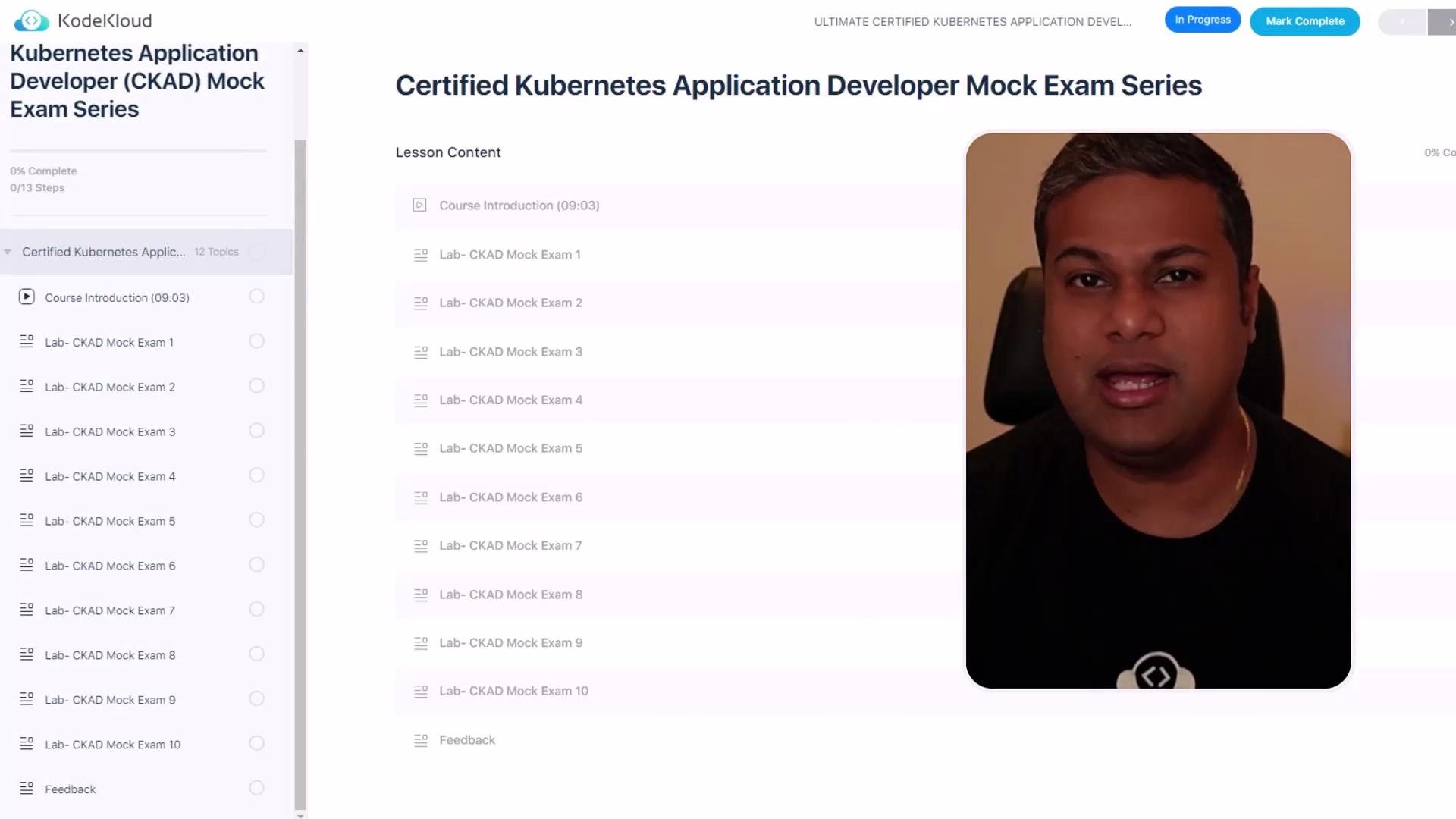
This mock exam series closely simulates the official CKAD: tasks are curated by KodeKloud experts, the environment is timed, and the labs emphasize hands-on problem solving.
- You can interact with up to three Kubernetes clusters during an exam.
- Each mock exam contains 20 questions. While specific questions may vary between attempts, the total number and format remain consistent.
- Every question displays its knowledge area and the assigned weight (for example, 4%), so prioritize your time by question weight.
- Navigation is via Next Question and Back Question buttons.
- You have up to two hours to complete the exam.
- Use kubectl to change contexts when a task requires a different cluster. Example:
The exam environment simulates the real CKAD experience: multiple clusters, time limits, and weighted questions. Practice switching contexts and reading each question’s weightage before you begin.
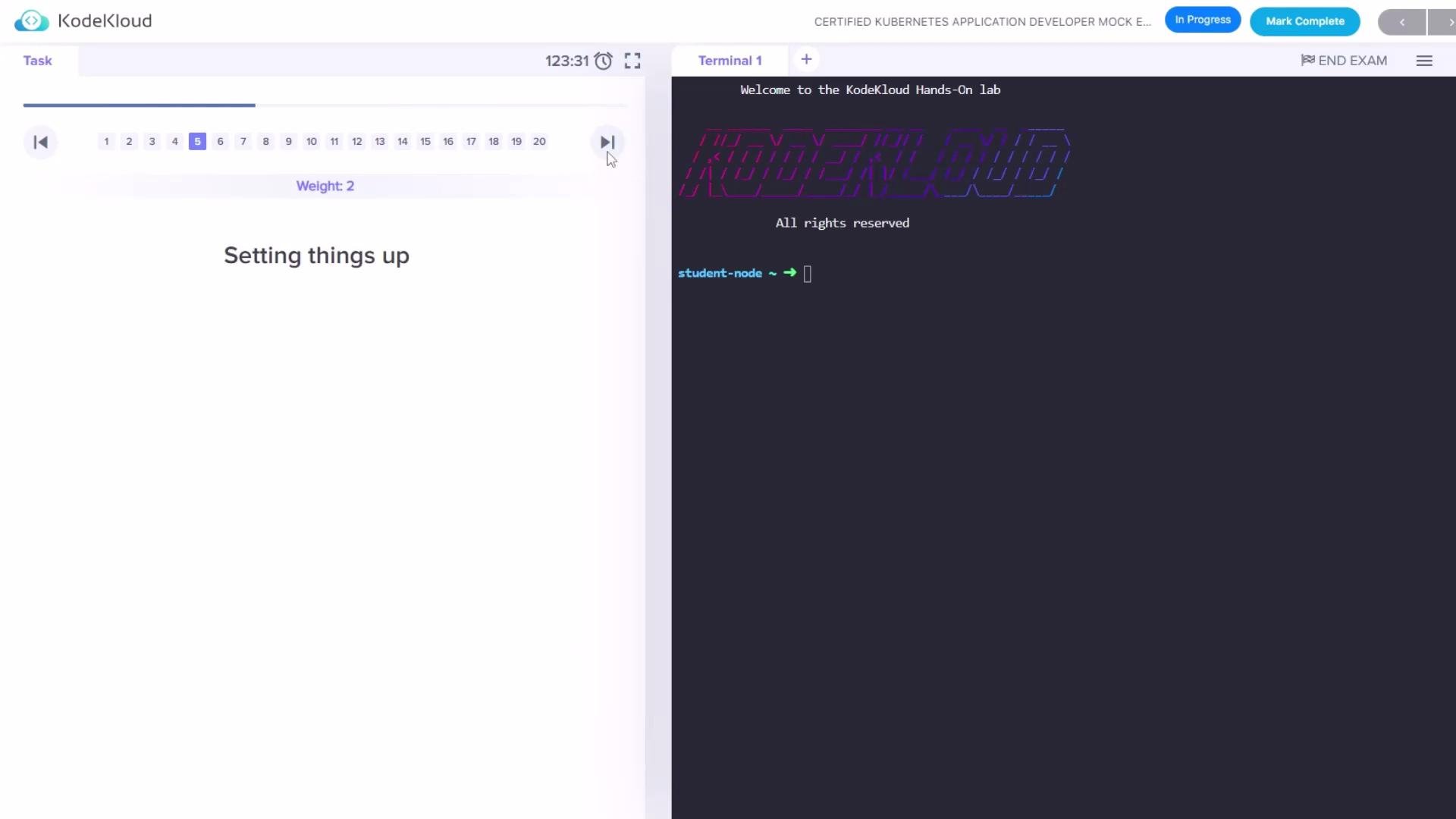
- To submit your attempt, click the End Exam button. The system validates your answers automatically.
- The platform provides solutions and feedback for any questions you answered incorrectly so you can review and learn from mistakes.
- Minimum passing score for the mock exam is 66%.
Time management is critical. Review each question’s weight and attempt higher-weight questions first. Remember: the mock exam enforces the same time pressure and cluster context switches as the real CKAD.
- Ensure you’re comfortable switching kubectl contexts.
- Read each question fully and note the weight percentage.
- Allocate time to high-weight questions first.
- Keep an eye on the timer and use navigation to move between questions efficiently.