Welcome. In this lesson we cover Infrastructure as Code (IaC) fundamentals for Site Reliability Engineers (SREs): what IaC is, why it matters, essential practices, tooling, testing, policy as code, a real-world Terraform example (IAM users), CI/CD patterns, drift detection, and remediation strategies. At its core, Infrastructure as Code (IaC) is the practice of treating infrastructure the same way you treat application code: store it in version control, make changes via pull requests, review and test them, and apply changes in a repeatable automated workflow. This shifts infrastructure from a manual, error-prone process into a reliable, auditable, and testable pipeline. Historically, teams provisioned infrastructure by SSHing into hosts, editing config files, restarting services, and hoping nothing broke. That approach leads to infrastructure drift — live systems that diverge from the documented or desired state, and no reliable audit trail of who changed what. IaC reverses that model: declare your desired state in code, review changes through Git workflows, run automated checks and previews, and apply updates with tooling (Terraform, CloudFormation, etc.). The result: consistent environments, auditable changes, and the ability to test updates before they reach production.
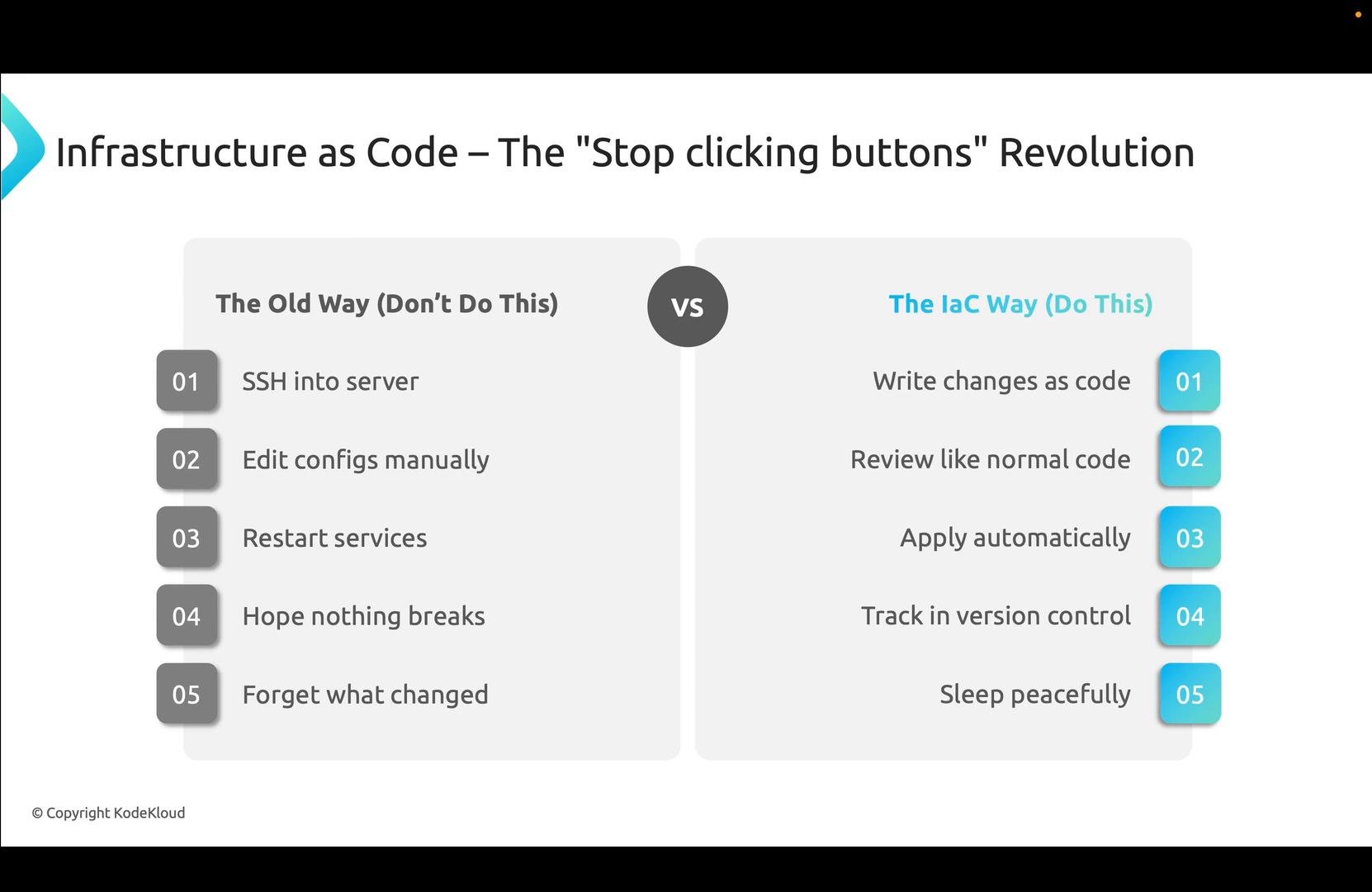
A presentation slide titled "Infrastructure as Code — The 'Stop clicking buttons' Revolution."It compares the old manual workflow (SSH into server, edit configs, restart services, hope nothing breaks, forget what changed) with the IaC approach (write changes as code, review, apply automatically, track in version control, sleep peacefully).

Why SREs adopt IaC

  • Eliminate snowflake servers — provisioned resources are consistent and reproducible.
  • Predictable disaster recovery — rebuild environments from code.
  • Auditability — Git history provides a trace of who changed what and when.
  • Safer deployments — preview and test infrastructure changes before applying them, reducing incidents and on-call interruptions.
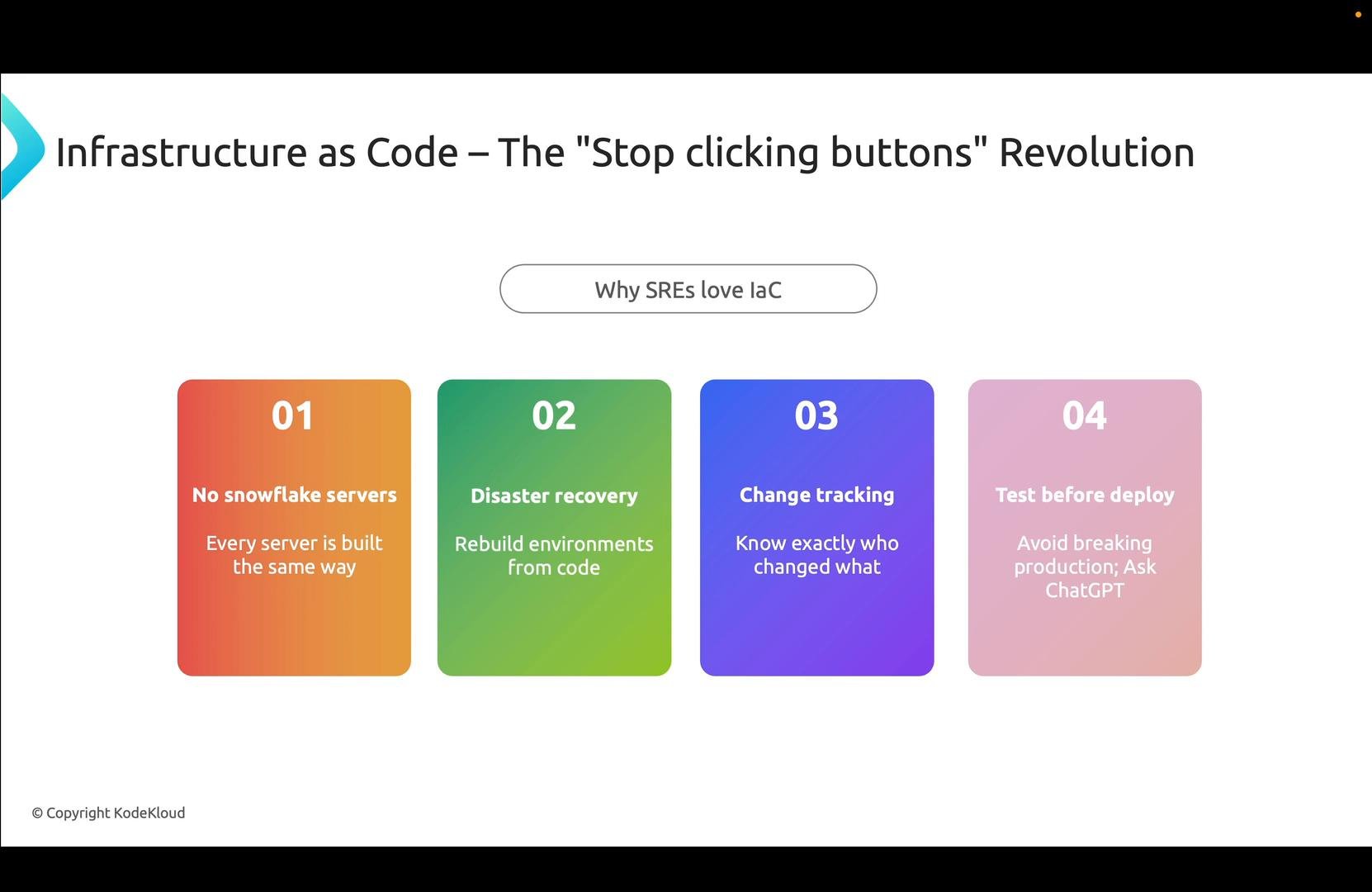
A presentation slide titled "Infrastructure as Code — The 'Stop clicking buttons' Revolution" showing four colored cards listing IaC benefits for SREs: no snowflake servers, disaster recovery, change tracking, and test before deploy. A rounded button in the center reads "Why SREs love IaC."
Use the right tool for the job: provisioning, configuration management, or policy enforcement. Below is a quick reference.
A slide titled "Key IaC Tools" showing logos of popular infrastructure-as-code tools. The logos shown are Terraform, OpenTofu, Pulumi, AWS CloudFormation, Ansible, Chef, and Puppet.

IaC best practices (practical checklist)

  • Version control everything. If it isn’t in Git, it effectively doesn’t exist — avoid manual cloud-console changes.
  • Use variables and parameterization instead of hard-coded values to support multiple environments.
  • Create reusable modules and follow DRY (Don’t Repeat Yourself) patterns.
  • Treat infrastructure changes like application code: require pull requests, peer review, and automated checks (lint, security scans, tests).
  • Isolate secrets and store them in secure vaults or CI/CD secrets (never in source).
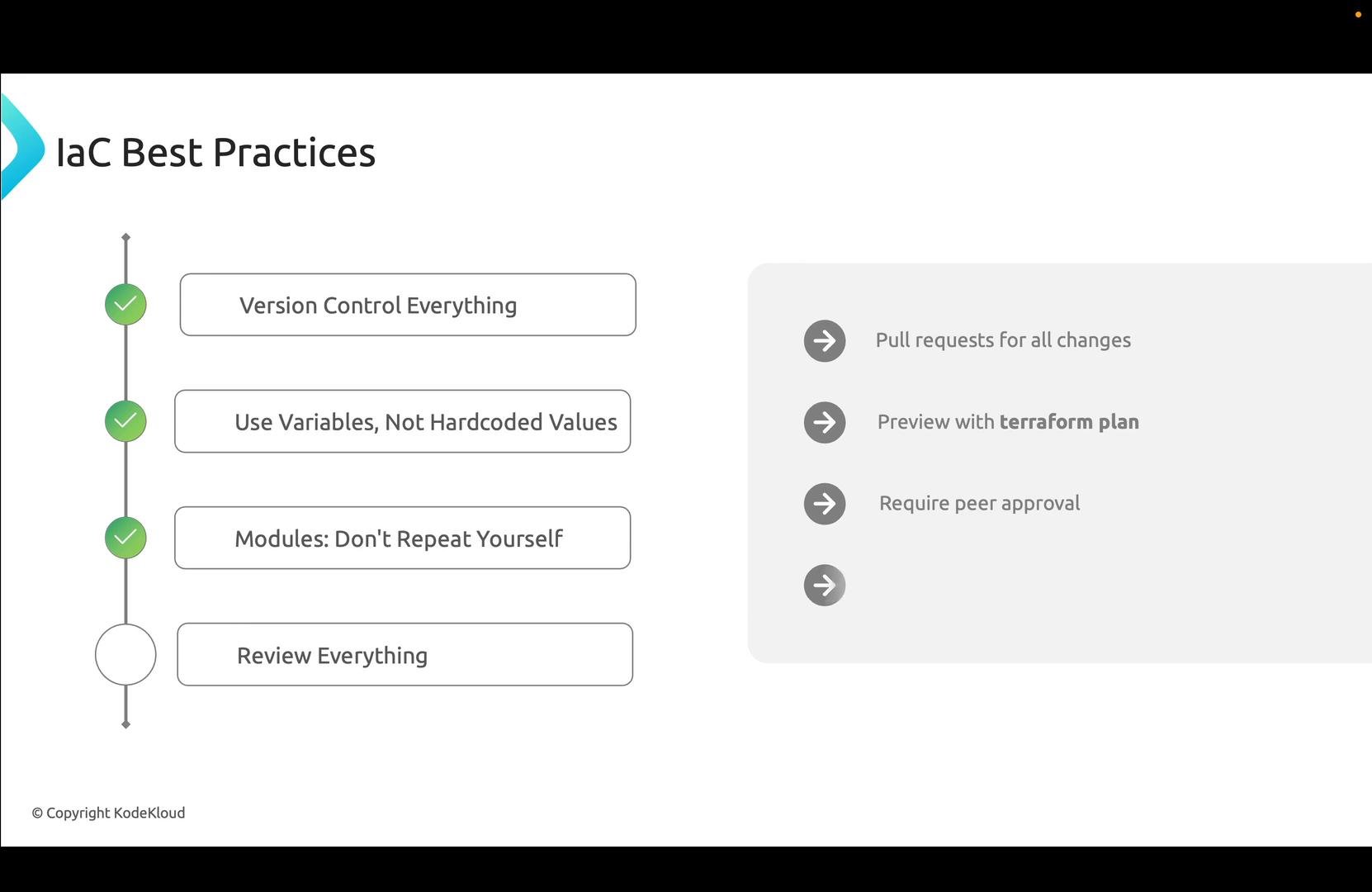
Example: keep Terraform code in Git instead of console changes:
A presentation slide titled "IaC Best Practices" listing items like "Version Control Everything," "Use Variables, Not Hardcoded Values," "Modules: Don't Repeat Yourself," and "Review Everything." A right-hand panel notes using pull requests, previewing with terraform plan, and requiring peer approval.

Testing infrastructure changes

Infrastructure must be validated like application code. Integrate local checks and CI pipeline scans. Common local commands: Example local usage:
CI/CD pipelines should run these steps automatically on PRs and block merges when checks fail. Example GitHub Actions workflow that runs plan and a security scan:

Policy as code

Encode guardrails so issues are caught before any apply step runs. Policy-as-code tools like Open Policy Agent (OPA) and HashiCorp Sentinel can prevent unsafe changes (for example: deny publicly-readable S3 buckets, require backup tags on critical resources, or block production-affecting changes without explicit approvals).

Real-world example: automating AWS IAM user creation

Manual IAM user creation at scale is error-prone: missing MFA, inconsistent policy attachments, or different tags across accounts. IaC lets you define users in variables, iterate to create them, attach managed or inline policies, and enforce consistent metadata (tags, MFA enforcement via policy, etc.).
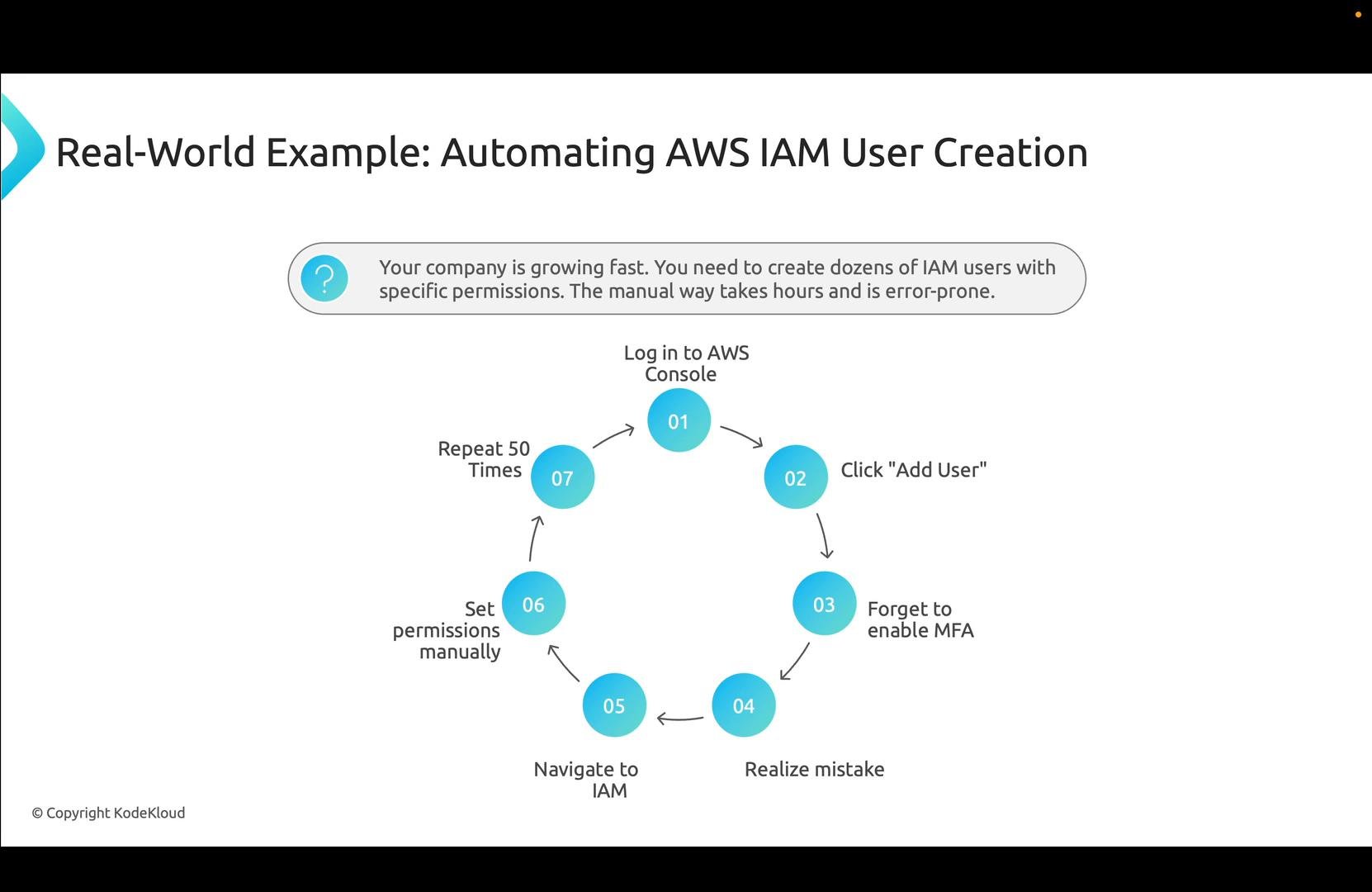
A presentation slide titled "Real-World Example: Automating AWS IAM User Creation" showing a seven-step circular workflow that describes the repetitive manual steps for creating IAM users (log in, add user, forget MFA, fix permissions, repeat). A callout notes the company is growing and the manual process is time-consuming and error-prone.
Example Terraform patterns for IAM users
  1. Structured variable for users:
  1. Create users dynamically and tag them:
  1. Attach a managed policy example:

Repository walkthrough (summary)

The sample repo (KodeKloud Records Terraform Infrastructure) demonstrates these concepts: remote state in S3, modular IAM user creation, and CI/CD workflows for plan/apply/destroy. Clone or fork the repo to follow along. Top-level Terraform configuration (remote state and S3 backend excerpt):
Module usage and inline policy (module inputs excerpt):
Example tfvars:
Module implementation excerpt (modules/iam-user/main.tf):

GitHub Actions to apply Terraform

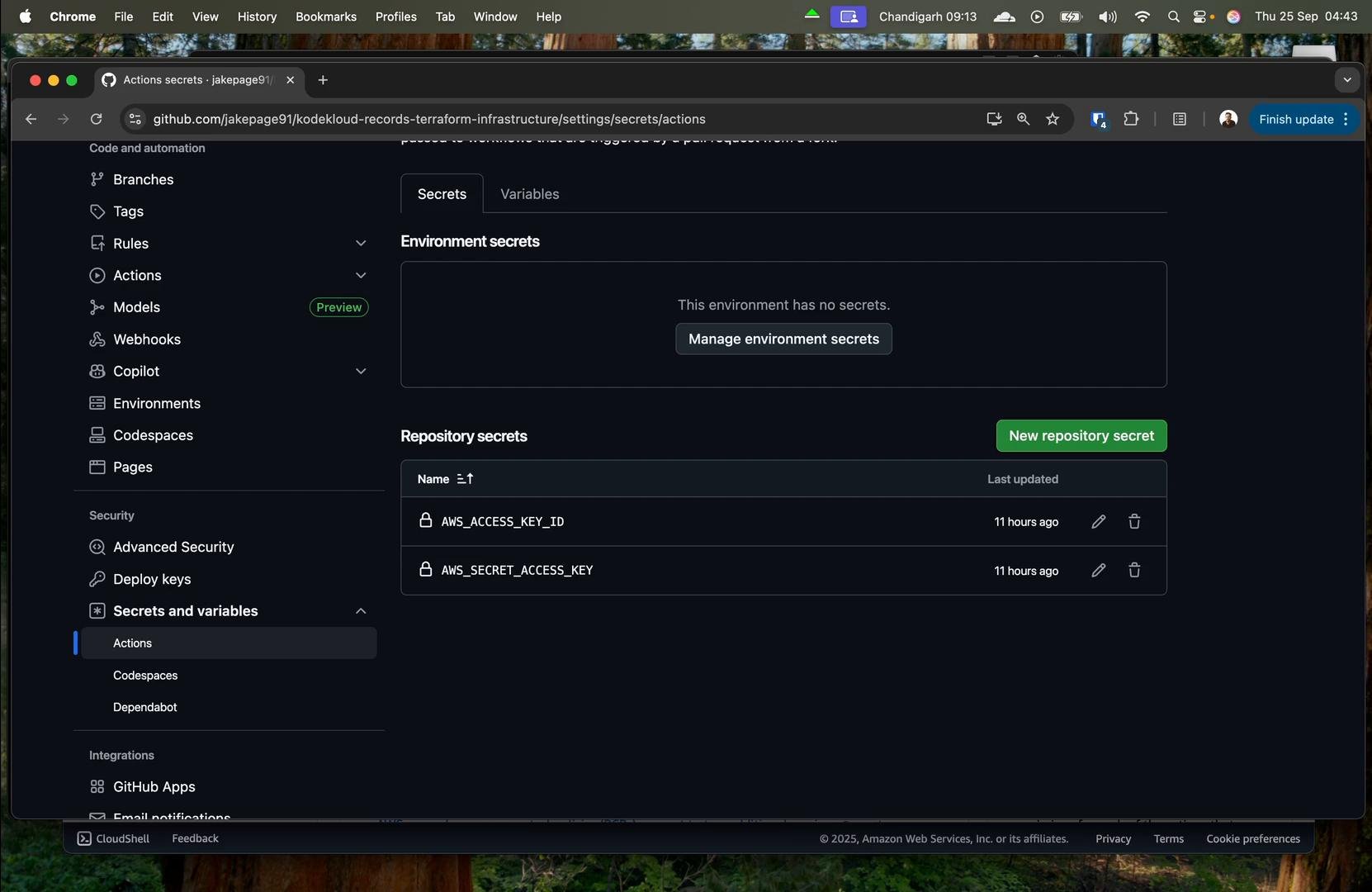
Store AWS credentials as repository secrets and give the CI user least privilege required for the workflow. Use a workflow that checks out code, sets up Terraform, runs init, and applies. Example apply workflow (trigger on specific branches):
Store credentials in GitHub repository secrets and never commit them to the repo. Grant the CI user least privilege needed for the workflow.
The lesson repo includes an apply workflow and a separate destroy workflow you can run manually when you need to tear down resources.
A screenshot of a GitHub repository's Settings > Secrets and variables > Actions page. It shows no environment secrets and two repository secrets named AWS_ACCESS_KEY_ID and AWS_SECRET_ACCESS_KEY with a "New repository secret" button.
After pushing a branch that triggers the apply workflow, Terraform will create the IAM users defined in your variables. The example run created several users as shown in the IAM console.
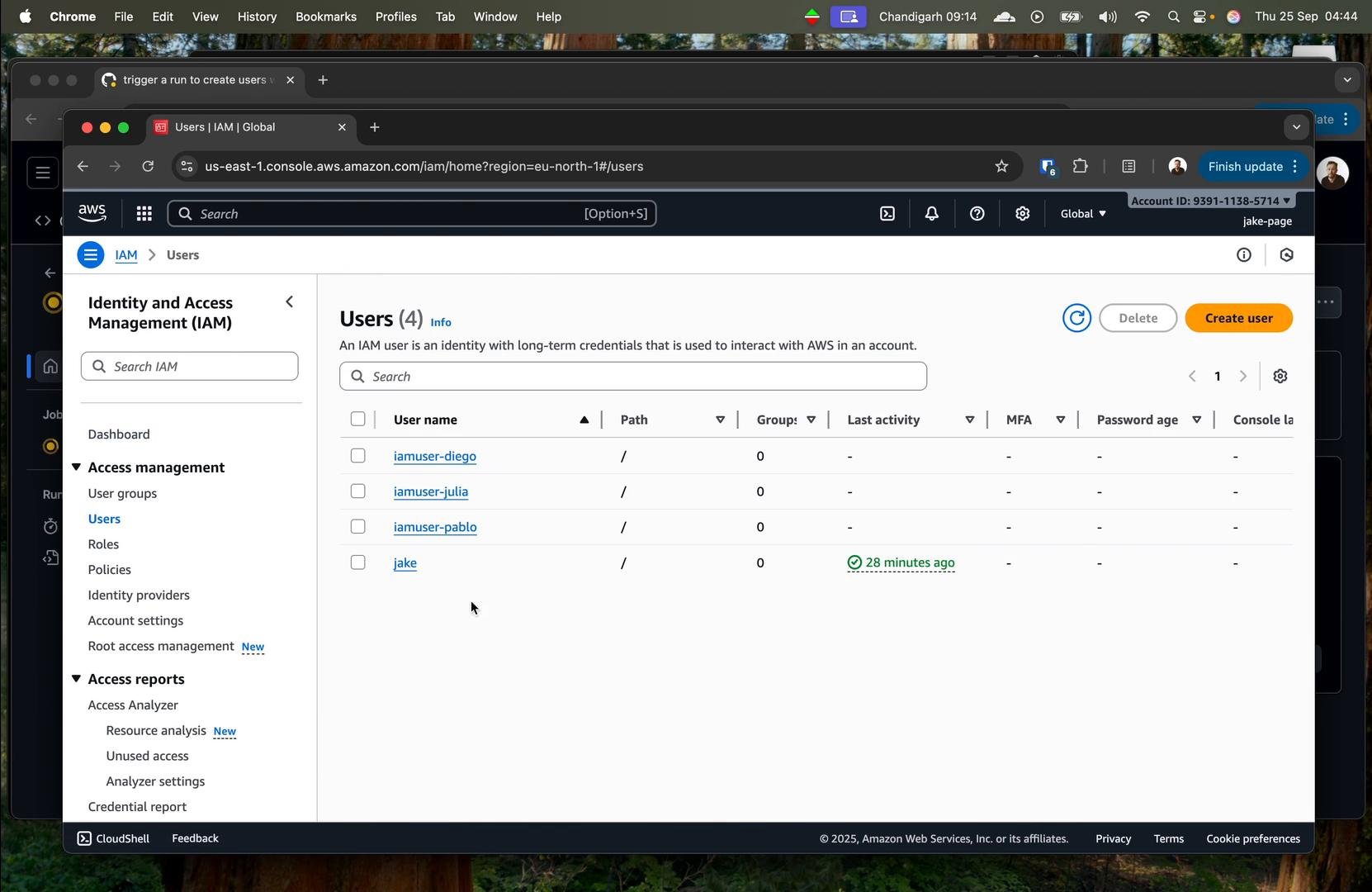
A screenshot of the AWS Identity and Access Management (IAM) console showing the Users page with four accounts listed (iamuser-diego, iamuser-julia, iamuser-pablo, and jake) and the left-hand navigation menu. The interface shows user details like path, groups, and that the user "jake" had activity 28 minutes ago.
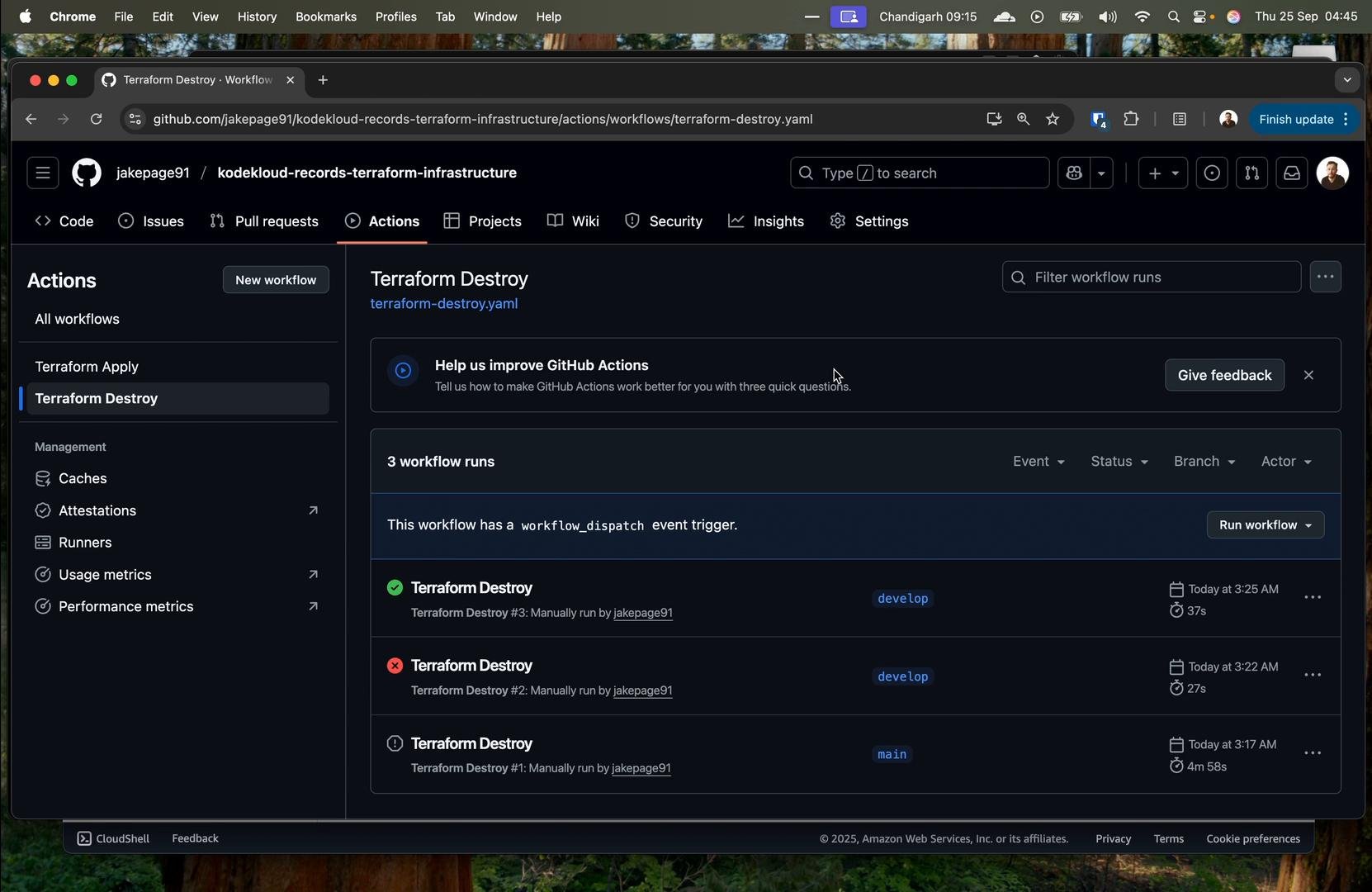
There is also a “Terraform Destroy” workflow for cleaning up test resources when you’re done.
A dark-mode GitHub Actions page for the repository "jakepage91/kodekloud-records-terraform-infrastructure" showing the "Terraform Destroy" workflow and a list of three recent workflow runs with their statuses and branches.

Infrastructure drift: detection and remediation

A common challenge is infrastructure drift: live infrastructure that no longer matches code. Example: someone urgently grants CloudWatch access in the AWS console instead of updating Terraform — the configuration diverges.
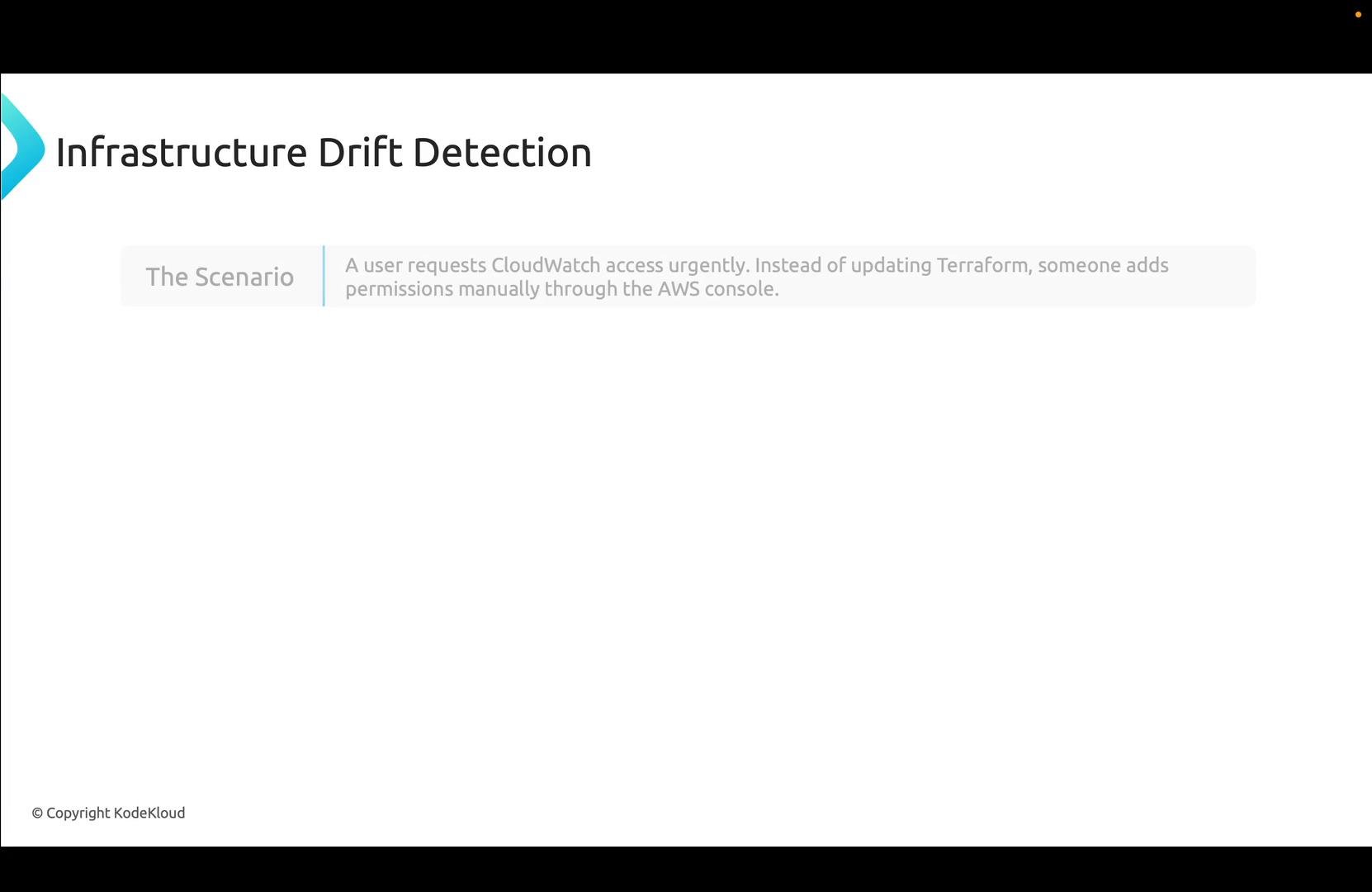
A presentation slide titled "Infrastructure Drift Detection" that describes a scenario where a user urgently needs CloudWatch access and someone grants permissions manually in the AWS console instead of updating Terraform.
Detect drift
  • Run terraform plan against the live environment. Terraform compares real resources to the state file and highlights differences.
  • Integrate periodic drift detection (scheduled CI jobs) to detect drift proactively.
Fixing drift — three options
  1. Accept the manual change by updating your IaC (recommended when the manual change is valid).
    Example: Add CloudWatch permissions in Terraform:
  1. Reject the manual change and restore the declared state:
  1. Import the manually-created resource into Terraform so it becomes part of the managed state:
Whichever path you choose, keep code and infrastructure in sync to ensure reproducibility and reliability.

Closing notes

This lesson covered IaC fundamentals for SREs: why IaC matters, tooling, best practices, testing and CI/CD, policy as code, an IAM automation example, and drift detection/remediation. Configuration management (Ansible, Chef, Puppet) is a complementary topic focused on ensuring consistent software and runtime configuration across fleets and should be studied alongside IaC for full-stack reliability.

Watch Video