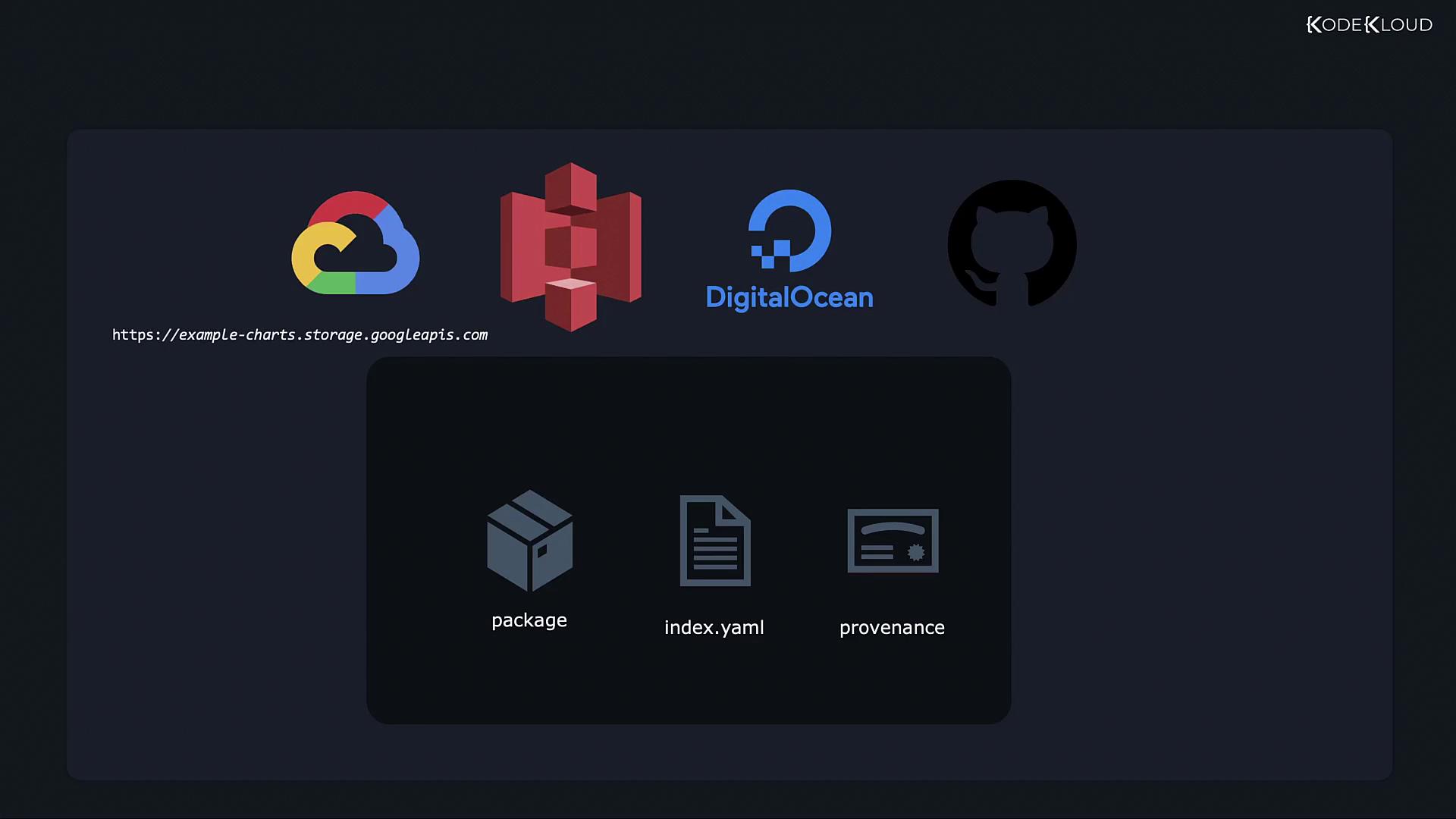
- Packaged Chart: In our example, the
nginx-chart-0.1.0.tgzfile created during the packaging process. - Index File (index.yaml): This file contains metadata about available charts, including checksums, descriptions, and URLs. Helm reads this file when you add a repository using the
helm repo addcommand. - Provenance File (.prov): This file, generated during signing, enables users to verify the cryptographic signature and ensure the integrity and authenticity of the chart.
.tgz) and its provenance file (.prov). The remaining component to generate is the index.yaml file. Follow the steps below to create it:
Generating the index.yaml File
-
Verify Existing Files
Ensure you have the necessary files in your working directory. Running the following command lists your chart directory contents:
-
Create a Directory for Chart Files
Create a new directory to store your packaged chart and provenance file. For example, name the directory
nginx-chart-filesand copy the necessary files into it: -
Generate index.yaml Using Helm
Use the
helm repo indexcommand to create theindex.yamlfile. Be sure to specify the correct URL for your chart repository with the--urlflag:After the command completes, theindex.yamlfile will appear inside thenginx-chart-filesdirectory. This file is critical because it tells Helm where to download charts and lists all available chart entries. Below is an example snippet from anindex.yamlfile:
Uploading Your Helm Chart
With your packaged chart, provenance file, andindex.yaml ready, you can now upload them to your desired chart repository. This repository could be hosted on your own web server or via a cloud service provider such as:
- Google Cloud Storage
- Amazon S3
- DigitalOcean Object Storage
- GitHub Pages
-
Add the Repository to Helm
-
List Configured Repositories
Confirm the repository addition by listing all repositories:
-
Install the Chart
Finally, install the chart using the Helm install command:
Ensure that the URL provided in the
--url flag during index generation and in the Helm repository command is accessible to users and correctly points to your storage location.