

- Installation and quick start with Helm
- Helm architecture: how charts, repositories, releases, and revisions fit together
- Chart authoring: templates, functions, pipelines, conditionals, and
withblocks - Advanced templating:
rangeand hooks - Packaging, signing, and uploading charts to repositories
- Hands-on practice through short labs to reinforce each topic
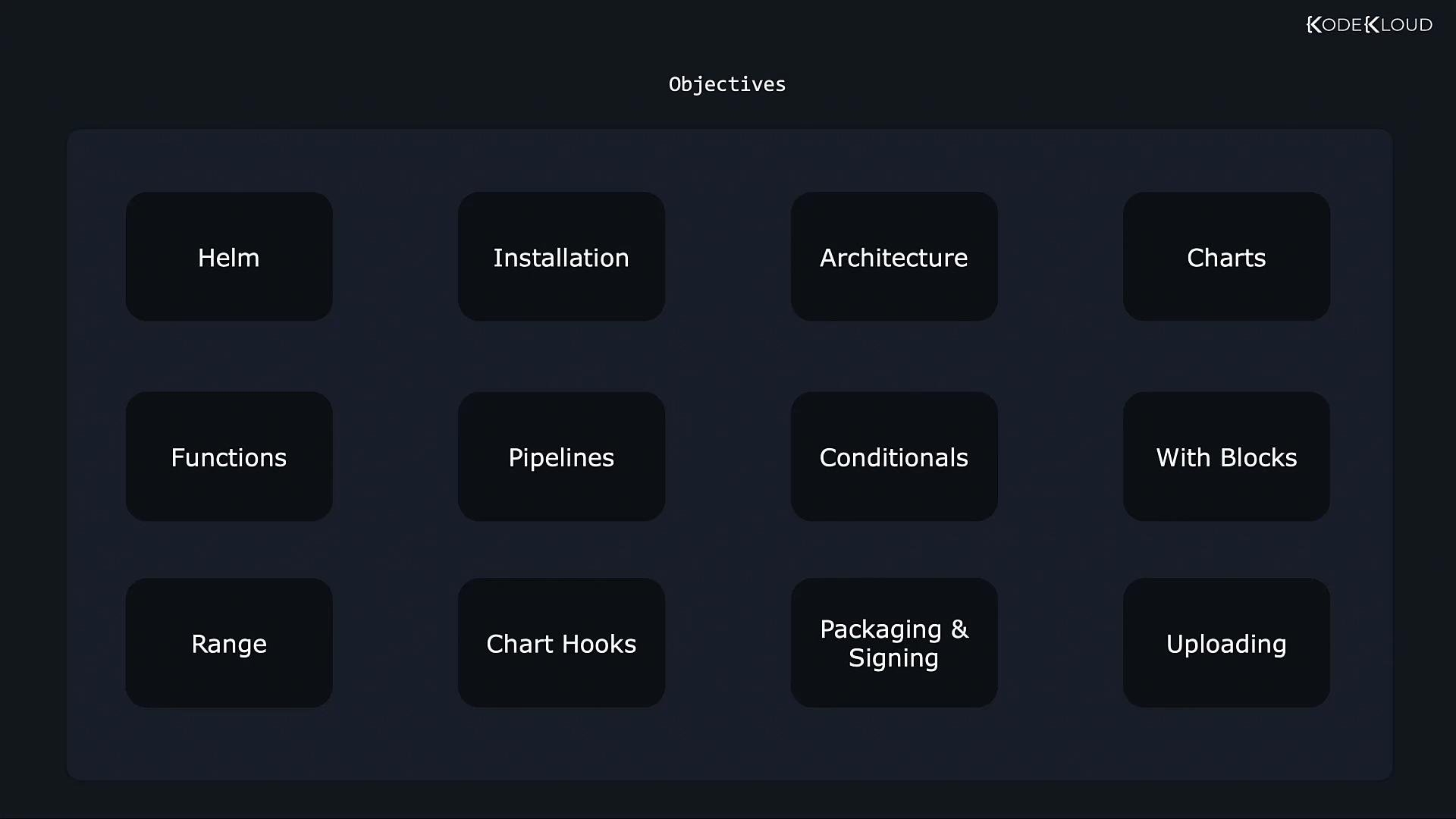
- Start: install Helm and perform a quick deployment to verify your setup.
- Core concepts: explore Helm’s components — charts, releases, repositories, and revision history.
- Chart development: build charts from scratch and learn templating idioms that make charts expressive and reusable.
- Advanced templating: dive into
range, hook mechanisms, and lifecycle control for complex deployments. - Release lifecycle: package charts, sign them, and publish to a repository for distribution.
- Labs: short, focused exercises after each section let you practice immediately in a live cluster.
This course pairs concise conceptual explanations with short hands-on labs. The labs run in your browser against a real Kubernetes cluster, so you can go from learning to practicing in seconds. No local Kubernetes setup is required for the labs, but knowing basic kubectl commands will help.
- Official Helm documentation: https://helm.sh/docs/
- Kubernetes documentation: https://kubernetes.io/docs/