

Understanding Parent vs Base Images
Every Docker build begins with aFROM instruction. The image you specify is your parent image, and its ancestors are known as base images. Tracing the lineage helps you understand what gets into your final artifact.
httpd is the parent. But what is httpd built from?
FROM scratch, it sits at the bottom of the chain—there are no layers beneath it.
Images built
FROM scratch are true minimal bases. Everything in your container must be added explicitly.Best Practices for Building Minimal Images
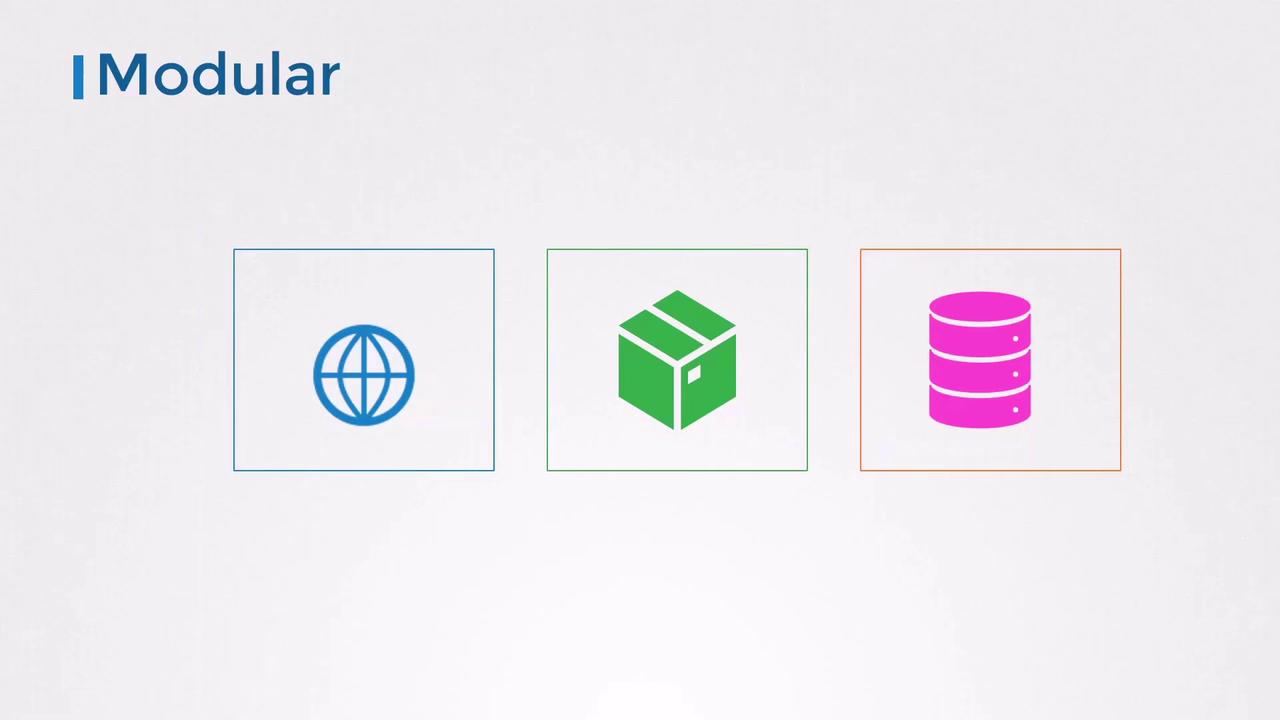
- Design for Modularity
Build one service per image. Compose them together at runtime for scalability and separation of concerns.
-
Keep Containers Stateless
Containers should be ephemeral. Persist data in external volumes or managed services like Redis. -
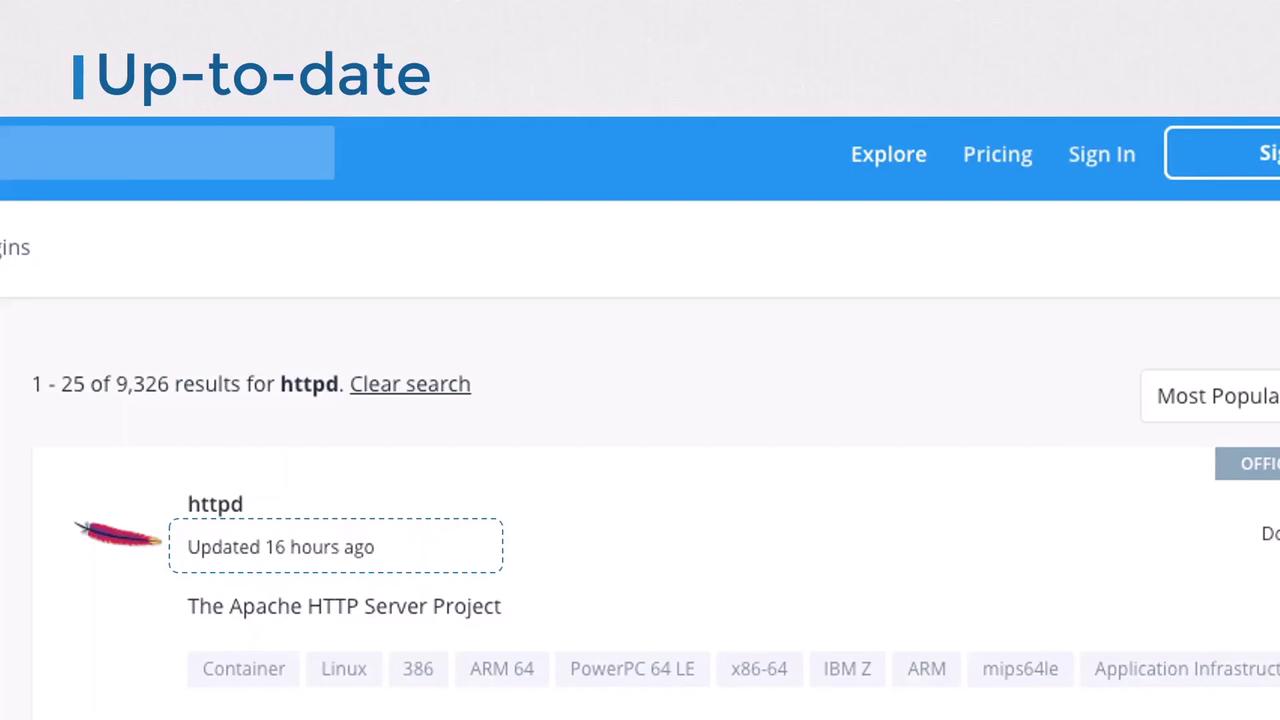
Choose an Appropriate Base
Official, regularly-updated images (e.g.,nginx,httpd) reduce risk. Verify publishers and check update frequency.
-
Keep Images Small
- Start from minimal OS distributions (Alpine, Debian Slim).
- Only install required libraries.
- Clean up caches and package metadata.
- Remove build tools (
curl,wget, package managers) after install. - Use multi-stage builds for production artifacts.
Strategy Description Example Snippet Multi-stage builds Separate build and runtime dependencies FROM golang:1.19 AS builderRUN go build -o app .Minimal OS Use Alpine or slim variants FROM python:3.10-alpineCleanup after install Remove package caches and temp files RUN apk add --no-cache build-base && \apk del build-base
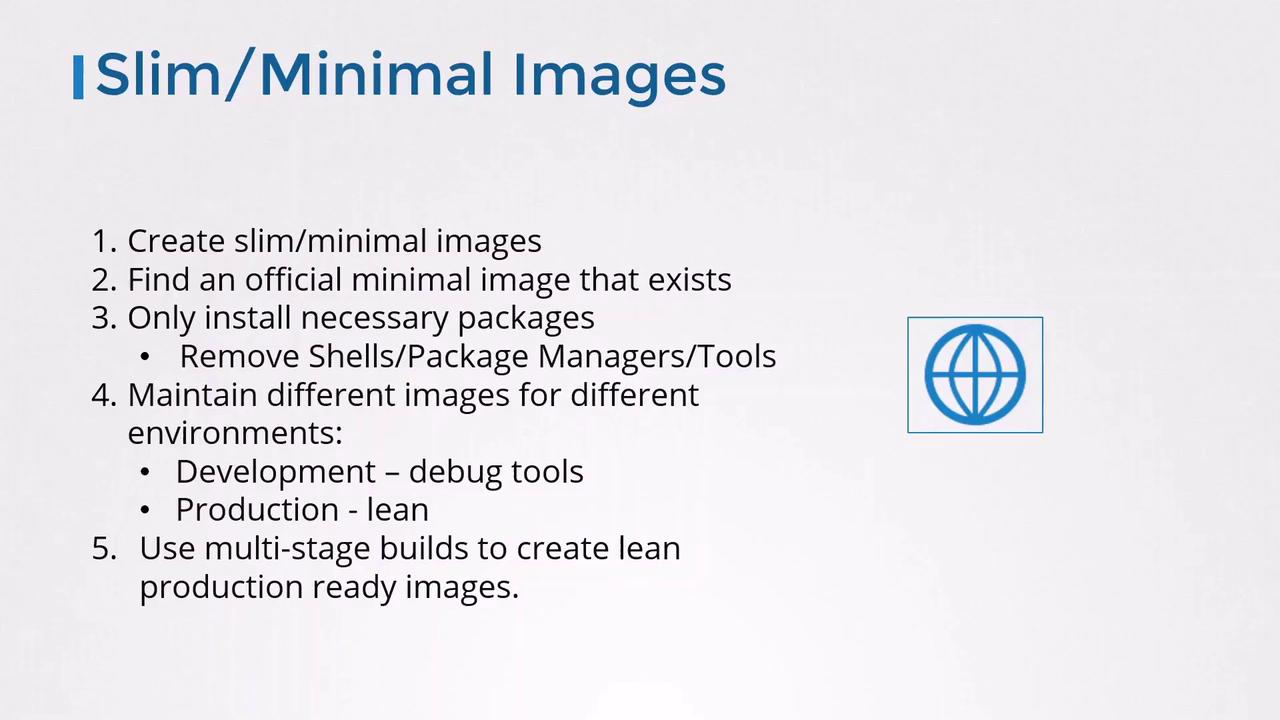
Leaving package managers or shells in production images increases the attack surface. Always strip out unused binaries.
Security Benefits of Minimal Images
Smaller images have fewer components to scan—and fewer vulnerabilities. For instance, scanning the Debian-basedhttpd image with Trivy reports:
httpd drops known issues to zero:
| Image | OS | Total Vulnerabilities | High / Critical |
|---|---|---|---|
httpd:2.4-buster-slim | Debian Buster | 124 | 27 |
httpd:2.4-alpine | Alpine Linux | 0 | 0 |