

curl. That flow covered the health check, handshake, and subsequent interactions with the MCP server. At that time the setup had two moving parts: a Kubernetes MCP server running inside Docker, and a Supergateway that translated the server’s stdio-based protocol into HTTP so curl could reach it.
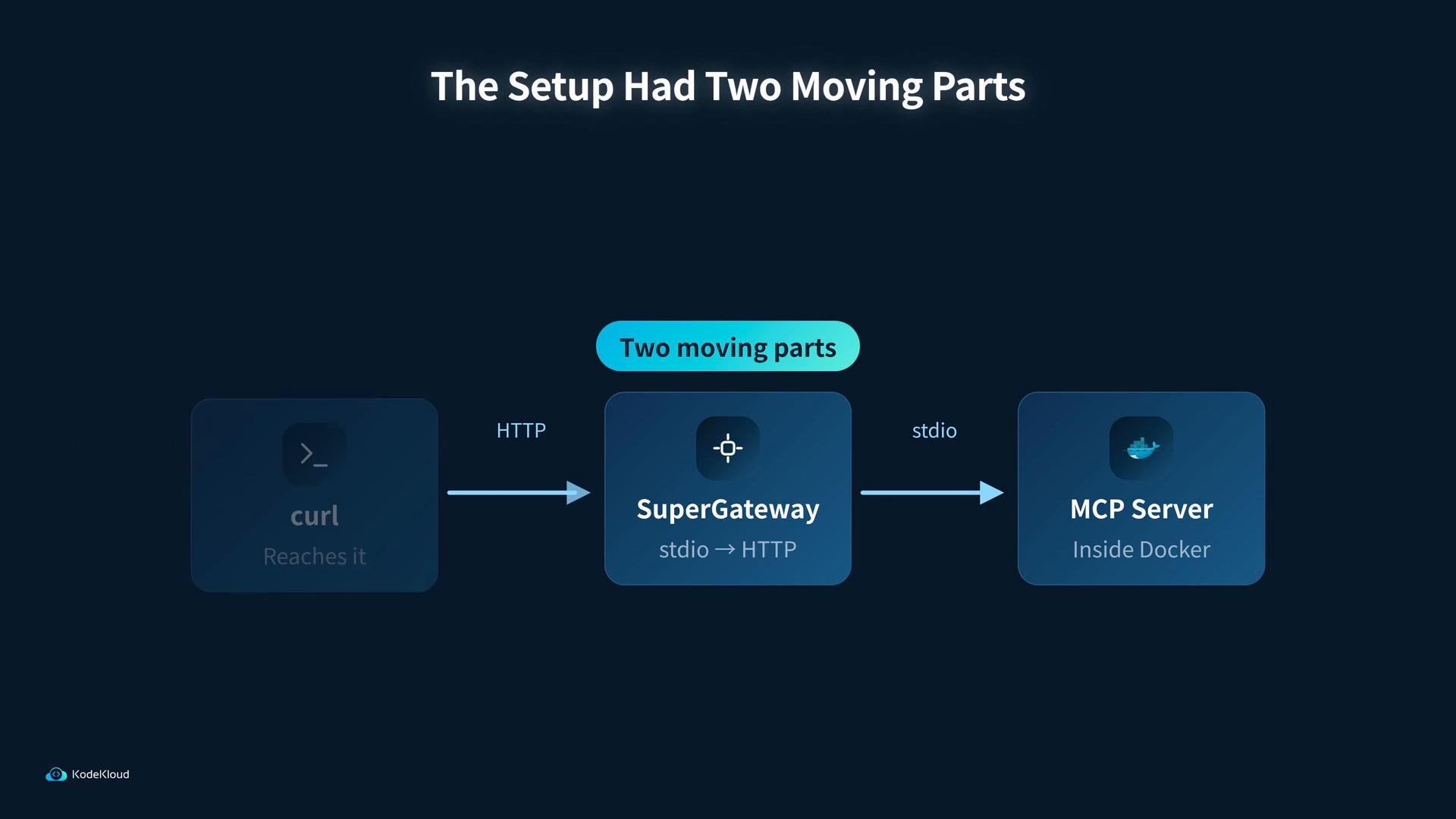
curl call we used looked like this:
kubectl-style tools such as kubectl and describe are available in both setups.
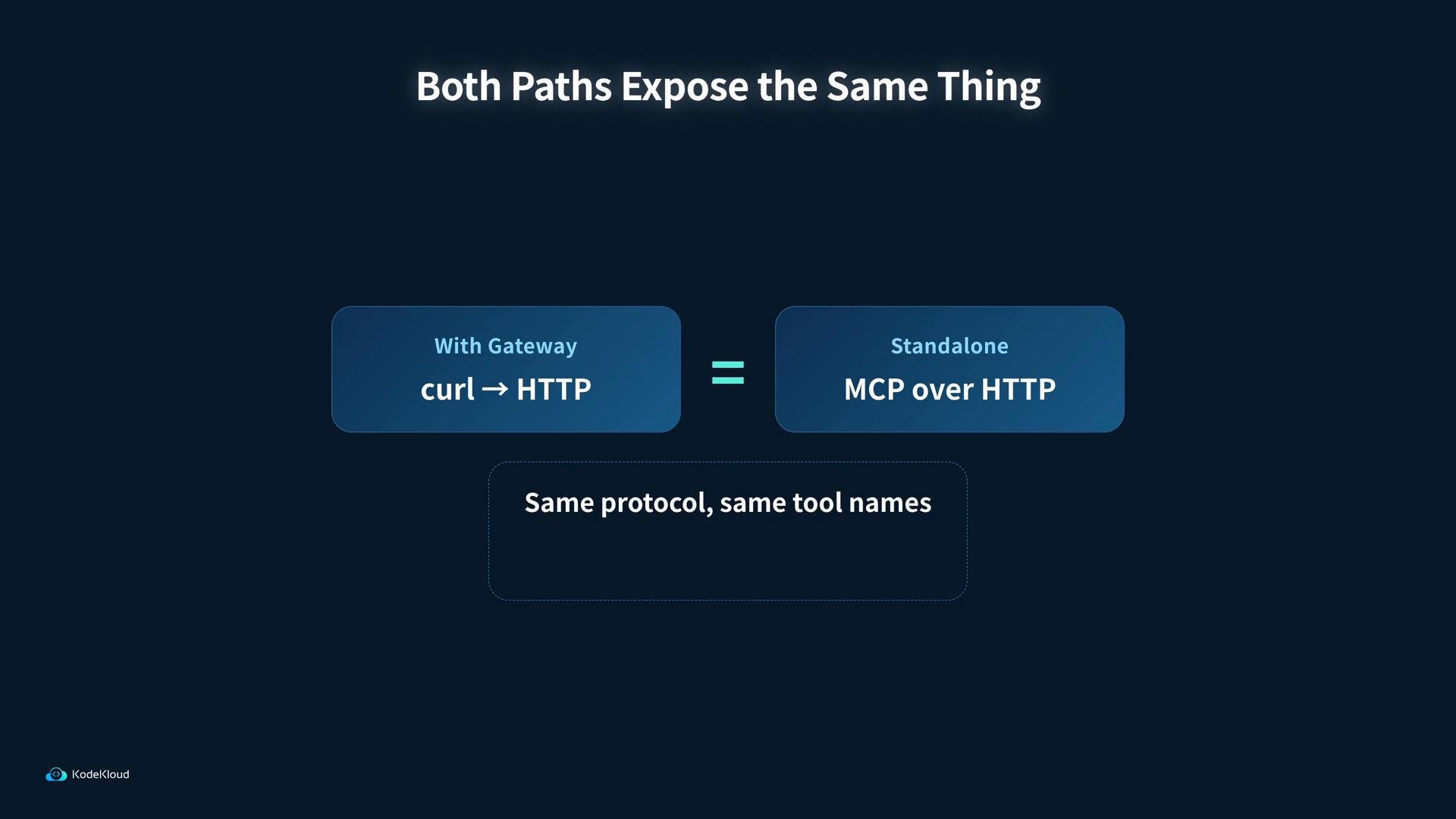
When building a long-lived agent that talks to MCP, running a standalone MCP service inside Docker and connecting the agent directly is cleaner and removes the translation layer. Both approaches expose the same protocol and tool set, so you won’t lose functionality by removing the Supergateway.
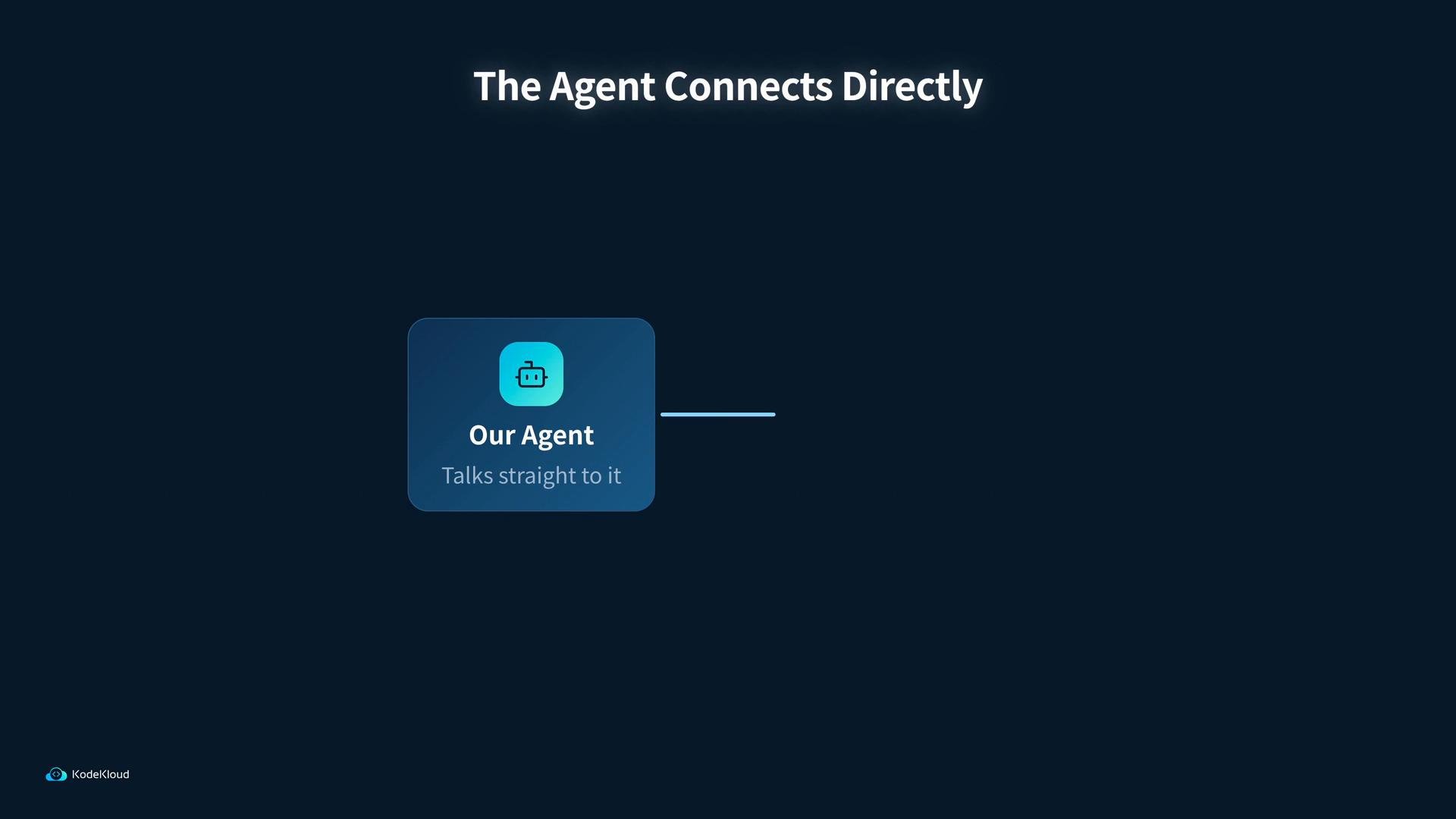
- Start the standalone MCP service in Docker.
- Validate the MCP endpoints (health, handshake, tools) using
curlor an HTTP client. - Connect the agent directly to the MCP service and verify tool invocation (for example,
tools/listandkubectl-style commands).
- Kubernetes Basics
- Docker Hub
- For MCP-specific details, follow your MCP project’s README or internal spec to ensure the HTTP endpoints, health checks, and handshake semantics match the agent’s expectations.