Welcome back. In this lesson we’ll provision a complete microservices application—SkyLine Air—on Kubernetes so we can later build and integrate a FinOps AI agent. Our focus is practical: deploy multiple small services into a single Kubernetes cluster, wire them together, and inspect the runtime metadata the FinOps agent will later consume (resource requests/limits, labels/annotations, workload types, and namespace constraints).

High-level plan

  • Provision a base Kubernetes cluster and supporting primitives:
    • Namespaces
    • RBAC basics
    • Storage classes
    • Networking / Ingress
  • Review service and workload types (front-end, back-end, databases/stateful services, event buses, observability).
  • Deploy all required services using manifests and Helm charts.
  • Expose and verify the SkyLine Air UI.
  • Inspect labels and metadata across microservices for FinOps consumption.
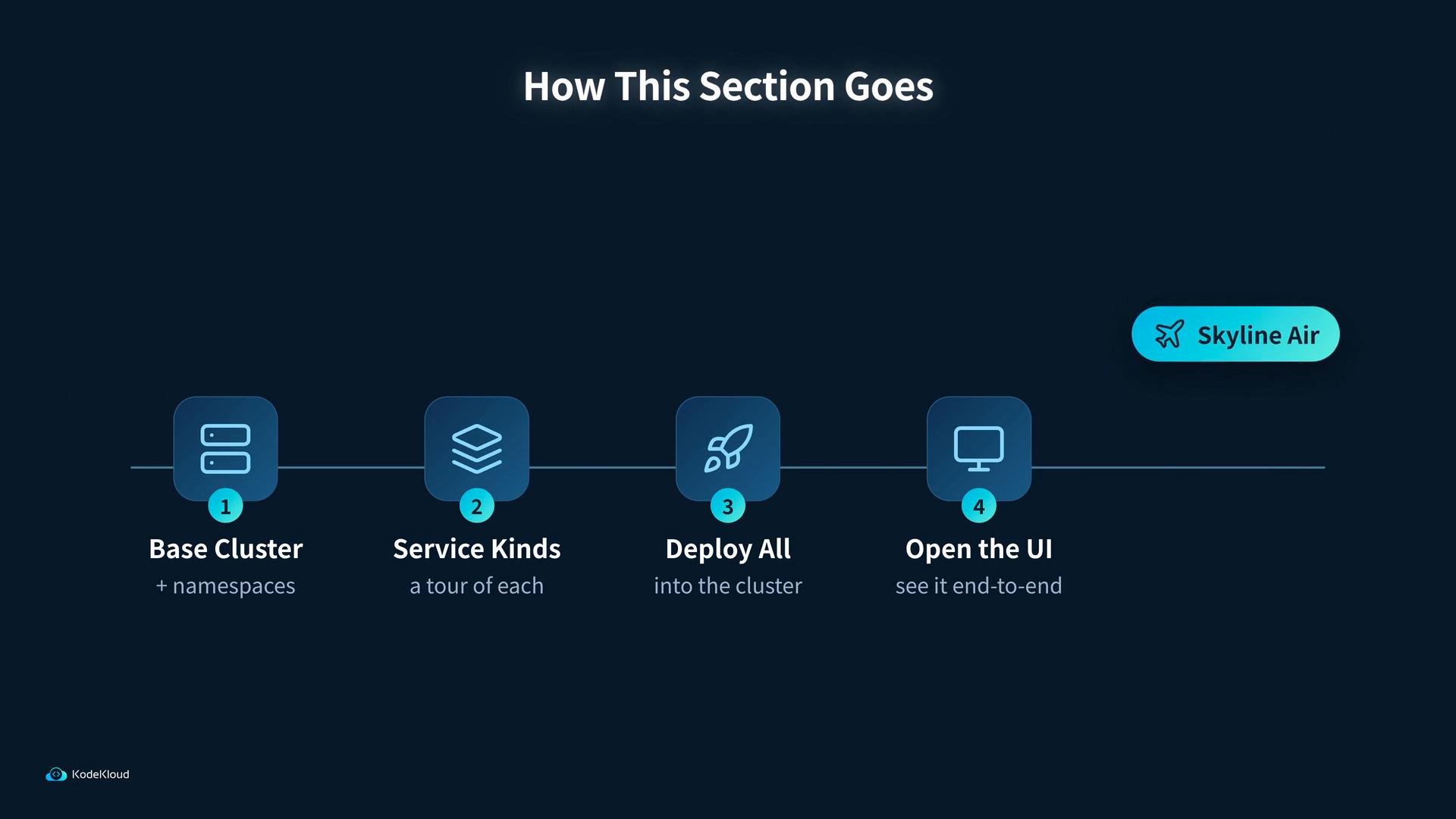
A dark-themed slide titled "How This Section Goes" showing a four-step horizontal workflow with rounded icon tiles. The steps are labeled "Base Cluster," "Service Kinds," "Deploy All," and "Open the UI," with a "Skyline Air" callout on the right.
This sequence shows how an end-to-end application is assembled and operated on Kubernetes, giving practical context for the FinOps work that follows.
We’ll use a single Kubernetes cluster hosting multiple namespaces so you can see how services interact across isolation boundaries. Follow along locally with minikube or kind, or use a managed Kubernetes offering. For cluster setup guidance, see the Kubernetes documentation.

What we’ll set up (quick reference)

Once the foundation is in place (cluster, namespaces, networking, storage), the FinOps agent will gather runtime metadata such as resource requests/limits, labels/annotations, workload types, and namespace-level constraints.
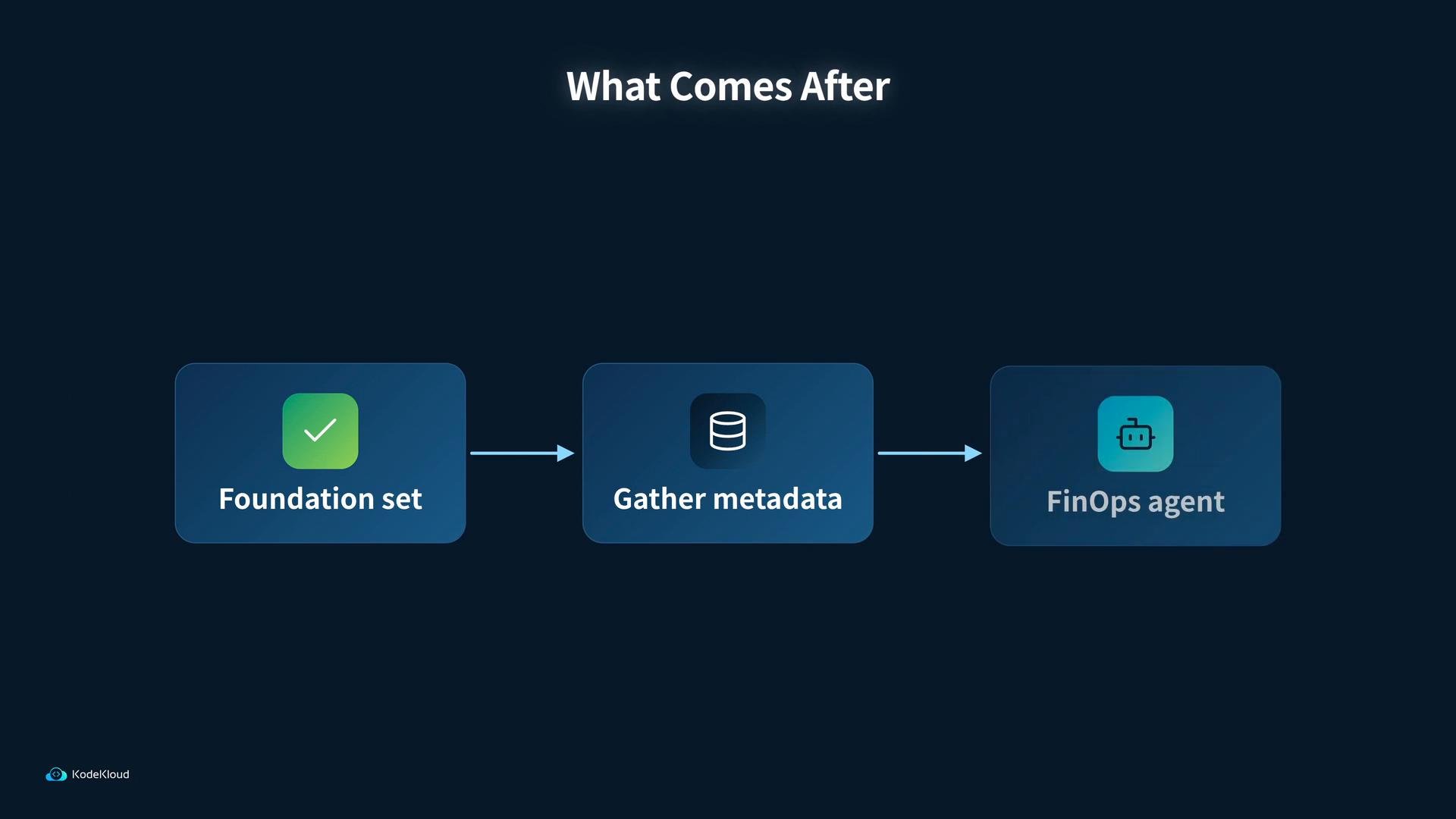
A dark-themed flowchart titled "What Comes After" showing three steps — "Foundation set" (check icon), "Gather metadata" (database icon), and "FinOps agent" (robot icon) — connected by arrows. The KodeKloud logo appears in the bottom-left.
Now we’ll move into the demo section and begin by creating the base cluster and the namespaces SkyLine Air requires. This will include concrete manifests and Helm chart commands to deploy the services and confirm the UI is reachable.

Watch Video