

- MCP is an open standard that connects clients (typically language-model-driven agents) to tools and resources.
- Clients request actions via JSON-RPC messages, and servers advertise and execute the capabilities they expose (for example, CLI tools, cluster queries, or other automated tasks).
- Common transports include local stdio (a server process wrapping CLI tools) and remote transports such as HTTP or Server-Sent Events (SSE).
- A client sends a JSON-RPC request to perform an action.
- The server lists the tools and capabilities it can run (for example, kubectl operations).
- The server executes the requested tool and returns results back to the client.
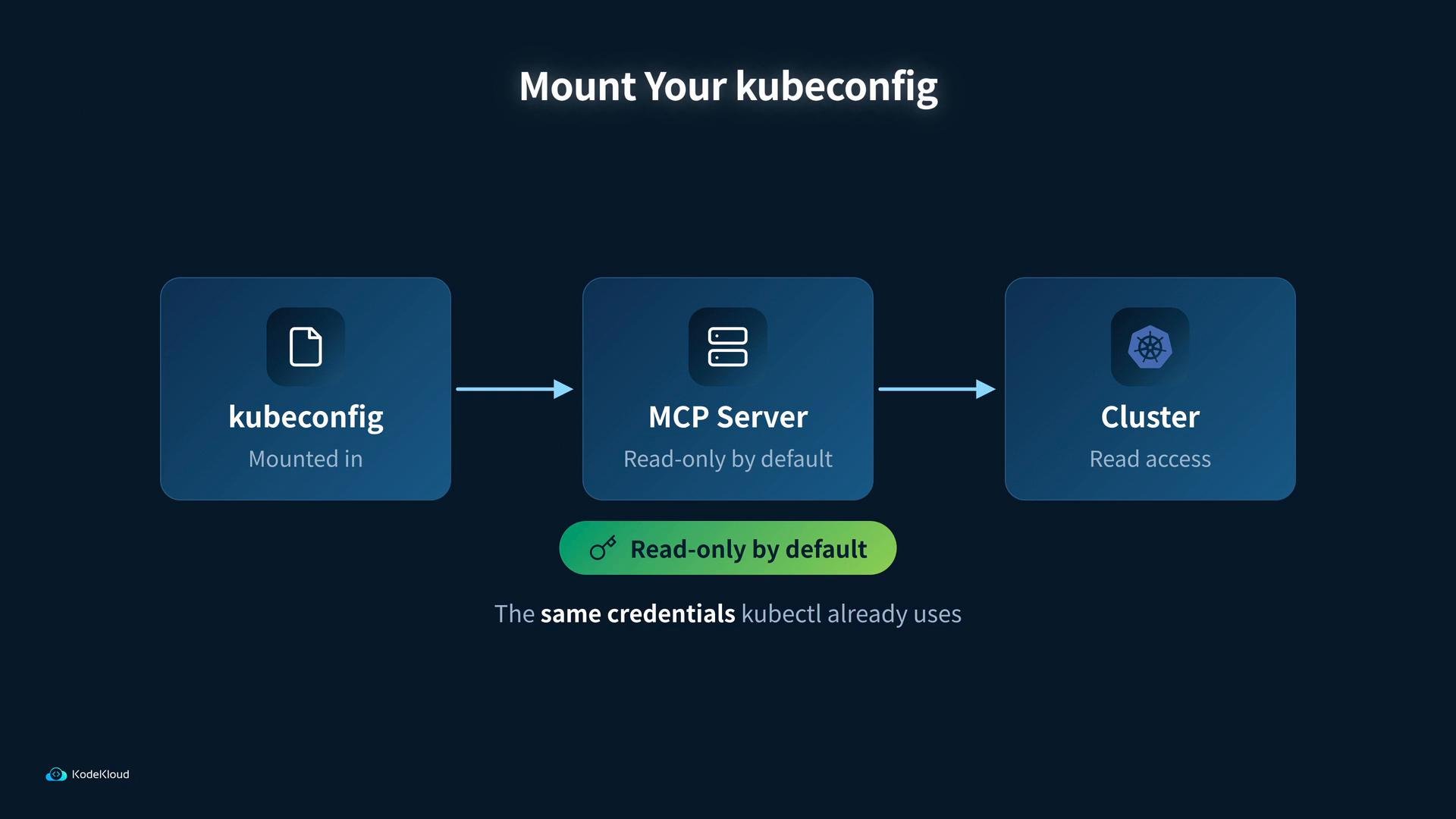
kubectl as MCP tools. You mount your kubeconfig into the MCP server container so the server can access the cluster using the same credentials kubectl uses. By default this setup is read‑only, but always verify permissions for your environment.
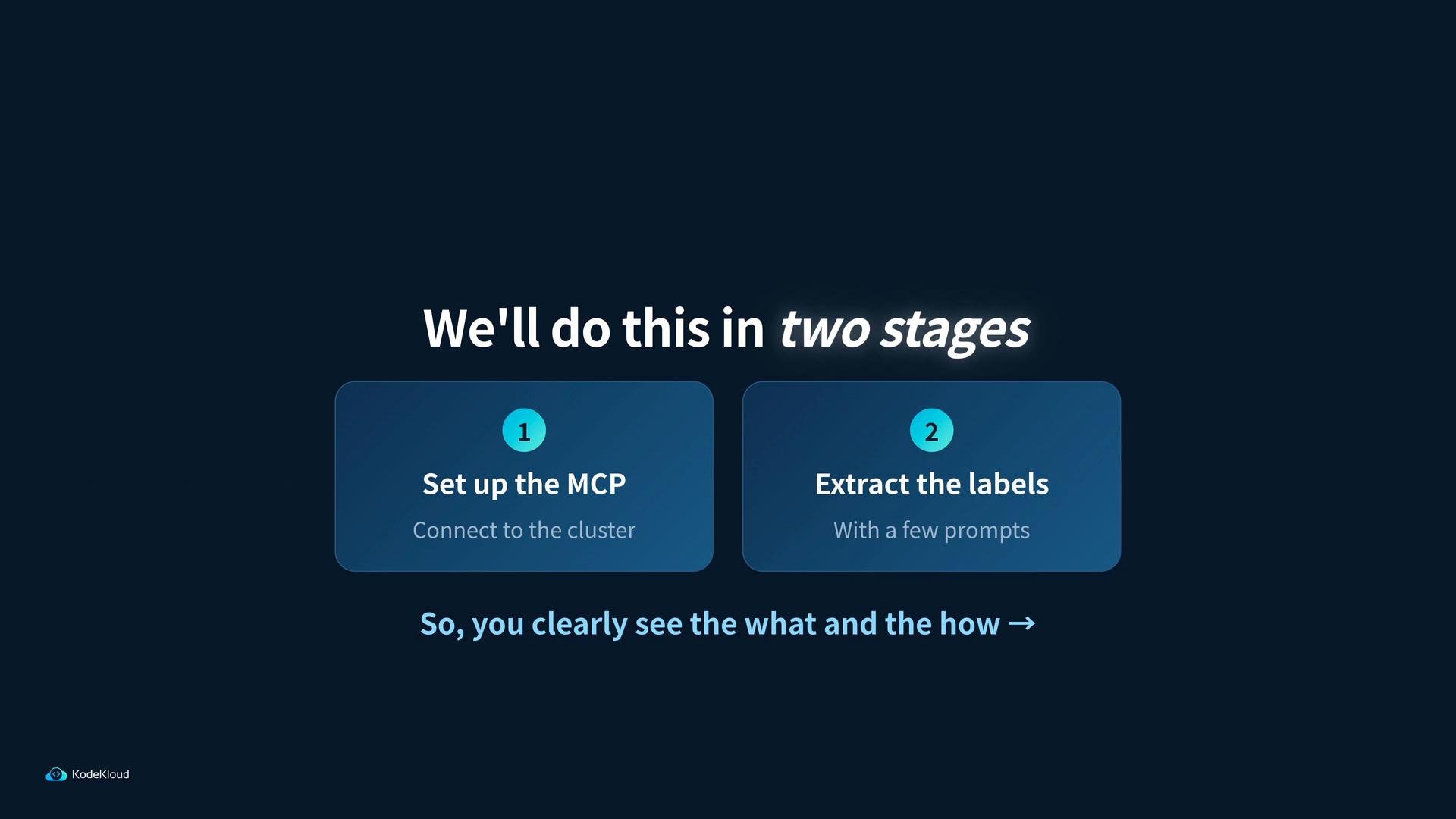
- Stage 1: Set up the MCP instance and connect it to the Kubernetes cluster you created.
- Stage 2: Use a simple client to prompt the MCP server and extract resource labels from the cluster.
Tip: When mounting your kubeconfig into an MCP server, verify what permissions that kubeconfig grants. The MCP image defaults to read-only behavior, but you should still follow your security best practices for credentials and least privilege.
Links and references
- MCP repository: https://github.com/microsoft/mcp
- JSON-RPC specification: https://www.jsonrpc.org/specification
- kubectl reference: https://kubernetes.io/docs/reference/kubectl/
- Kubeconfig concepts: https://kubernetes.io/docs/concepts/configuration/organize-cluster-access-kubeconfig/
- Server-Sent Events (SSE) overview: https://developer.mozilla.org/en-US/docs/Web/API/Server-sent_events/Using_server-sent_events/