

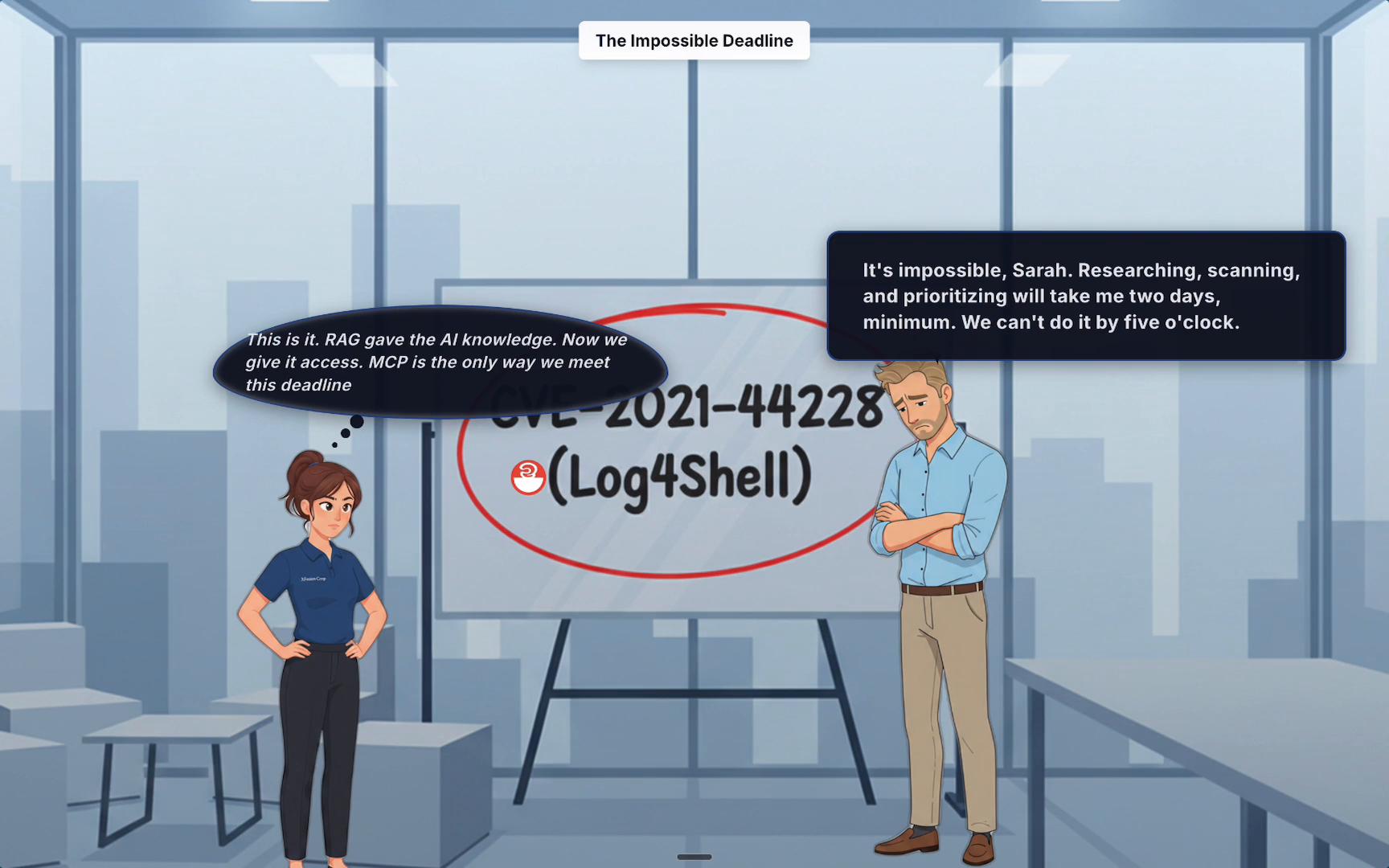
- Read and search official AWS documentation to locate vendor-recommended mitigations.
- Query live cloud resources (EC2 AMIs, Lambda layers, ECR images, etc.) to detect vulnerable artifacts.
- Scan infrastructure-as-code (CloudFormation, Terraform) to find potential drift or insecure configurations.
- Reduce manual research: MCP’s AWS Docs server surfaces official mitigation steps and API references quickly.
- Automate wide-scale scans: MCP CloudFormation/Terraform servers analyze IaC and deployed resources for vulnerable libraries or images.
- Correlate ownership and impact: Integrate with RAG and internal systems (Confluence, ticketing) to prioritize remediation.
With the MCP bridge in place, Sarah instructs the AI assistant using a single, natural-language prompt describing the full security assessment. The prompt contains the policy (what to do), the data sources (which MCP servers to use), and the expected output (a prioritized remediation report).
When connecting AI agents to live cloud environments, follow the principle of least privilege: grant only the permissions required for the specific scans and operations, and audit those connections regularly.
- How to set up MCP servers locally and securely.
- How to connect MCP to a live AWS environment with least-privilege IAM roles and audited credentials.
- How to author effective natural-language prompts that orchestrate multi-tool assessments.
- How to produce and interpret prioritized remediation reports and integrate them with incident workflows.
- Model Context Protocol (MCP) course
- RAG system fundamentals course
- AWS security documentation: refer to specific service CVE guidance via the MCP AWS Docs server during assessments.