

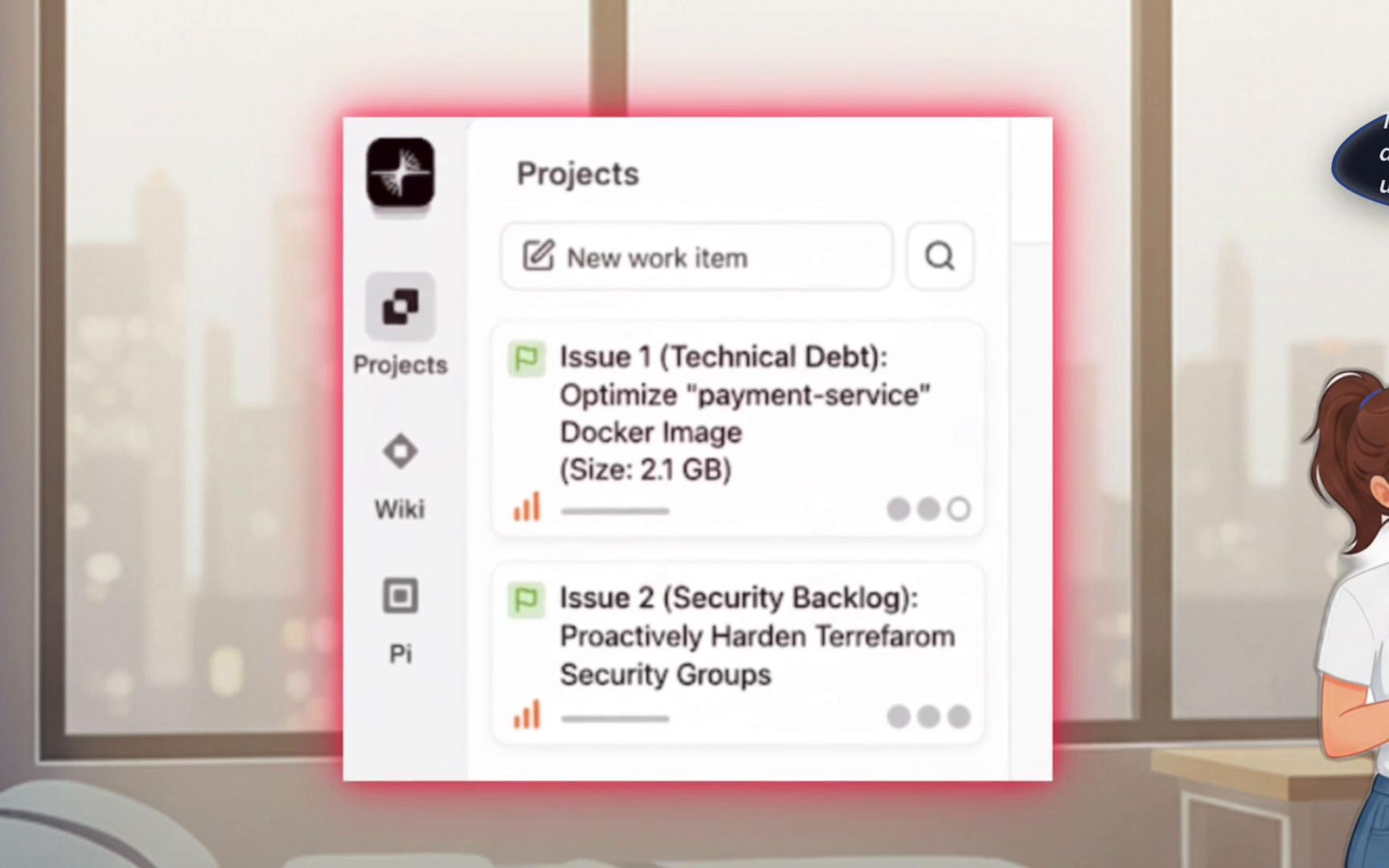
- Docker Optimizer — reduces image size and improves runtime security.
- Terraform Security Expert — scans Terraform for insecure patterns and generates fixes (using Checkov).
Docker Optimizer subagent
This subagent encodes Docker best practices (multi-stage builds, minimizing layers, using slim base images, non-root runtime) and automates the full optimize-build-verify loop..dockerignore, and ensure the container runs as a non-root user.
Terraform Security Expert subagent
Sarah’s second subagent focuses on infrastructure-as-code hardening. It runs static analysis across Terraform code, surfaces critical issues (public security groups, missing encryption, overly permissive IAM policies) and produces remediation snippets.Quick tips for using subagents
Getting started tips:
- Ask precise questions or provide specific file paths for best results.
- Edit files, run commands, or request reports interactively.
- Add
QWEN.mdfiles to customize how an agent handles a repository. - Use
/helpinside the interactive mode for guidance.
Managing and running agents
Sarah verifies her virtual DevOps team is online using the built-in agents manager:Dockerfile, Sarah describes the optimization in plain English and asks Qwen to delegate it to the Docker Optimizer subagent:
Dockerfile, writes Dockerfile.optimized, adds a .dockerignore, builds the optimized image, and validates the result.
Typical results after optimization
After rebuilding, you might see a much smaller image:- Convert a single-stage Dockerfile into a multi-stage build to keep only runtime artifacts in the final image.
- Use a smaller base image when safe (e.g.,
python:3.12-slim) to reduce surface area and size. - Add a
.dockerignoreto exclude unnecessary files from build context. - Remove build-time tools and dev dependencies from the final image.
- Ensure the final container runs as a non-root user and only installs required runtime packages.
Try this locally
Agents at a glance
Links and references
- Checkov — static code analysis for IaC: https://www.checkov.io/
- Docker multi-stage builds guide: https://docs.docker.com/develop/develop-images/multistage-build/
- Qwen Code / agents docs — see interactive help via
qwenand/help