

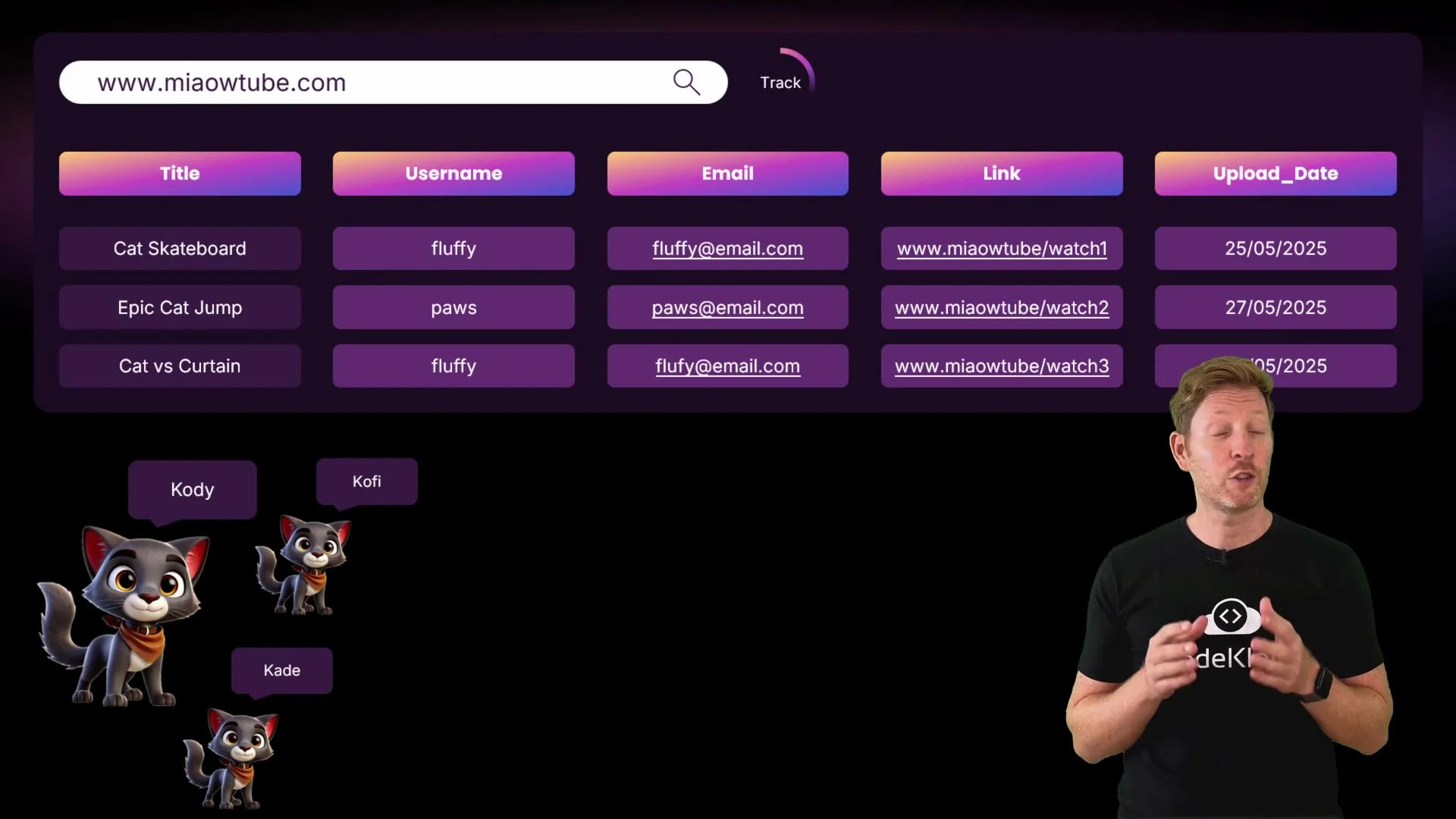
- Updating a user’s email requires changing every row that contains it.
- Missed updates produce inconsistent records (stale or conflicting email addresses).
- Duplicating private contact information across many rows increases exposure risk.
- explain the limitations of a flat-file approach,
- introduce primary and foreign keys for linking data, and
- interpret a simple Entity Relationship Diagram (ERD).
- Split related data into separate tables (for example, a
videostable and auserstable). - Replace repeated user fields in
videoswith a reference to theuserstable.
- Every table should have a primary key.
- PK values must be unique for every row and cannot be NULL.
- A common PK is a simple auto-incrementing integer (e.g.,
user_id,video_id). - Composite primary keys (multiple columns) are possible but out of scope here.
video_id to the videos table and user_id to the users table. Then store user_id in videos instead of username/email.
What is a foreign key (FK)?
A foreign key is a field (or set of fields) in one table that references a primary key in another table. In our example, the user_id column in videos is a foreign key pointing to users.user_id.

- A foreign key references the primary key of another table.
- It creates and enforces relationships between tables (e.g., which user uploaded which video).
- The FK value should match a value in the referenced table’s PK (unless the FK is allowed to be
NULL). - Foreign keys help maintain referential integrity: you generally cannot create a
videosrow that points to a non-existentusersrecord.
- Store personal details once in
users;videoscontains onlyuser_id. - Updating a user’s email is a single change in
users, and all their video records remain correct. - Data duplication is reduced, making the database safer and easier to maintain.
- Each box (entity) represents a table.
- Attributes (fields) are listed inside entities.
- The primary key is typically listed first and marked
PK. - Foreign keys are listed below and marked
FK.
- The primary key is typically listed first and marked
- Lines between entities show relationships; symbols at line ends indicate cardinality.
In our MeowTube example:
- Each video is uploaded by exactly one user (one side).
- Each user can upload zero or many videos (many side with a crow’s foot).
- This is a one-to-many relationship.
integer for IDs, date for upload_date, text for title or email). Simple ERDs show entity-to-entity lines; more detailed diagrams can show the specific attribute-to-attribute links.
Quick comparison table: primary key vs foreign key
Pop quiz time.
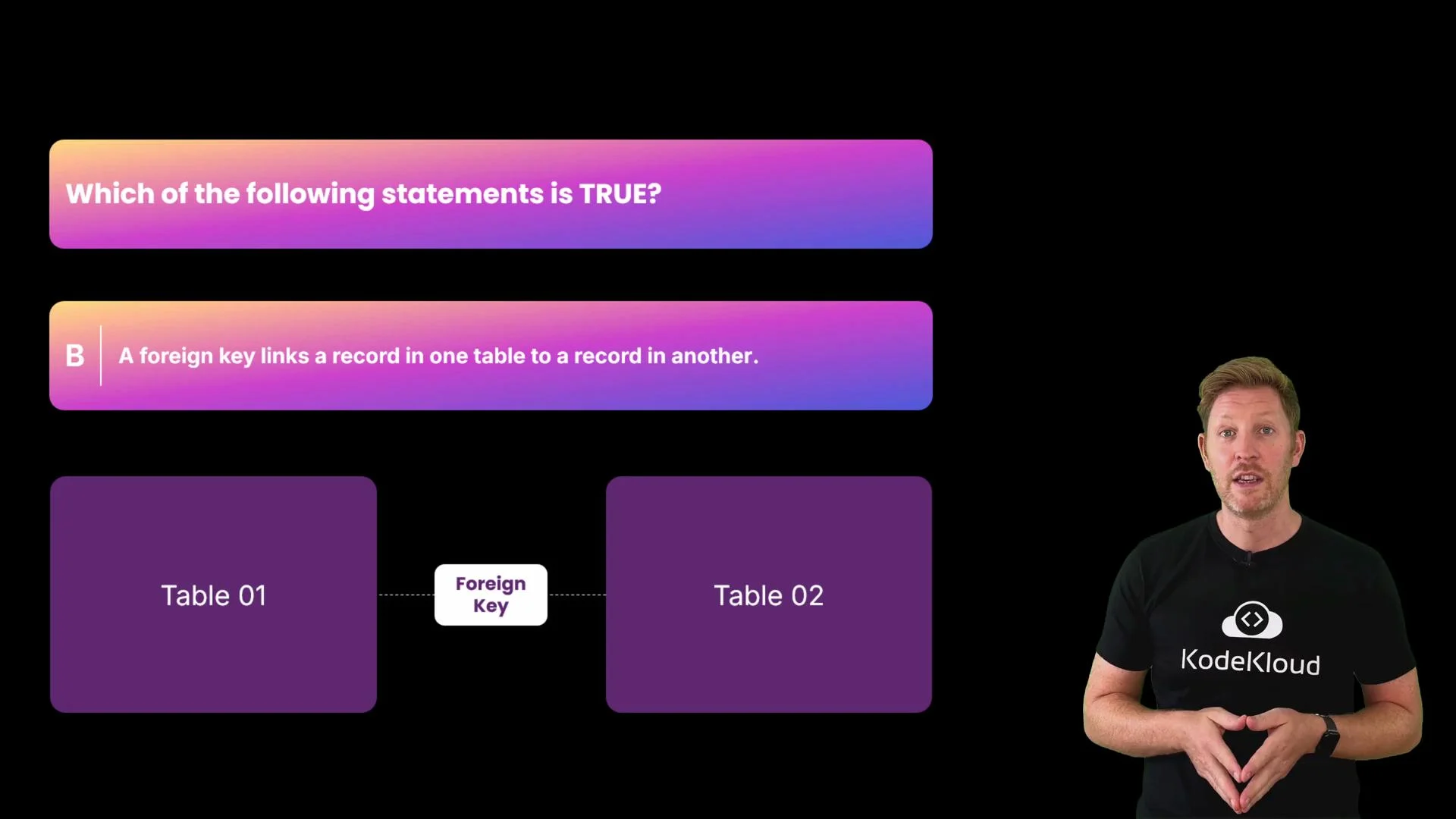
Which of the following statements is true?
A. Flat files use foreign keys to reduce data redundancy.
B. A foreign key links a record in one table to a record in another.
C. Crow’s Foot notation is used to label column data types. Pause for a moment to think. The correct answer is B. A foreign key links a record in one table to a record in another — that is how relational databases avoid repeating data while preserving relationships.
- Flat files generally do not enforce primary or foreign key constraints; without these constraints, duplication and inconsistency are common.
- Crow’s Foot notation indicates relationship cardinality between entities, not column data types.
- Flat-file databases keep all data in a single table, which can cause redundancy, inconsistency, and security issues.
- Relational databases split data into linked tables to improve consistency, security, and scalability.
- A primary key uniquely identifies records in a table.
- A foreign key connects one table to another by referencing a primary key.
- ERDs visually represent entities and relationships; Crow’s Foot shows cardinality (one-to-one, one-to-many, many-to-many).
Using primary and foreign keys reduces redundancy and makes updates safer: change user details once in the users table, and all related rows remain correct.
- Relational Database Concepts — Wikipedia
- Entity–Relationship Model — Wikipedia
- Crow’s Foot Notation Guide (ERD)