

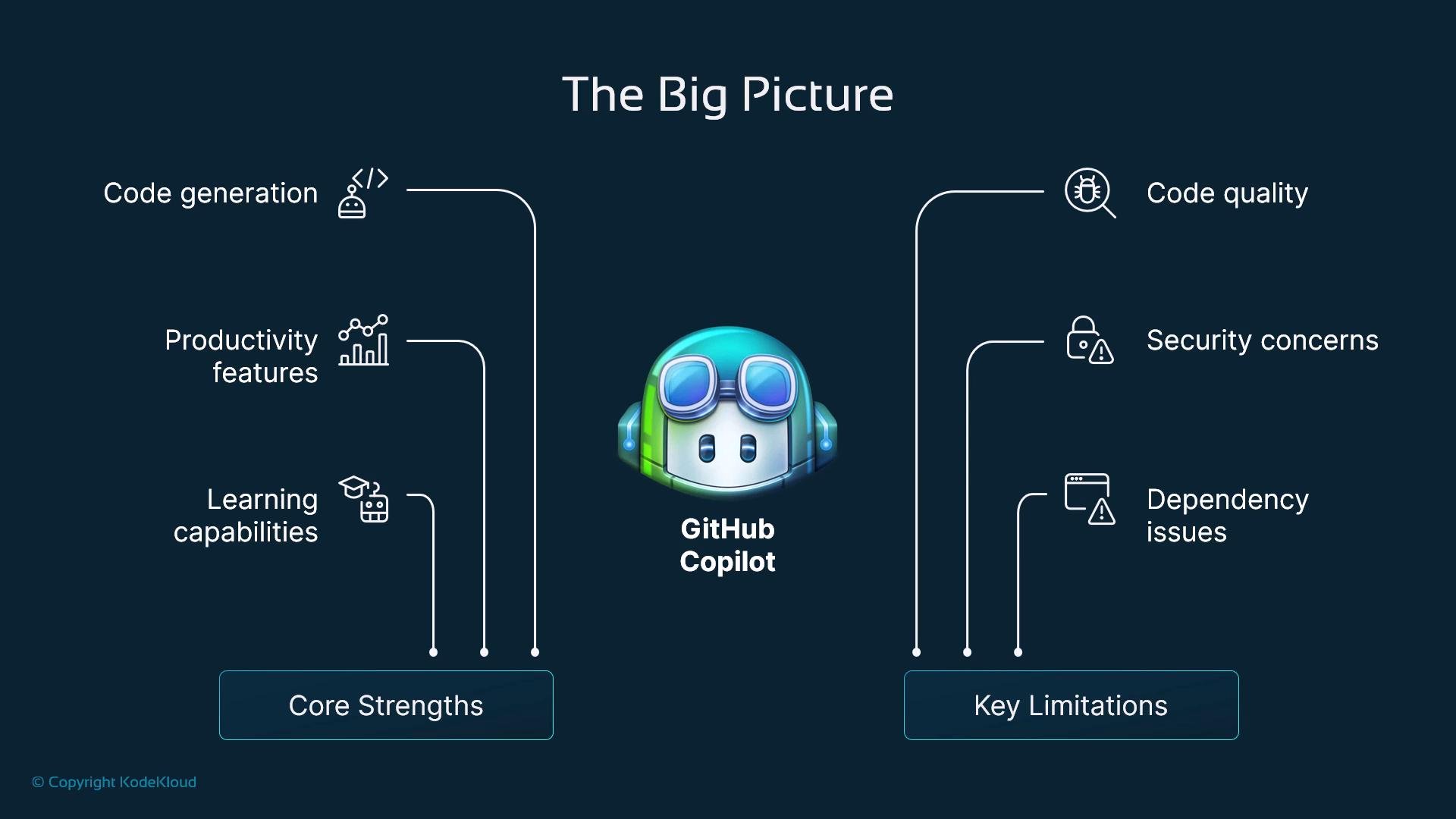
Quick tip: Treat Copilot as a context-aware assistant that speeds up routine work—scaffolding, boilerplate, and documentation hints—while you retain final responsibility for correctness, design, and security.
Core strengths
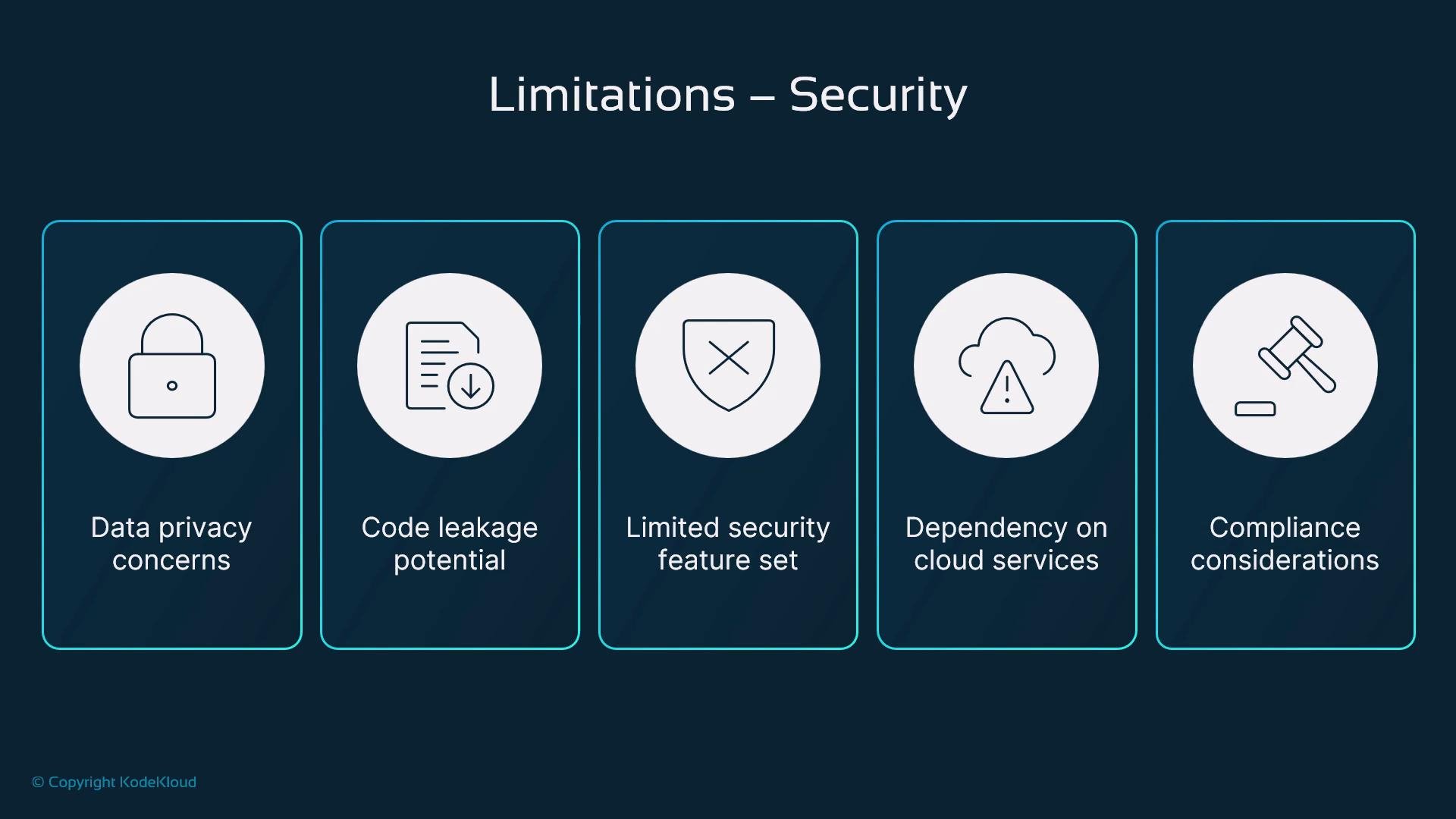
- Real-time suggestions and boilerplate generation: rapidly produce repetitive patterns and scaffolding, reducing manual typing for common tasks.
- Strong context awareness: uses nearby code (function names, docstrings, types, imports) to propose completions aligned with the current file.
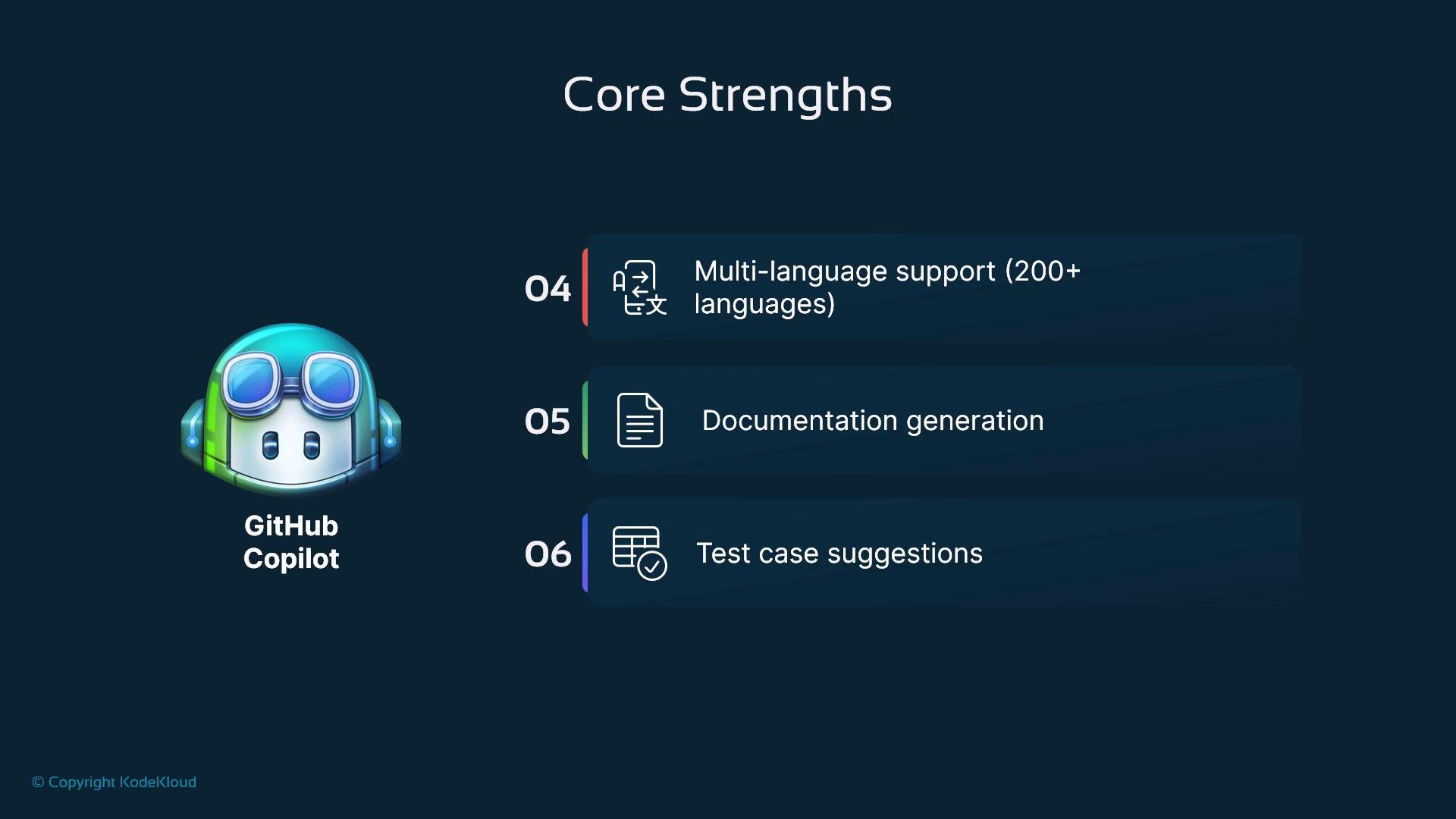
- Broad language and framework coverage: supports hundreds of programming languages and common frameworks.
- Documentation and test hints: generates inline comments, docstrings, and test-case skeletons or assertion suggestions that accelerate initial testing.
- Faster iteration: speeds up prototyping, implementation of routine features, and initial test creation.
- Less cognitive friction: context-aware completions reduce the need to recall API signatures or boilerplate patterns.
- Accelerated learning: helpful for onboarding and discovering idiomatic usage for unfamiliar libraries or languages.
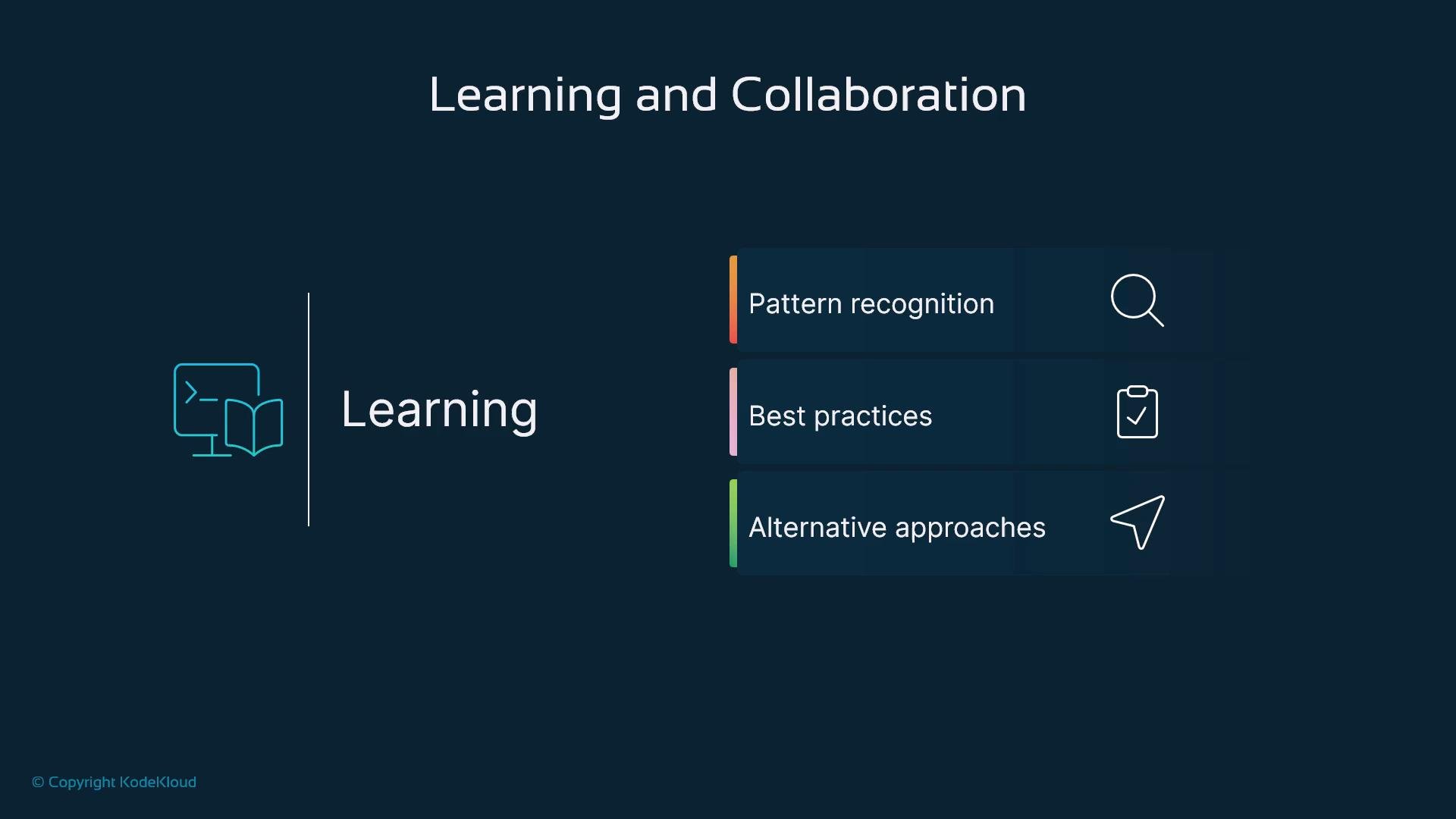
Collaboration benefits
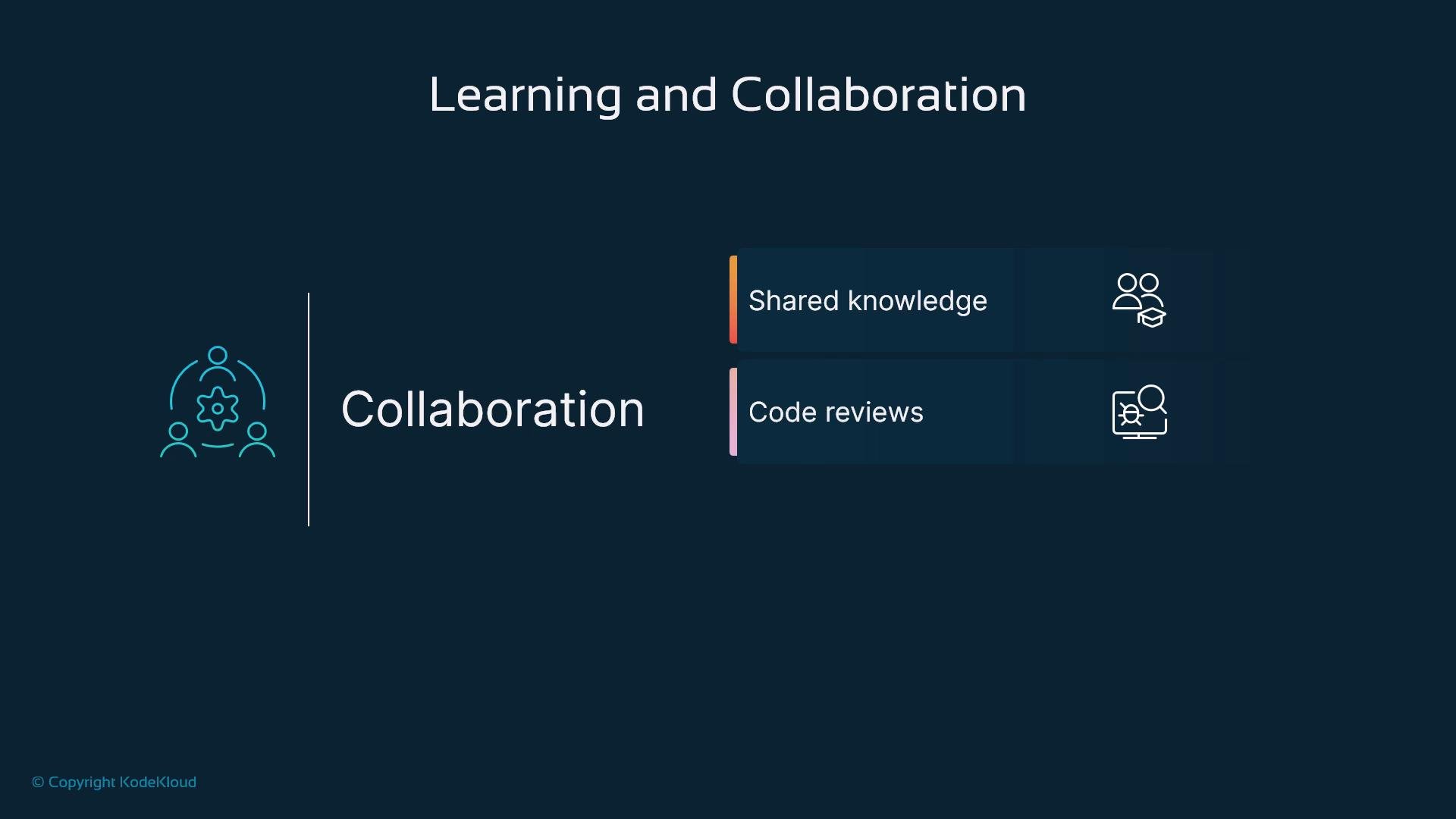
- Knowledge sharing: suggests standardized approaches that help maintain team conventions and style.
- Code review assistance: offers alternative implementations or quick fixes for reviewers to consider.
- Onboarding: new team members can accept and study suggestions to learn idiomatic patterns faster.
Limitations — performance and reliability
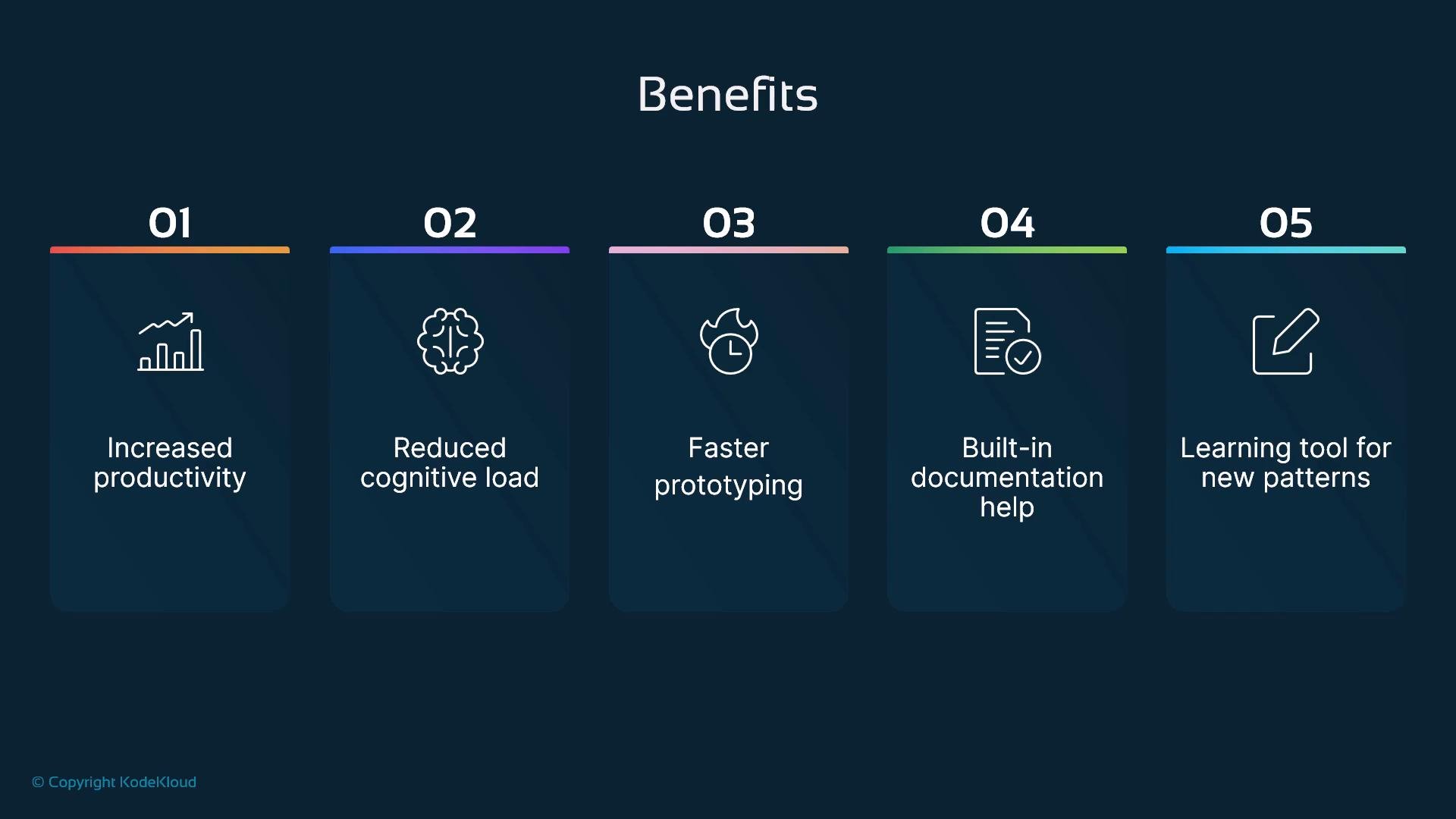
- Network dependency: Copilot calls cloud models and requires an internet connection.
- Latency and scale: suggestions can lag in very large repositories or under heavy IDE/plugin load.
- Resource usage: running the extension plus other IDE features can increase CPU and memory consumption.
- Context misalignment: occasional irrelevant or incorrect suggestions when local context is ambiguous.
Limitations — code quality
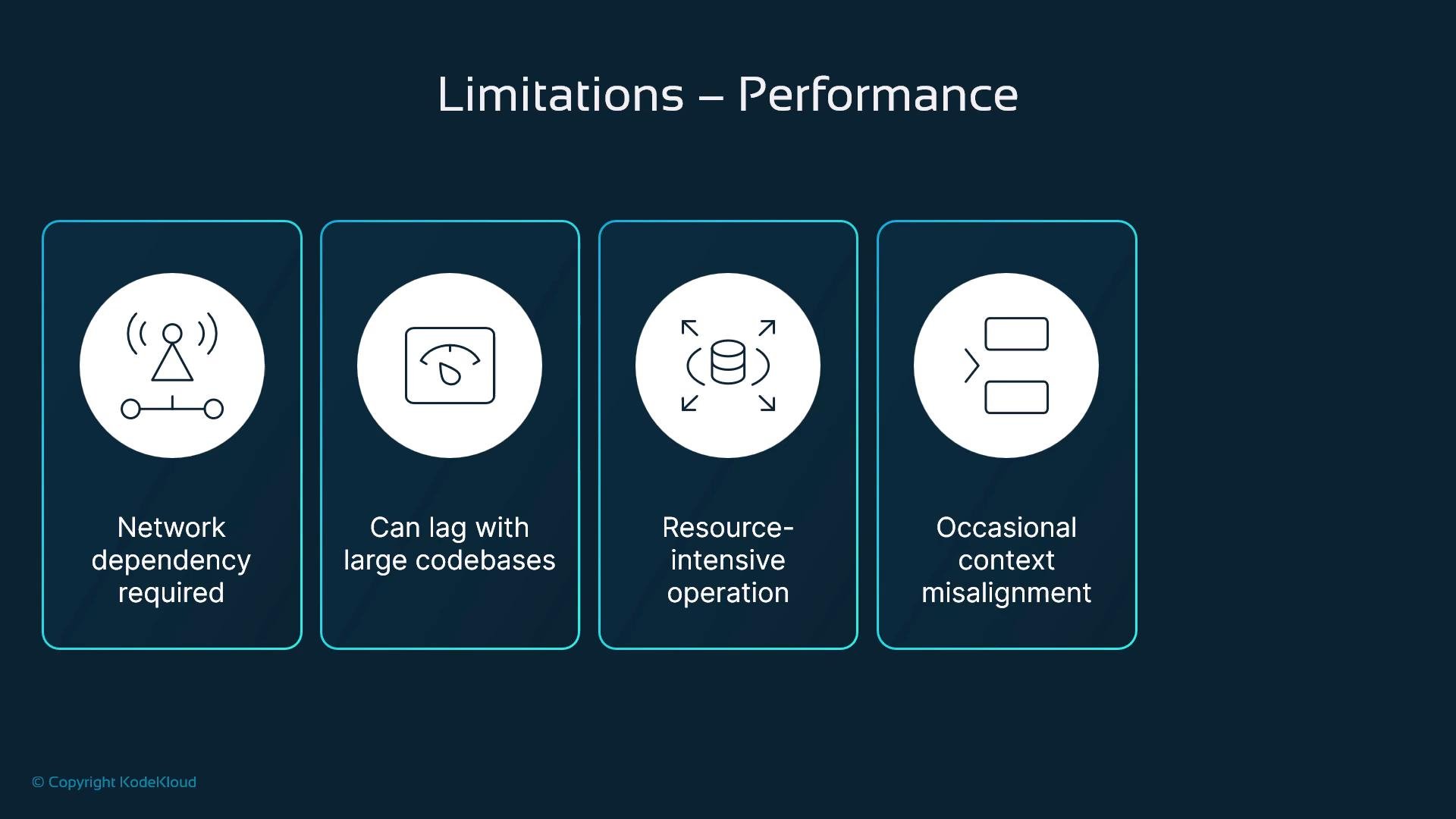
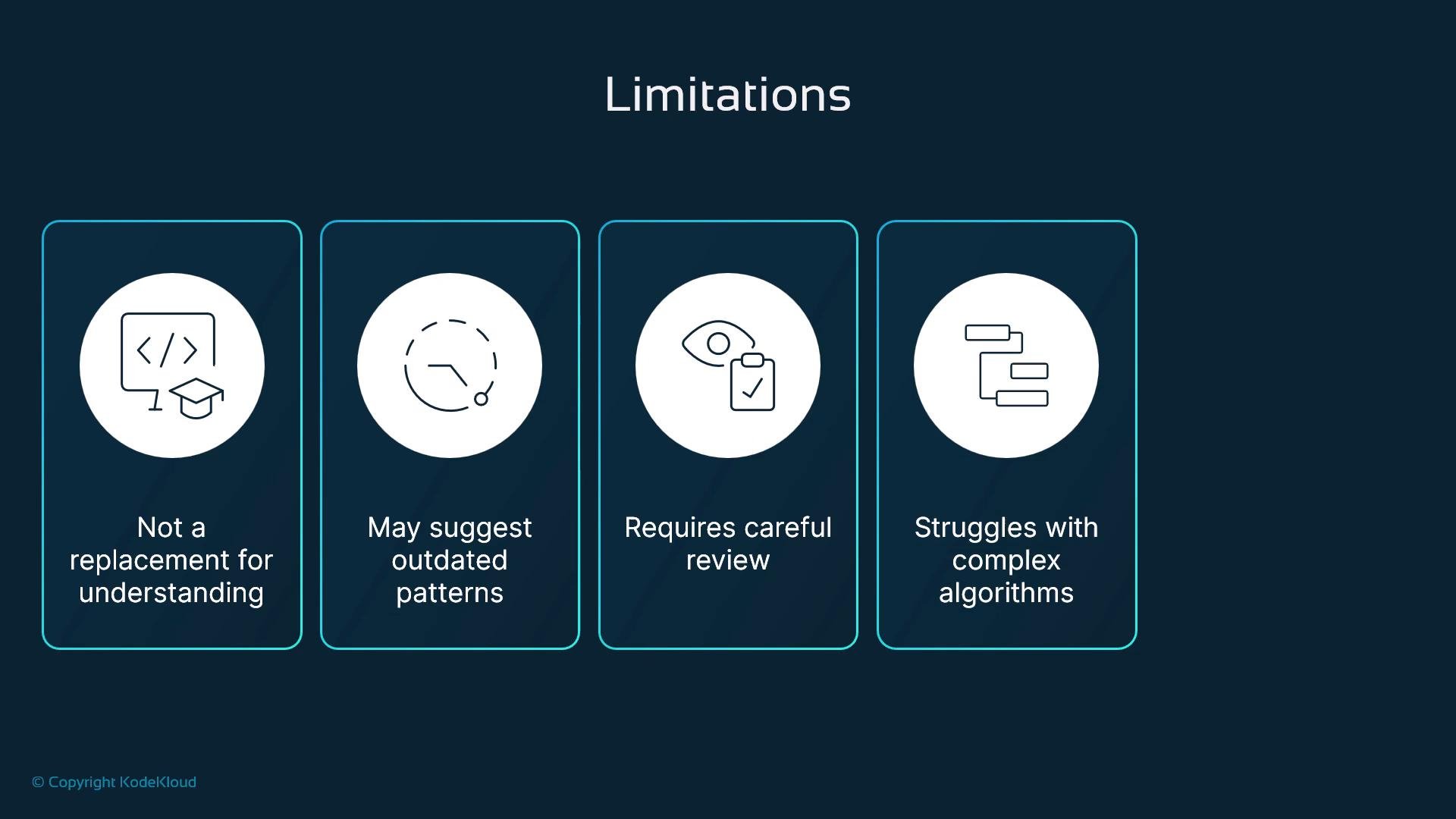
- Outdated or non-idiomatic patterns: suggestions may not match your codebase’s preferred styles.
- Security and correctness gaps: risk of introducing vulnerabilities or mishandled edge cases.
- Inconsistent output quality: recommendations can be generic and often need tailoring.
- Limited project-specific understanding: Copilot lacks deep knowledge of business rules or architectural constraints.
Limitations — security and privacy
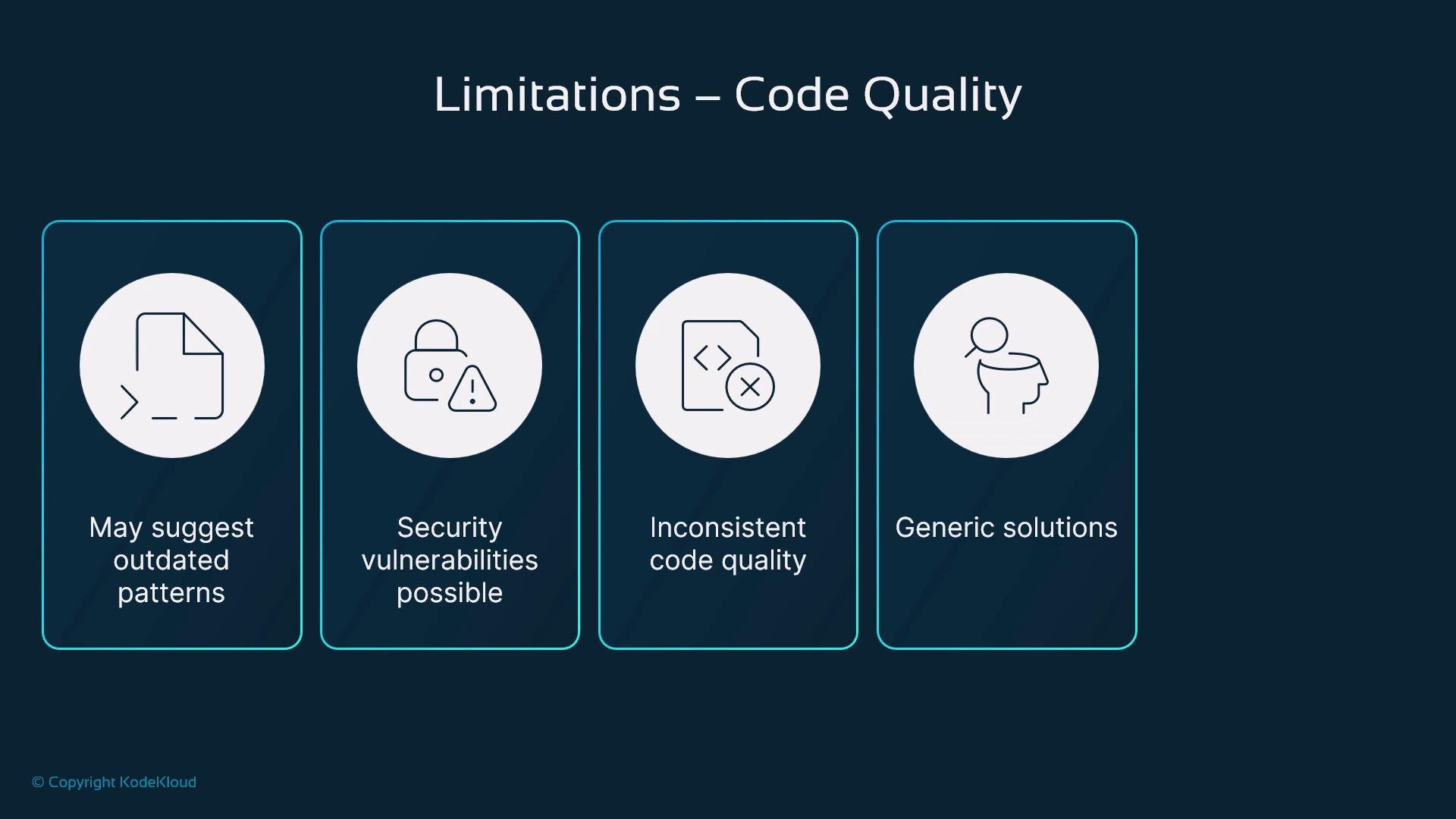
- Code context is transmitted to cloud models; this raises data protection and intellectual property concerns.
- Potential exposure: non-zero risk of revealing sensitive snippets or secrets.
- Limited built-in defenses: Copilot is not a substitute for static analysis, secret scanning, or hardened CI checks.
- Enterprise considerations: assess compliance, data residency, and contractual controls for regulated environments.
If your work involves sensitive code, regulated data, or intellectual property, treat Copilot as a tool that may send context externally. Combine its use with internal policy, secret scanning, and enterprise controls (for example,
GitHub Copilot for Business settings: https://docs.github.com/en/copilot/overview-of-github-copilot/about-github-copilot-for-business).Practical constraints and human oversight
- Copilot complements—not replaces—developer judgment and domain expertise.
- It struggles with complex algorithms, deep domain logic, and non-trivial invariants.
- Prompting matters: clear comments, small focused functions, and descriptive names improve suggestion quality.
- Always review, test, and scan generated code before merging.
Adoption checklist — implement Copilot successfully
Common mistakes to avoid
- Over-relying on generated code without understanding it.
- Accepting suggestions without tests or code review.
- Using Copilot as the only resource for complex algorithm design or security-critical systems.
- Ignoring licensing, IP, and compliance implications.
Conclusion
GitHub Copilot is a powerful assistant that can accelerate development and reduce routine effort when used with proper oversight. Balance automation with code review and testing, prioritize security and compliance for sensitive projects, and treat Copilot as a force-multiplier rather than a replacement for engineering judgment.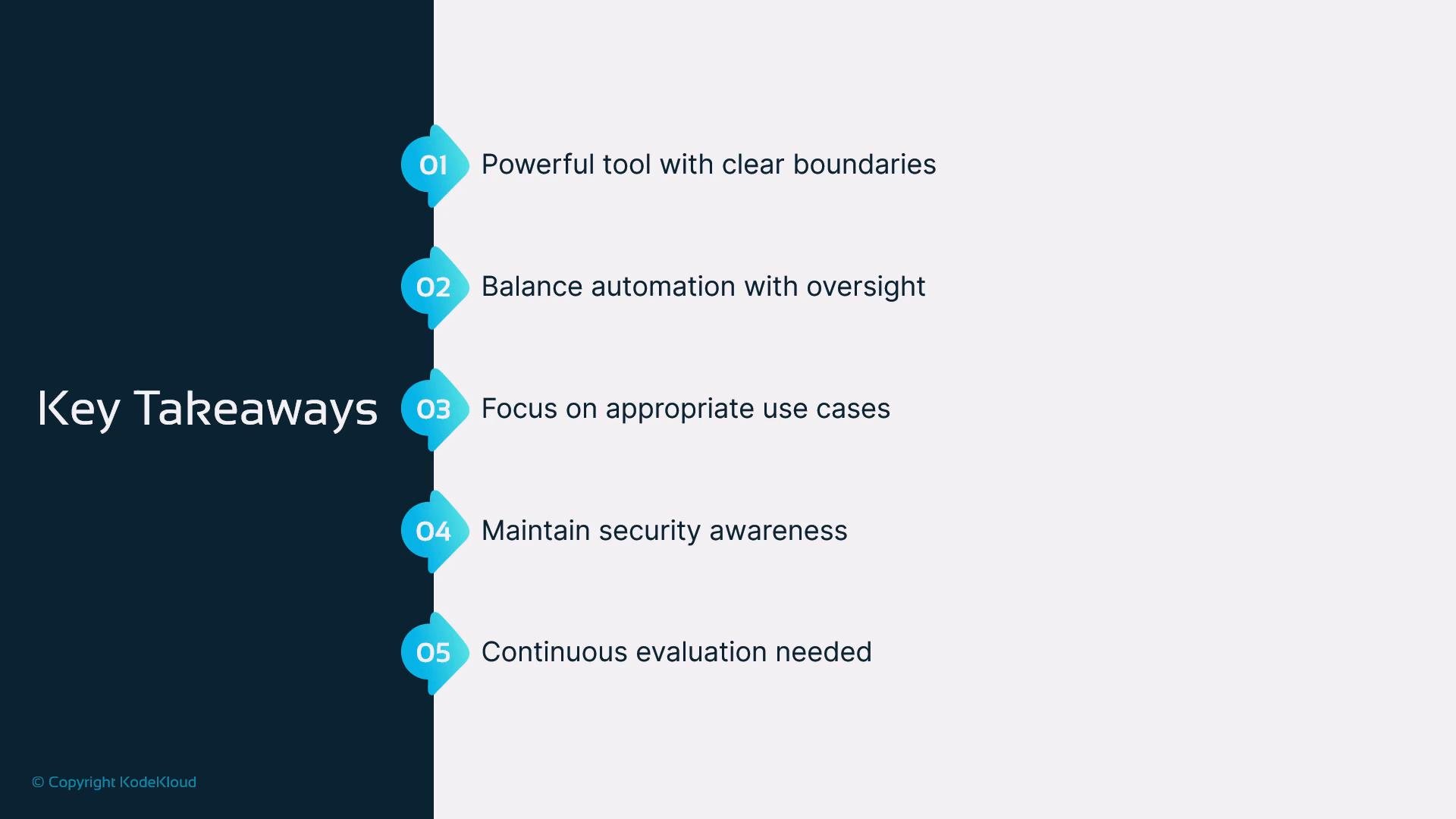
Links and references
- GitHub Copilot overview and business settings: https://docs.github.com/en/copilot/overview-of-github-copilot/about-github-copilot-for-business
- Introduction to OpenAI (linked earlier): https://learn.kodekloud.com/user/courses/introduction-to-openai
- Best practices: include unit tests, linters, dependency scanners, and secret detection in your CI pipeline for any code that originates from AI suggestions.