

- Provide a concise project introduction and outline goals.
- Create a new Python project scaffold.
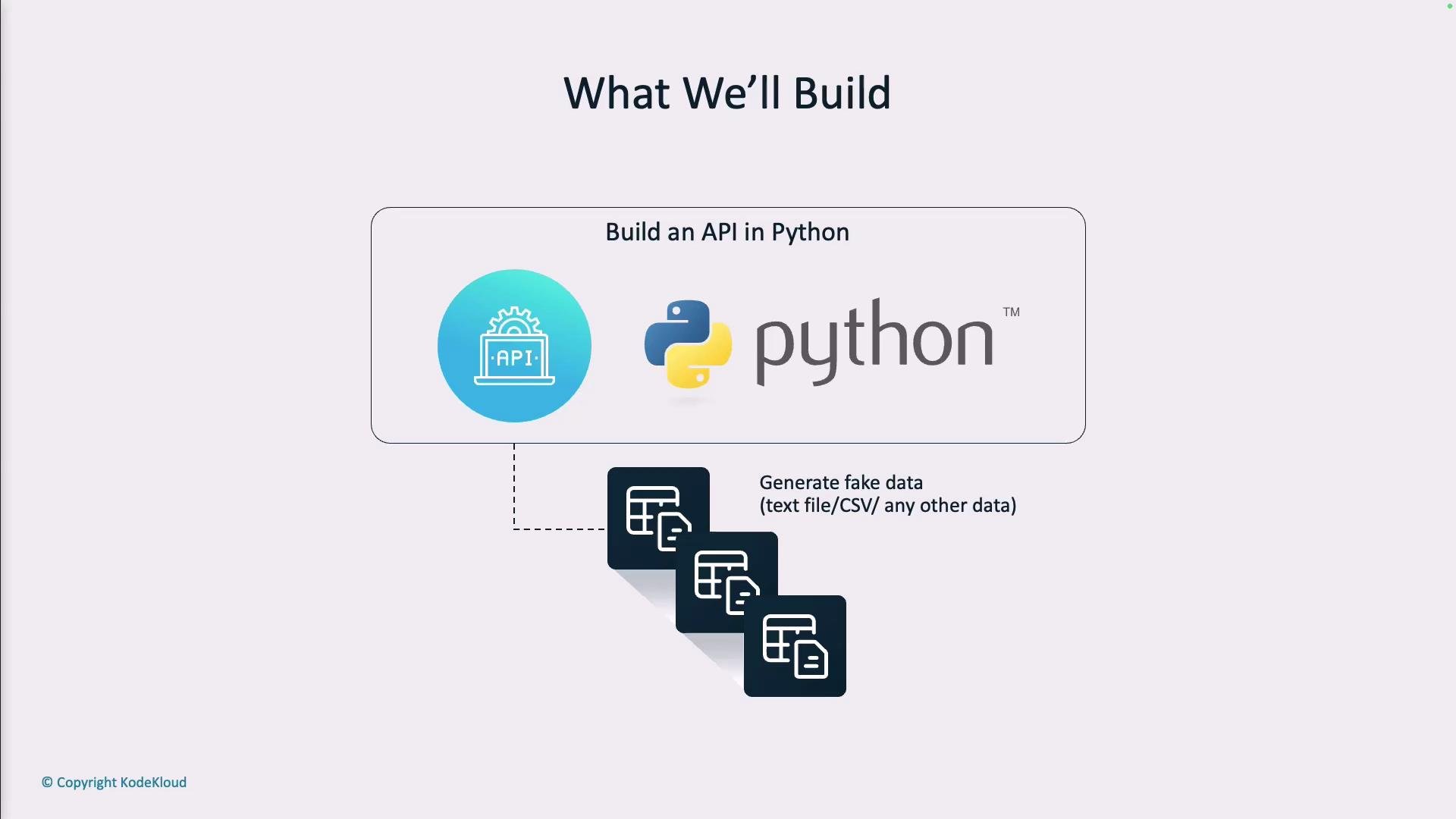
- Implement a fake data generator service with inline code documentation.
- Add unit tests to verify behavior.
- Generate and enhance API documentation (OpenAPI).
- Demonstrate how AI pair programming (Copilot) can accelerate each step.
Do not use real customer data for testing. Generate synthetic data that resembles real-world records while preserving privacy.
- Generate a configurable number of fake records (names, emails, ages, city, occupation).
- Export generated data in JSON, CSV, or plain text formats.
- Provide a clean REST endpoint surface for easy consumption by tests or other services.
- Include automated unit tests and comprehensive API documentation.
Example request body for generating data:
{"count": 2}(wrap JSON in the request when calling the endpoint)
- Use fixtures (
sample_data) to provide deterministic expected results. - Patch the internal data-fetching/generation function to isolate endpoint behavior.
- Validate status codes, payload shape, and content.
/docs (Swagger UI) and /redoc. To make the API easy for engineering teams to consume:
- Add detailed Pydantic models with field descriptions.
- Provide example request/response bodies in endpoint docstrings.
- Include usage examples for each supported export format (JSON/CSV/text).
Best practice: add small, copy-pasteable examples in your docstrings and OpenAPI
examples so other teams can quickly integrate the fake-data generator into CI tests and development workflows.- Scaffold the project (virtualenv/poetry, FastAPI, Uvicorn, Faker for realistic data).
- Implement endpoints and Pydantic models for strong typing and auto-docs.
- Add CSV/text serialization helpers (ensure correct CSV headers and escaping).
- Write pytest tests with fixtures and function patching to ensure deterministic outcomes.
- Use Copilot as an assistant: generate stubs, create example tests, and refine docstrings.
- Publish README with usage examples and link to
/docs.
- FastAPI documentation: https://fastapi.tiangolo.com/
- pytest documentation: https://docs.pytest.org/en/stable/
- Faker library for realistic fake data: https://faker.readthedocs.io/