

- What pair programming is and how AI pair programming differs
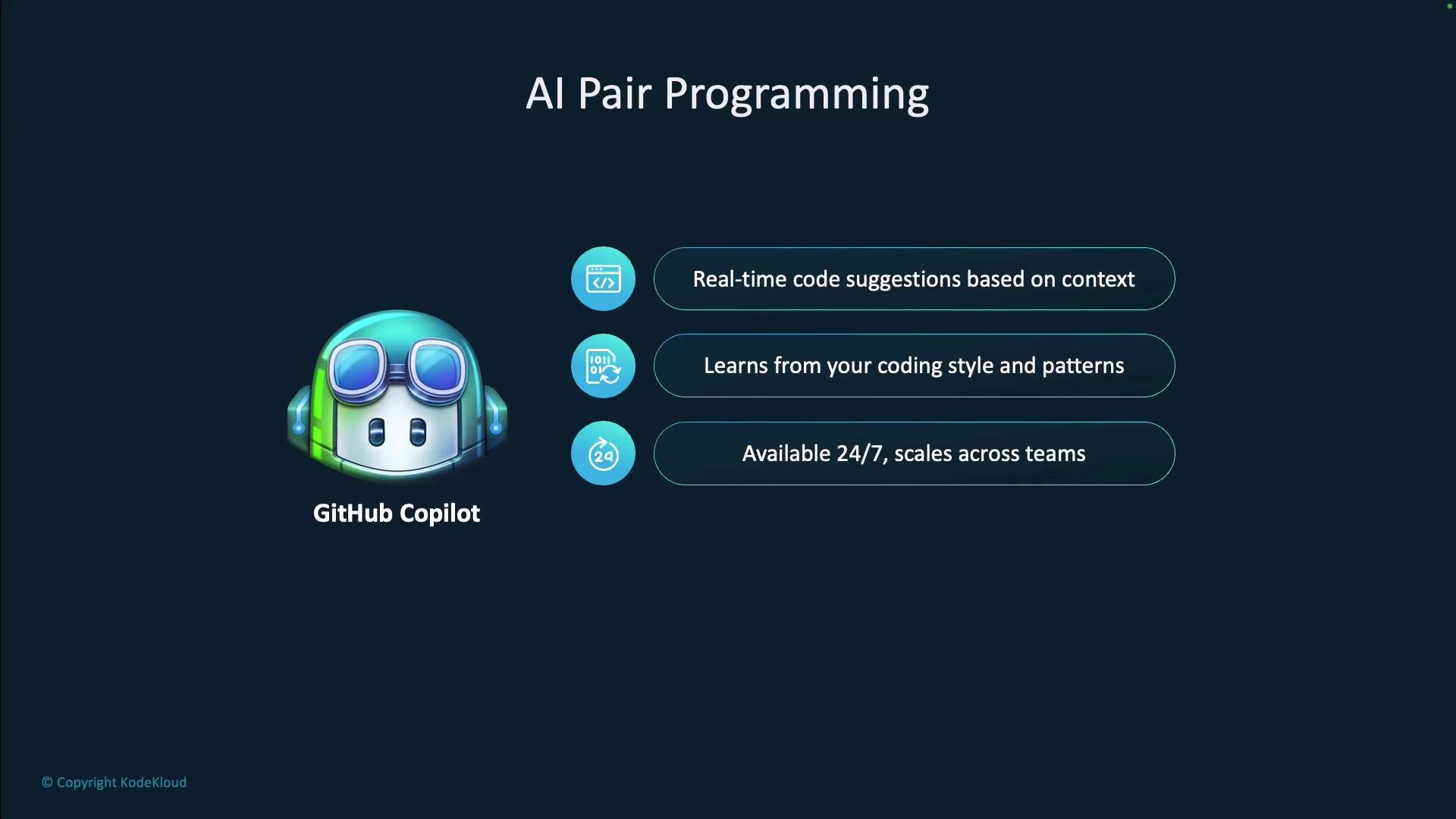
- The benefits of GitHub Copilot
- How developer workflows change before and after Copilot
- Best practices: when to use Copilot and when to exercise caution
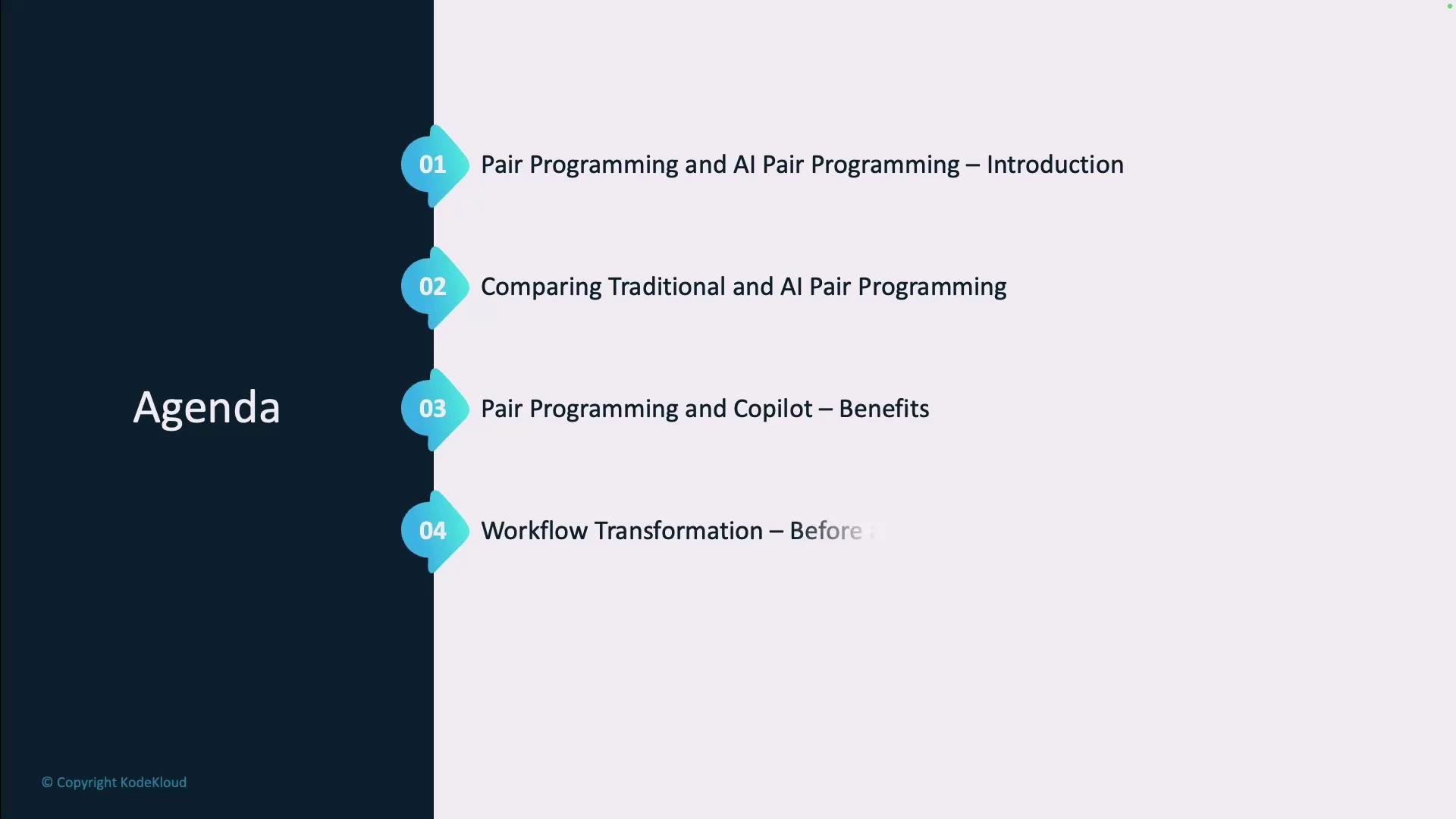
What is pair programming?
Pair programming is a collaborative development practice where two people work together at the same workstation:- Driver: writes the code
- Navigator: reviews the code, thinks ahead, spots edge cases, and suggests improvements
What is AI pair programming?
AI pair programming replaces—or augments—the human navigator with an AI partner. GitHub Copilot provides context-aware, inline suggestions based on the file you’re editing, the surrounding project, and patterns learned from large public codebases. Key differences from human partners:- Available 24/7
- Scales across teams without scheduling
- Produces suggestions but does not make final decisions—you accept, modify, or reject outputs
Traditional vs AI pair programming — a comparison
Traditional pair programming and AI pair programming share the same goals (knowledge sharing, immediate feedback, error catching) but achieve them differently.
Benefits of combining both:
- Humans: creativity, intuition, architectural reasoning, mentorship
- Copilot: fast access to patterns, consistent style, scaffolded tests and docs, faster prototyping
How workflows change
Before Copilot
Typical pre-Copilot workflow:- Write code
- Consult documentation
- Search Stack Overflow or examples
- Review, refactor, and test

After Copilot
Copilot moves learning and discovery into the editor:- You write code and receive inline suggestions in real time
- Accept, modify, or reject suggestions instantly
- Contextual documentation and examples appear without leaving the editor
- AI can assist with quick reviews, refactors, and test generation

Practical use cases: when Copilot excels
Copilot is particularly effective for tasks that are routine, pattern-based, or require fast scaffolding: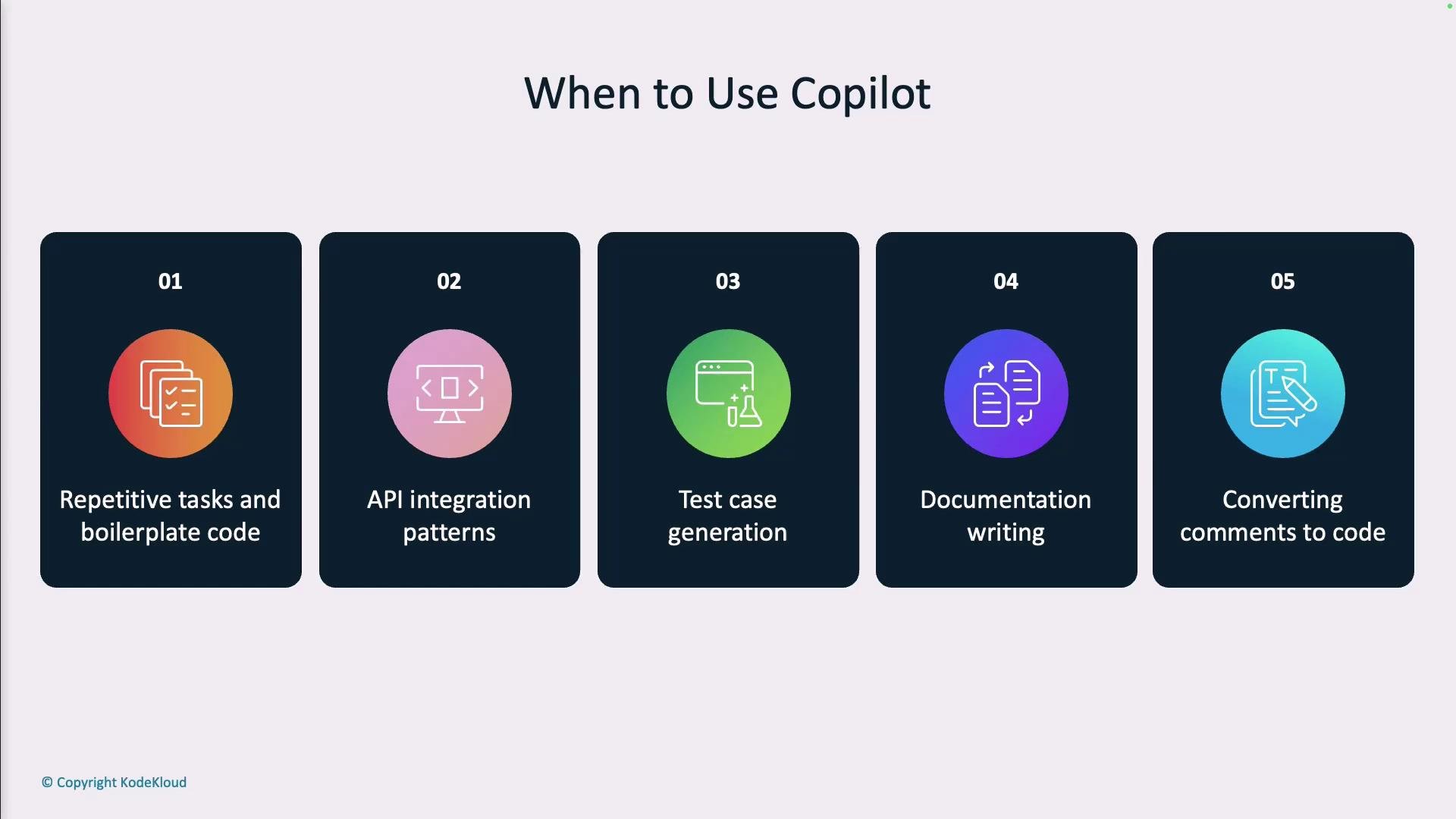
When to be cautious — human oversight needed
There are scenarios where AI suggestions require careful review and expert validation: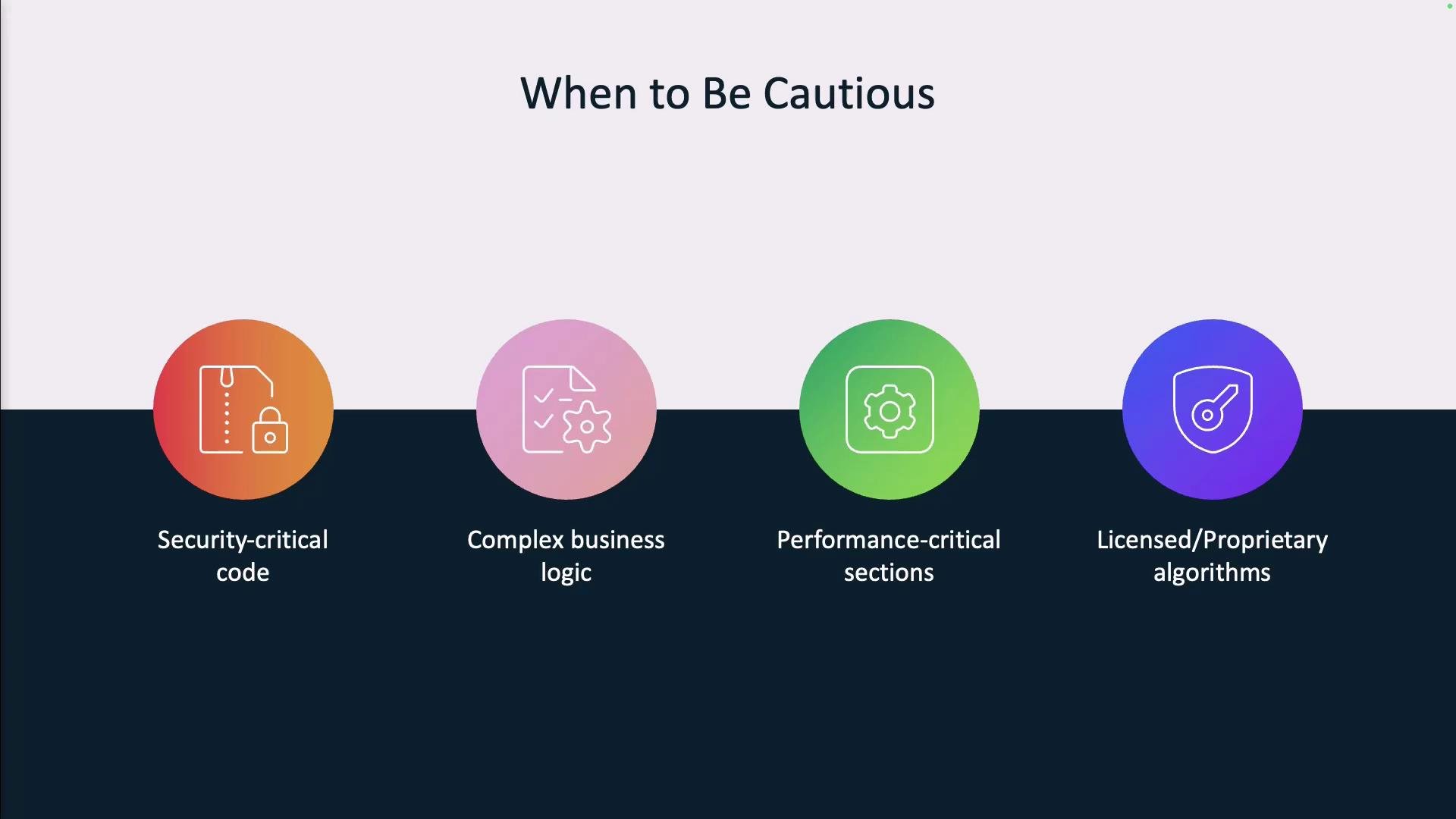
Always review AI-generated code for correctness, security, licensing, and performance. Copilot helps accelerate work, but does not replace expert validation.
Best practices for adopting Copilot
- Start small: try Copilot on low-risk tasks such as boilerplate, tests, and docs.
- Learn from suggestions: use prompts and edits as a way to discover APIs and idioms.
- Establish team norms: share examples and review AI output as a team to standardize usage.
- Iterate and measure: adjust how you use Copilot over time and measure outcomes (e.g., time saved, defect rates).
- Keep responsibility clear: humans remain accountable for architecture, security, and legal compliance.
Treat Copilot as a force multiplier: it speeds routine work and surfaces possibilities, while humans retain responsibility for design, security, and correctness.
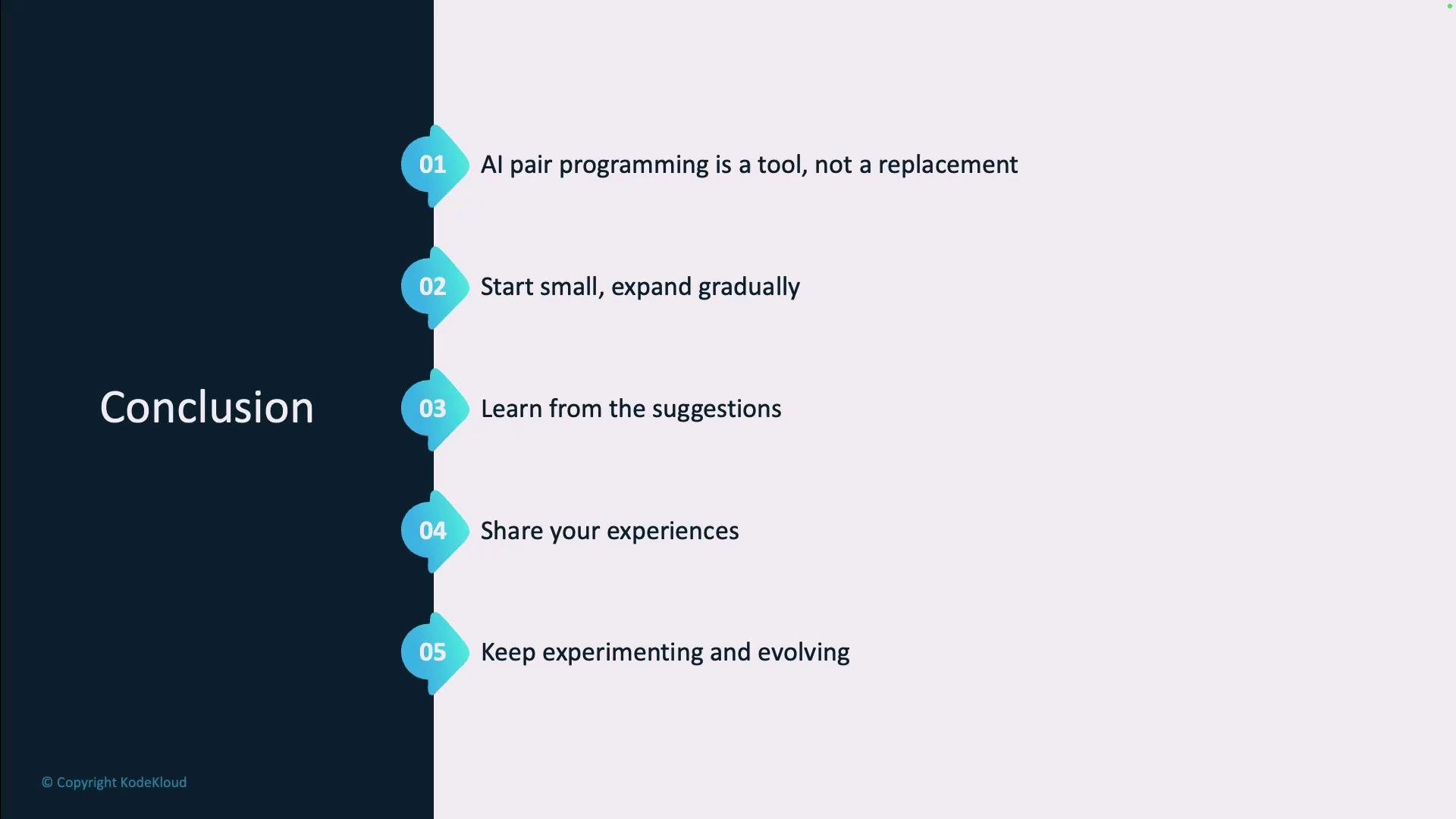
Conclusion — AI + Human collaboration
GitHub Copilot is a powerful assistant that complements developer expertise. When used thoughtfully, AI pair programming:- Accelerates routine work and scaffolding
- Keeps learning and discovery inside the editor
- Improves consistency and speed of prototyping
Links and references
- GitHub Copilot — product page and documentation
- Stack Overflow — community Q&A and examples