

- Reduce manifest sprawl and human error.
- Provide a simple, consistent API for developers.
- Let platform teams evolve implementations without changing developer workflows.
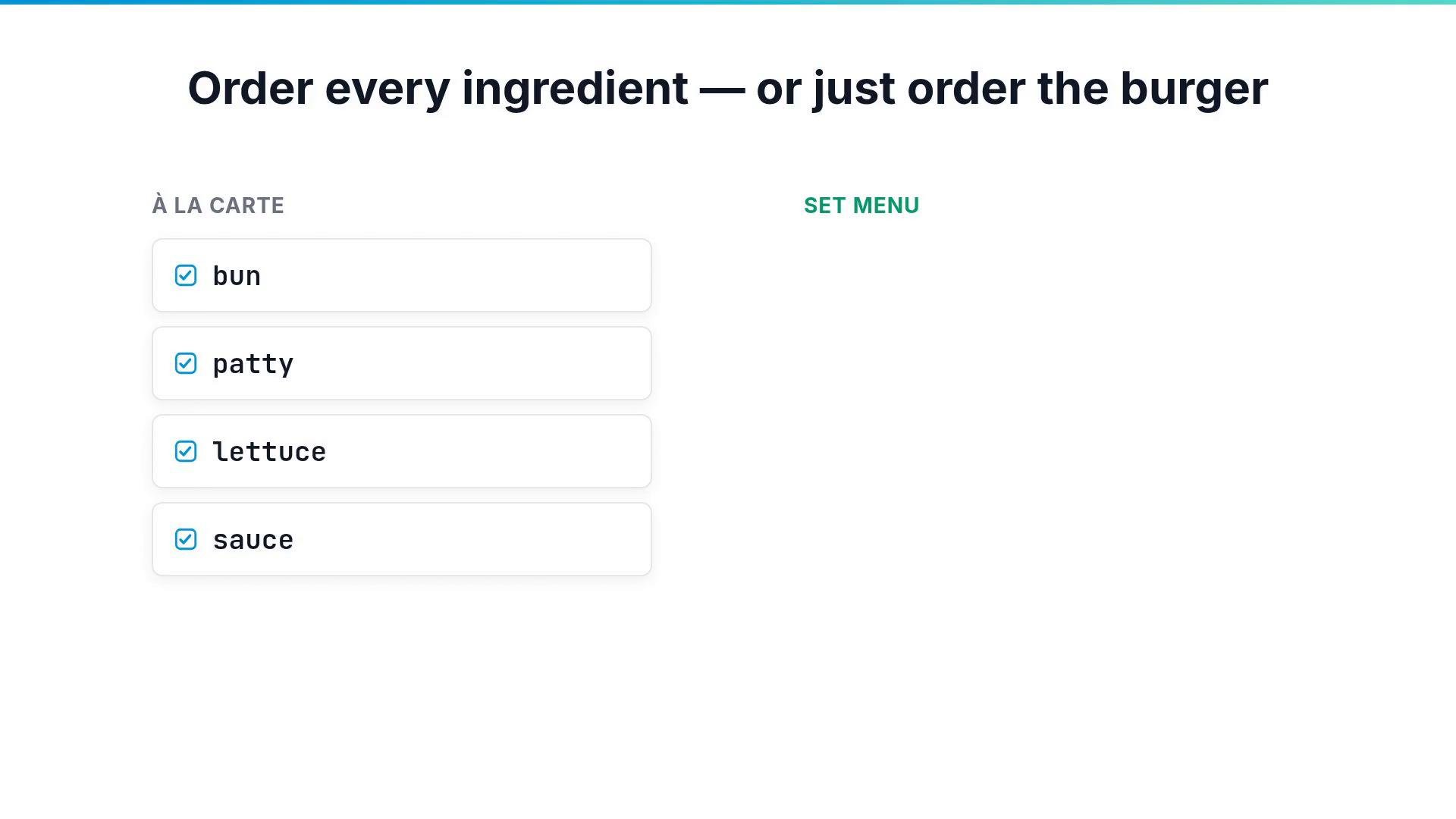
- Enable self-service infrastructure by encapsulating complexity.
- Define a CompositeResourceDefinition (XRD) that declares a new API (the composite type) and its schema.
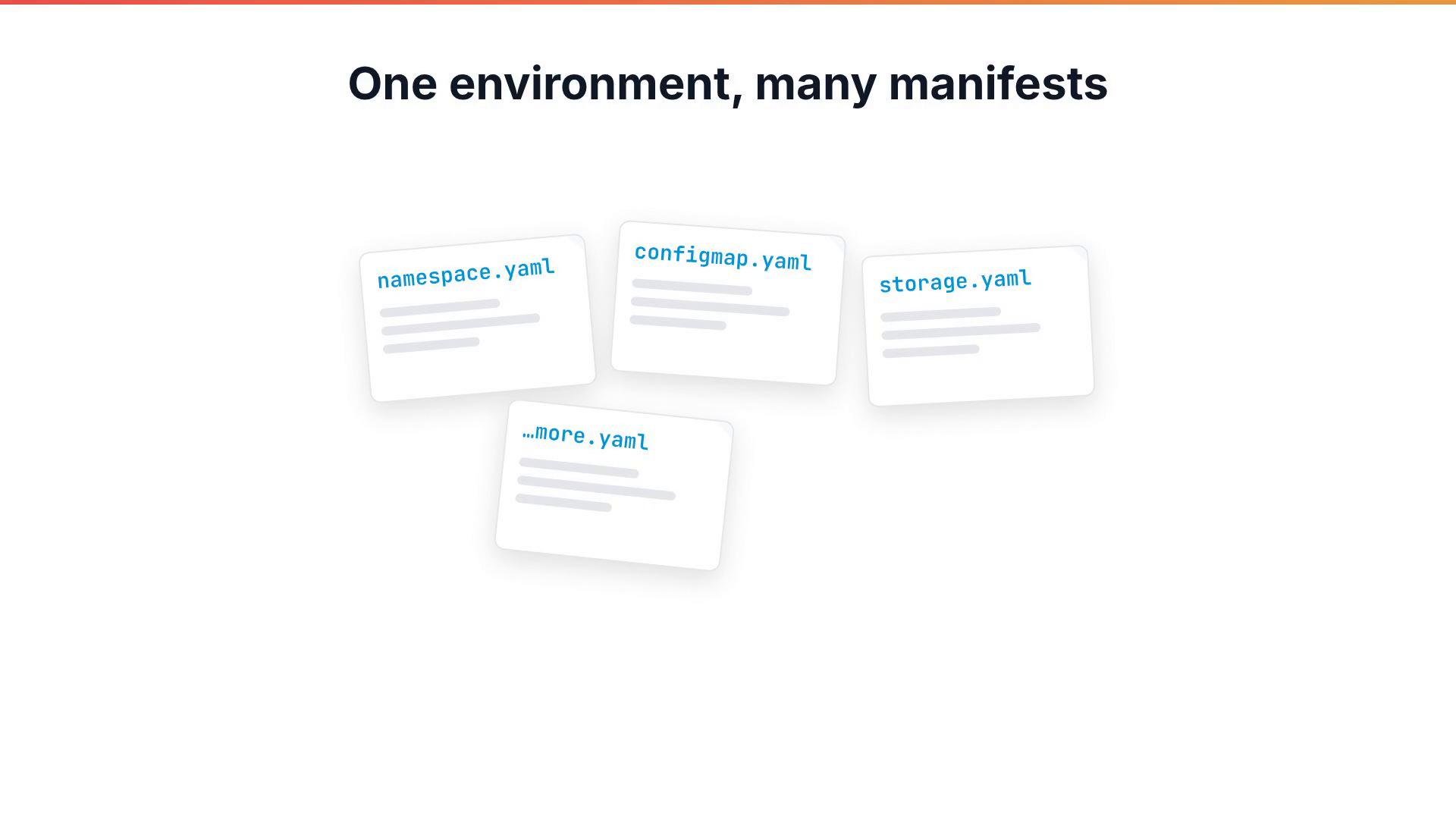
- Create a Composition that implements that API by specifying the concrete resources to provision and how request fields map into them (via patches and functions).
- Developers create instances of the composite type (for example
XSimpleApp) and Crossplane expands and manages all underlying resources.
Example: a minimal XRD
Below is a minimal
CompositeResourceDefinition for an XSimpleApp. It declares the composite API, the requestable fields, and validation (here appName and environment are required; environment limits values to dev, staging, or prod).
XSimpleApp instance. This example uses mode: Pipeline and a step that references a function for patching and transformations (details on functions/patching follow in later lessons).
- Apply the XRD first. Kubernetes will register a new composite resource type.
- Apply the Composition. Platform owners manage Compositions; developers should not need to edit them.
- When a developer creates an
XSimpleApp, Crossplane expands that single request into the concrete resources defined by the Composition and reconciles them continuously.
kubectl get ns after Crossplane provisions a namespace for an XSimpleApp:
XSimpleApp with simple fields:
- Create and manage the namespace and ConfigMap defined by the Composition.
- Use functions/patches configured in the Composition to propagate request values (
appName,environment) into the generated resources. - Reconcile and repair drift automatically.
XRDs and Compositions let platform teams expose a simplified API to developers. Platform owners maintain Compositions (the implementation blueprints), while developers create instances of the composite type. Functions and patches inside a Composition map request fields into generated resources to keep configuration DRY and consistent.
XRDs can be cluster-scoped or namespace-scoped. Choose the scope carefully: it determines where users can create composite instances and affects access control and lifecycle management.
- Try creating the XRD and Composition in a test cluster and then create an
XSimpleAppinstance to see Crossplane provision the underlying resources. - In follow-up lessons, learn how Composition functions and patching transform request fields into concrete resource fields and how to conditionally compose resources.
- Crossplane Documentation
- Kubernetes CustomResourceDefinition (CRD) docs
- OpenAPI v3 Schema for Kubernetes