

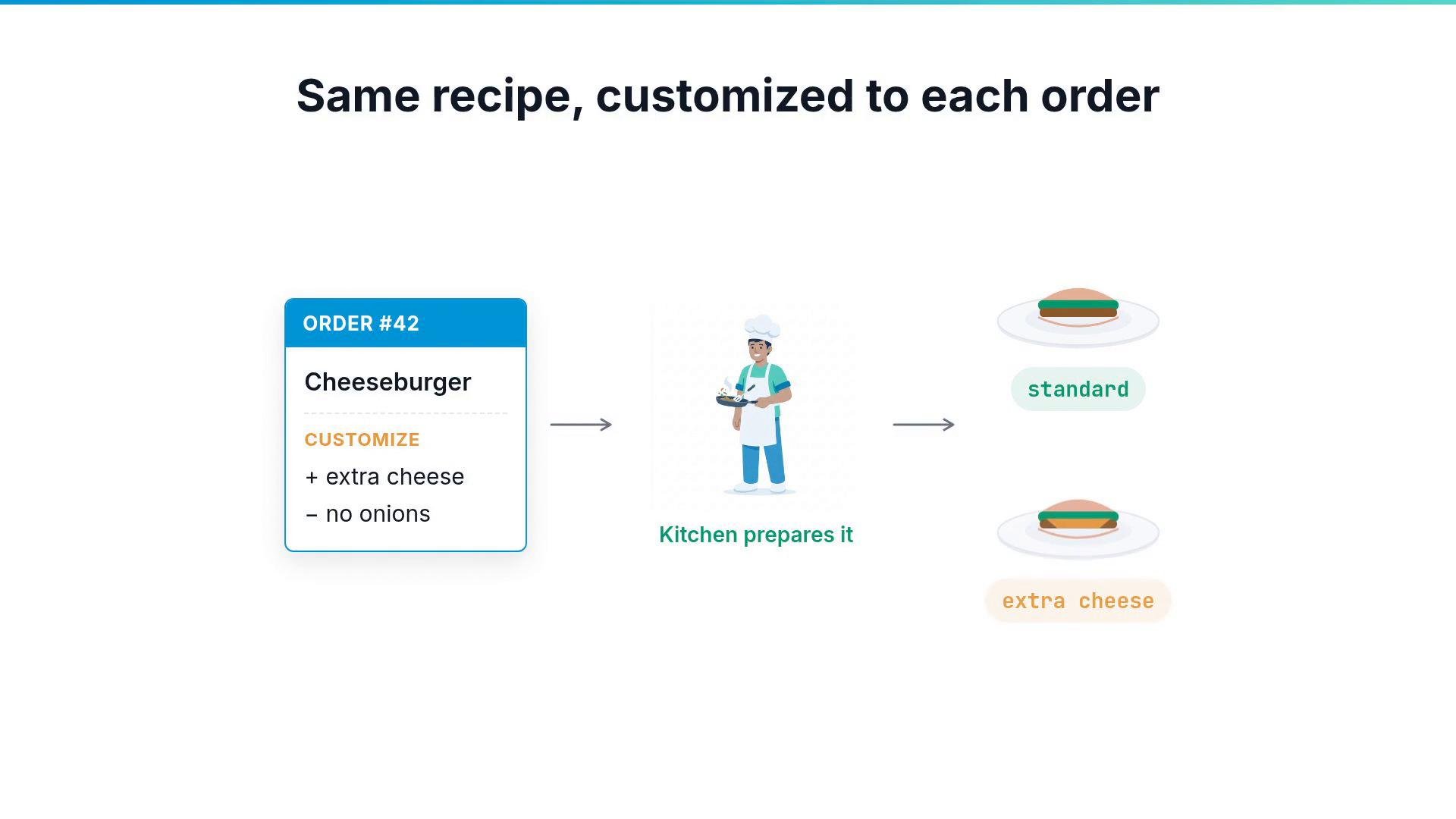
webapp, but the resulting namespace or resource names could still appear as placeholders because the inputs never reach the managed resources.
Composition functions solve this. A function is a program Crossplane runs while it builds your resources. It reads each composite request and applies the requested customizations to the resources that the composition creates. Functions are installed as packages, similar to providers. One widely used function is Crossplane’s Patch and Transform function:
- Patch: copy a value from the composite resource to a managed resource.
- Transform: reshape that value as it moves from the composite to the managed resource.
spec.appName: webapp, Patch and Transform can copy that value into a Namespace resource and transform it to webapp-namespace.
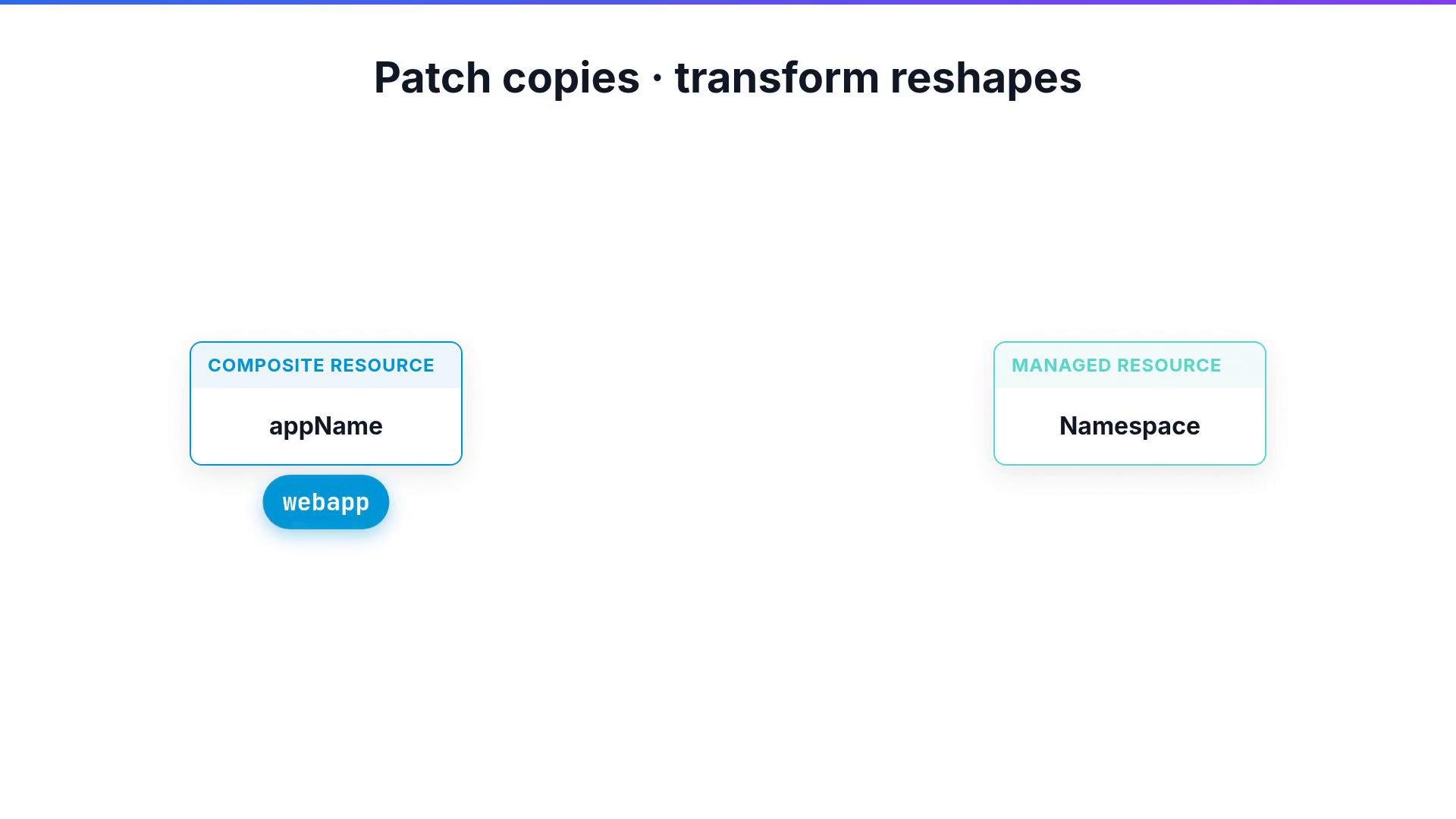
- A Composition contains resource stanzas; each resource provides a base manifest (the managed resource definition).
- A resource’s
patchessection declares how fields on that managed resource should be set from the composite request. - The function executes the patch operations and applies transforms if configured.
FromCompositeFieldPath, which reads a field from the composite (for example spec.appName) and writes it onto a field of the managed resource (for example spec.forProvider.manifest.metadata.name for a Kubernetes Namespace manifest). A single resource can carry multiple patches to update name, labels, configuration values, and more.
Transforms run alongside patches to modify values during copying—formatting strings, converting types, or performing arithmetic.
Example: copy spec.appName into a manifest’s metadata.name and format it with -namespace:
- string (Format, Prefix, Suffix, etc.) — format or concatenate text.
- map — replace an input with a mapped output (e.g., map
smallto a specific instance type). - convert — change the value’s type (e.g., string -> number).
- math — perform arithmetic (e.g., multiply a numeric input to scale sizes).
Schematic examples (conceptual):
- Keep composite input schemas minimal and expressive—let patches and transforms do the heavy lifting.
- Use
ToCompositeFieldPathto surface runtime information (endpoints, credentials) back to the composite’sstatus. - Favor reusable transforms (maps, common formatters) so compositions remain readable and maintainable.
- Crossplane Patch and Transform function: https://github.com/crossplane-contrib/function-patch-and-transform
- Crossplane documentation: https://crossplane.io/docs
Install the Patch and Transform function package in your control plane before attempting to reference it from a Composition. Follow your distribution’s package installation instructions (for example, with the Crossplane package manager).