

LKE automates most of the control plane orchestration (API server, scheduler, controller manager, and etcd) during an upgrade. Your main responsibility is to prepare the worker nodes and workloads so pod disruption is minimized.
1.22 and an upgrade to 1.23 is available.
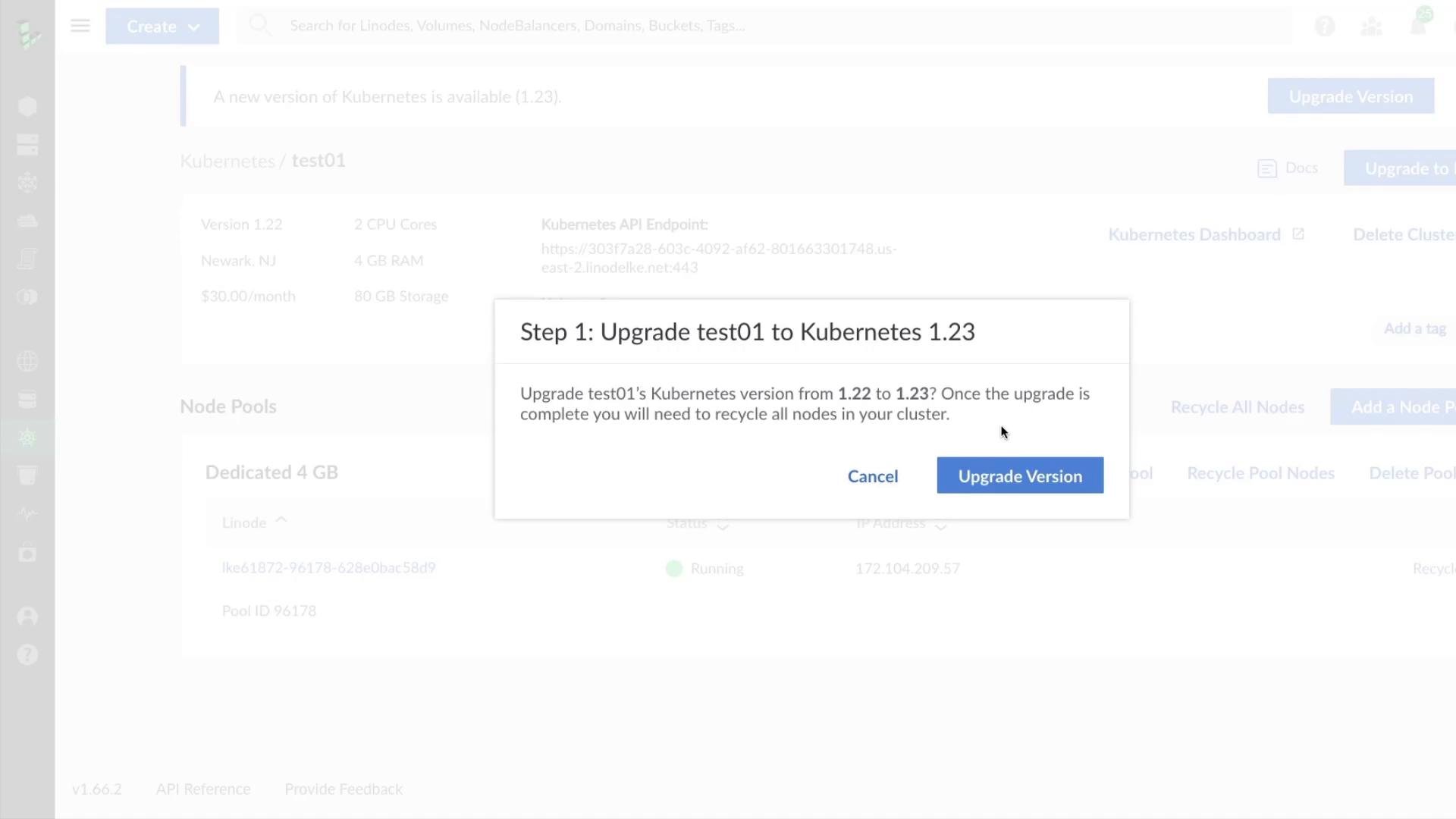
- Control plane upgrade: LKE upgrades control plane components (API server, controller manager, scheduler, etcd) in a managed way.
- Worker node recycle: After the control plane upgrade, LKE requires recycling (deleting and recreating) the worker nodes so they run the new
kubelet/agent and rejoin the upgraded control plane. - Pod lifecycle: Because nodes are replaced, existing pods are evicted and then scheduled onto the new nodes. PersistentVolumes provisioned with external storage survive if they are independent of the node’s local disk.
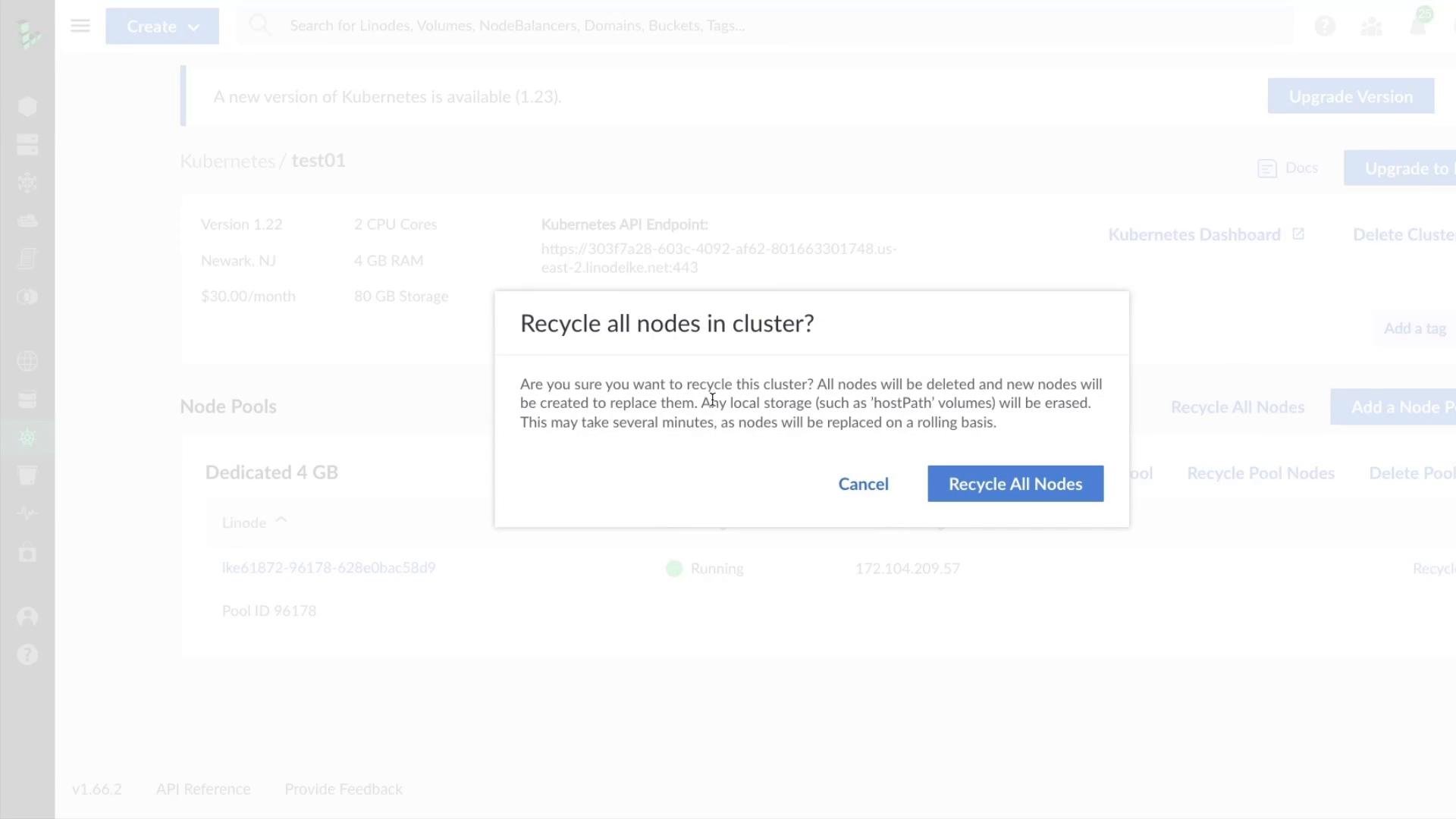
Recycling nodes will delete the worker nodes and any local storage on them (for example,
hostPath volumes). PersistentVolumes backed by a proper external storage class (for example, block storage) will survive if they are independent of the node’s local disk.- Local storage loss: Any pods using
hostPathor other node-local storage will lose data when their nodes are recycled. - Potential downtime: If Deployments/ReplicaSets do not have enough replicas or if critical services lack
PodDisruptionBudget(PDB) resources, workloads may experience downtime during recycling. - Stateful workloads: StatefulSets and databases require proper PersistentVolumes and careful verification of StorageClass behavior before upgrading.
Example commands and tips
- Export all resources:
- Backup databases using the vendor-recommended method (for example,
pg_dumpfor PostgreSQL). - Check PDBs:
- Check PersistentVolume and StorageClass health:
- Click the upgrade button on the cluster in the Cloud Manager.
- Confirm the control plane version change (e.g.,
1.22→1.23). - Confirm node recycling when prompted. LKE will then upgrade the control plane and start deleting and recreating worker nodes to match the new control plane version.