

open function.
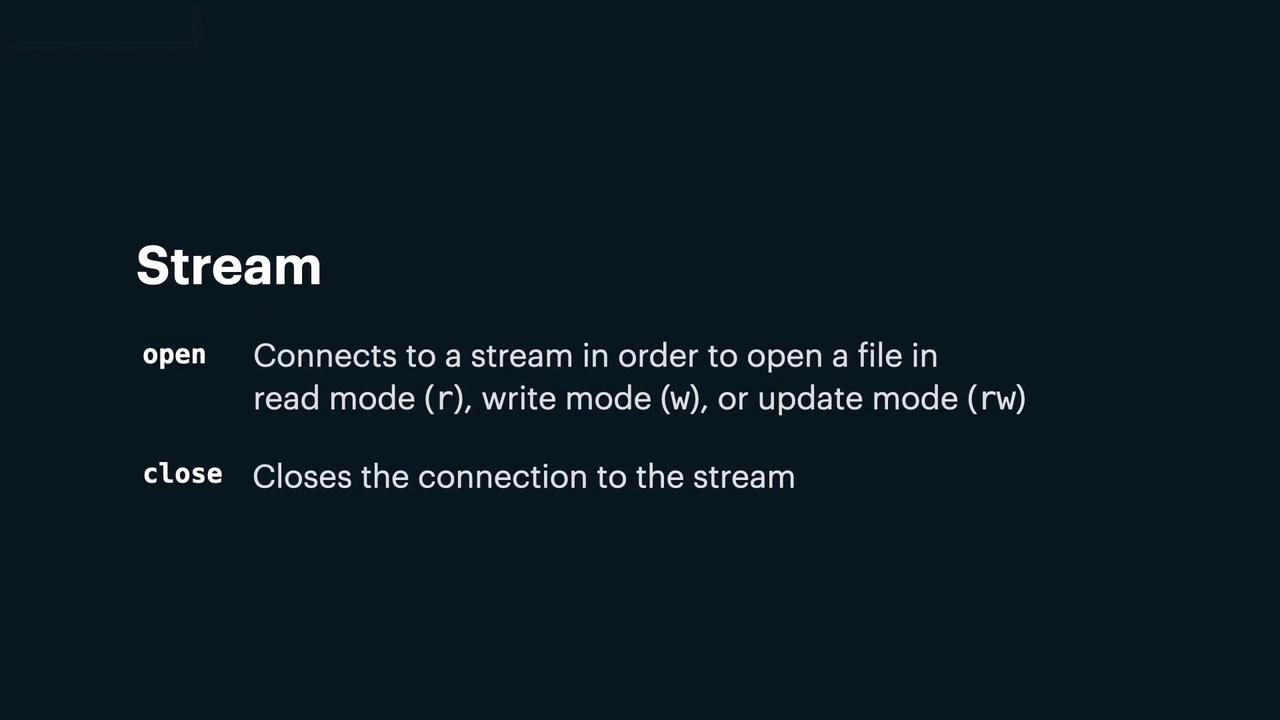
- Read mode – For reading data only.
- Write mode – For writing data (creates the file if it doesn’t exist).
- Update mode – For both reading and writing.
close method.
When a file is opened, Python creates a specific class instance tailored to the chosen mode. This instance exposes methods to interact with the stream, and it is discarded once the stream is closed.
There are two types of streams:
-
Text Streams:
These streams contain typographical characters (letters, digits, etc.) and display file content as seen in typical text editors—either character by character or line by line. -
Binary Streams:
These streams consist of sequences of bytes (for example, executables, images, or database files) and display content byte by byte or in blocks.

\n). Conversely, when writing, every newline character (\n) is converted into the system’s default sequence (LF on Unix/Linux and CRLF on Windows).
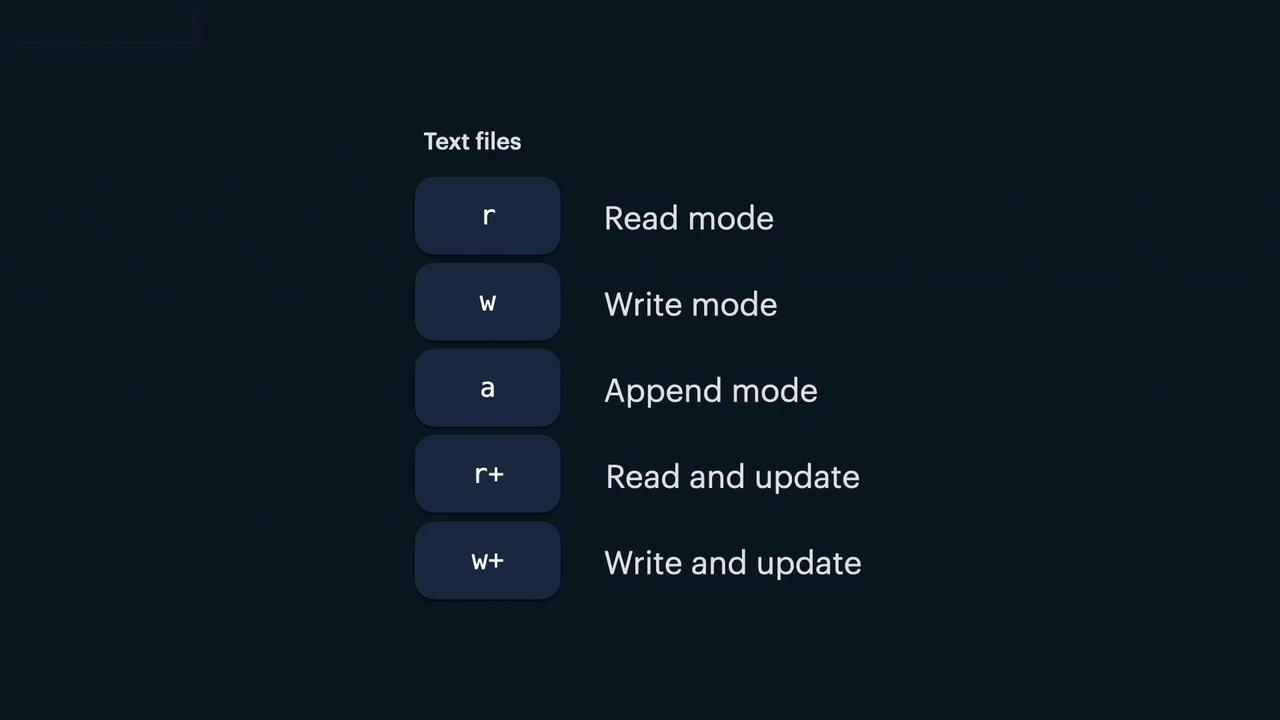
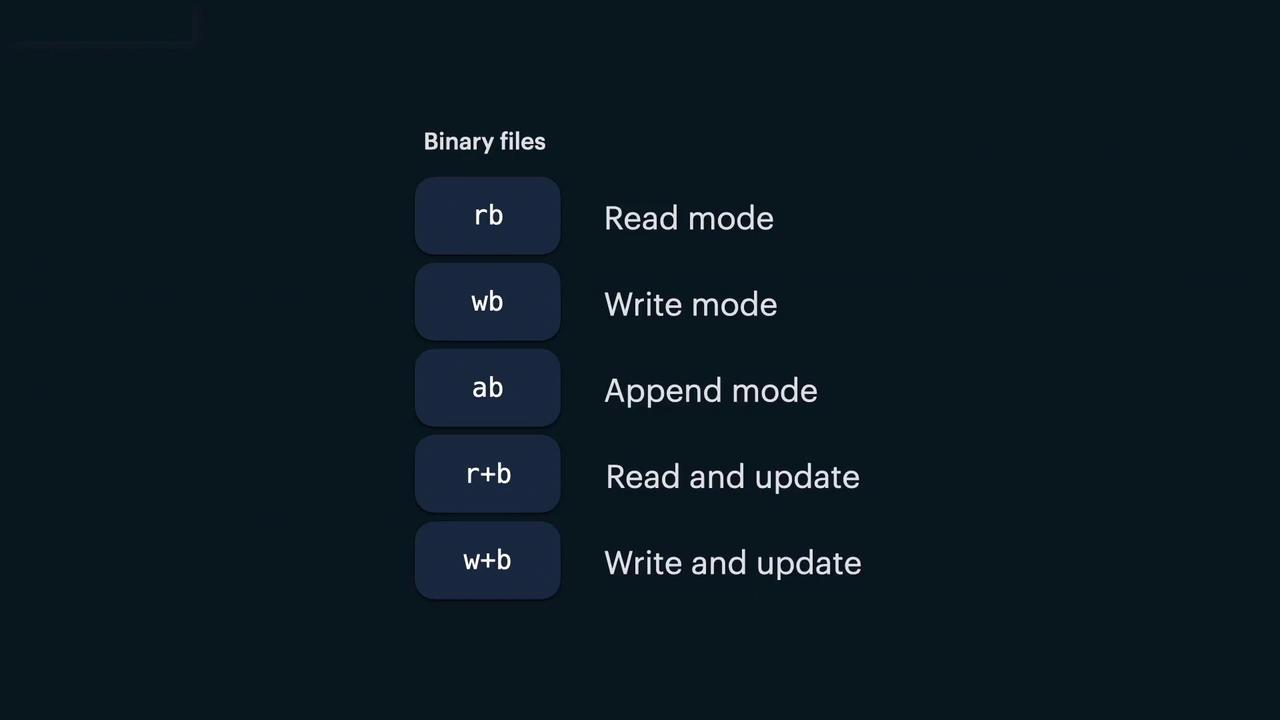
To open a stream, use the open function by passing in the file path, mode, and optionally, the file encoding. For example, here’s how to open a file in read mode:
- “r”: Read mode (the file must exist).
- “w”: Write mode (creates the file if it doesn’t exist).
- “a”: Append mode (creates the file if it doesn’t exist).
- “r+”: Read and update mode (the file must exist).
- “w+”: Write and update mode (creates the file if it doesn’t exist).
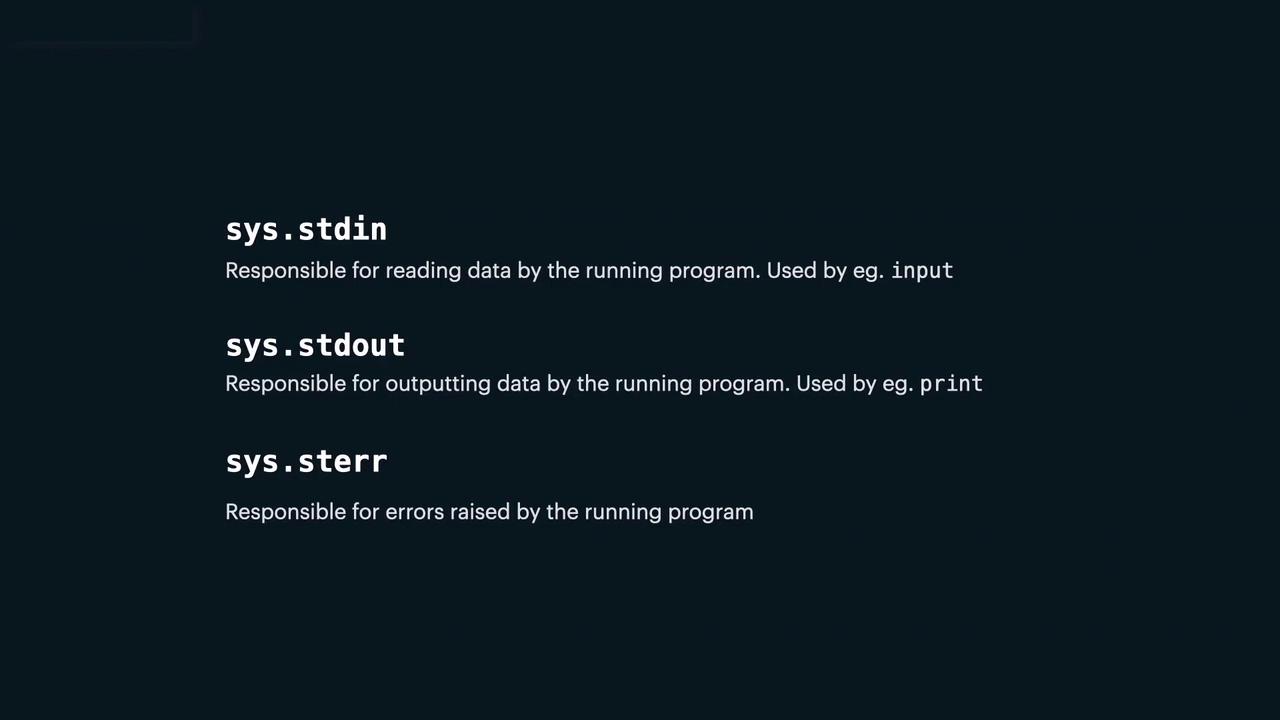
open function, there are three standard streams that are automatically available when a Python program starts. These streams, accessible through the sys module, include:
-
stdin:
This stream is associated with keyboard input. By default, theinput()function reads fromstdin. -
stdout:
This stream is connected to the screen and is used for displaying output. Theprint()function sends output tostdout. -
stderr:
This stream is used to output error messages when the program encounters an error.
When working with file I/O, always ensure you close streams after accessing a file to free system resources. Using Python’s context managers (the
with statement) can simplify this process by automatically closing the file.IOError object includes a property called errno (sometimes referred to as error_node), which holds constants representing various error conditions. For example:
errno.EEXIST: Attempting to write to a read-only file.errno.ENOENT: The specified file or directory does not exist.