

Creating a Simple Module
Begin by creating a file namedmodule.py with the following content:
main.py file, the print statement in module.py executes immediately:
The name Variable
Every Python module comes with an extra variable called__name__ that indicates how the module is being used. If you run module.py directly, __name__ is set to "__main__". However, when you import module.py from another file (like main.py), __name__ retains the module’s file name (e.g., "module").
Consider the following example:
if __name__ == "__main__": block) that only runs when executed directly, and not when imported.
Creating a More Functional Module
Let’s enhancemodule.py by adding a variable and a function. This example illustrates how to define a variable named counter accessible via dot notation when the module is imported, and also how to designate private variables by prefixing names with an underscore.
Below is an updated version of module.py:
The shebang (
#!/usr/bin/env python3) ensures compatibility on Unix-like systems. The if __name__ == "__main__": block runs test code only when the module is executed as a standalone script.Understanding Module Search Paths
When you import a module, Python looks for it in a list of predefined directories stored insys.path. This list includes the current working directory, site-packages, and other Python-specific paths.
You can inspect the module search path with this code:
Importing Modules from a Custom Directory
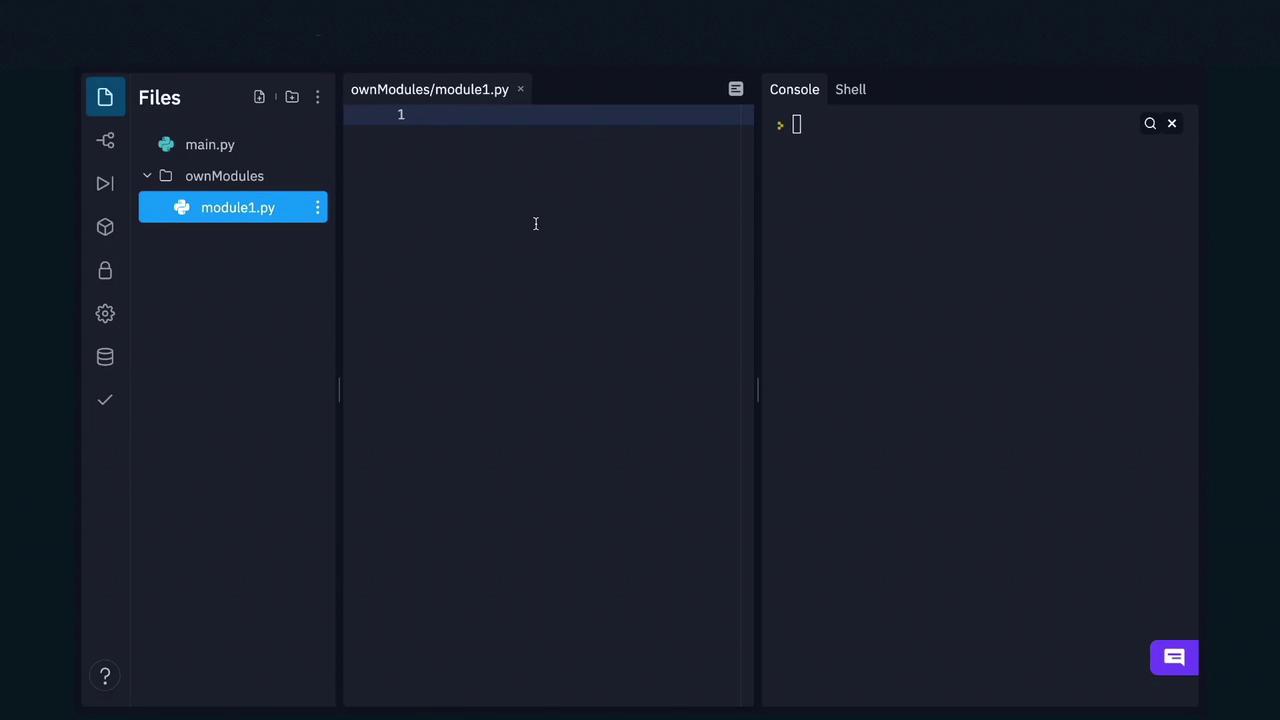
Suppose you have a directory namedownModules that contains a module called module1.py with the following content:
module1.py, the functionality of module importation does not depend on the visual layout of your project.
sys.path:
Creating and Using Packages
As your application grows, it’s beneficial to organize related modules into packages. A package is a directory hierarchy containing modules, where the__init__.py file is executed when a module from the package is imported. This can be used to initialize package-level variables or to automatically import submodules.
For instance, consider a package with a submodule for basic arithmetic operations. You can import a function from a submodule using its fully qualified name:
Conclusion
This article has covered the essentials of creating user-defined modules and packages in Python. You now understand how to:- Create a simple module and observe its execution during import.
- Use the
__name__variable to control code execution. - Enhance modules by adding functions and encapsulated variables.
- Inspect and manipulate the module search path.
- Organize modules into packages for a scalable project structure.
To further solidify your understanding, experiment with these examples and consider integrating them into your own projects.