

Comparing Strings
Python allows you to compare strings using comparison operators such as<, >, and ==. When comparing two strings, Python checks the Unicode (code point) values of each character sequentially. For example, consider the comparison:
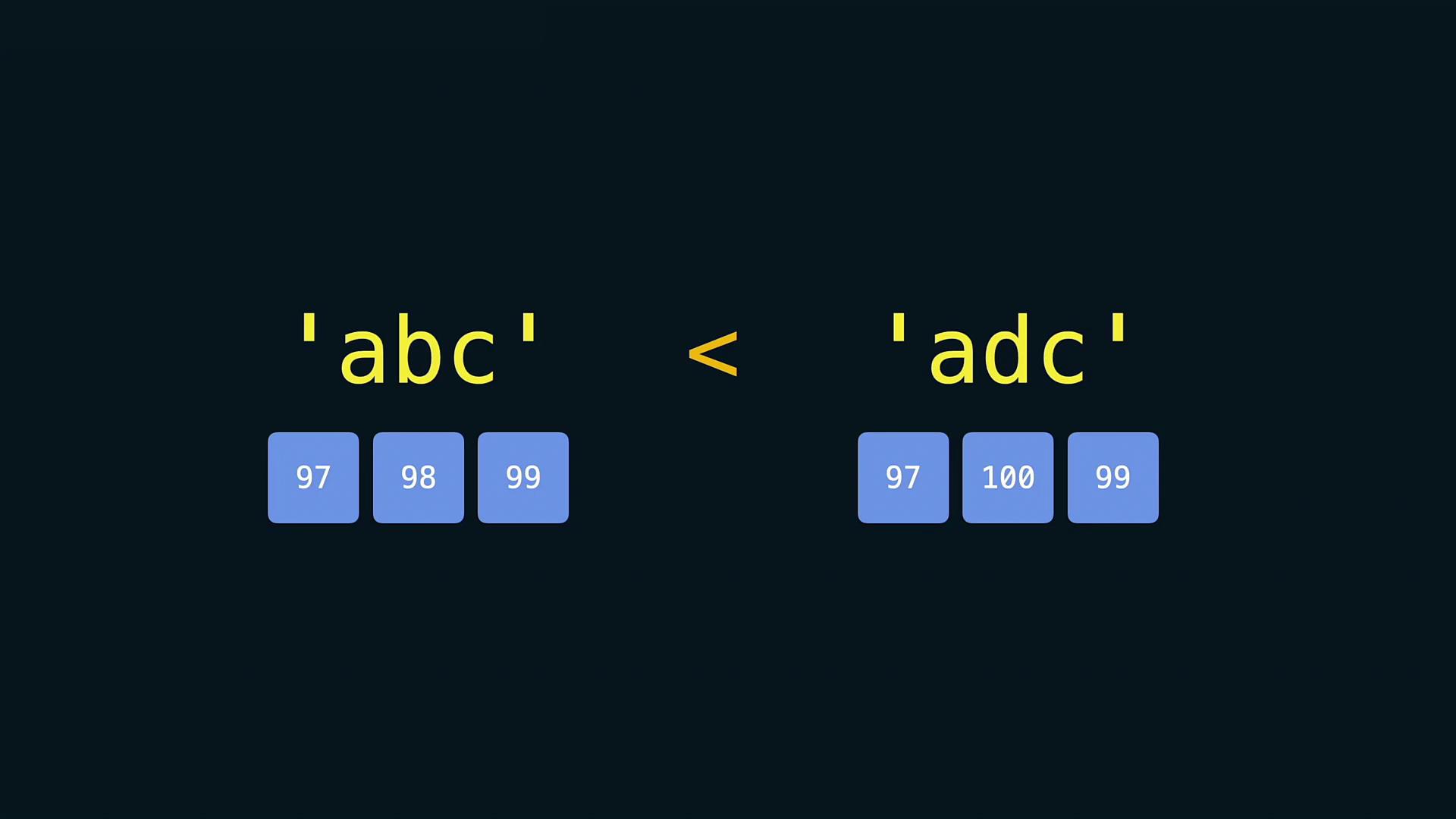
Be mindful that comparisons between strings are influenced by Unicode character values. This means that special characters and punctuation might affect comparison outcomes.
Sorting Strings and Lists
Python offers two primary ways to sort elements. You can either use the built-in functionsorted() which returns a new sorted list, or the list’s sort() method, which sorts the list in place.
Using the sorted() Function
Thesorted() function creates a new sorted list without altering the original collection. Consider these examples:
Using the sort() Method
If you want to sort a list in place, use thesort() method:
Converting Data Types
In many scenarios, you may need to convert non-string elements into strings, particularly when printing messages that include numeric values. Use thestr() function for this purpose:
TypeError:
TypeError.
Always ensure that you convert data types appropriately when performing operations. Failure to do so may result in errors that can interrupt your program’s execution.