

Starting vLLM and model loading
Serving a model with vLLM is simple: start the server and point it at a model stored on disk. At startup, vLLM reads the model weights from disk and copies them into GPU VRAM. For mid-sized models (for example an 8B model) this is typically tens of gigabytes, so startup often takes a minute or two while weights are loaded into GPU memory.Startup time depends on model size and GPU I/O bandwidth. Plan for longer initial load times for larger models and when loading from slower disks.
OpenAI-compatible HTTP API
vLLM exposes an HTTP API that mirrors the OpenAI API. Any client already written for the OpenAI chat completions endpoint can usually talk to a local vLLM server with no code changes — simply point the client tohttp://localhost:8000 instead of https://api.openai.com.
Example curl request (note the request format matches the OpenAI chat-completions structure):
Operational implications: memory, scaling, and cost
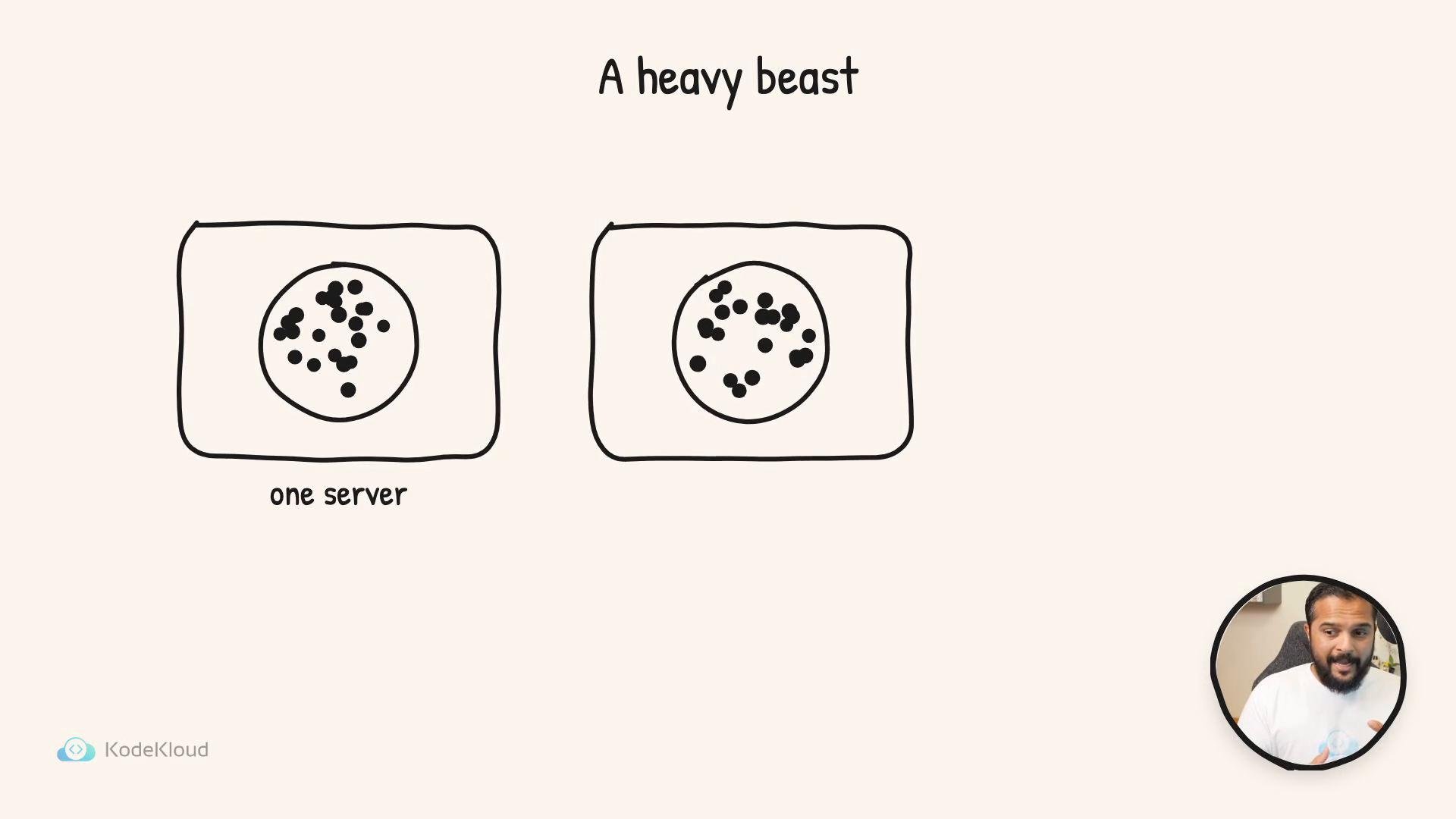
Because the server keeps the entire model resident in GPU memory while running, each server instance consumes a large, fixed amount of VRAM. If you scale by adding more servers (to add throughput or redundancy), each additional server typically requires another full copy of the model on its GPU unless you adopt model sharding or distributed inference approaches.- Single-server: simple, low orchestration overhead, but limited to the capacity of one GPU.
- Multiple full copies: easy to reason about and fast per request, but expensive and memory-inefficient.
- Sharded/distributed inference: reduces per-GPU memory footprint but increases system complexity and network overhead.
Running multiple full-copy model servers is costly. Consider the trade-offs between operational simplicity and hardware cost before scaling by replication. If GPU memory is limited, explore model sharding, tensor parallelism, or offloading strategies.
What happens during inference: the token loop and optimizations
When a running server receives a prompt, the core work occurs in the short window between prompt intake and returning the generated text. Inference proceeds token-by-token:- The model performs a forward pass for the current context (large matrix multiplications and attention).
- The server computes logits and applies a decoding or sampling strategy (e.g., greedy, top-k, top-p, temperature) to select the next token.
- The selected token is appended to the context, and the loop repeats until stopping criteria are met.
- Key/Value caching: store past attention keys and values so the model doesn’t recompute them for every new token.
- Batching: combine multiple requests together when possible to amortize GPU compute over larger batches.
- Kernel fusion and optimized GPU kernels: reduce launch overhead and improve throughput for big matrix operations.
- Memory management techniques: mixed precision (FP16/BF16), activation offloading, and layer-wise rematerialization where applicable.
When you combine all of the above, the server’s runtime behavior is a balance of latency, throughput, and cost. Small changes to batching strategies or caching behavior can have outsized effects on real-world performance.
Next, we’ll open the black box: inspect exactly what happens inside those forward passes and how the server coordinates GPU memory, caches, and batching to produce responses token-by-token.