

- the kernel — the low-level component that interacts with hardware and exposes system calls; and
- the userland — the collection of system utilities, libraries, shells, package managers, desktop environments, developer tools, and application binaries that run on top of the kernel.
- Container images include userland components (libraries, binaries, app code).
- Containers reuse the host kernel — they do not contain their own kernel.
- Kernel features provide the isolation and resource control containers rely on:
- namespaces — isolate process trees, network, mount points, etc.
- cgroups (control groups) — limit and account for resource usage (CPU, memory, I/O).
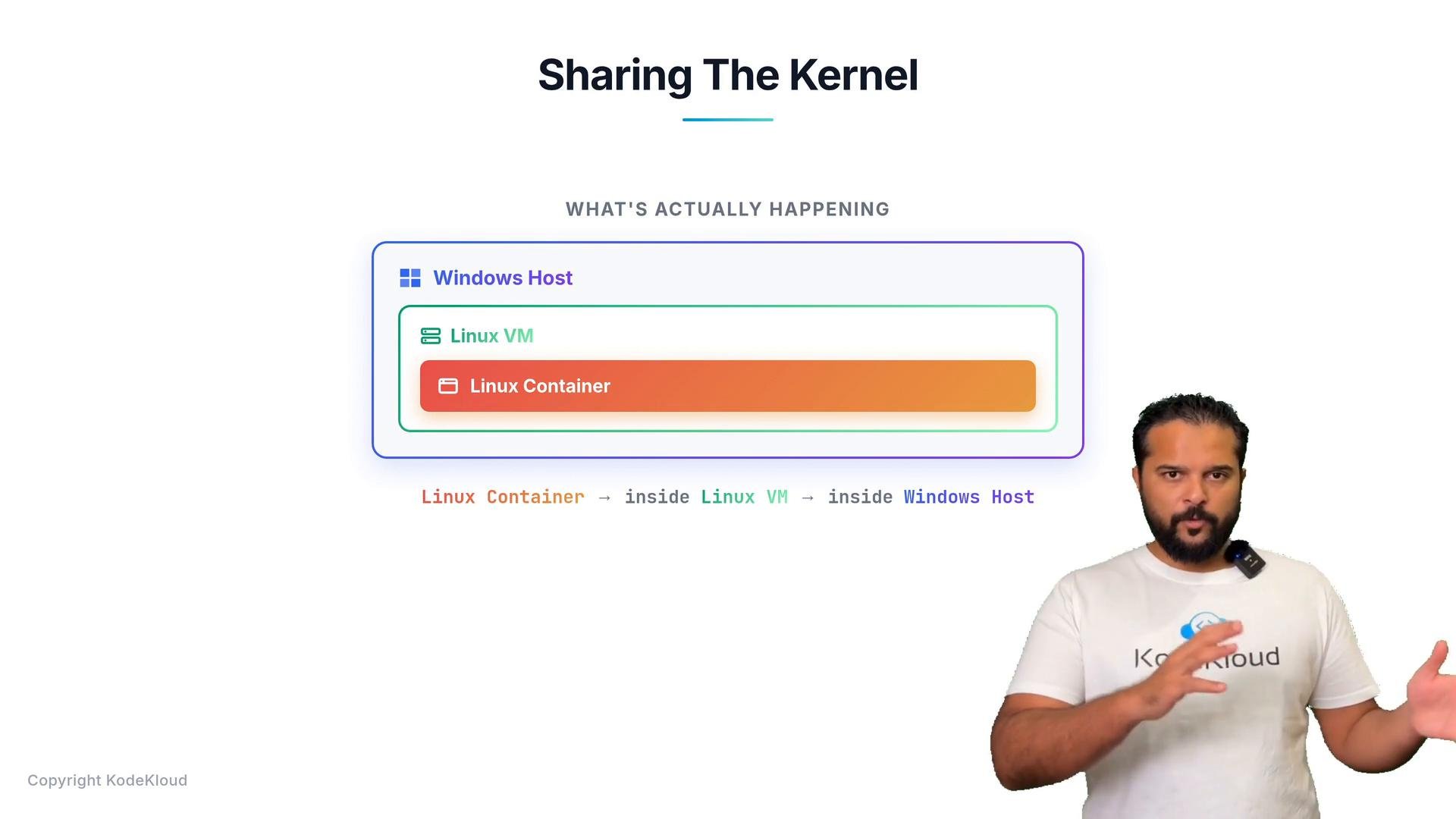
- Windows and macOS use different kernels (Windows uses the Windows NT kernel; macOS uses the XNU kernel). You cannot run a Windows kernel inside a Linux host or vice versa.
- When you run Linux containers on a Windows or macOS machine, Docker provides a small Linux VM under the hood (for example, via WSL2 or Hyper-V on Windows, or a thin virtual machine on macOS). The Linux container runs inside that VM, which in turn runs on the host OS — effectively: Linux container → Linux VM → Windows (or macOS) host.
On Windows and macOS, Docker uses a lightweight Linux VM to host Linux containers. This is why running Linux containers on these platforms still works even though their kernels differ from Linux.
Docker pairs portability and lightweight isolation: images encapsulate application dependencies so apps run consistently across environments while remaining efficient in resource use.
Further reading and references: