

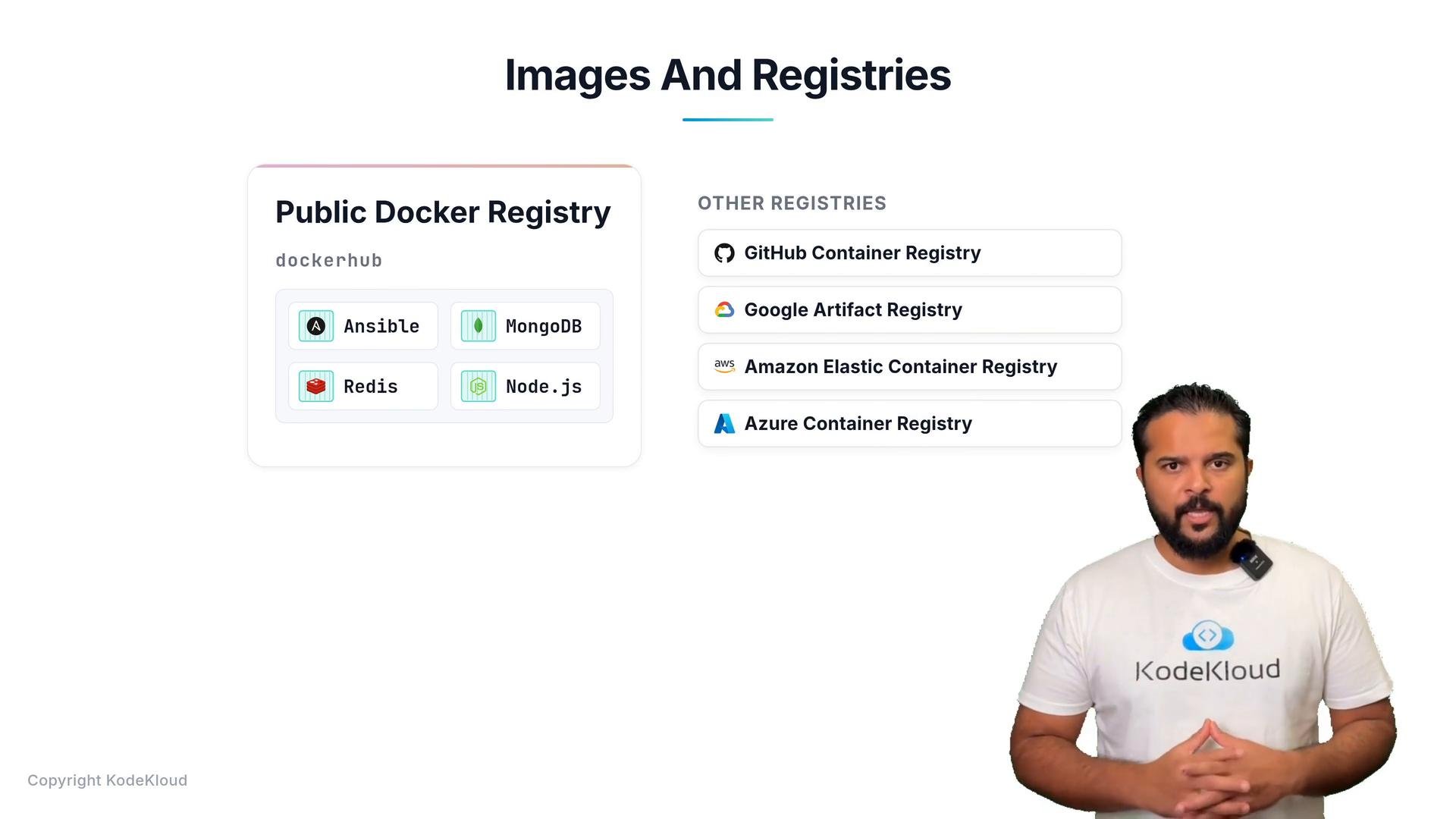
- Docker Hub — the most widely used public registry
- GitHub Container Registry
- Google Artifact Registry
- AWS Elastic Container Registry (ECR)
- Azure Container Registry
- Discover an image for the software you need (e.g., nginx, mongo, redis, node).
- Pull that image to a host that has Docker installed.
- Run one or more containers from the same image for testing, scaling, or production.
- Docker Compose — define and run multi-container apps on a single host.
- Docker Swarm — Docker’s native clustering.
- Kubernetes — production-grade orchestration for clustering, scaling, and self-healing.
Public registries like Docker Hub are convenient for discovery and quick testing, but private registries or cloud-specific registries (ECR, ACR, GCR) are commonly used for production images and often require authentication.
Pulling and running an image
When you run an image with
docker run, Docker pulls the image if it’s not already present locally and then creates and starts a container.
Example: pull (if needed) and run nginx detached, mapping host port 80 to container port 80:
yourdockerhubusername and tag as appropriate):
Links and references
- Docker Hub
- GitHub Container Registry
- Google Artifact Registry
- AWS ECR
- Azure Container Registry
- Docker Compose docs
- Kubernetes