

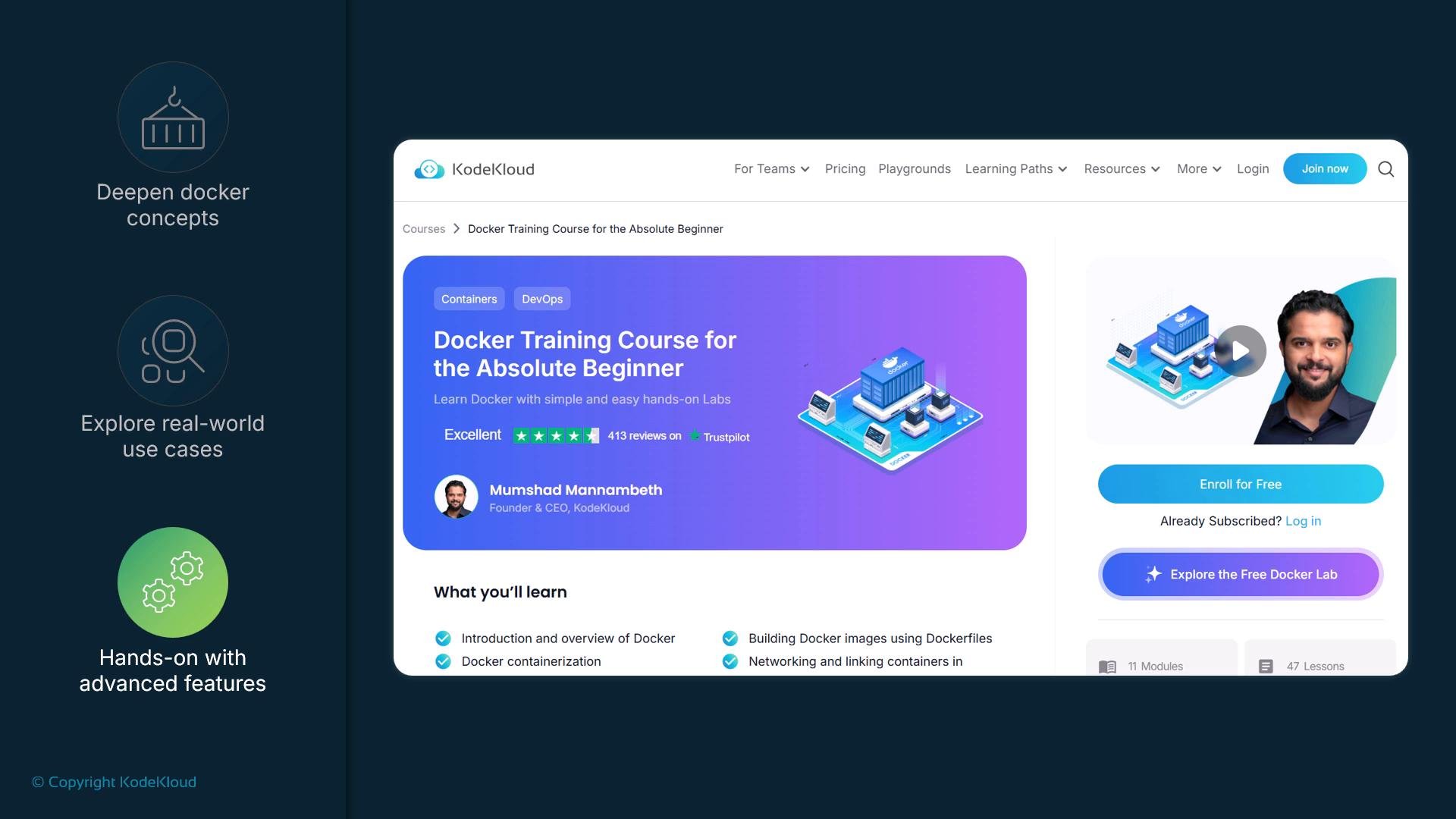
A link to the course is provided in the next article. Following that resource will help you build practical experience and confidently apply Docker in your projects.
- Expand foundational Docker knowledge into real-world usage patterns.
- Practice with hands-on labs that simulate development and deployment scenarios.
- Learn image optimization, multi-stage builds, Dockerfile best practices, and container orchestration basics.
- Gain confidence applying Docker in both local development and production-like environments.
- Building and optimizing Docker images
- Working with Docker Compose for multi-container apps
- Deploying and connecting containers in realistic scenarios
- Basic troubleshooting, logging, and networking for containers
- Best practices for Docker in CI/CD pipelines
How to continue (recommended path)
- Review your Crash Course notes and practice the core commands (run, ps, exec, build, images, rm).
- Enroll in the Docker Training Course for the Absolute Beginner to follow structured labs and assignments.
- Apply learnings to a small project: containerize a simple web app, add a multi-container setup with Compose, and iterate on performance.
- Explore next topics: Docker networking, Docker volumes, CI/CD integration, and container orchestration (Kubernetes).
- Docker official documentation — comprehensive guides and reference docs.
- Kubernetes Basics — learn container orchestration fundamentals.
- KodeKloud Docker Training Course for the Absolute Beginner — follow the guided course to build hands-on skills.