DevSecOps - Kubernetes DevOps & Security
DevSecOps Pipeline
Demo OWASP ZAP Ignore Test Cases
In this walkthrough, we’ll demonstrate how to
- Upgrade a vulnerable Spring Security dependency.
- Configure OWASP ZAP API scan to ignore expected warnings.
- Adjust OWASP Dependency-Check thresholds and verify results.
Integrating these steps into your CI/CD pipeline ensures continuous security hygiene for new code and dependencies.
1. Upgrade Spring Security Dependency
Run your Trivy scan to identify current vulnerabilities:
bash trivy-k8s-scan.sh
siddharth67/numeric-app:98a731c56919f167918d79d396d327c4faf6c32 (alpine 3.13.5)
Total: 0 (LOW: 0, MEDIUM: 0, HIGH: 0)
home/k8s-pipeline/app.jar
Total: 2 (LOW: 0, MEDIUM: 0, HIGH: 2)
+-----------------------------------------------------------+
| LIBRARY |
| org.springframework.security:spring-security-core |
| CVE-2021-22112 | HIGH | 5.3.5.RELEASE → 5.4.4 |
| org.springframework.security:spring-security-web |
| (also fixed in 5.4.4) |
+-----------------------------------------------------------+
Exit Code: 0
Image scanning passed. No vulnerabilities found
The scan reports two HIGH issues in Spring Security. We’ll upgrade both to 5.4.4.
Open pom.xml and locate your parent and properties:
<parent>
<groupId>org.springframework.boot</groupId>
<artifactId>spring-boot-starter-parent</artifactId>
<version>2.3.5.RELEASE</version>
</parent>
...
<properties>
<java.version>1.8</java.version>
</properties>
<dependencies>
<dependency>
<groupId>org.springframework.boot</groupId>
<artifactId>spring-boot-starter-web</artifactId>
</dependency>
<!-- other dependencies -->
</dependencies>
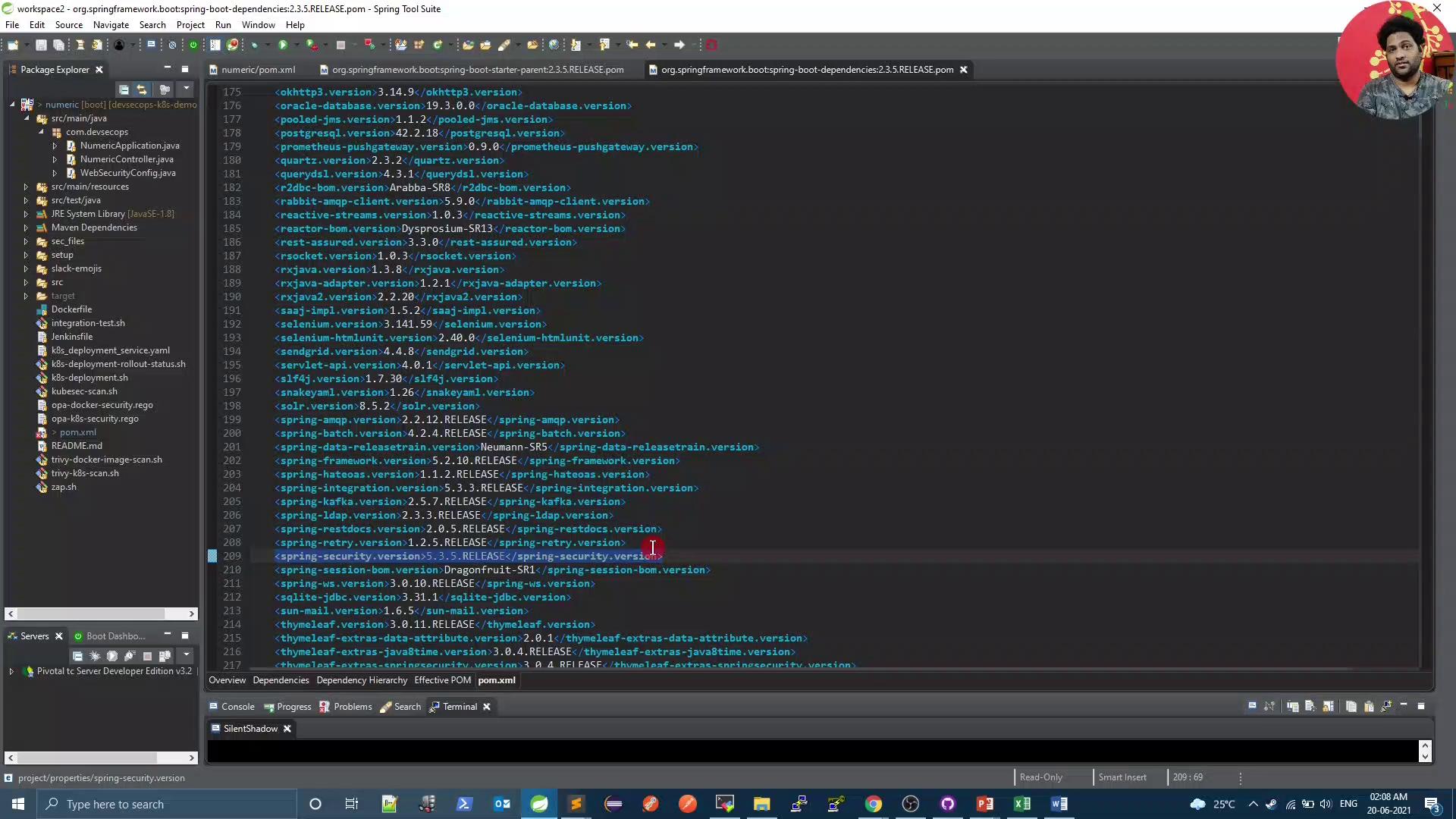
Hover over the parent in your IDE to confirm Spring Security is at 5.3.5.RELEASE. Then override it by adding the following to the <properties> block:

<project ...>
<properties>
<java.version>1.8</java.version>
<spring.security.version>5.4.4</spring.security.version>
</properties>
<!-- rest of pom -->
</project>
Rebuild your project and rerun the Trivy scan. You should now see no high-severity Spring Security vulnerabilities.
2. Configure OWASP ZAP API Scan to Ignore Specific Warnings
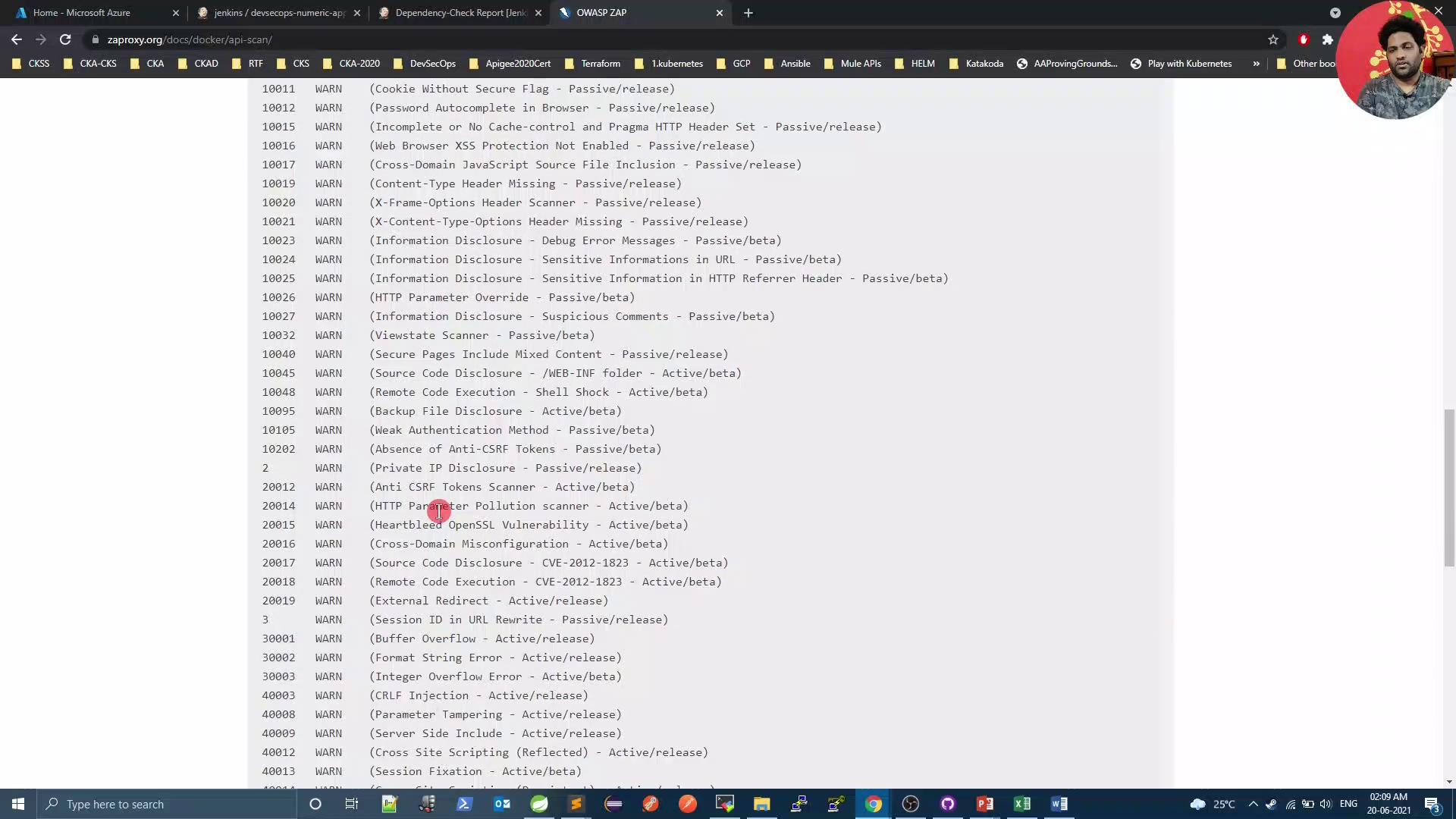
By default, ZAP flags all rule violations, even those expected by your API. For example:
bash zap.sh
...
WARN-New: Unexpected Content-Type returned [10001] x 3
http://...:31933/ (200)
http://...:31933/compare/10 (200)
http://...:31933/compare/10/ (200)
FAIL-New: 0 WARN-New: 1 PASS: 115
Exit Code: 2
2.1 Generate Default ZAP Configuration
Use the OpenAPI scan script to generate a baseline gen_file:
docker run -v $(pwd):/zap/wrk/:rw -t owasp/zap2docker-weekly \
zap-api-scan.py \
-t http://devsecops-demo.eastus.cloudapp.azure.com:31933/v3/api-docs \
-f openapi \
-g gen_file
This creates a rules file where all rules are set to WARN.

2.2 Define Ignored Rules
Create a zap_rules file at your repo root to ignore specific rule IDs:
# zap-api-scan rule configuration file
# Columns: <ruleId> <status> <description>
10001 IGNORE (Unexpected Content-Type was returned)
10000 IGNORE (A Server Error response code was returned)
Note
Use tabs between columns—not spaces—to separate ruleId, status, and description.
2.3 Update zap.sh
Modify your scan script to reference zap_rules and generate an HTML report:
#!/bin/bash
PORT=$(kubectl get svc ${serviceName} -o json | jq .spec.ports[].nodePort)
docker run -v $(pwd):/zap/wrk/:rw -t owasp/zap2docker-weekly \
zap-api-scan.py \
-t $applicationURL:$PORT/v3/api-docs \
-f openapi \
-c zap_rules \
-r zap_report.html
exit_code=$?
echo "Exit Code: $exit_code"
if [[ $exit_code -ne 0 ]]; then
echo "OWASP ZAP Report has risks. Check zap_report.html"
exit 1
else
echo "OWASP ZAP did not report any risk."
exit 0
fi
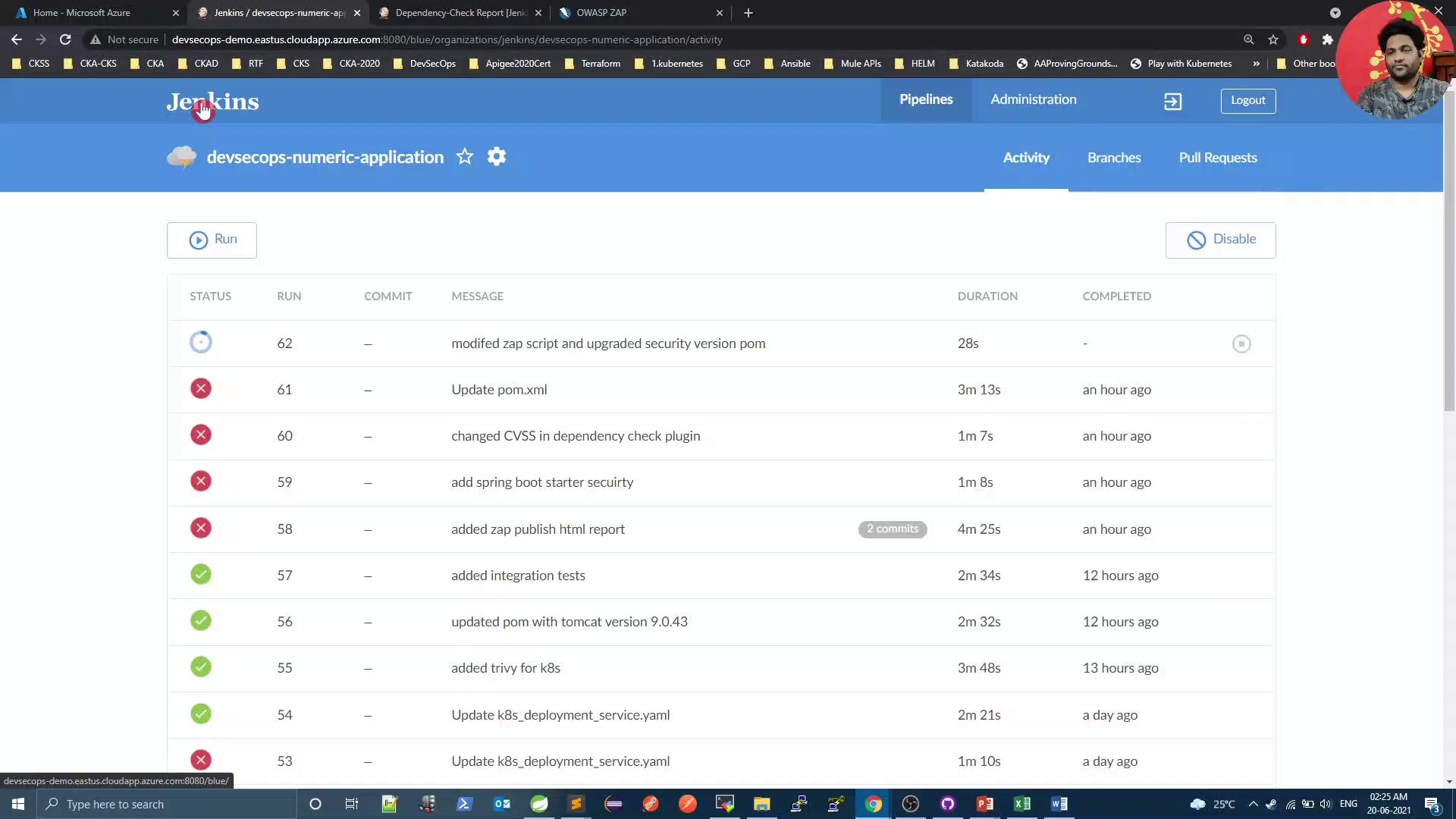
Commit both zap_rules and zap.sh, then start a Jenkins build.

In the ZAP stage logs, you’ll see ignored rules:
...
IGNORE-NEW: Unexpected Content-Type was returned [10001] x 30
IGNORE-NEW: A Server Error response code was returned [10000] x 8
FAIL-NEW: 0 WARN-NEW: 0 IGNORE: 2 PASS: 115
Exit Code: 0
OWASP ZAP did not report any risk.
3. Adjust Dependency-Check and Verify Results
Since we resolved Spring Security issues, lower your failBuildOnCVSS threshold in the OWASP Dependency-Check Maven plugin:
<plugin>
<groupId>org.owasp</groupId>
<artifactId>dependency-check-maven</artifactId>
<version>6.1.6</version>
<configuration>
<format>ALL</format>
<failBuildOnCVSS>8</failBuildOnCVSS>
<!-- other configuration -->
</configuration>
</plugin>
Warning
Lowering the failBuildOnCVSS threshold may allow medium-risk vulnerabilities to pass the build. Only do this after ensuring critical issues are remediated.
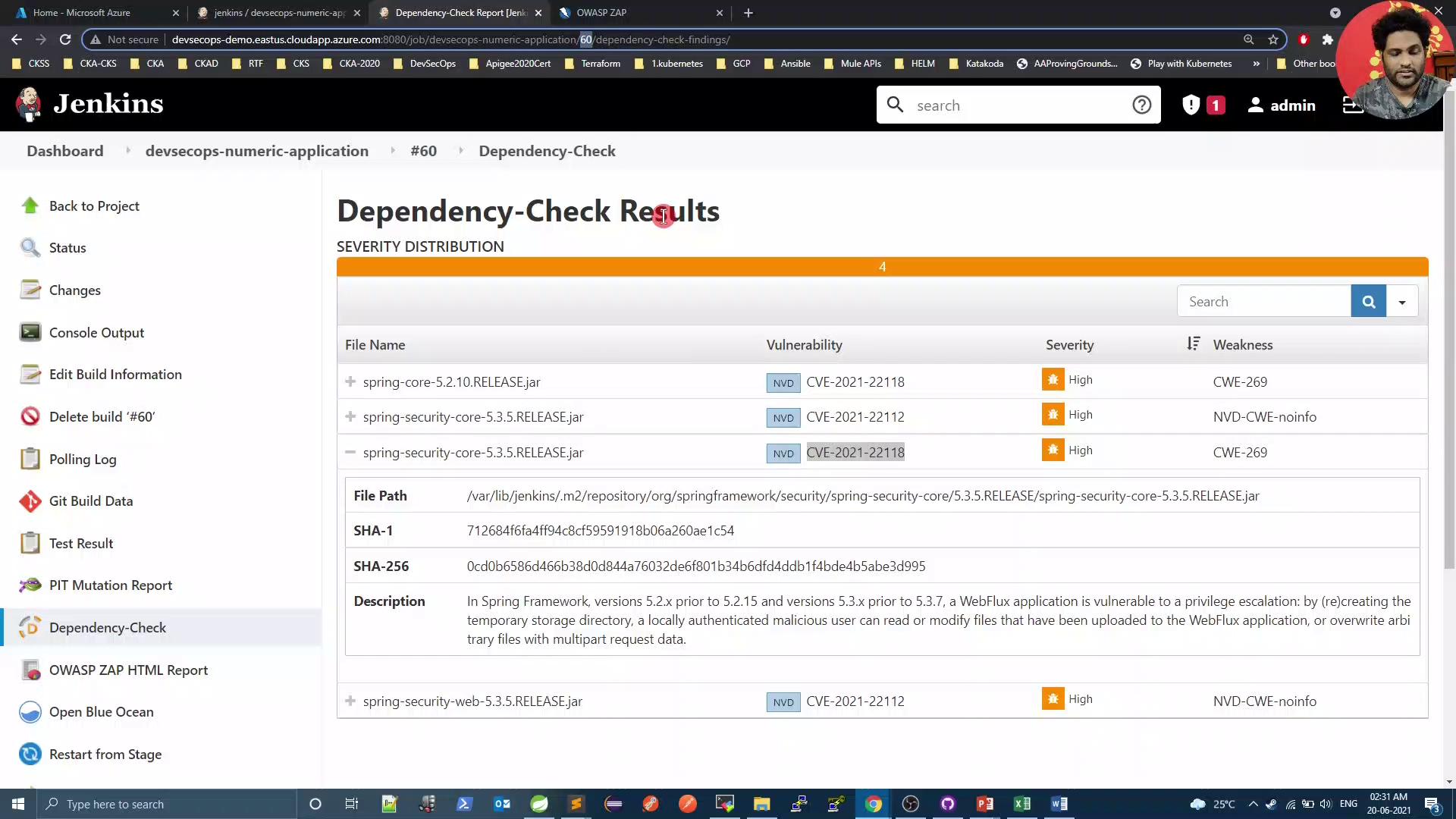
Push your changes and review the Dependency-Check results in Jenkins:

Finally, rerun the Trivy scan to confirm there are zero issues:
bash trivy-k8s-scan.sh
Total: 0 (LOW: 0, MEDIUM: 0, HIGH: 0)
Exit Code: 0
Image scanning passed. No vulnerabilities found
Conclusion
By upgrading Spring Security, customizing OWASP ZAP scans, and tuning Dependency-Check thresholds, you can maintain a secure codebase and reduce noise from expected warnings. Automate these steps in your CI/CD pipeline to enforce continuous security validation.
References
- Spring Security Documentation
- OWASP ZAP API Scan Guide
- Trivy: Vulnerability Scanner
- OWASP Dependency-Check
Watch Video
Watch video content