

Minimal InferenceService manifest for a Hugging Face model
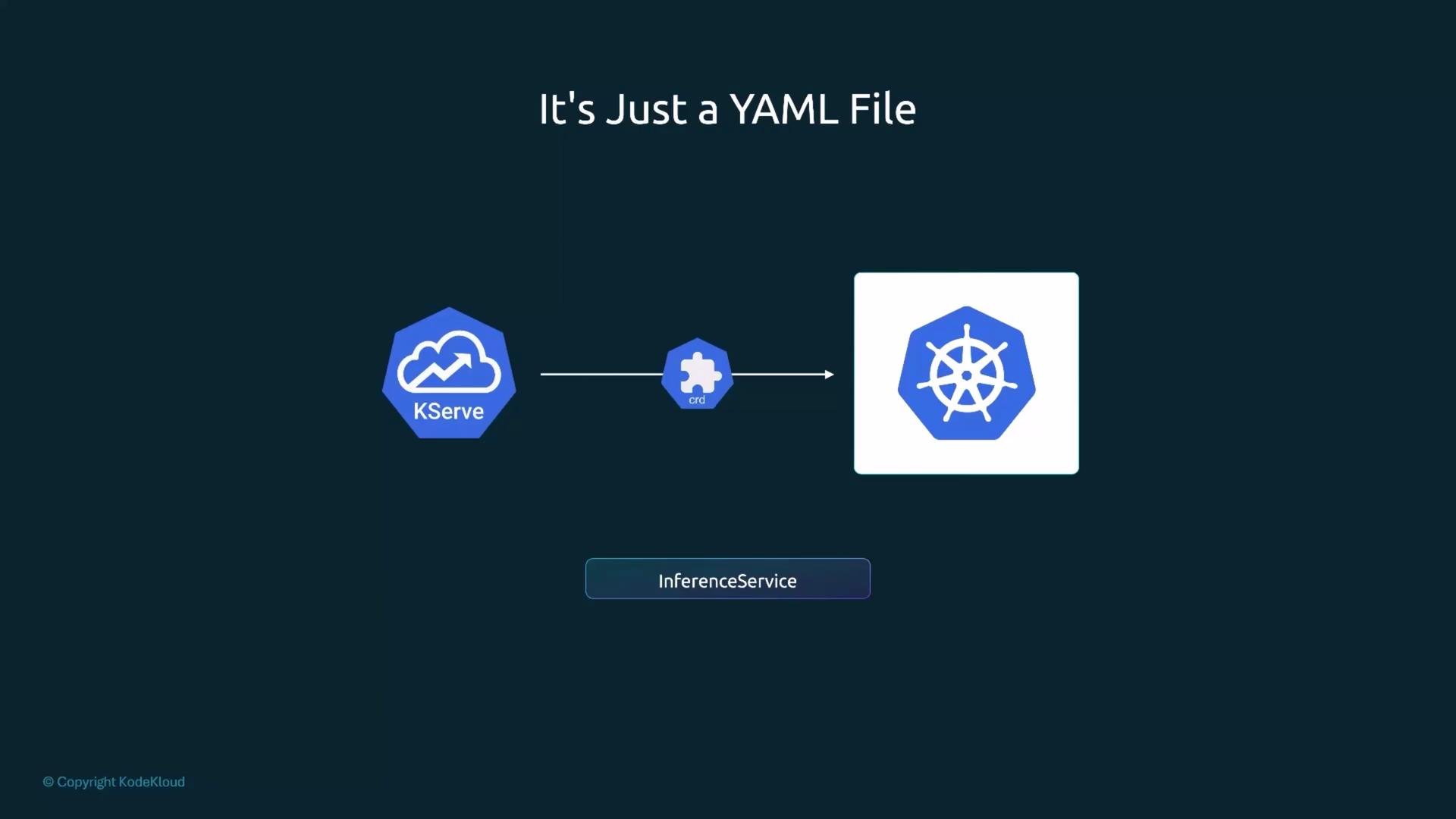
Below is a compact InferenceService manifest that instructs KServe to serve a Hugging Face model. This minimal YAML is sufficient to get a model running with the appropriate KServe runtime:apiVersionandkindidentify the resource type to the Kubernetes API server.metadata.nameis the InferenceService name; it appears in logs, events, and URLs.metadata.namespacescopes the resource. Use a dedicated namespace (e.g.,kserve-inference) to separate concerns and apply RBAC cleanly.spec.predictoris the core section that defines the model, runtime selection, and serving behavior.
- KServe docs: https://kserve.github.io
- Kubernetes concepts: https://kubernetes.io/docs/concepts/overview/what-is-kubernetes/
- Hugging Face Hub: https://huggingface.co
predictor.model — the two fields you’ll set most often
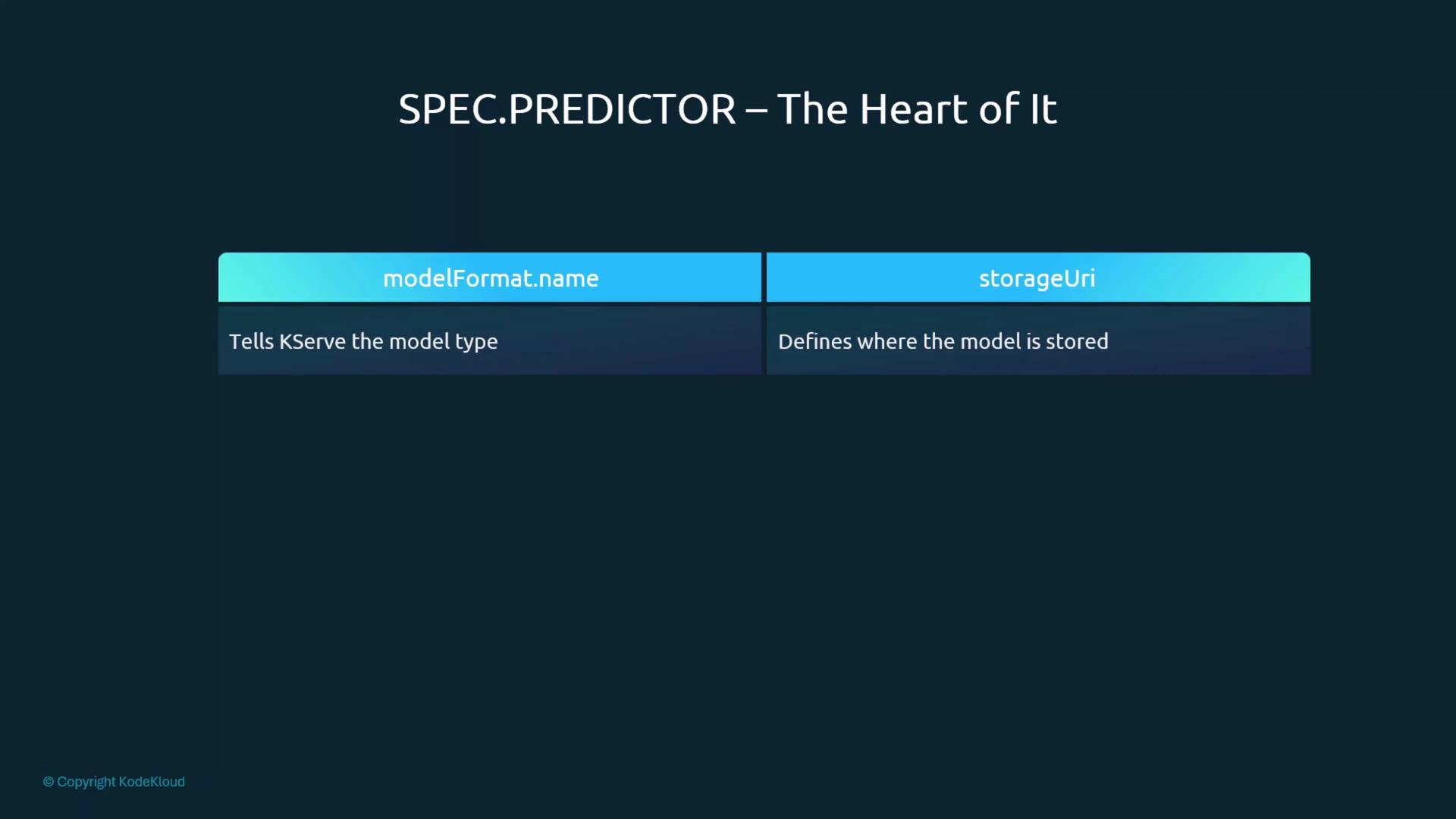
Two fields underspec.predictor.model are nearly always required:
modelFormat.name— picks the serving runtime to use. For Hugging Face models sethuggingface. KServe maps this to the appropriate serving runtime automatically (no image specification needed).storageUri— where your model files come from. For Hugging Face Hub models use anhf://URI, e.g.hf://Qwen/Qwen2.5-0.5B-Instruct. KServe’s storage initializer downloads these files into the pod before the server starts.
If your model is private on Hugging Face, you must provide credentials (e.g., a token) via a Kubernetes Secret and reference it in the InferenceService (or configure cluster-level storage credentials). Check the KServe documentation for the correct secret keys and mounting patterns.
Resource requests and limits — why they matter
The minimal manifest will work, but production deployments should include resource requests and limits so pods schedule reliably and cannot consume unlimited cluster resources.resources.requests— the minimum CPU/memory required to schedule the pod.resources.limits— the maximum CPU/memory the pod may consume.
Sizing resources incorrectly can cause pods to evict, fail to schedule, or starve other workloads. Start with conservative requests, test throughput and latency, then adjust limits. Monitor CPU, memory, and pod restarts after deployment.
What happens when you apply the manifest
When you run: kubectl apply -f <manifest.yaml> the KServe controller reconciles the InferenceService:- It reads
modelFormatand selects the matching cluster serving runtime (e.g., the Hugging Face runtime). - The controller synthesizes a pod spec. An init container (the storage initializer) downloads model files from
storageUriinto local volume storage. - Once the files are in place, the serving container starts, loads the model, and exposes an HTTP endpoint.
- The controller updates the InferenceService status with an externally reachable URL when the service becomes ready. Use that URL to send prediction requests.
Recap — the InferenceService manifest is the core
The InferenceService manifest is the single source of truth for model serving in KServe:- Choose
modelFormat.nameto automatically select the right runtime. - Point
storageUrito your model storage (Hugging Face Hub, S3, GCS, etc.). - Set
resources.requestsandresources.limitsso the deployment schedules predictably.