What is a function?
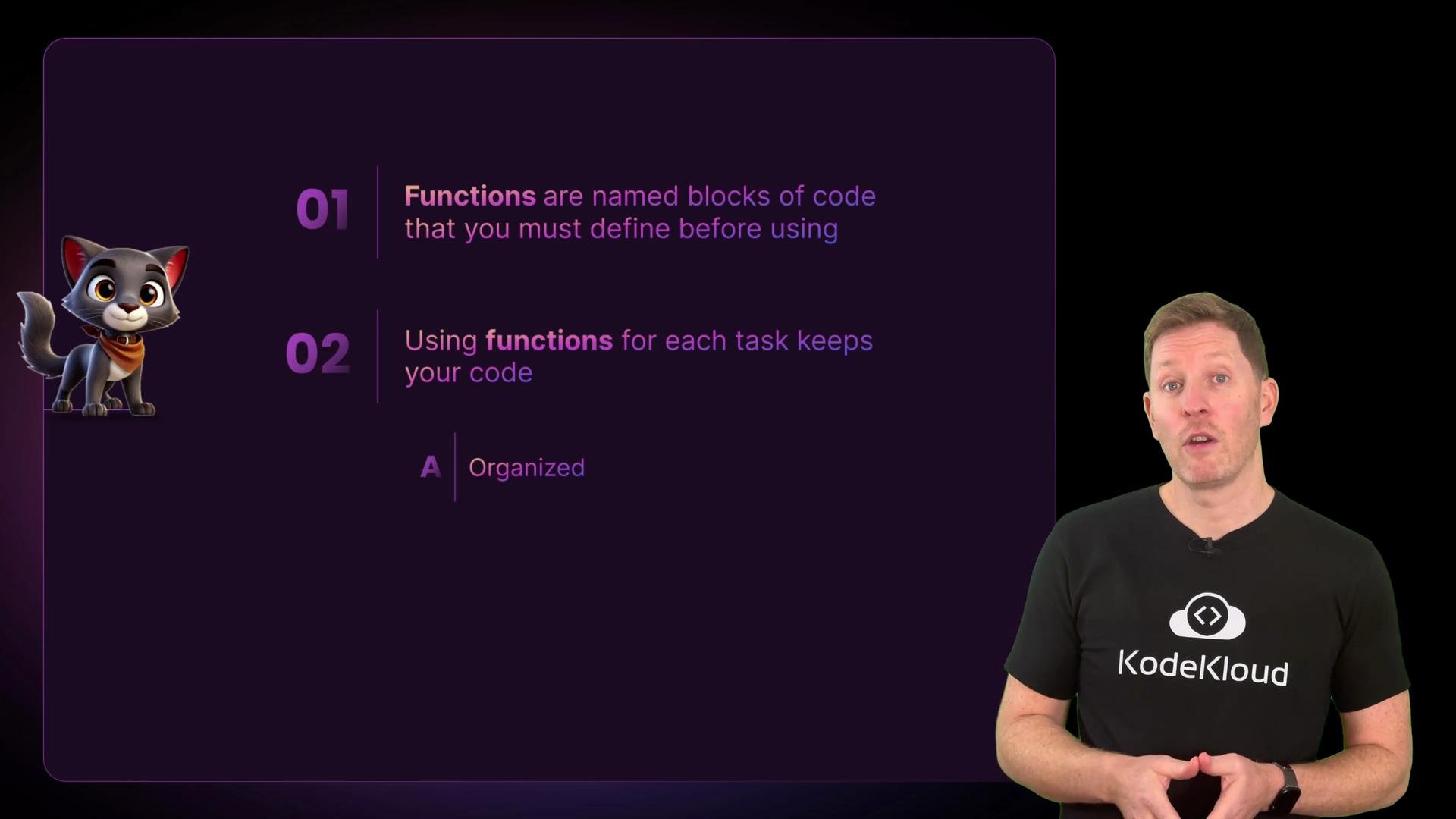
A function is a named block of code that does one job. Python includes many built-in functions such asprint(), len(), and input(). In this lesson you will create your own functions to encapsulate behaviour and return values.
Why use functions?
- Remove repetition (Don’t Repeat Yourself — DRY).
- Make intent explicit with descriptive names.
- Make code easier to test and maintain.
- Improve readability by expressing program flow at a high level.
Example: repeated code vs. a function
Imagine you prompt the user for a rating in many places:get_score() call it runs the code inside the function. This is the essence of reuse.
Important rule: define before you call
You must define a function before you call it in top-level script execution. Calling a function before it exists raises aNameError.
Always define your functions before you call them in a script.
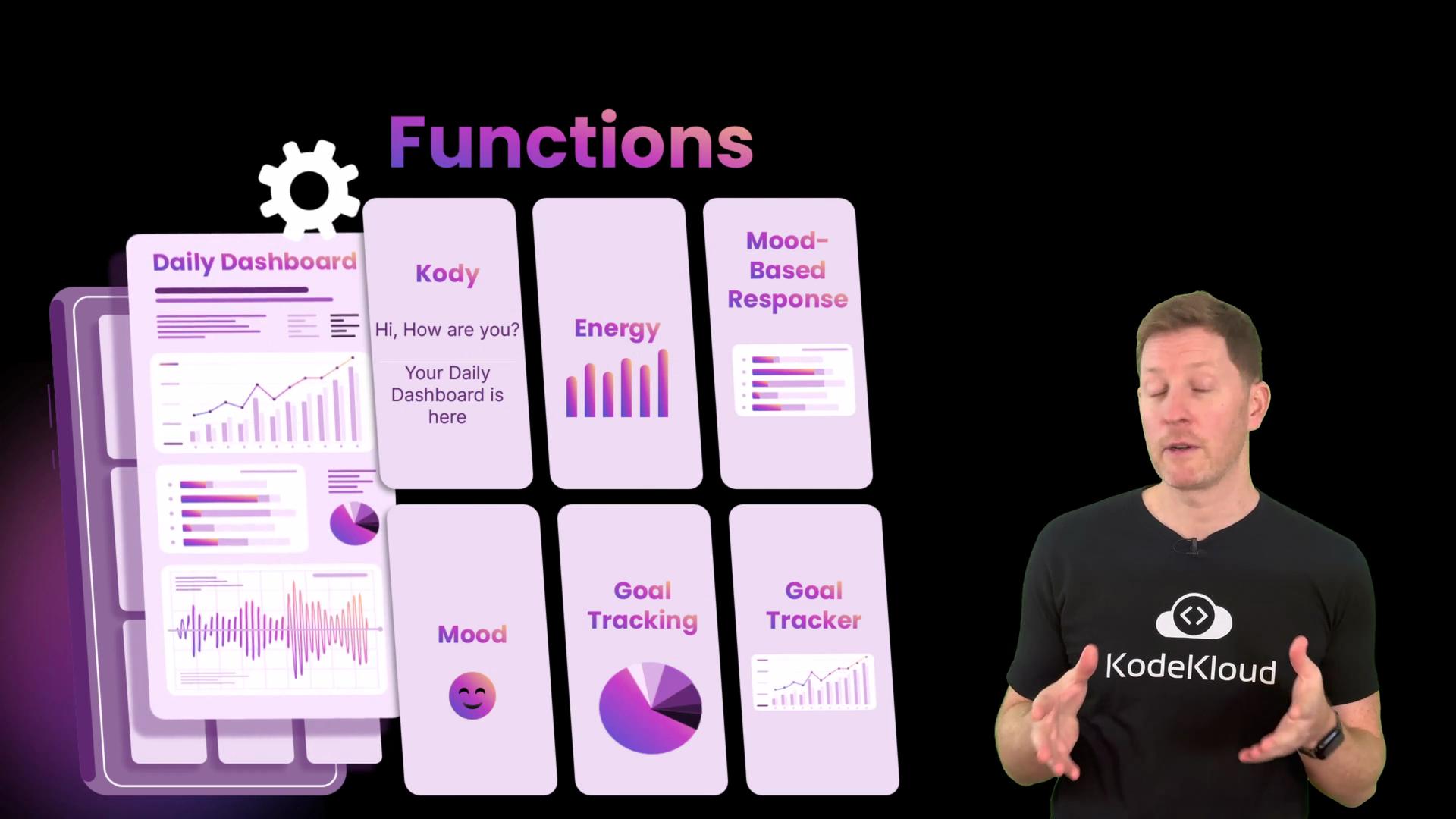
Applying functions to the dashboard
A good pattern is to separate data (user variables) from behaviour (functions). Start by keeping user information at the top, then implement small functions that operate on that data. Example: define the user:Prefer returning values and passing them as parameters rather than relying on global variables — this avoids scope issues.
Sketching additional dashboard functions
A function should do one thing and do it well. Use action verbs for names so intent is clear:get_energy()show_wellbeing()get_goals()get_completions()show_results()show_final_message()
Assembling the dashboard
Compose your program by calling functions in a clear, descriptive sequence. The main script reads like a flowchart:Scope and NameError: why parameters matter
If a function expects to use values such asmood or energy, those values must be passed in as parameters or accessed via return values. Variables local to one function (or defined only in the main script scope) are not automatically visible inside other functions. Consider a buggy show_wellbeing() that tries to use mood without receiving it:
mood and energy as parameters to show_wellbeing(mood, energy) or have show_wellbeing() return values it needs, then use them in the caller.
Quick reference and best practices
Recap
- Functions are named blocks of code that perform one task.
- Define functions before calling them.
- Use functions to remove repetition and clarify your program flow.
- Prefer returning values and passing them as parameters to avoid scope issues and make functions reusable and testable.