

- Write conditional logic using
if,elif, andelse. - Use comparison operators to check conditions.
- Combine conditions with
andandor. - Respond to user input with branching logic.
- If energy is high → show “Great energy!”
- If energy is low → show “Time to rest.”
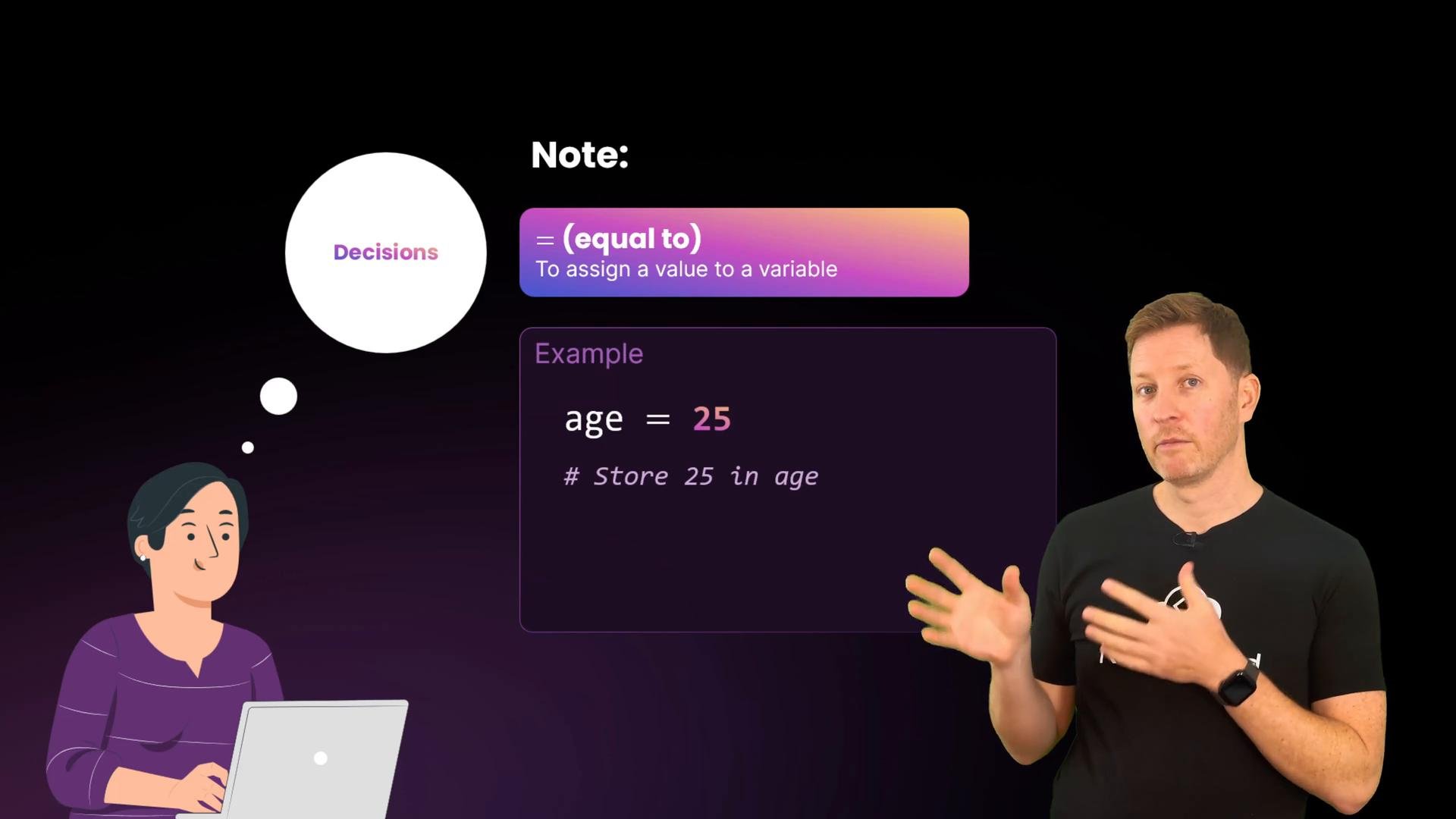
A reminder: a single
= assigns a value to a variable, e.g. age = 25.
if.py and try this minimal comparison:
True or False, which is what if uses to decide whether to run a block of code.
Using input(): strings vs numbers
A common pitfall is that input() always returns a string. Comparing that string directly to an integer raises a TypeError. Example:
60 this will raise an error like:
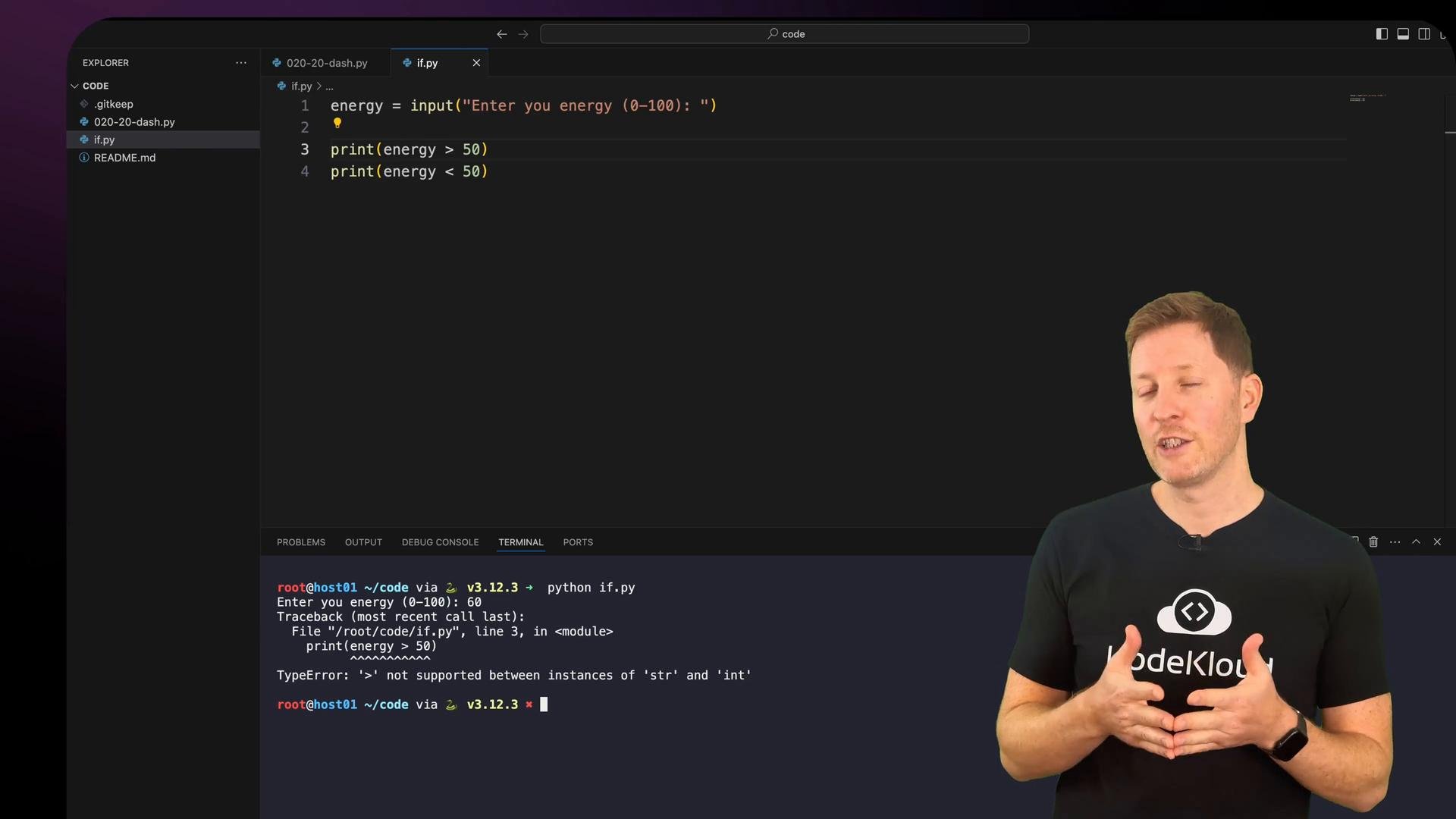
input() to an integer with int() so numeric comparisons work:
If the user types something that isn’t a valid integer (for example, “sixty”),
int(...) will raise a ValueError. To make input handling robust, either validate the input before converting or wrap the conversion in a try/except block and re-prompt the user until valid input is provided.if statement. Python uses indentation (conventionally 4 spaces) to define the body of if, elif, and else blocks:
IndentationError. For style guidance, see Python’s PEP 8 style guide.
If-else for two choices
To handle both true and false outcomes, use if…else:
else assumes anything not "happy" should get the “Oh dear” response. To handle more than two possible moods, use elif.
Using if, elif, else for multiple choices
Use if, elif, and else to create multiple branches. Python evaluates conditions from top to bottom and executes the first true branch — so order matters. Example energy classification:
and when multiple conditions must all be true, or when at least one condition must be true.
Examples:
dash.py and run it to try different inputs.
- Enter
happyand75→ script acknowledges mood, classifies energy, and prints that your wellbeing is great. - Enter
sadand75→ mood branch prints the sad message, energy is classified, and the wellbeing summary reflects the high energy.
- Missing the colon (
:) at the end of anif,elif, orelseline — causes aSyntaxError. - Incorrect indentation or mixing tabs and spaces — causes an
IndentationError. - Using a single equals (
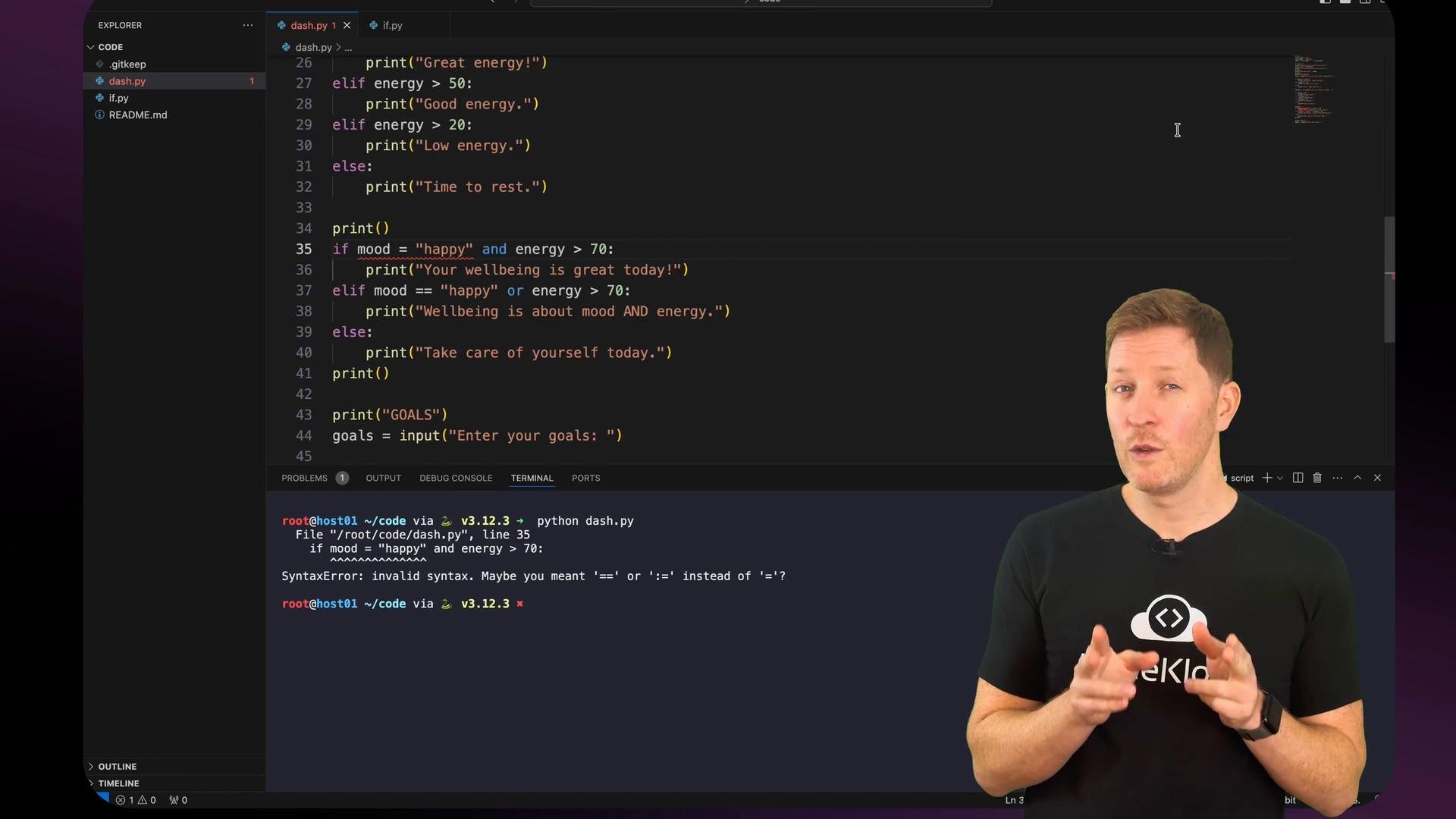
=) instead of double equals (==) for comparison —=assigns a value and using it in a conditional will raise aSyntaxErroror behave unexpectedly.
ifstatements let your program make decisions by evaluating conditions that areTrueorFalse.- Comparison operators (
==,!=,>,<,>=,<=) are used to build conditions. - Logical operators (
and,or) combine multiple conditions into richer tests. - Chains of
if→elif→elsehandle multiple possibilities; order matters because Python stops at the first true condition.
if statements, and responds based on user input. Next you’ll learn how to repeat actions efficiently using loops.
Links and references
- PEP 8 — Style Guide for Python Code
- Python input documentation: https://docs.python.org/3/library/functions.html#input