

- create lists and access items by index,
- add and remove items,
- loop through lists with
forloops, - and use lists to store and process collections of data.
lists.py and follow along.
What is a list?
A list is a mutable sequence that can store multiple items. Use square brackets to define a list:Accessing items by index
Consider a shopping list:shopping[0]->"Eggs"shopping[1]->"Bread"shopping[2]->"Milk"shopping[3]->"Butter"
Negative indexing
You can count from the end using negative indexes.-1 is the last item, -2 the second-to-last, and so on:
"Milk" you can use either:
Modifying items
Assign a new value to an index to overwrite an item:Adding and removing items
Useappend() to add to the end, remove() to delete by value, and pop() to remove by index and return the removed item.
remove() takes a value and deletes the first matching element; pop() takes an index and returns the removed element.
Common list operations
len(my_list)— number of items in the list.item in my_list— membership test (case-sensitive for strings).- Loop with
for item in my_list:to process each element.
Quick reference — list methods and operations
For full details, see the official Python lists documentation: https://docs.python.org/3/tutorial/datastructures.html
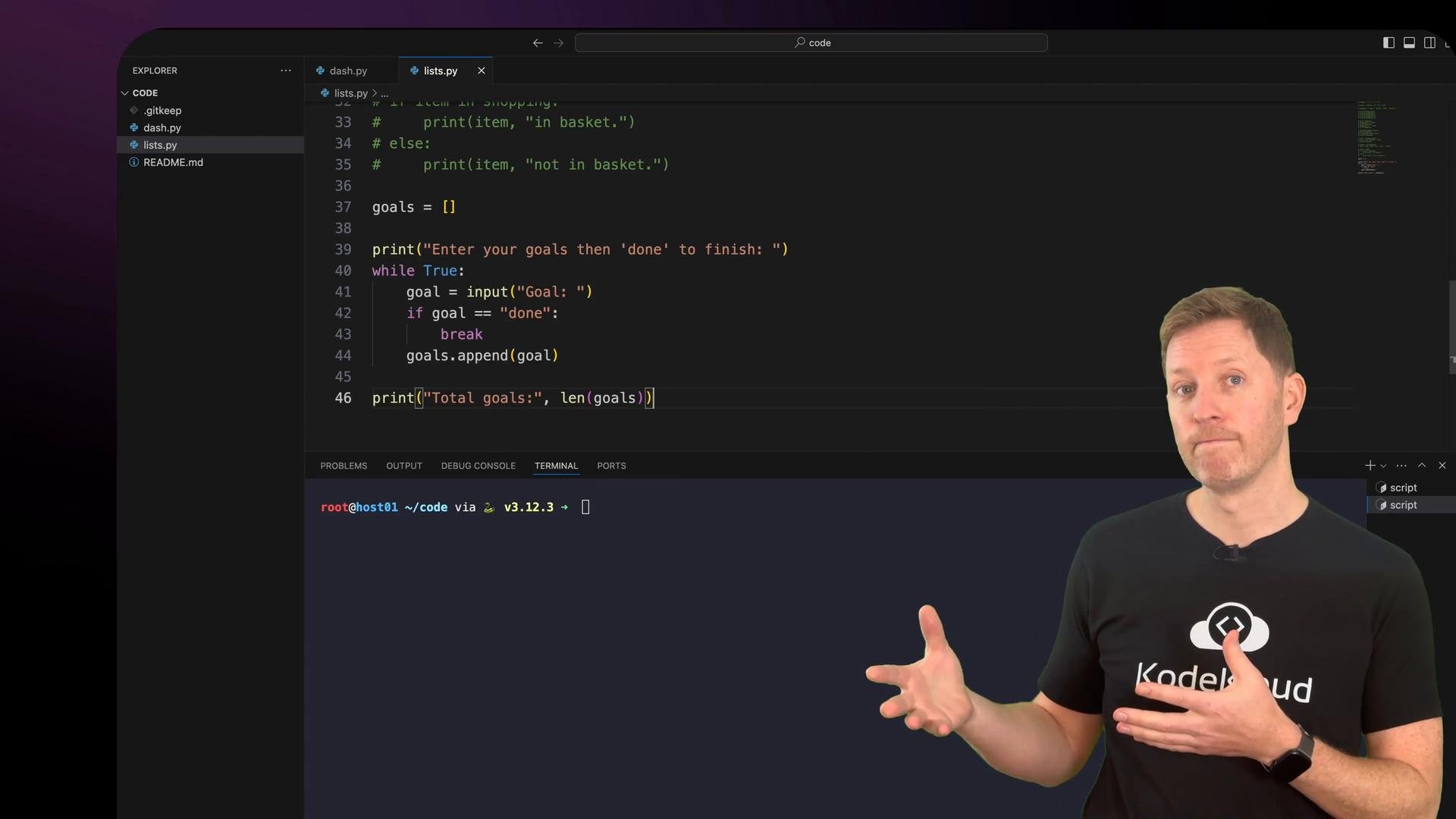
Putting it together: a simple goals tracker
Let’s build a small program that:- collects goals from the user until they type
done, - shows the total number of goals,
- prompts the user to mark which goals are complete,
- displays completed and remaining counts and a final message.
lists.py:
Recap
- Lists are defined with square brackets and can store multiple items, including mixed types.
- Access list items by zero-based index or by negative index to count from the right.
- Modify lists with index assignment,
append(),remove(), andpop(). - Use
len()for the count andinfor membership tests. - Iterate with
for item in my_list:to process each element. - Normalize strings (for example, with
.lower()) when checking user input or doing case-insensitive comparisons.
- Python official tutorial — Data Structures: https://docs.python.org/3/tutorial/datastructures.html
- Practical Python examples and exercises — search for “Python list examples”
Tip: When checking user input (like
y/n) or looking for items in a list, normalize strings with .lower() to avoid case-sensitivity issues.