

- Docker Engine installed and running
- Kubernetes cluster context configured (
kubectl config current-context) - Telepresence CLI installed (see Telepresence Docs)
1. Starting the Telepresence Daemon in Docker
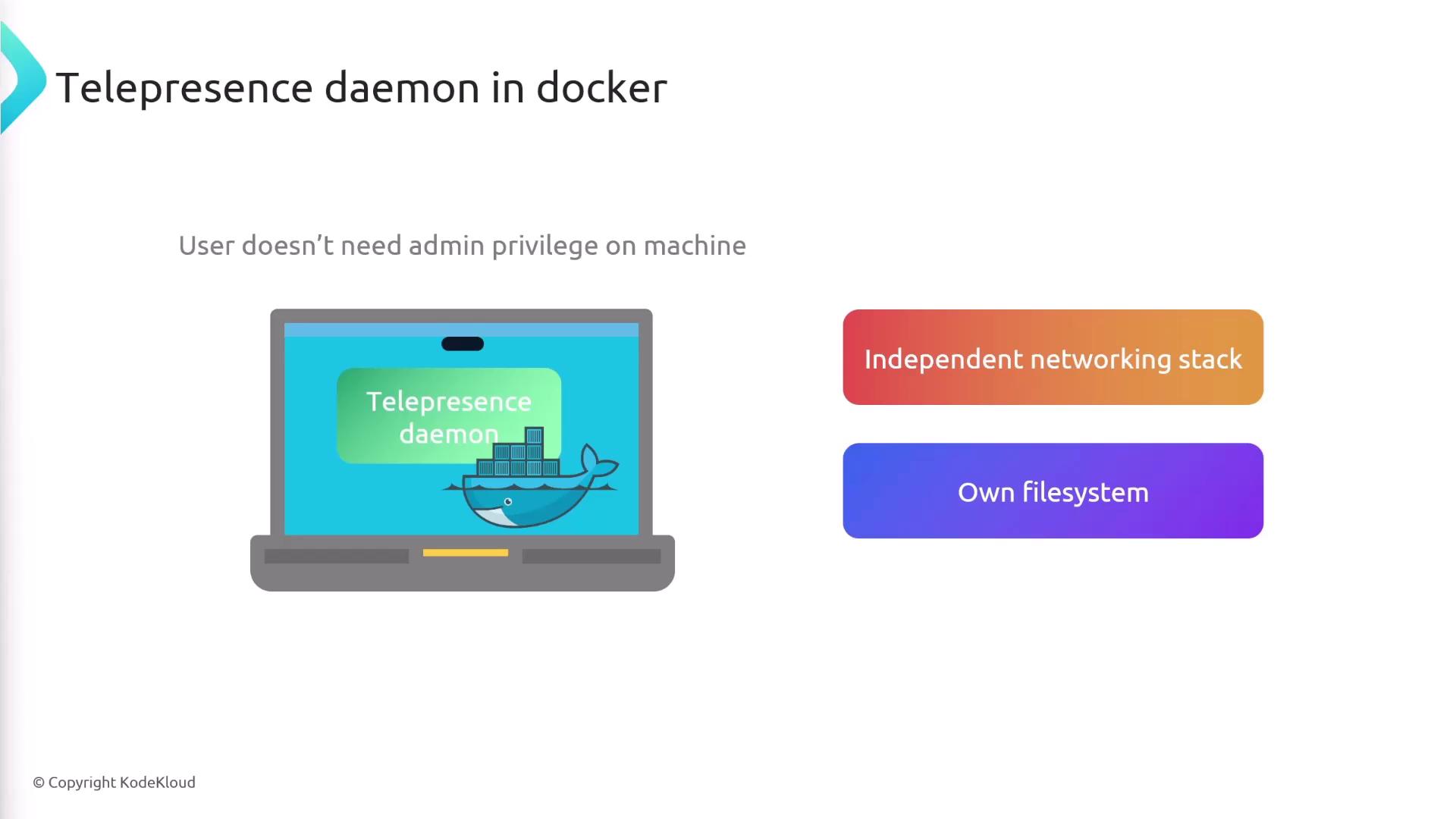
Launch Telepresence with the--docker flag to spin up its daemon inside a container:
Using
--docker gives the Telepresence daemon its own network namespace, avoiding any host‐level network or DNS changes.2. Key Docker Flags
| Flag | Purpose |
|---|---|
--docker | Run the Telepresence daemon in a Docker container |
--docker-run <image> | Start your intercepted service inside the specified Docker image |
--docker-build <dir> | Build a Docker image from <dir> (containing Dockerfile or source code) |
--docker-build-opt | Additional build options (e.g., tag=new-image-name) |
3. Intercepting a Service Normally
With the daemon running, you can intercept a Kubernetes service and route its traffic to your machine: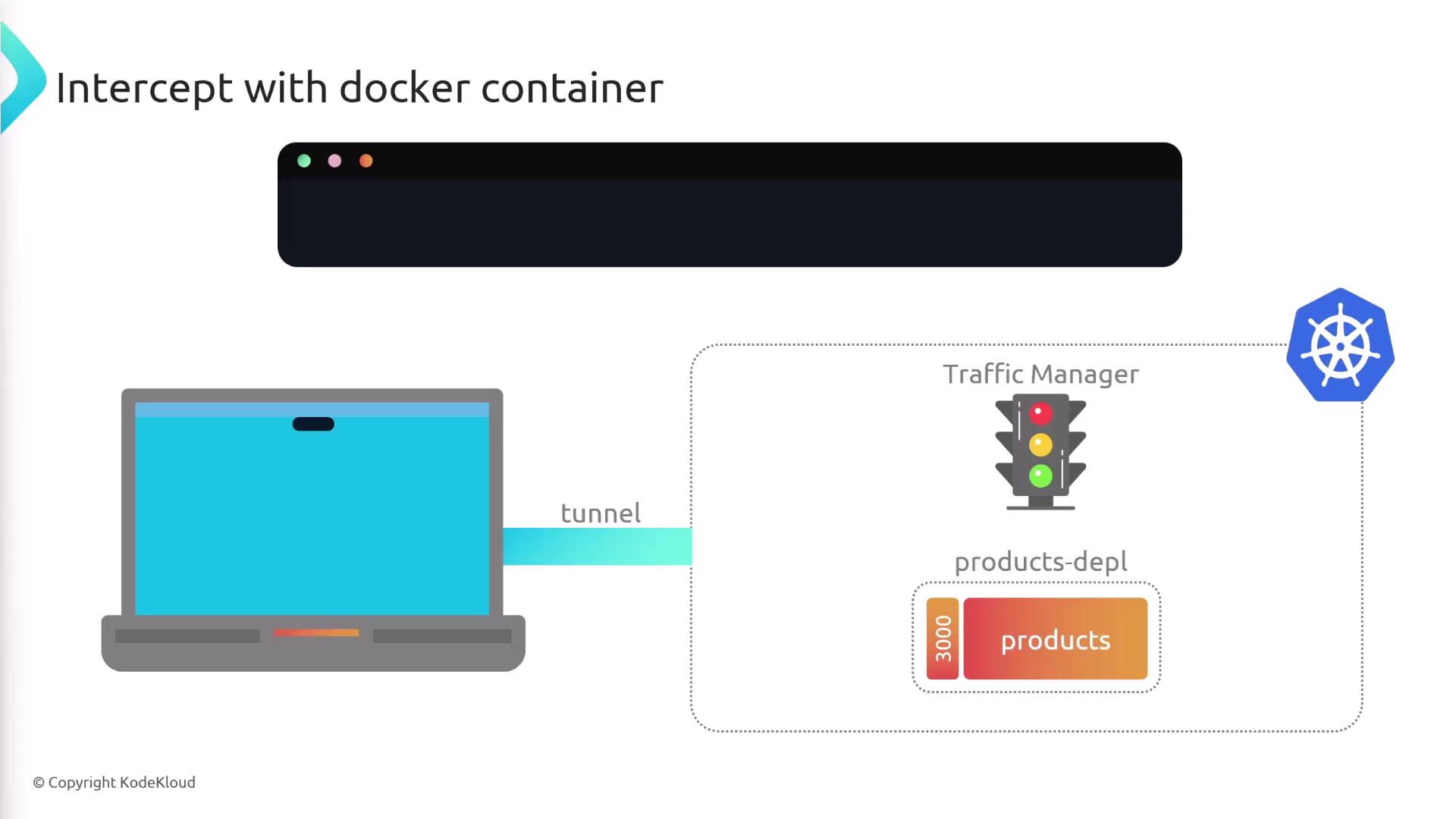
4. Running the Intercepted Service in Docker
Instead of running your code locally, you can launch the intercepted service inside a container:your-image-name with the Docker image you’ve built for the products service.
5. Building and Running in One Command
Skip manual builds by letting Telepresence build and run your image in a single step:--docker-build products/srcpoints to the directory with yourDockerfileor source code.--docker-build-opt tag=new-image-namesets the image tag.--docker-run new-image-nameruns the freshly built container and establishes the intercept.