

docker group or organization-provided access to the Docker socket).
Running the Telepresence daemon in a container allows you to avoid requiring admin privileges on your host, because the container provides an isolated network stack and filesystem.
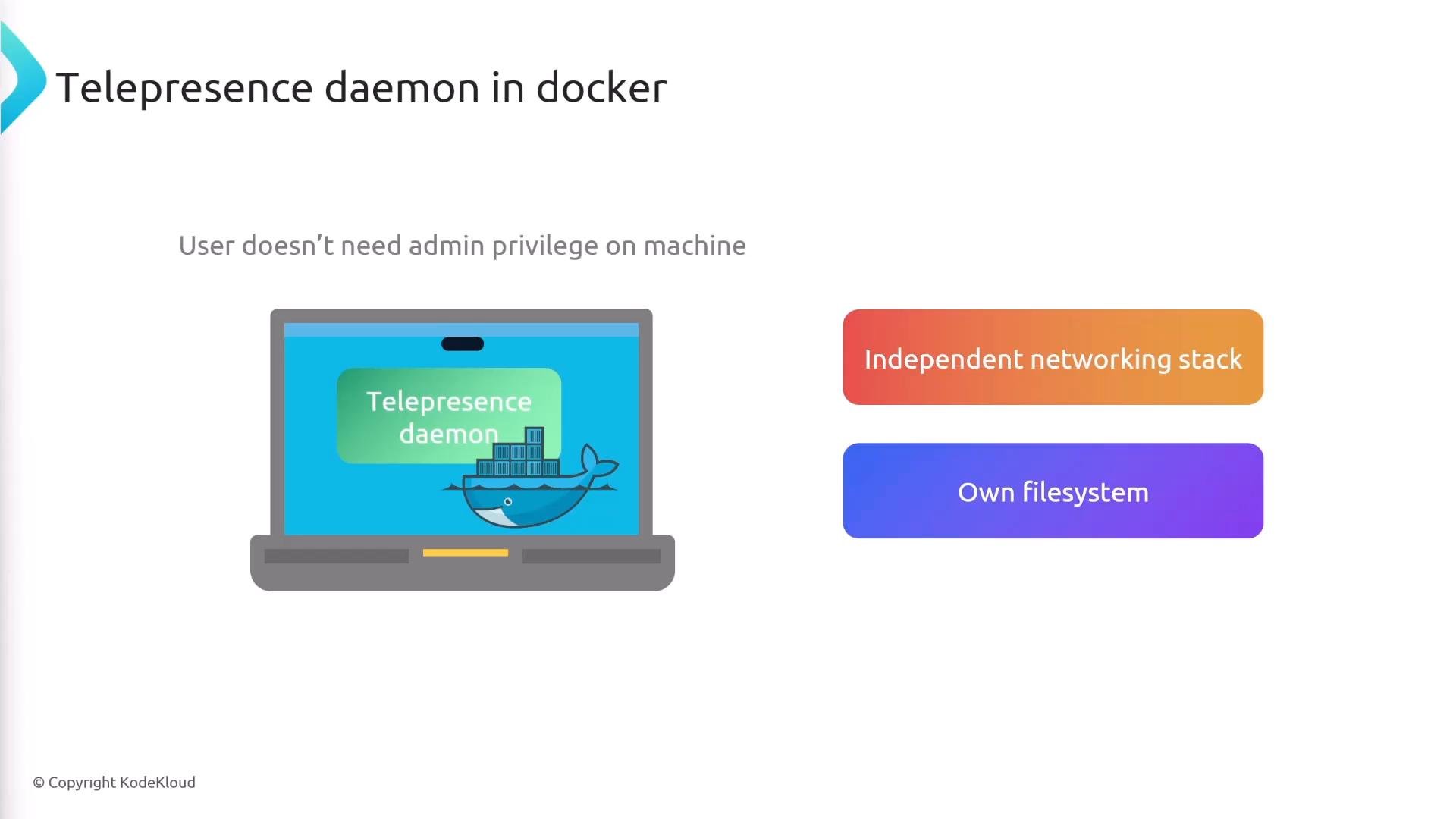
Why run the daemon in Docker?
- Avoids host networking and DNS modifications that normally require root.
- Uses an isolated filesystem inside the container instead of mounting host paths with elevated privileges.
- Enables development workflows on managed or corporate machines where you lack admin rights.
- Requires only Docker (and permission to use it) on your laptop.
You still need Docker installed and permission to access the Docker daemon. If you cannot run Docker locally, this approach will not work.
Start the Telepresence daemon in Docker
To start Telepresence with the daemon running inside a Docker container, add the--docker flag to telepresence connect:
Intercepts with the local side running in Docker
When the daemon runs inside a container, Telepresence can also run the local side of an intercept inside a Docker container. This is useful when you want your replacement service to run in an isolated container (for parity with production, or to avoid requiring host mounts or special permissions). To run the local service in a container for an intercept, use--docker-run and specify the image:
products-depl deployment and runs the local side inside the my-image container.
Build an image on-the-fly for the intercept
If you don’t have a pre-built image, Telepresence can build one as part of the intercept. Use--docker-build to provide the build context and --docker-build-opt to pass build options (for example, to tag the image). Include the --image flag so the intercept uses the image Telepresence just built.
Example:
--docker-build products/srcbuilds a Docker image from theproducts/srcdirectory.--docker-build-opt tag=new-image-namepasses build options so the built image is tagged asnew-image-name.--imagetells Telepresence to use the image it built for the local side of the intercept.
Quick reference: common flags
Tips and troubleshooting
- If builds fail, verify the Docker daemon is reachable and that your user has permissions to run Docker commands.
- For reproducible local environments, prefer building a local image (
--docker-build) that mirrors your production image. - If you need to forward multiple ports, specify multiple
--portflags or a port range depending on your Telepresence version.
Links and references
- Telepresence documentation: https://www.telepresence.io/docs/
- Docker documentation: https://docs.docker.com/